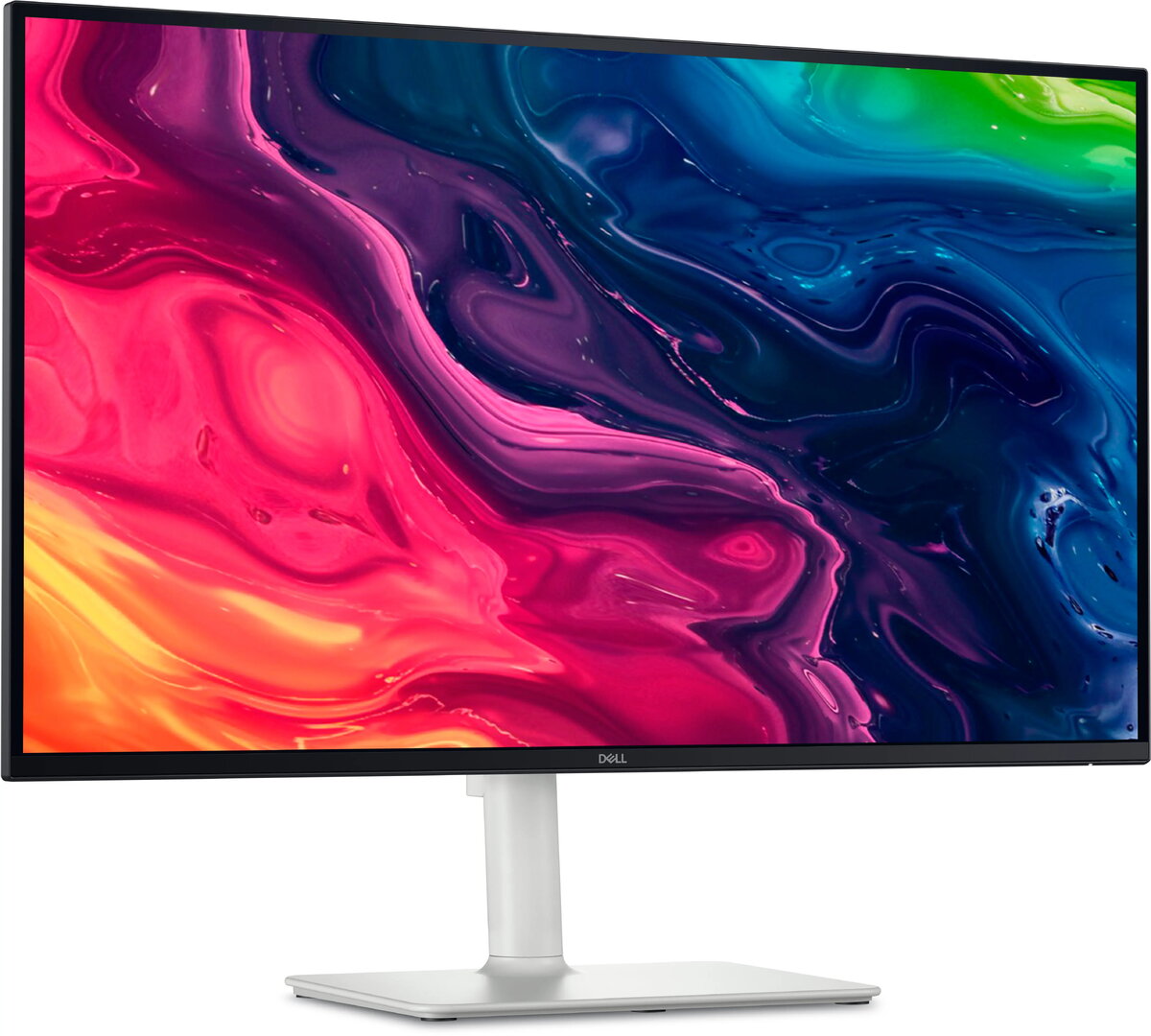
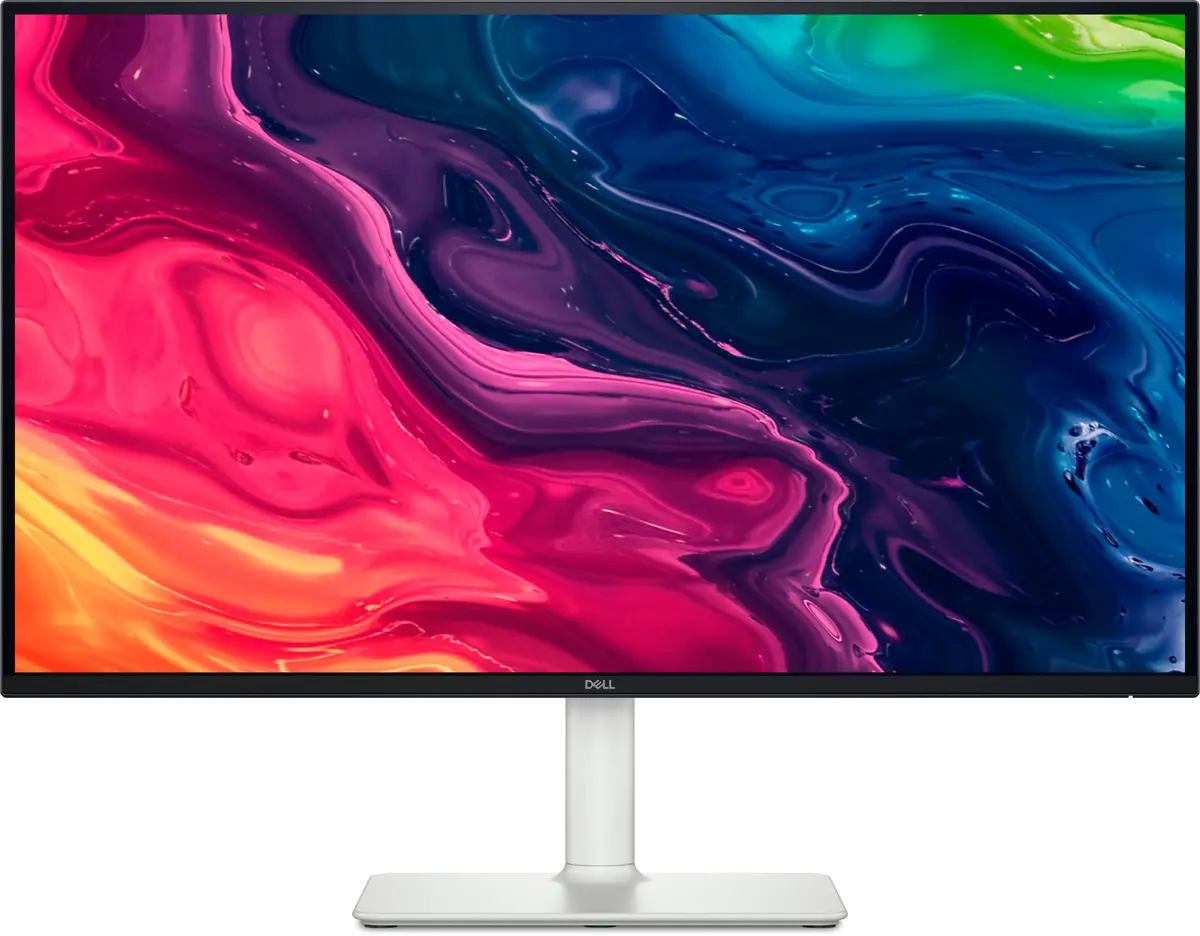
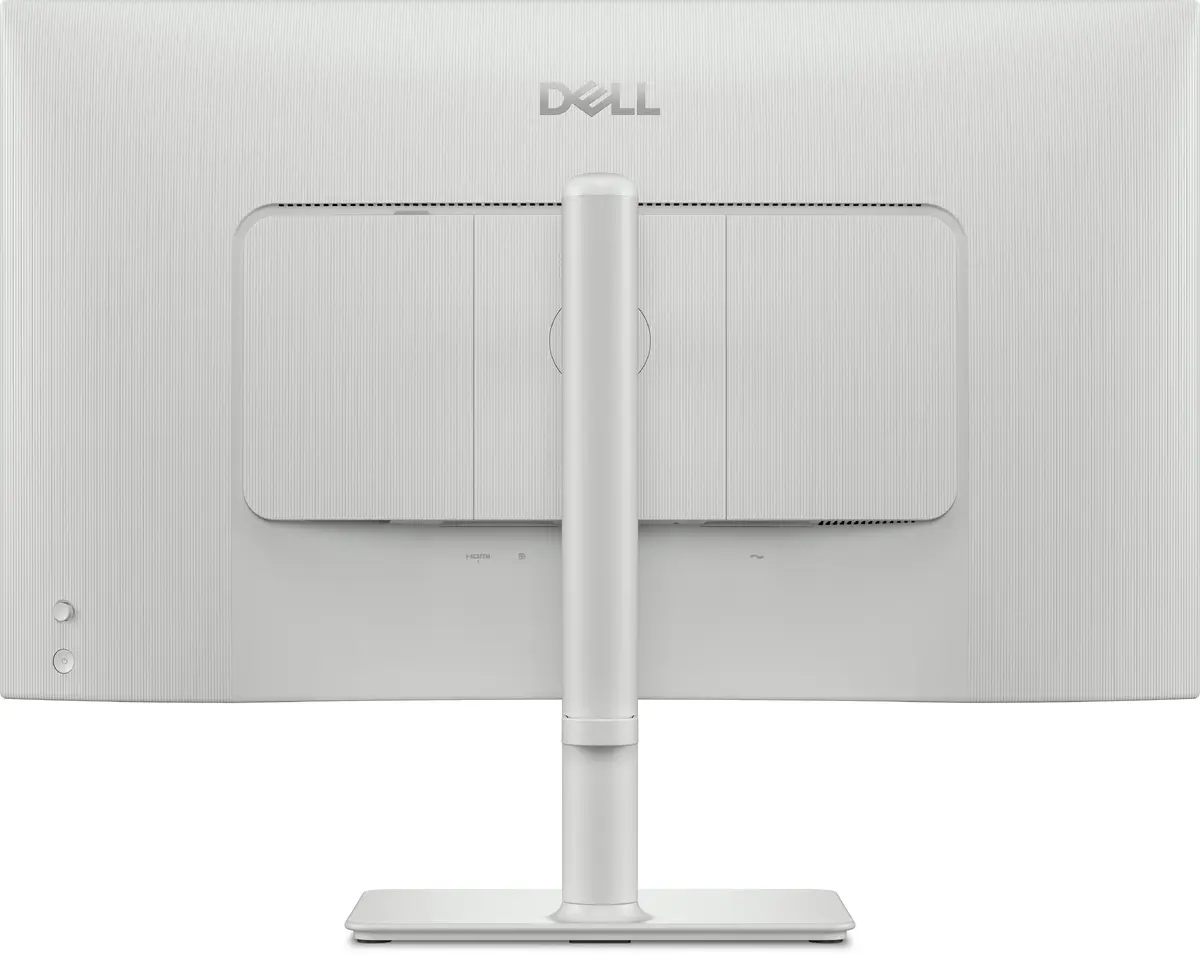
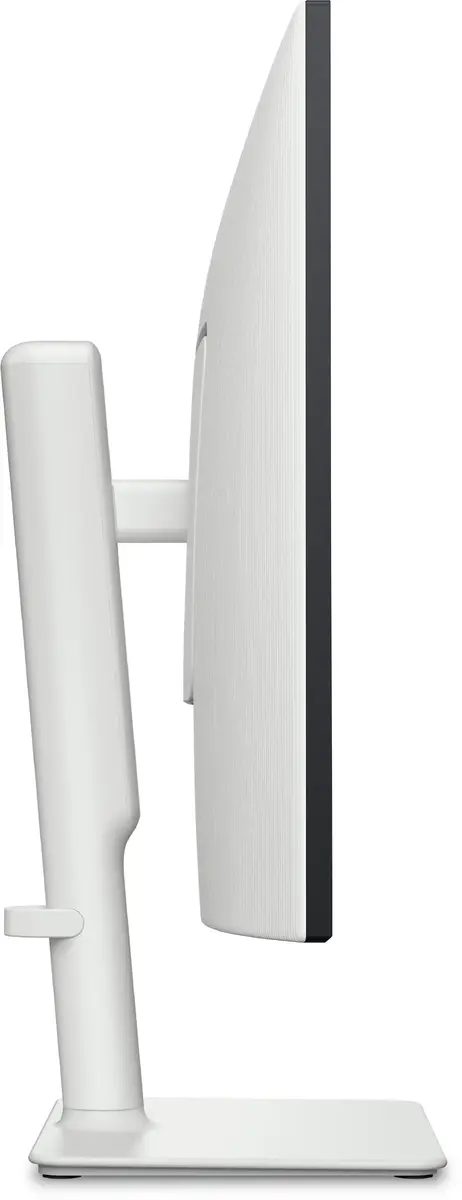
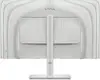
-
Pixel pitch:
-
0.155 x 0.155
-
Contrast ratio (typical):
-
1500:1
-
Viewing angle, horizontal:
-
178 °
-
Viewing angle, vertical:
-
178 °
-
Viewable size, horizontal:
-
596.74 mm
-
Viewable size, vertical:
-
335.66 mm
-
Power consumption (typical):
Power consumption in switched-on state expressed in W.
-
24.6 W
-
Power supply type:
-
Internal
-
Operating altitude:
-
0 - 5000
-
Operating relative humidity (H-H):
-
10 - 80
-
Storage temperature (T-T):
-
-20 - 60
-
Package weight:
-
8660 g
-
Plug and Play:
-
Yes
-
Display diagonal:
iagonal of the visible part of the screen expressed in centimeters and inches.
-
27 "
-
Operating temperature (T-T):
-
0 - 40
-
Cable lock slot:
-
Yes
-
Storage relative humidity (H-H):
-
5 - 90
-
Non-operating altitude:
-
5000 - 12192
-
LED indicators:
-
Power
-
Response time:
-
8 ms
-
Display resolution:
-
3840 x 2160
-
Wall mountable:
-
Yes
-
Remote control included:
-
No
-
Product colour:
-
Silver
-
Cables included:
-
AC, HDMI
-
RMS rated power:
-
10 W
-
Height adjustment:
-
Yes
-
Swivel angle range:
-
-30 - 30
-
Power consumption (off):
-
0.3 W
-
Power consumption (standby):
-
0.3 W
-
Tilt angle range:
-
-5 - 21
-
Ethernet LAN (RJ-45) ports:
-
0
-
Built-in speaker(s):
-
Yes
-
Pivot:
-
Yes
-
Digital horizontal frequency:
-
27 - 270
-
Digital vertical frequency:
-
48 - 120
-
On Screen Display (OSD):
-
Yes
-
Cable management:
-
Yes
-
Wi-Fi:
-
No
-
Input current:
-
1.8
-
HDMI ports quantity:
-
2
-
Panel mounting interface:
-
100 x 100
-
Width (with stand):
-
611.54 mm
-
Height (with stand):
-
518.63 mm
-
Depth (with stand):
-
200.4 mm
-
Supported graphics resolutions:
-
640 x 480 (VGA), 720 x 400, 800 x 600 (SVGA), 1024 x 768 (XGA), 1152 x 864 (XGA+), 1280 x 1024 (SXGA), 1600 x 1200 (UXGA), 1600 x 900, 1920 x 1080 (HD 1080), 2048 x 1280, 2560 x 1440, 3840 x 2160
-
Supported video modes:
-
480p, 576p, 720p, 1080i, 1080p, 2160p
-
Touchscreen:
-
No
-
HDMI version:
-
2.1
-
HDMI:
-
Yes
-
HDCP:
-
Yes
-
DisplayPorts quantity:
-
1
-
LED backlight:
-
Yes
-
Swivelling:
-
Yes
-
Backlight type:
-
Edge LED
-
Maximum refresh rate:
-
120 Hz
-
Pivot angle:
-
-90 - 90
-
Bezel width (side):
-
7.4 mm
-
Bezel width (top):
-
7.3 mm
-
Bezel width (bottom):
-
13.02 mm
-
Built-in camera:
-
No
-
Tilt adjustment:
-
Yes
-
AC input frequency:
-
50/60
-
AC input voltage:
-
100 - 240
-
Market positioning:
-
Office
-
Power consumption (max):
-
67.4 W
-
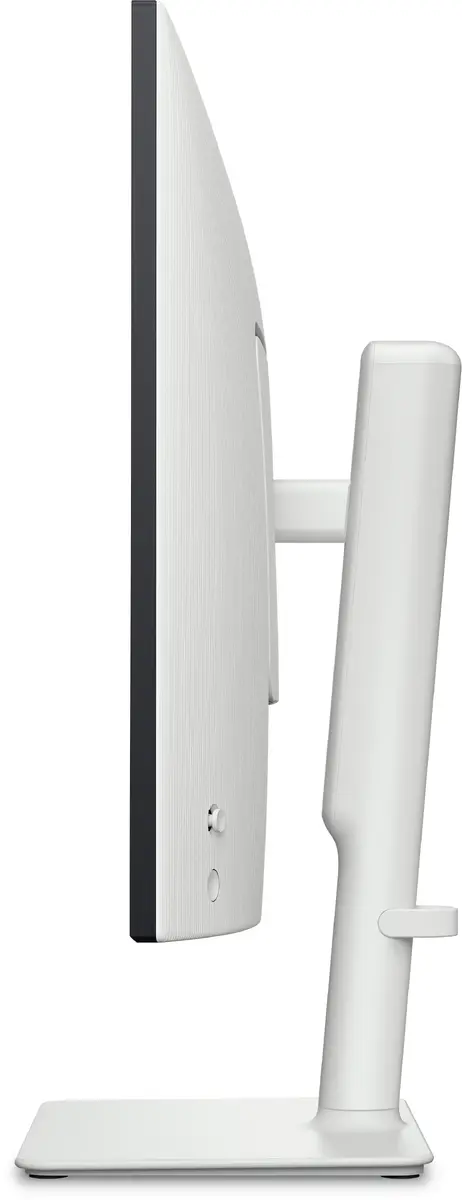
Detachable stand:
-
Yes
-
Display technology:
-
LCD
-
HDCP version:
-
1.4/2.3
-
Number of speakers:
-
2
-
Feet colour:
-
Silver
-
Stylus included:
-
No
-
Anti-glare screen:
-
Yes
-
Stand included:
-
Yes
-
DisplayPort version:
-
1.4
-
Native aspect ratio:
-
16:9
-
HD type:
-
4K Ultra HD
-
Front bezel colour:
-
Black
-
Headphone out:
-
No
-
Weight (without stand):
-
4560 g
-
Height (without stand):
-
355.98 mm
-
Width (without stand):
-
611.54 mm
-
Depth (without stand):
-
60 mm
-
Pixel density:
-
163 ppi
-
Cable lock slot type:
-
Kensington
-
Panel type:
-
IPS
-
VESA mounting:
-
Yes
-
Screen shape:
-
Flat
-
Weight (with stand):
-
6210 g
-
NVIDIA G-SYNC:
-
No
-
Built-in USB hub:
-
No
-
Display number of colours:
-
1.07 billion colours
-
Adjustable height (max):
-
130 mm
-
Surface hardness:
-
3H
-
sRGB coverage (typical):
-
99 %
-
AMD FreeSync:
-
Yes
-
Response time (fast):
-
5 ms
-
HDMI cable length:
-
1.8 m
-
High Dynamic Range (HDR) supported:
-
No
-
Display brightness (typical):
-
350 cd/m²
-
Flicker-free technology:
-
Yes
-
Low Blue Light technology:
-
Yes
-
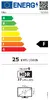
Energy efficiency scale:
Range of energy efficiency levels classifying devices from most to least energy-efficient.
-
A to G
-
AMD FreeSync type:
-
FreeSync Premium
-
Sustainability certificates:
-
ENERGY STAR
-
Doesn't contain:
-
Arsenic, Mercury (element), PVC/BFR
-
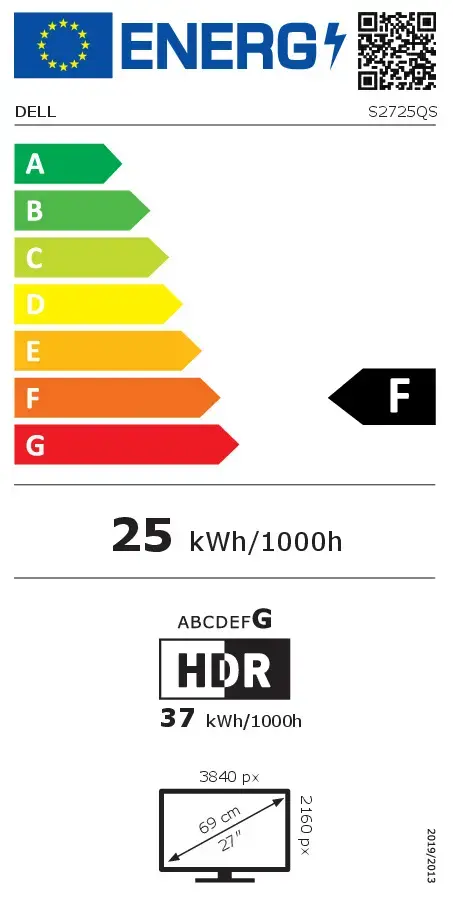
Energy efficiency class (SDR):
Energy efficiency class is a standard classification that is used all over Europe and which is understandable at first sight. Products can be efficiently compared according to classes, starting from A (the most energy efficient class), and ending with G (the most energy-intensive class). The classification of energy efficiency is based on annual energy consumption which is being calculated on the basis of several different parameters.
-
F
-
Energy efficiency class (HDR):
Energy efficiency class is a standard classification that is used all over Europe and which is understandable at first sight. Products can be efficiently compared according to classes, starting from A (the most energy efficient class), and ending with G (the most energy-intensive class). The classification of energy efficiency is based on annual energy consumption which is being calculated on the basis of several different parameters.
-
G
-
Energy consumption (SDR) per 1000 hours:
Power consumption in switched-on state expressed in W.
-
25 kWh
-
Energy consumption (HDR) per 1000 hours:
Power consumption in switched-on state expressed in W.
-
37 kWh
-
Response time measurement type:
-
GTG (Gray to Gray)