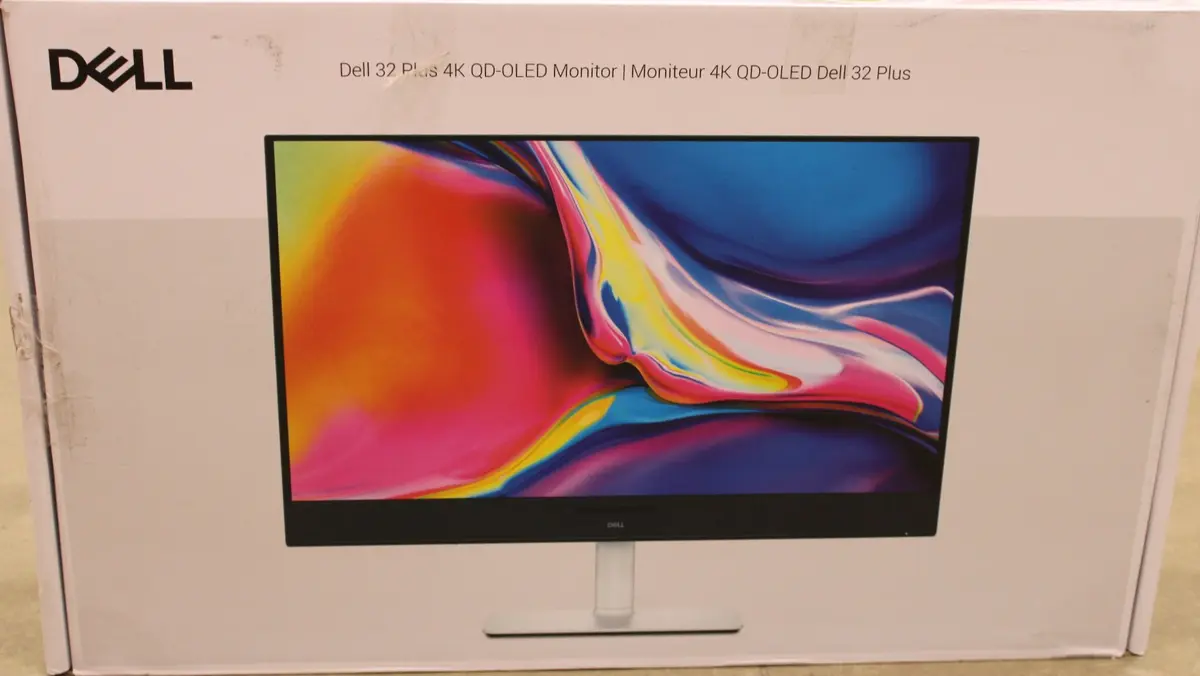
The Dell S3225QC monitor is compared with several alternative models in the same category, including other configurations of the same device as well as monitors from GIGABYTE and MSI. All of these products share advanced QD-OLED display technology featuring an ultra-fast 0.03 ms response time and exceptional visual quality. The main differences lie in screen size, resolution, refresh rate, connectivity options, and positioning for office tasks, multimedia, or high-performance gaming.
⚙️ The specifications comparison covers screen size and technology, resolution, refresh rate, built-in speakers, USB hub, and connection capabilities to highlight practical technical differences.
| Parameter | Dell S3225QC | Gigabyte MO32U24 | DELL Plus S3225QC (11506194) | DELL Plus S3225QC (11485042) | GIGABYTE MO32U2 | MSI MAG 271QP QD-OLED X28 | Practical significance |
|---|
| Diagonal and resolution | 32 inches, 3840 x 2160 (4K UHD) | 31.5 inches, 3840 x 2160 (4K UHD) | 31.6 inches, 3840 x 2160 (4K UHD) | 31.6 inches, 3840 x 2160 (4K UHD) | 31.5 inches, 3840 x 2160 (4K UHD) | 26.5 inches, 2560 x 1440 (QHD) | Larger 4K displays provide maximum workspace and detail, while the MSI option offers a more compact size and QHD resolution for limited desk space. |
| Refresh rate | 120 Hz | 240 Hz | Not specified | Not specified | Not specified | 280 Hz | Higher refresh rate models target competitive gaming, whereas the 120 Hz on the main model is well-balanced for general work and console gaming. |
| Connectivity | USB-C with 90W Power Delivery, HDMI | DisplayPort, USB-C | HDMI, USB hub | HDMI, USB hub | HDMI, DisplayPort, USB hub | HDMI, DisplayPort, no USB hub | The main monitor is exceptionally convenient for laptop users due to high-power USB-C charging, while gaming alternatives focus heavily on DisplayPort. |
| Speakers and ergonomics | Built-in speakers, height adjustment, pivot, swivel, and tilt | Built-in speakers, adjustable stand | Built-in speakers, VESA | Built-in speakers, height adjustment, VESA | Built-in speakers, height adjustment, VESA | No built-in speakers | Most models include built-in sound and flexible stands, ensuring user comfort right out of the box without extra peripherals. |
◎ Suitability and use cases evaluate which product best matches specific user requirements and everyday scenarios.
| Use case | Recommended product | Why |
|---|
| Office work and laptop connection | Dell S3225QC | The USB-C port with 90W power delivery enables simultaneous video transmission and laptop charging through a single cable. |
| Fast-paced competitive gaming | MSI MAG 271QP QD-OLED X28 or Gigabyte MO32U24 | Higher refresh rates deliver maximum motion clarity and fluidity during fast-moving gaming sessions. |
| Multimedia and universal home use | DELL Plus S3225QC | The combination of a vibrant QD-OLED 4K display and built-in speakers creates a great experience for movies and daily tasks. |
The Dell S3225QC differs from the alternatives by offering convenient USB-C connectivity with high power delivery, making it an ideal choice for laptop users and clutter-free desk setups. A buyer may prefer this model over alternatives when they need excellent ergonomics, crisp 4K visuals, and single-cable laptop integration without needing separate power adapters or hubs.