
Dreame vacuums for fast and efficient cleaning!
In cart {{totalProductsCount}} item(s)
Your cart is empty
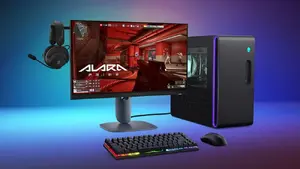
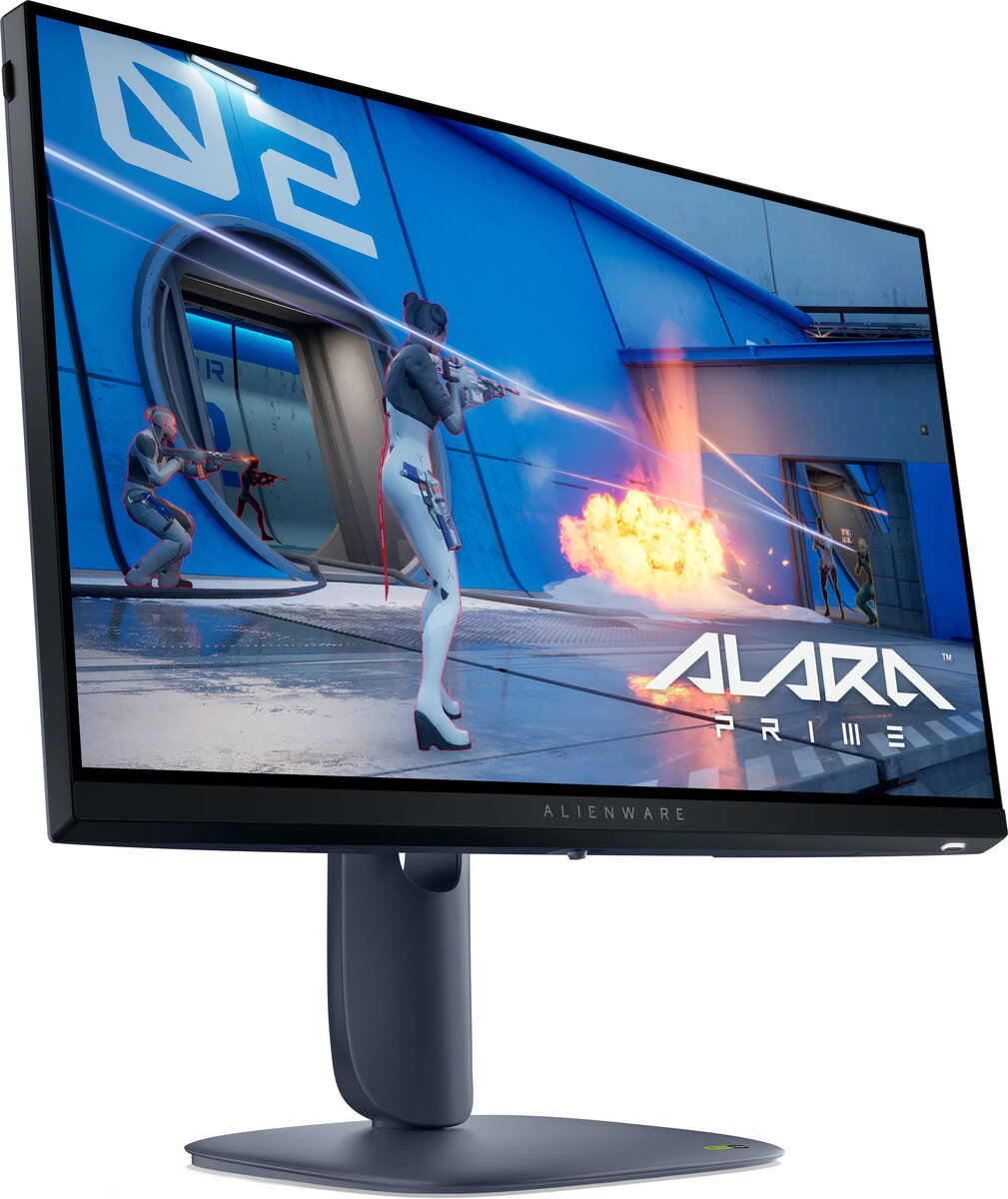
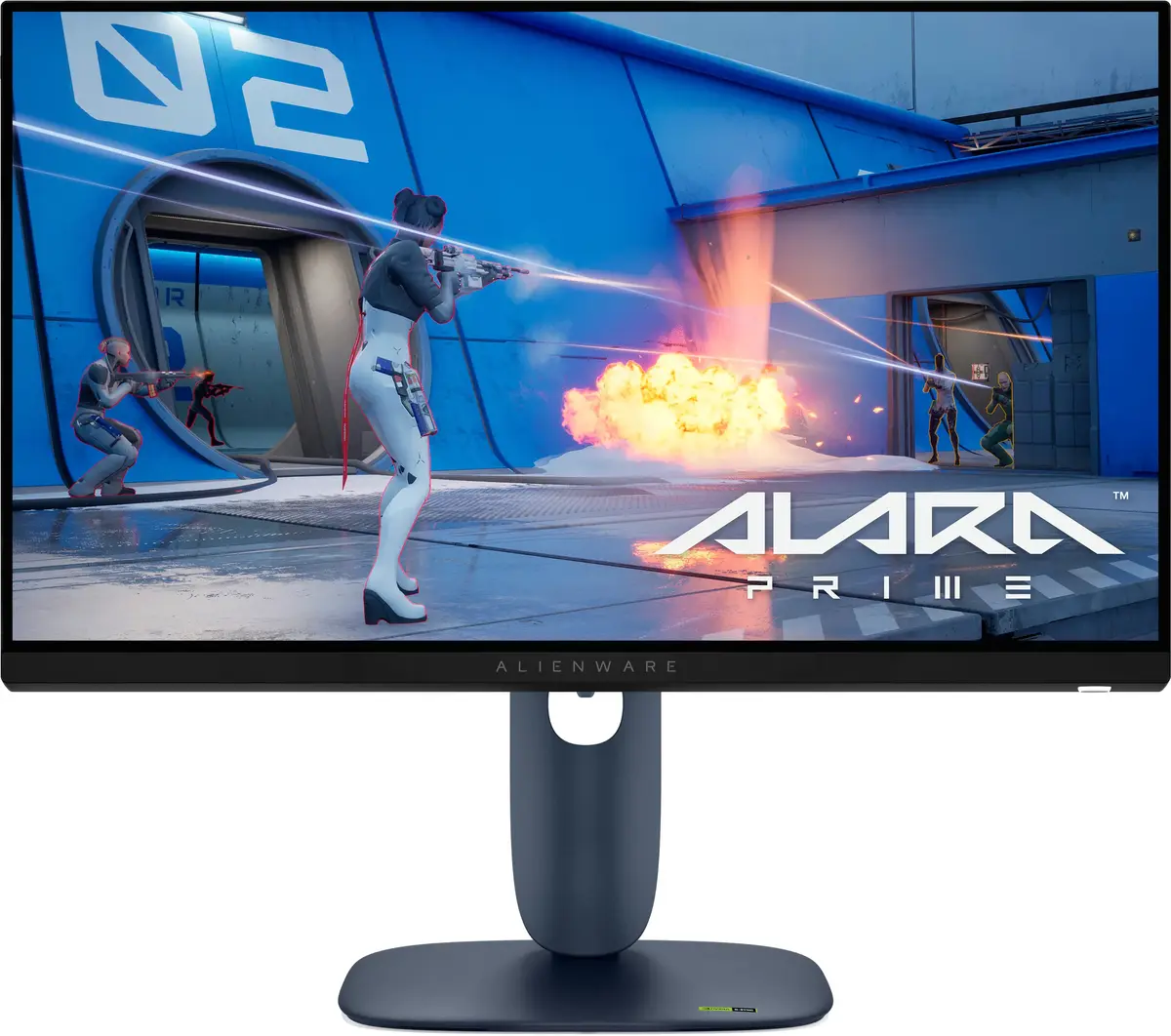
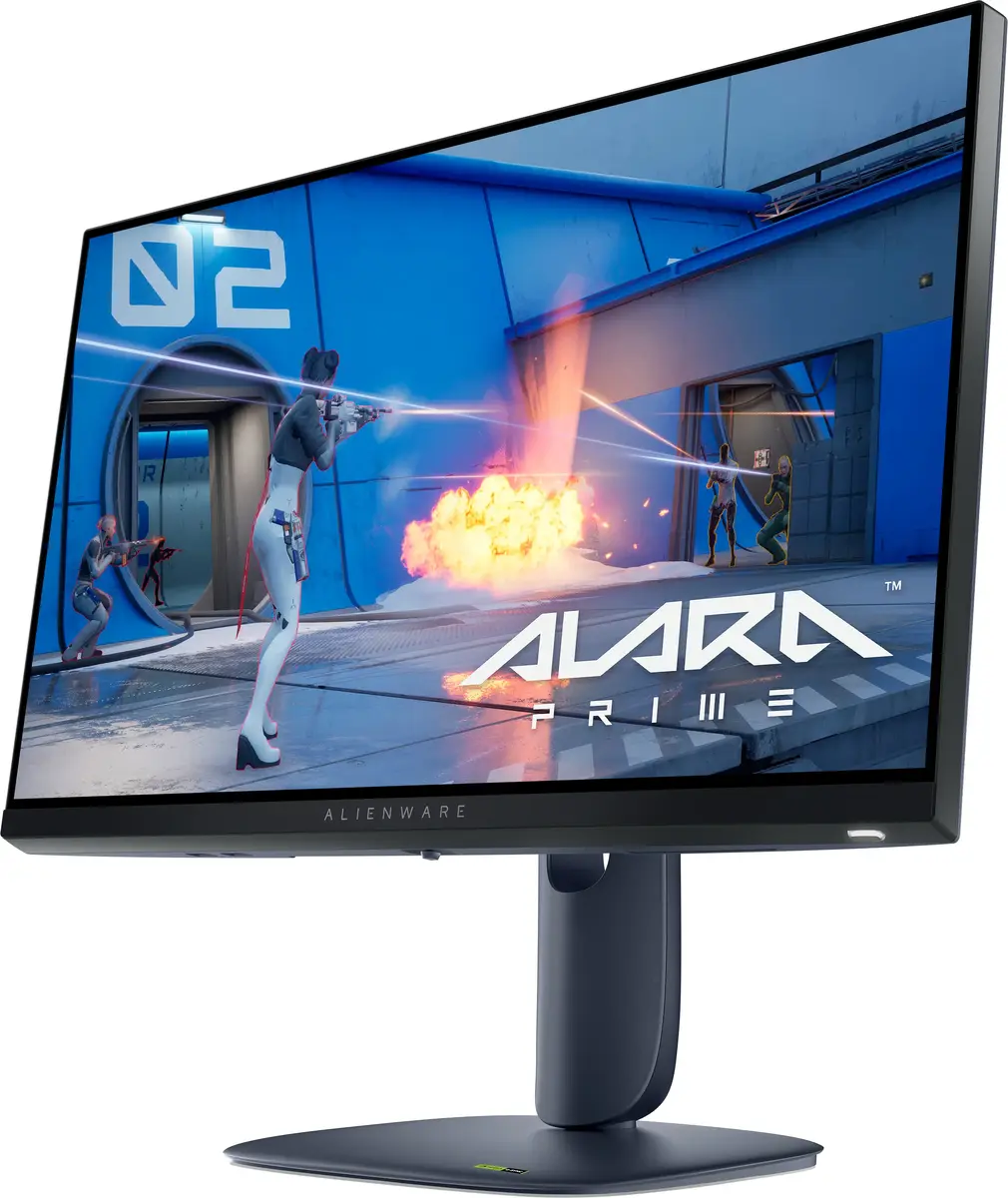
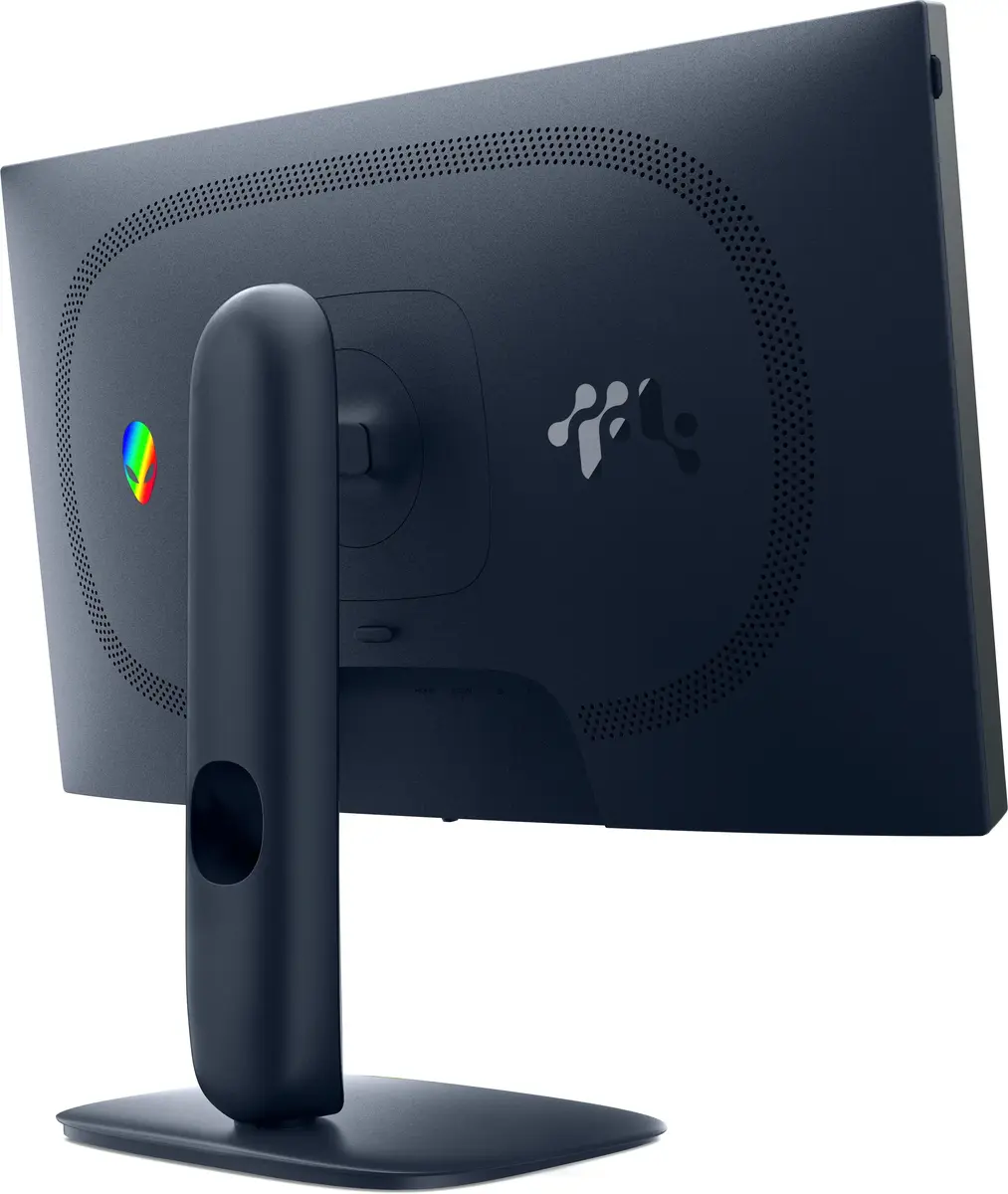
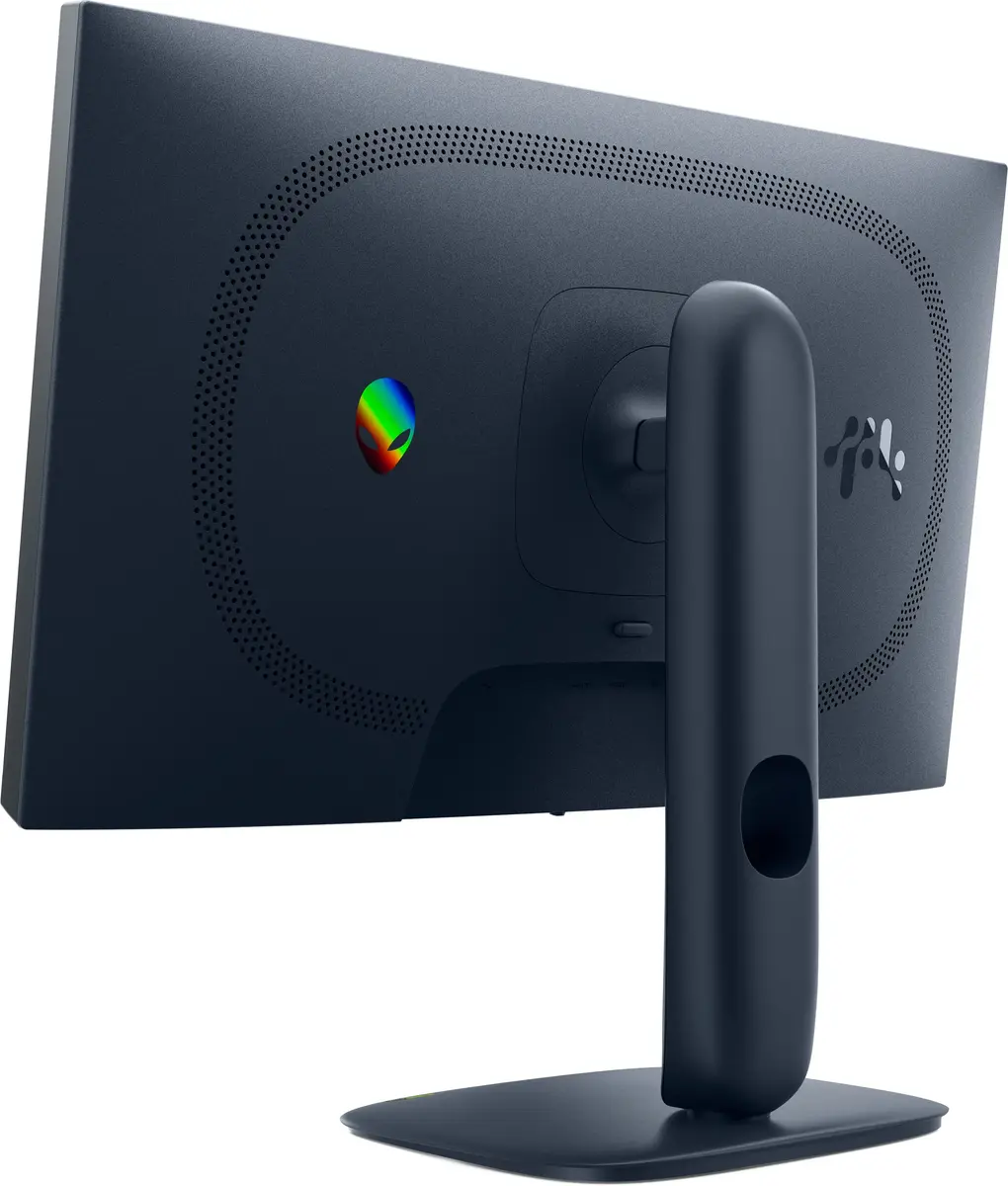
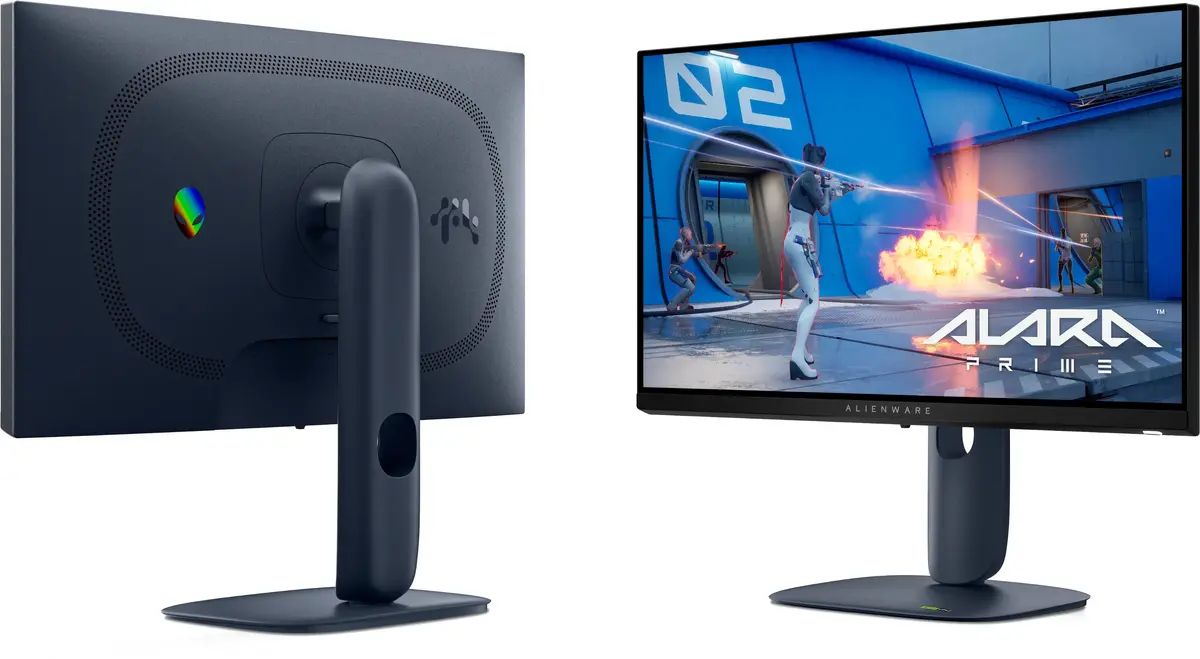
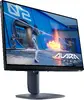
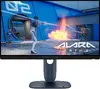
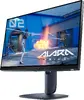
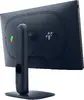
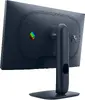
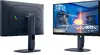
Monitor Dell Alienware AW2525HM 24.5" (62.2 cm) Full HD 1920x1080 IPS 0.5 ms USB 3.2 Gen 1 VESA Black
The Dell Alienware AW2525HM is a 24.5-inch (62.2 cm) Full HD (1920 x 1080) gaming monitor with an IPS LCD panel. It delivers a 320 Hz refresh rate, 0.5 ms response time and 400 cd/m² typical brightness, offering clear, fast visuals for competitive gaming. The monitor includes a built-in USB 3.2 Gen 1 hub, VESA mounting support and height adjustment, and comes in a black finish.
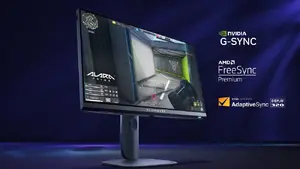
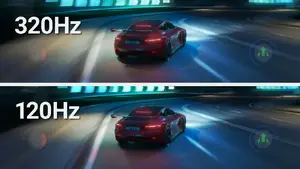
The Fast IPS panel combined with a 320 Hz refresh rate and 0.5 ms response time reduces motion blur and input lag, producing ultra-smooth gameplay. With 400 cd/m² brightness, 1000:1 contrast ratio and wide 178° viewing angles, colour and image clarity remain consistent across different viewing positions. Compatibility with NVIDIA G-SYNC and AMD FreeSync helps minimise screen tearing and stutter during variable frame rate output.
This monitor is focused on speed and competitive performance rather than professional colour-critical work. While the IPS panel provides good colour accuracy, users who require studio-grade colour calibration for photo or video editing may prefer a display with wider colour gamut and factory calibration. The Full HD 1920 x 1080 resolution on a 24.5-inch screen may be less suitable for those who need higher pixel density for detailed content creation.
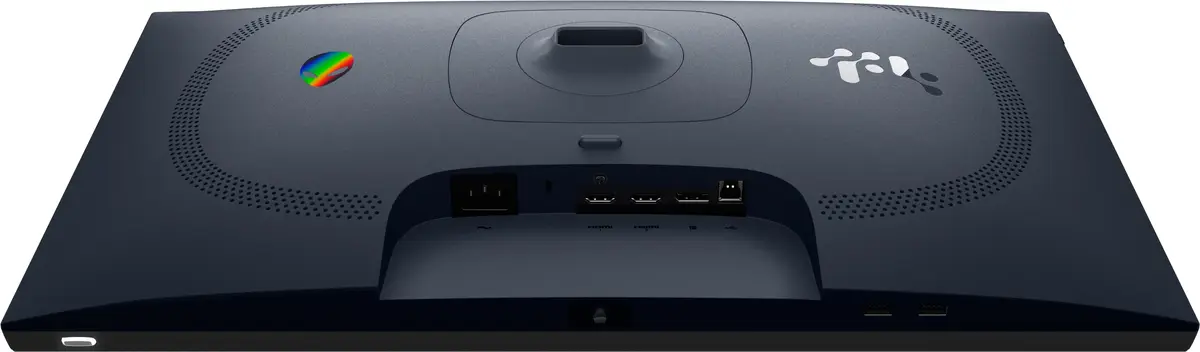
Connect the monitor to your PC using DisplayPort or HDMI for best performance; DisplayPort is recommended to reach the maximum 320 Hz refresh rate. Attach power and connect any USB devices to the built-in USB 3.2 Gen 1 hub as needed. Use the monitor on-screen display (OSD) menu to adjust brightness, colour settings and enable G-SYNC or FreeSync compatibility according to your graphics card. Adjust the stand height and mount the monitor via VESA if desk mounting or alternative mounts are required.
For competitive gaming, pair the Alienware AW2525HM with a high-frame-rate GPU and use DisplayPort to achieve 320 Hz. Enable G-SYNC or FreeSync in both the monitor OSD and your GPU driver to reduce tearing. Adjust brightness and colour presets in the OSD for comfortable viewing during long sessions.
Experience ultra-responsive gaming with adaptive sync support including NVIDIA® G-SYNC® Compatible, AMD FreeSync™ Premium and VESA AdaptiveSync. This monitor minimises motion blur with a 0.5 ms grey-to-grey response time and a blistering 320 Hz refresh rate, while 99% sRGB colour coverage ensures vivid, accurate visuals. Built-in ComfortView Plus reduces blue light to help you game longer with less eye fatigue — all without colour distortion.

Fast IPS technology delivers uniform colour and contrast no matter where you sit, so every frame stays clear and readable during intense sessions.

The 320 Hz refresh rate provides ultra-smooth motion and razor-sharp responsiveness, giving you the competitive edge in fast-paced games.

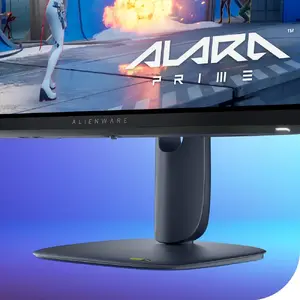
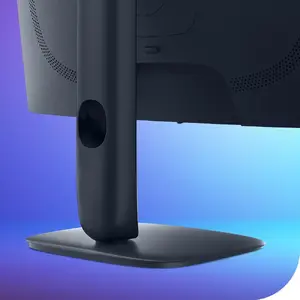
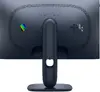
A compact, small-footprint base frees up desktop space so you can arrange peripherals and accessories more efficiently.

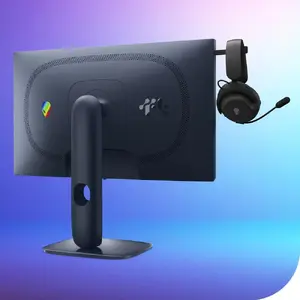
The retractable headset hanger keeps your headset within easy reach and your desk tidy when not in use.

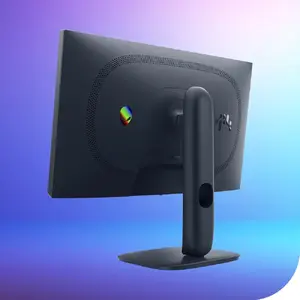
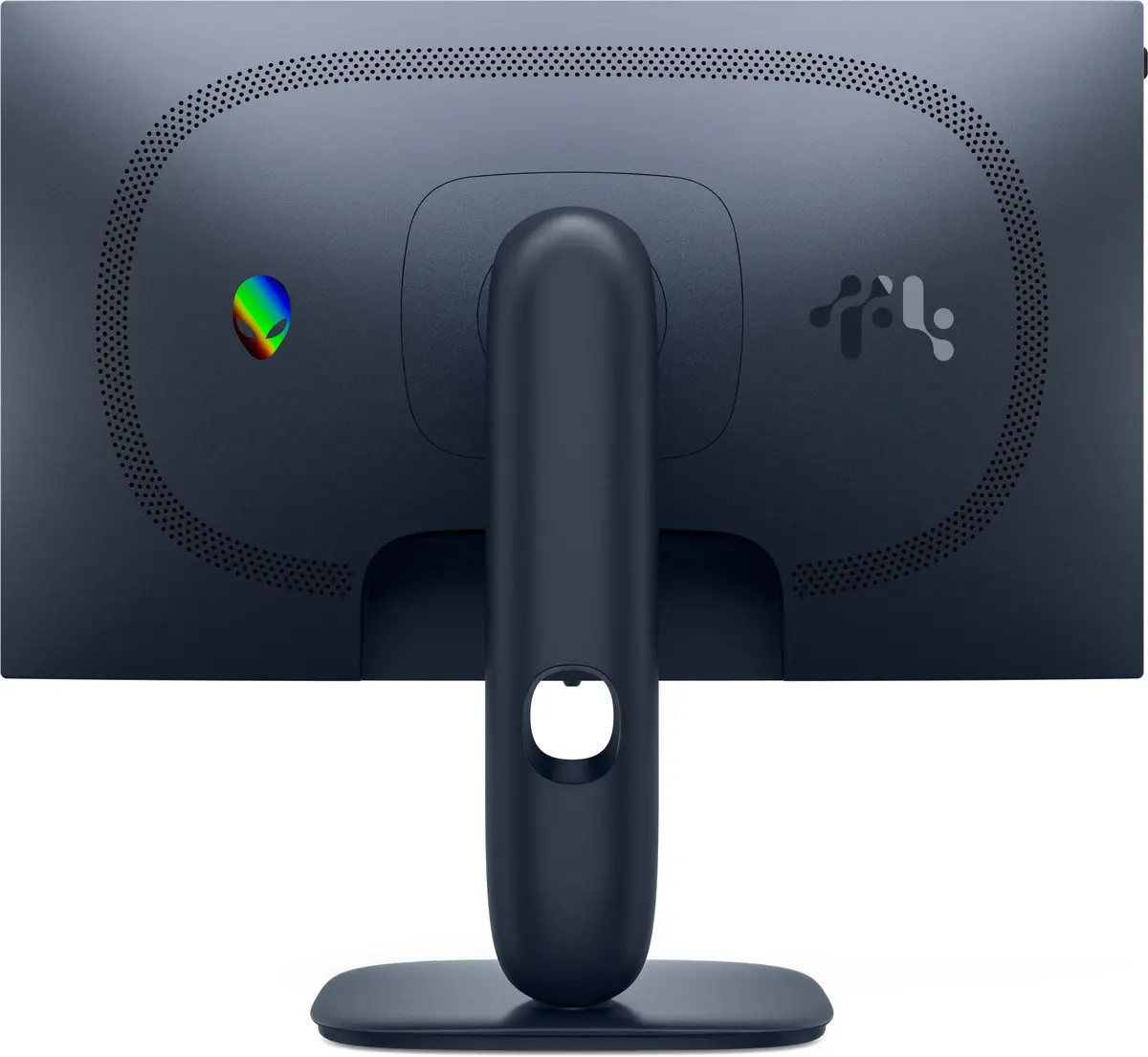
Integrated cable routing helps you stay organised and maintain a clean, distraction-free setup.

Tilt, swivel, pivot and height-adjust the monitor to find the perfect viewing position for comfort and accurate sightlines during long sessions.
{{highlightedFeature.featureTitle}}:
{{getProductFeatureValueById(product, highlightedFeature.featureId)}}
{{ productComparisonGenerationError }}
Device manufacturer code
Device manufacturer
iagonal of the visible part of the screen expressed in centimeters and inches.
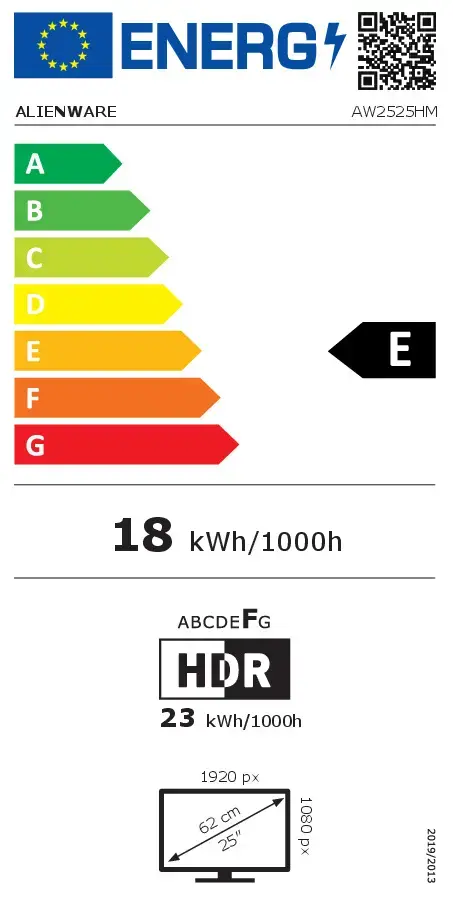
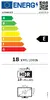
Energy efficiency class is a standard classification that is used all over Europe and which is understandable at first sight. Products can be efficiently compared according to classes, starting from A (the most energy efficient class), and ending with G (the most energy-intensive class). The classification of energy efficiency is based on annual energy consumption which is being calculated on the basis of several different parameters.
Power consumption in switched-on state expressed in W.