

Filters you can trust. Pure water every day.
In cart {{totalProductsCount}} item(s)
Your cart is empty
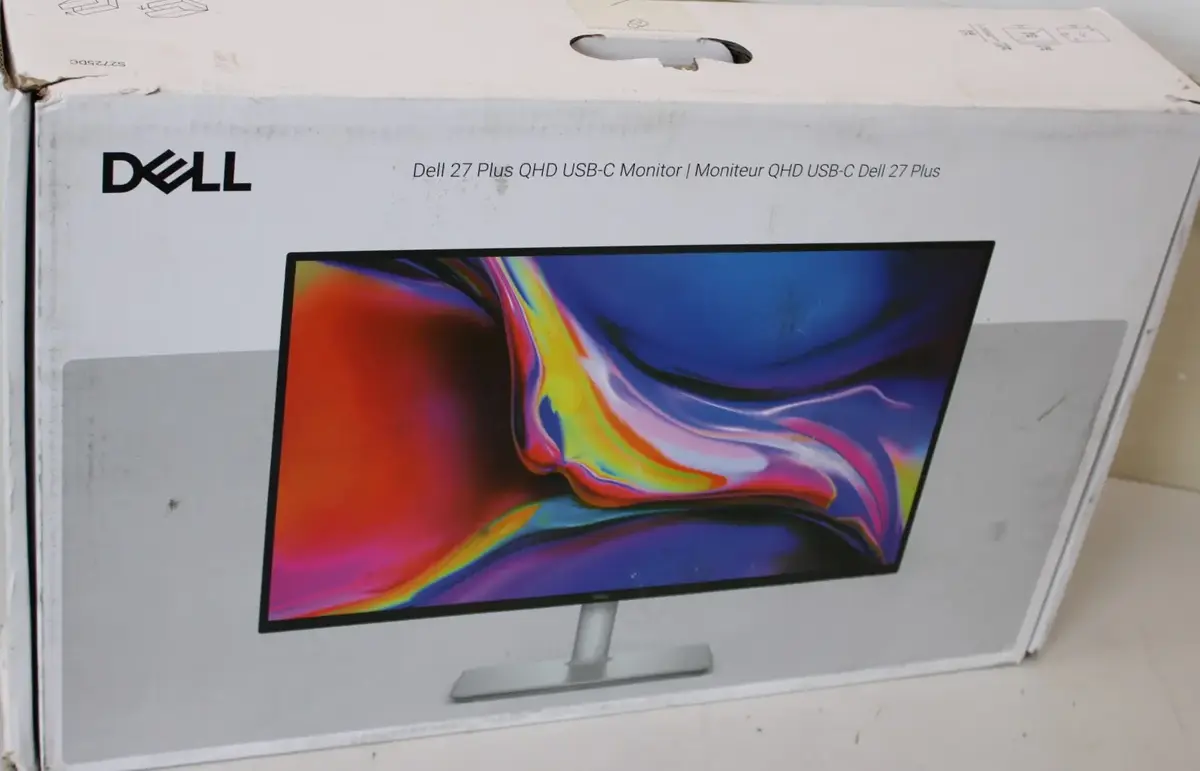
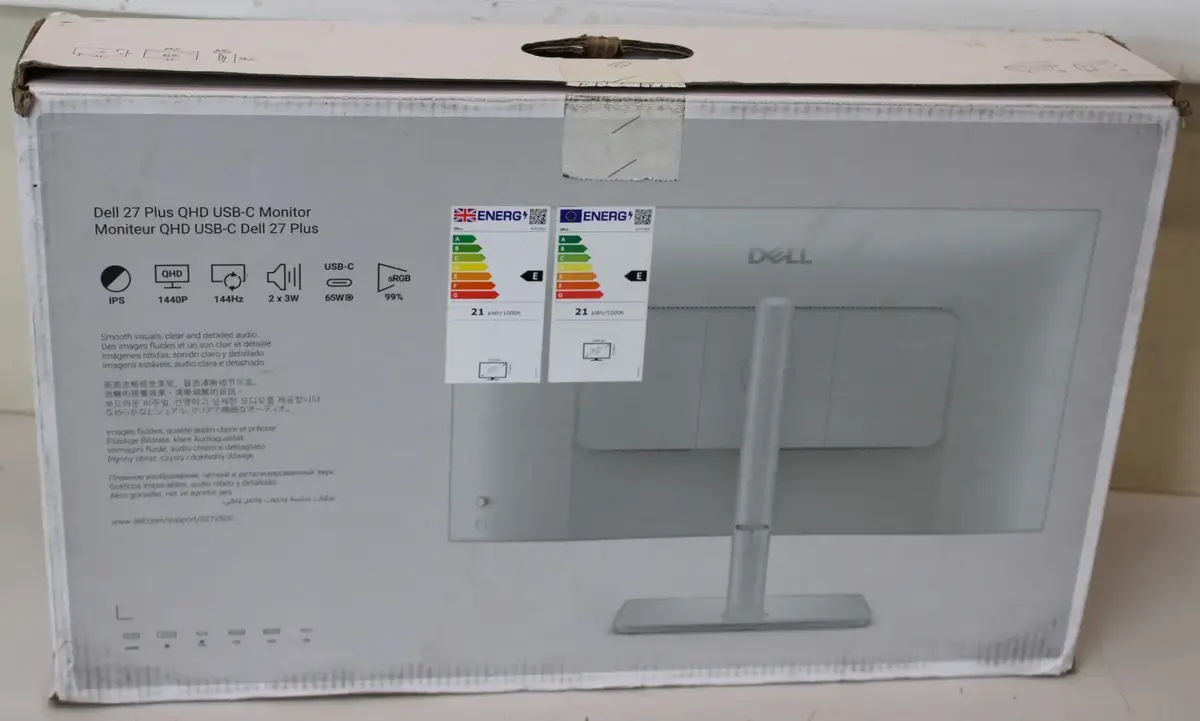
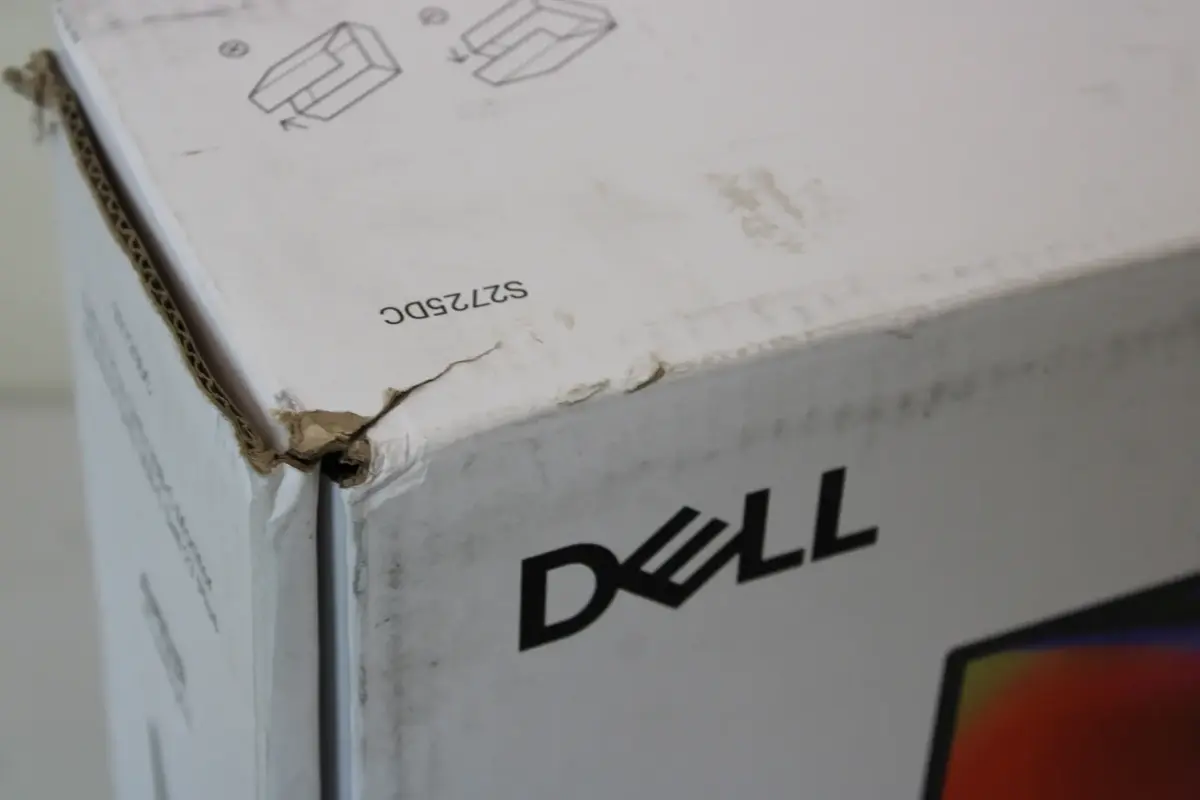
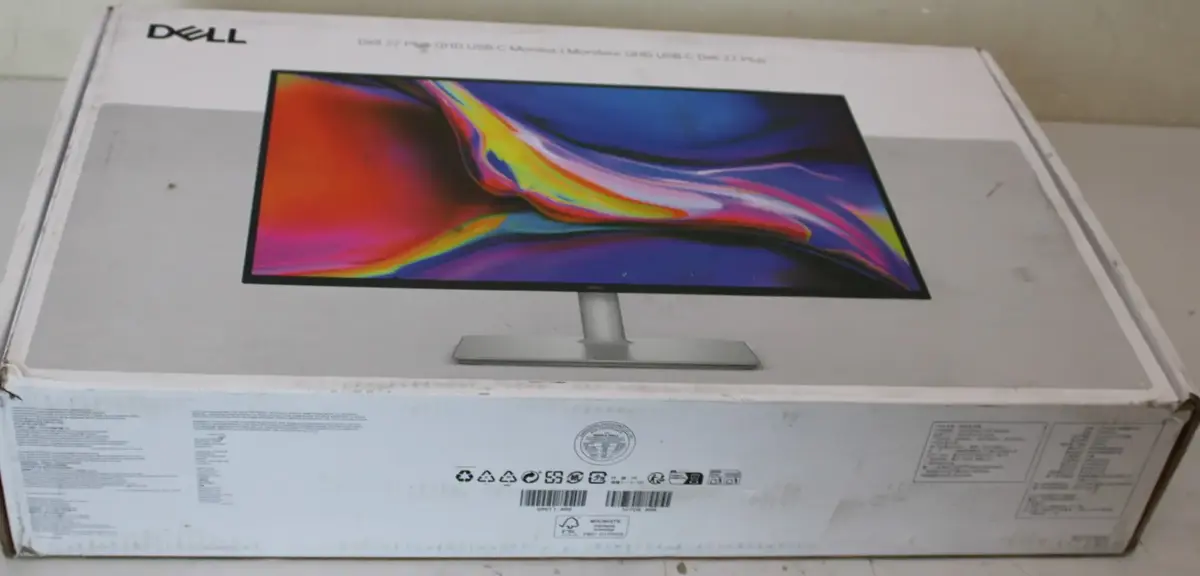
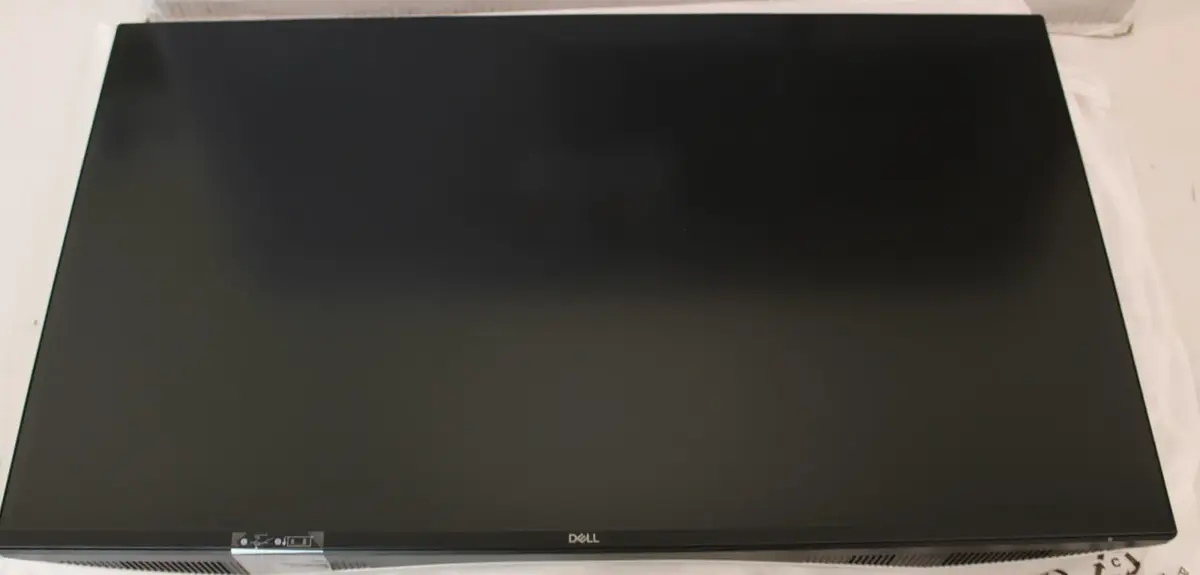
Dell S2725DC 27" IPS QHD Monitor, 2560x1440, 144Hz, 1ms, HDMI, DisplayPort, USB-C, White
The Dell S2725DC is a high-performance 27-inch QHD monitor designed to deliver crisp visuals and fluid motion for both professional tasks and entertainment. Featuring an advanced IPS panel with a resolution of 2560x1440 pixels, this display ensures accurate color reproduction and wide viewing angles. With a 144Hz refresh rate and a 1ms response time, it provides a smooth experience for fast-paced content, while the elegant white finish adds a modern aesthetic to any workspace.
This monitor excels in versatility and user comfort, offering a fully adjustable stand that supports height, tilt, swivel, and pivot movements to suit individual ergonomic needs. The inclusion of an IPS panel guarantees consistent image quality across the entire screen, making it an excellent choice for color-sensitive work. Connectivity is highly flexible thanks to the integrated USB-C port, HDMI, and DisplayPort interfaces, allowing for seamless integration with various devices. Furthermore, the built-in speakers provide a clutter-free audio solution, while the anti-glare coating helps reduce eye strain during extended periods of use.
This monitor may not be the ideal choice for professional-grade color grading or high-end competitive esports that require specialized ultra-high refresh rate panels. Additionally, users who require high-wattage power delivery via USB-C for demanding laptops may find the 15W power delivery insufficient for their needs.
To use the Dell S2725DC, connect the monitor to your computer using the appropriate HDMI, DisplayPort, or USB-C cable. Once connected, ensure your operating system display settings are configured to the native 2560x1440 resolution and the desired refresh rate. You can adjust the stand to your preferred height and angle to ensure optimal viewing comfort. Use the on-screen display menu to fine-tune brightness, contrast, and color settings according to your environment.
For the best visual experience, we recommend using the DisplayPort or USB-C connection to fully utilize the 144Hz refresh rate. Regularly clean the anti-glare screen with a soft, dry microfiber cloth to maintain image clarity.
{{highlightedFeature.featureTitle}}:
{{getProductFeatureValueById(product, highlightedFeature.featureId)}}
{{ productComparisonGenerationError }}
