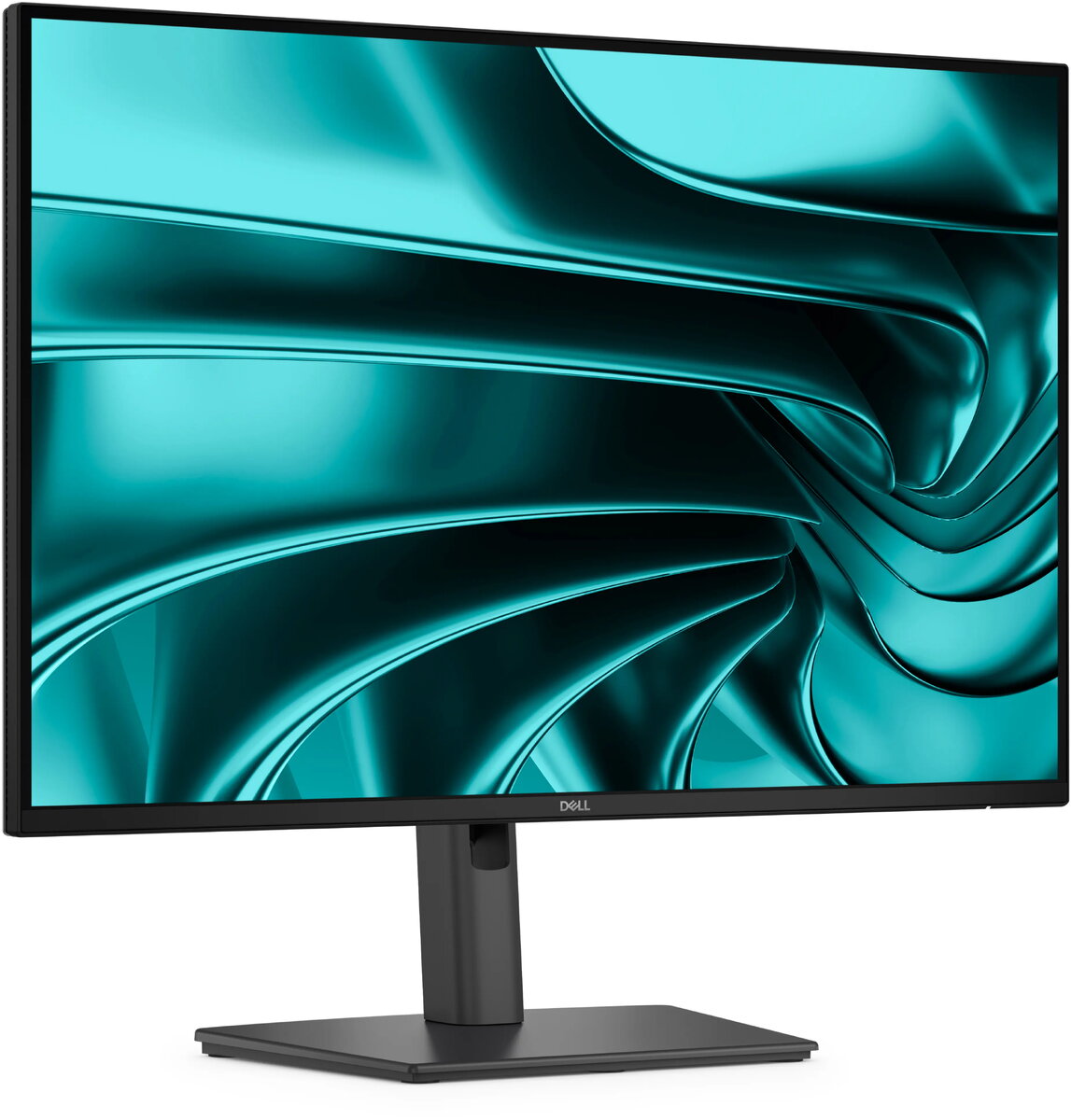
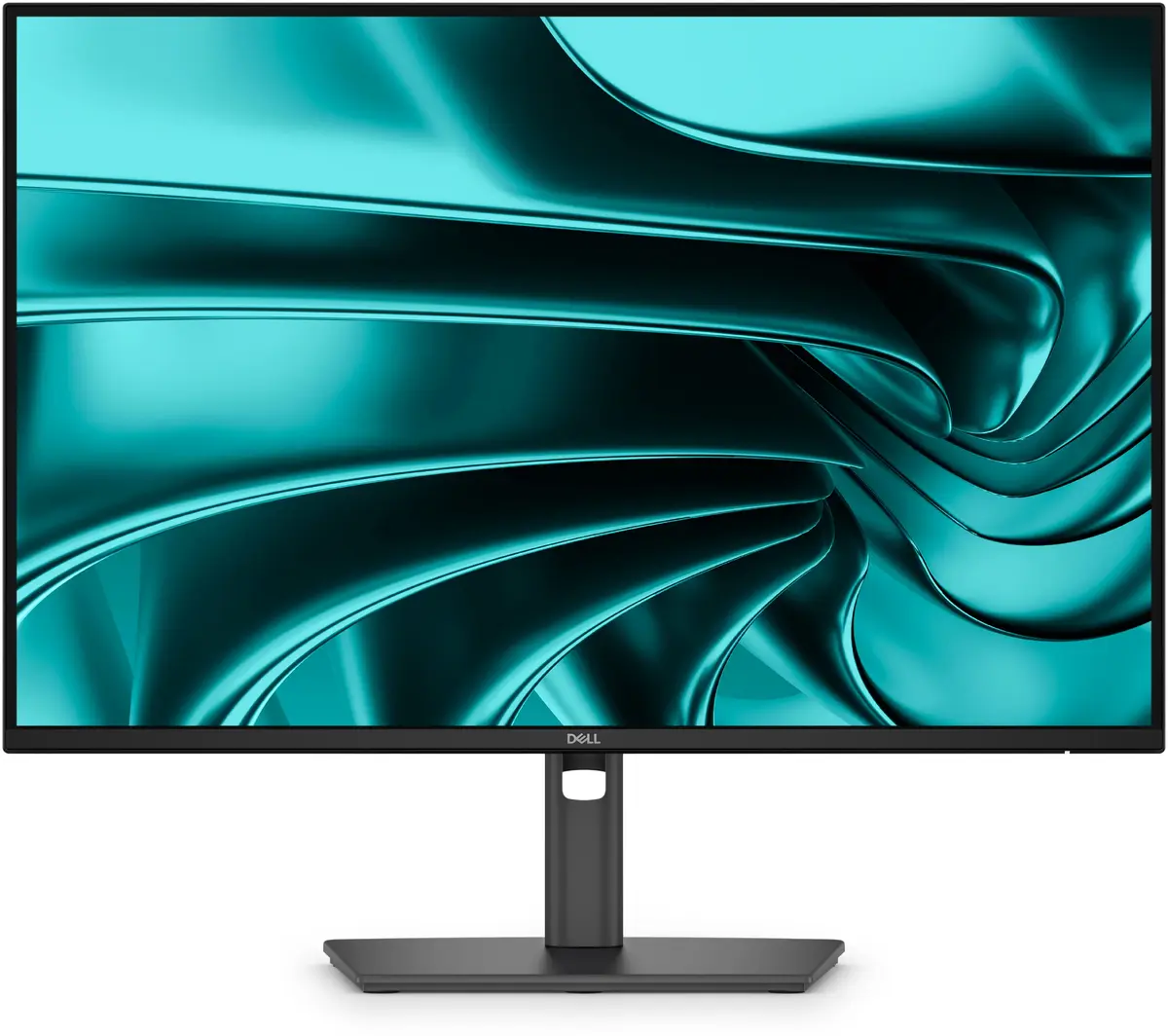
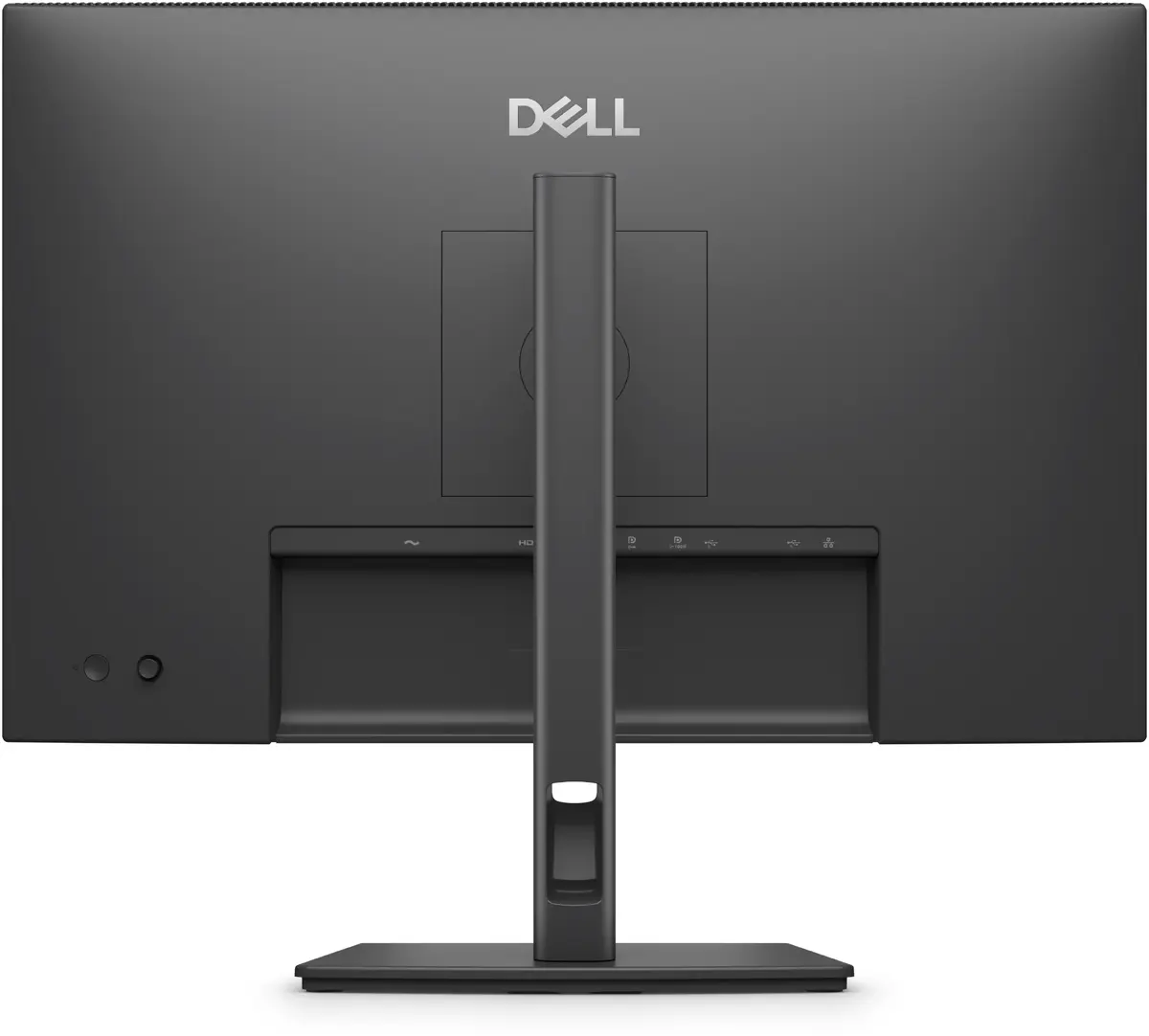
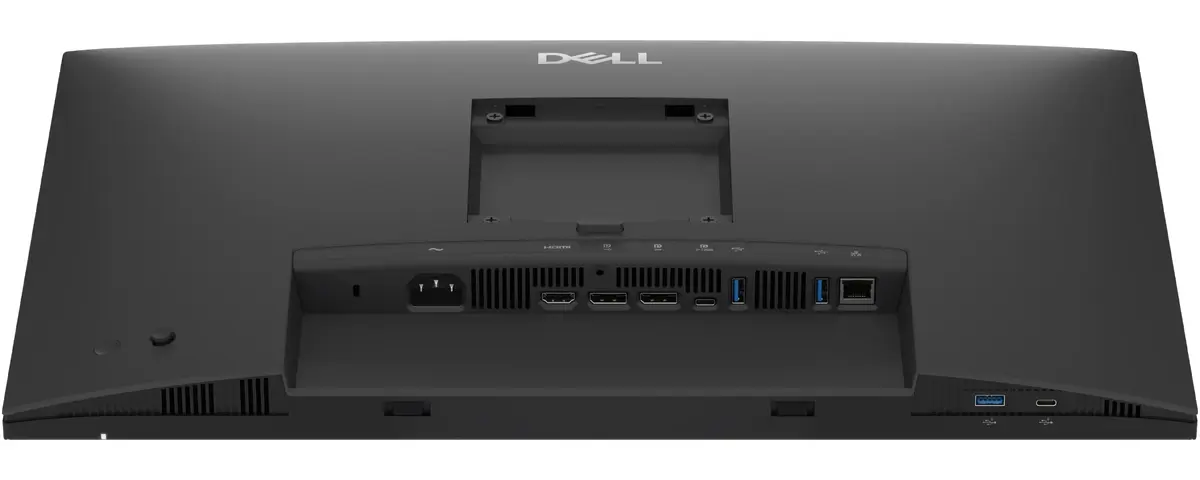
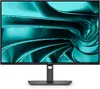
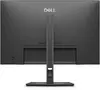
Optimised connectivity and efficiency
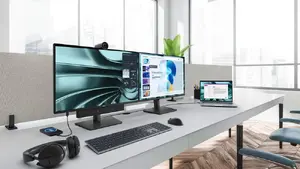
Connect accessories easily with a wide selection of ports and streamline your workspace with daisy-chaining support for reduced cable clutter. This setup helps you work faster and keep a tidy, professional desk.
Quick-access ports for everyday convenience
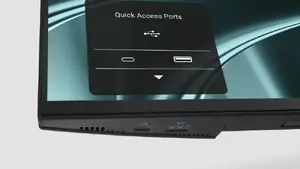
Designed with a bottom bezel that houses 1 USB‑C (up to 15W charging) and 1 USB‑A quick-access port, the monitor gives you fast, front-facing connectivity for phones, flash drives and peripherals. An intuitive on-screen display highlights port locations so connecting devices is effortless.
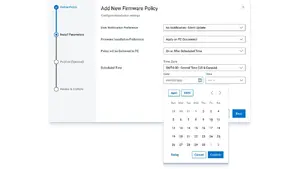
Silent firmware updates to avoid interruptions
Enjoy smooth, low-impact firmware updates that complete in just 2–3 minutes, reducing update time by up to 90%. Updates run while the PC is disconnected or the monitor is asleep to prevent screen blackouts, and scheduling options ensure guaranteed execution without disrupting productivity.
Hardware low blue light for better eye comfort
Built-in low blue light technology reduces harmful blue light emissions to ≤35%, helping to minimise eye strain during long workdays while preserving accurate, natural colours.

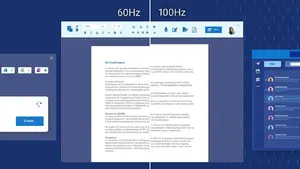
Smoother motion with a 100Hz refresh rate
The 100Hz refresh rate reduces flicker and delivers smoother scrolling and more consistent motion, improving readability and the feel of everyday interactions.
Vivid, accurate colour reproduction
Wide colour coverage—99% sRGB and 99% BT.709—combined with up to 16.7 million displayable colours provides vibrant, accurate visuals ideal for content, documents and presentations.

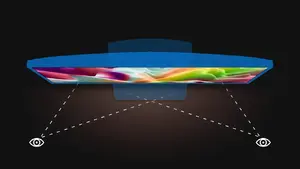
Consistent colours from every angle
IPS panel technology ensures consistent, vibrant colours and wide 178° viewing angles so images remain true and uniform whether you’re sitting centrally or sharing the screen with colleagues.
Deep contrast for clearer detail
A 1500:1 contrast ratio delivers deeper blacks and brighter whites, enhancing text clarity and visual depth for everyday office tasks and multimedia.

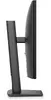
Flexible tilt adjustment
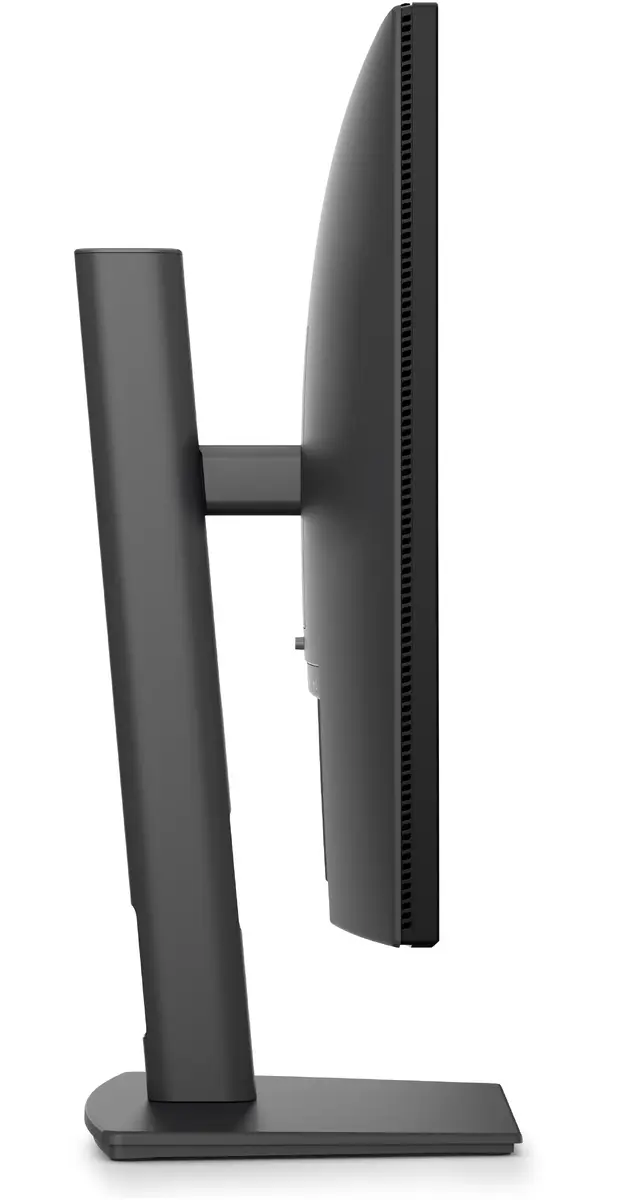
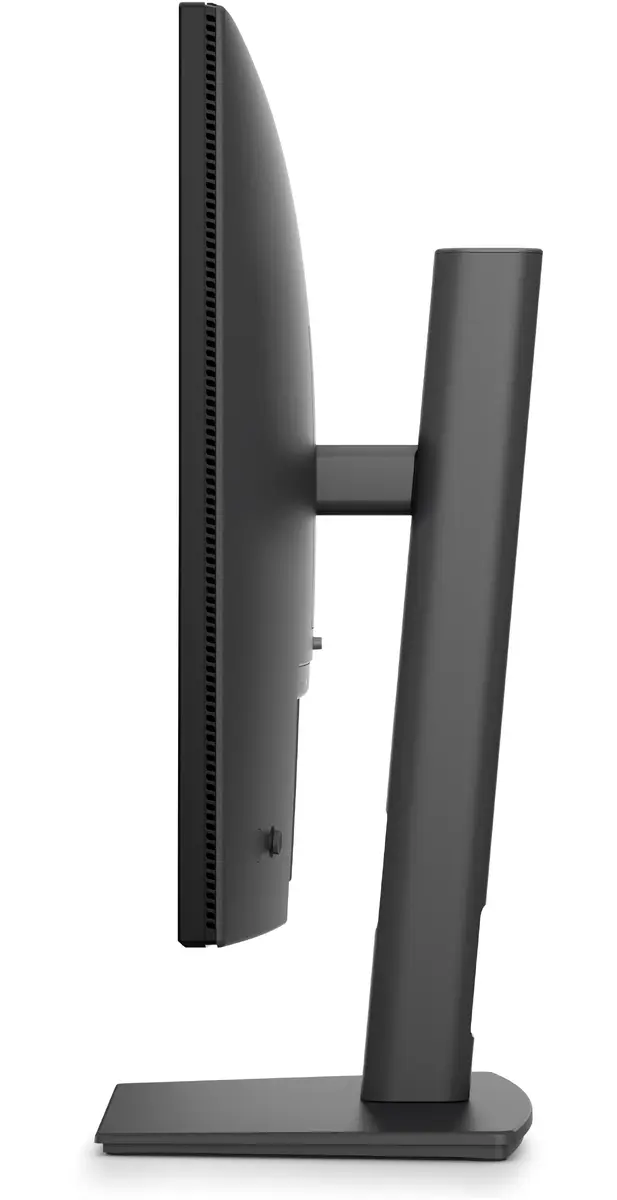
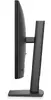
Tilt the display from -5° to +21° to find a comfortable viewing angle that reduces neck strain and improves ergonomics.

Wide swivel range
Swivel the monitor bi-directionally up to 45° to quickly share your screen or fine-tune your viewing position.
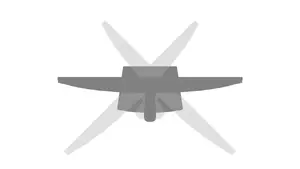
Pivot for portrait or landscape
Rotate the screen bi-directionally up to 90° to switch between landscape and portrait orientations for coding, reading or long-document editing.
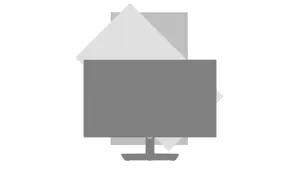
Height adjustability for ergonomic comfort
Adjust the monitor height up to 150 mm to align the screen with your eye level and create a healthier, more comfortable workstation.
Dell Display and Peripheral Manager: smarter workspace control
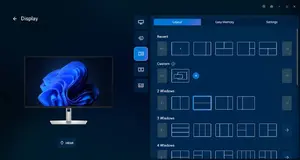
Dell’s unified application helps you optimise and manage your entire Dell workspace. Maximise productivity with Easy Arrange—tile apps across screens using preset partitions or custom layouts and save multiple app profiles. Automate display brightness and contrast to match your schedule for comfortable working day or night. For IT teams, the Dell Device Management Console and expanded Command Line Interface features simplify fleet management from a single cloud console, saving time and improving efficiency.
Environmentally forward design and packaging
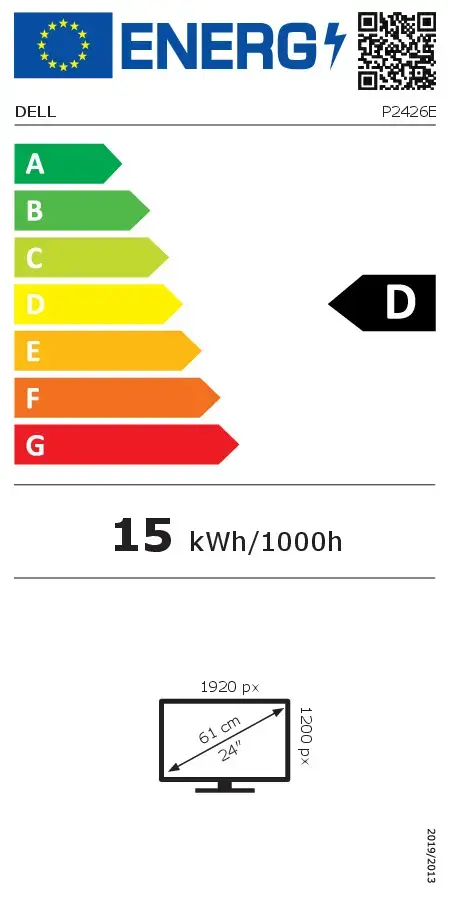
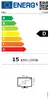
Thoughtful, sustainable design uses recycled materials—up to 95% post-consumer recycled plastic, 100% recycled aluminium, 80% recycled steel and 20% recycled glass—to reduce waste. The monitor meets rigorous environmental standards, including ENERGY STAR®, EPEAT Gold with Climate+, and TCO Certification (including TCO Certified Edge). Dell offers responsible IT retirement services to help meet sustainability goals, and the product ships in packaging made from 100% recycled or renewable materials, helping reduce paper use equivalent to saving approximately 790 trees annually.