


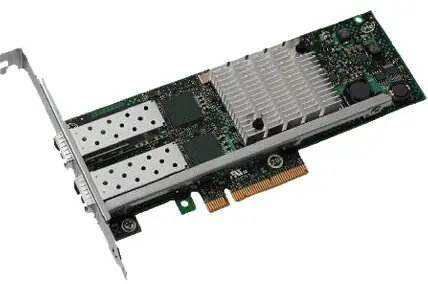
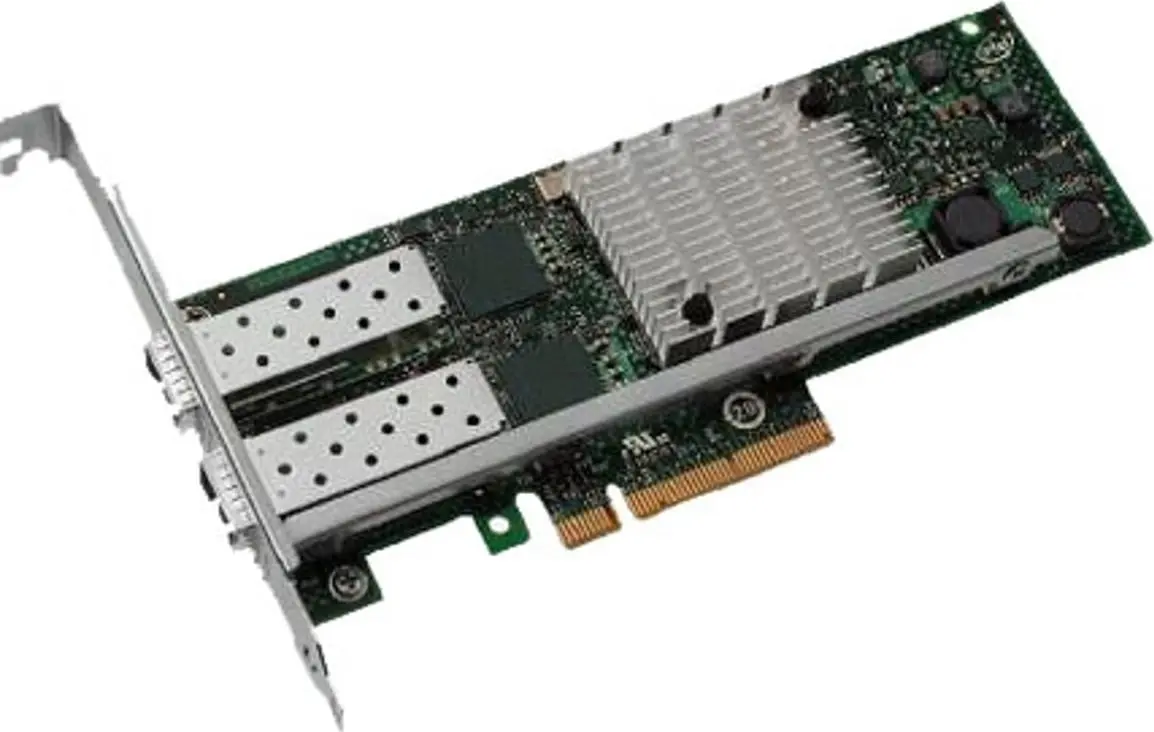
Dell 540-BBDR Internal Network Card with PCI Express Interface, Wired Ethernet and Fiber Connectivity, and 10000 Mbit/s Maximum Data Transfer Rate
Offer for a legal entity, non-cash payment.
Short description


Cheapest delivery:
Unisend LV
Product information
Description
The Dell 540-BBDR internal network card is a high-performance networking solution designed to enhance connectivity in demanding IT environments. This expansion card provides reliable wired networking capabilities utilizing advanced Ethernet and Fiber interfaces. Built to integrate seamlessly into compatible server and workstation infrastructures, it delivers exceptional data throughput and stable operation for enterprise-grade applications and data centers.
Advantages
This network card offers significant advantages for organizations requiring robust and high-speed data transmission. By supporting a maximum data transfer rate of 10000 Mbit/s, it ensures rapid file transfers, minimal latency, and efficient handling of heavy network traffic. The utilization of the PCI Express host interface guarantees a dedicated, high-bandwidth connection without bus sharing, which optimizes overall system performance and network reliability.
Suitable for
- Enterprise environments requiring high-speed data transmission
- Data centers and server rooms
- Workstations handling heavy network workloads
- Upgrading existing server infrastructure for 10Gbps connectivity
When it may not be suitable
This network card is not designed for standard home or basic office networks that rely on consumer-grade routers or wireless connections. It requires a compatible motherboard with an available PCI Express slot and is unsuitable for systems lacking enterprise-level server hardware support.
Key specifications
- Wired connectivity technology
- PCI Express host interface
- Ethernet and Fiber interface compatibility
- 10000 Mbit/s maximum data transfer rate
- Internal installation design
How to use
To install the Dell 540-BBDR network card, ensure the host system is powered off and unplugged. Open the computer or server chassis and insert the card firmly into an available PCI Express slot, securing the bracket to the chassis. Once installed, close the casing, power on the system, and install the appropriate drivers for your operating system to configure the Ethernet and Fiber connections.
What to consider before purchase
- Verify that your server or motherboard features an available PCI Express slot
- Check compatibility with your existing network infrastructure, specifically regarding Ethernet and Fiber cables
- Ensure your operating system supports the required drivers for 10000 Mbit/s operation
Usage recommendations
For optimal performance and stability, ensure that enterprise-grade cables are used and that the system drivers are kept up to date according to official manufacturer guidelines.
Features
- Connectivity technology:
- Wired
- Interface:
- Ethernet / Fiber
- Host interface:
- PCI Express
- Maximum data transfer rate:
- 10000 Mbit/s
Stock data
| Warehouse | Stock | Delivery to the store | Store Price | |
| EU6 | 3 | 14.12.2026 | 90.99 € | Add to cart |
| WH109 | 3 | 21.12.2026 | 125.49 € | Add to cart |
- 90.99 €Stock: 3Delivery Date: 14.12.2026Warehouse: EU6Add to cart
- 125.49 €Stock: 3Delivery Date: 21.12.2026Warehouse: WH109Add to cart


