
JBL speakers and headphones for pure and deep sound!
In cart {{totalProductsCount}} item(s)
Your cart is empty
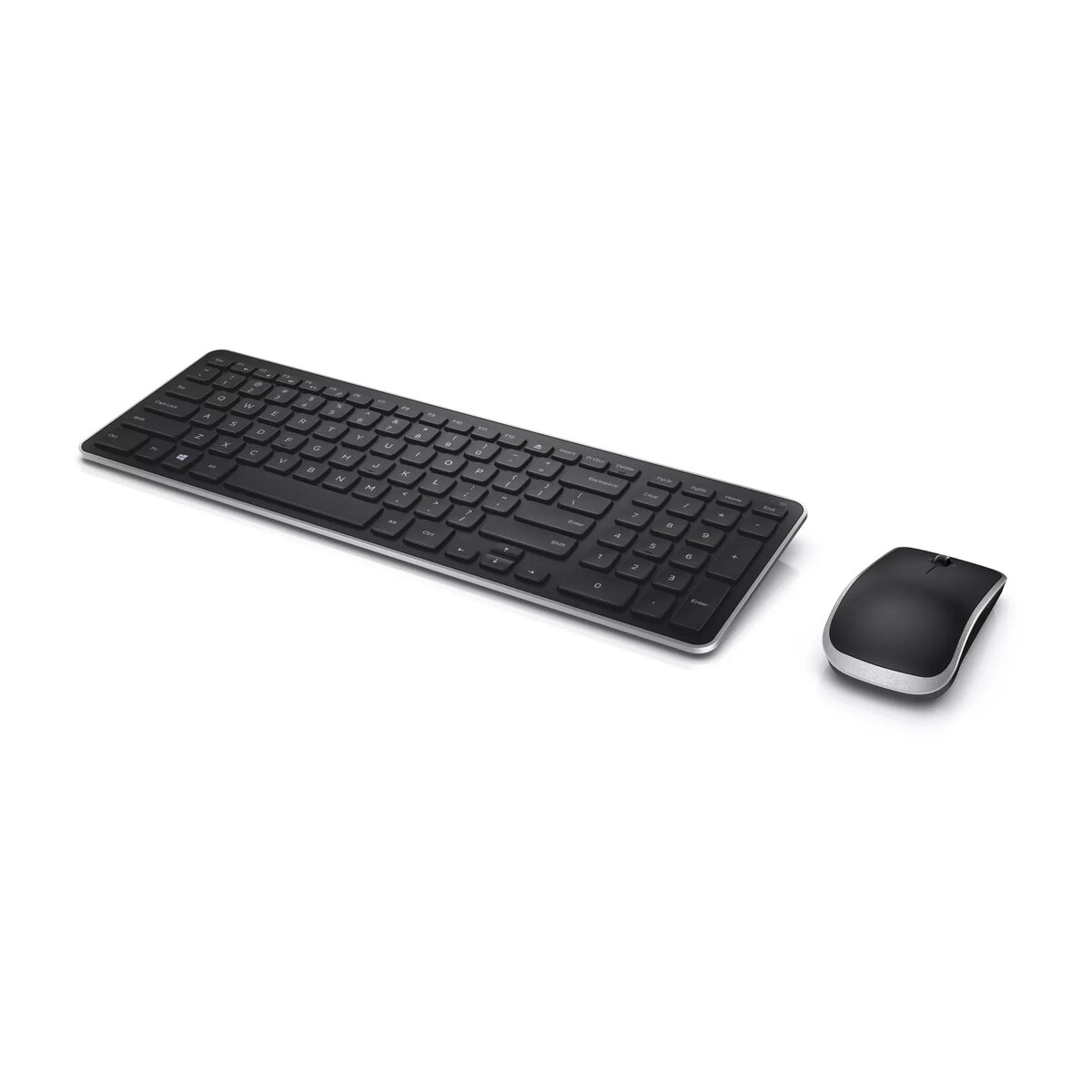
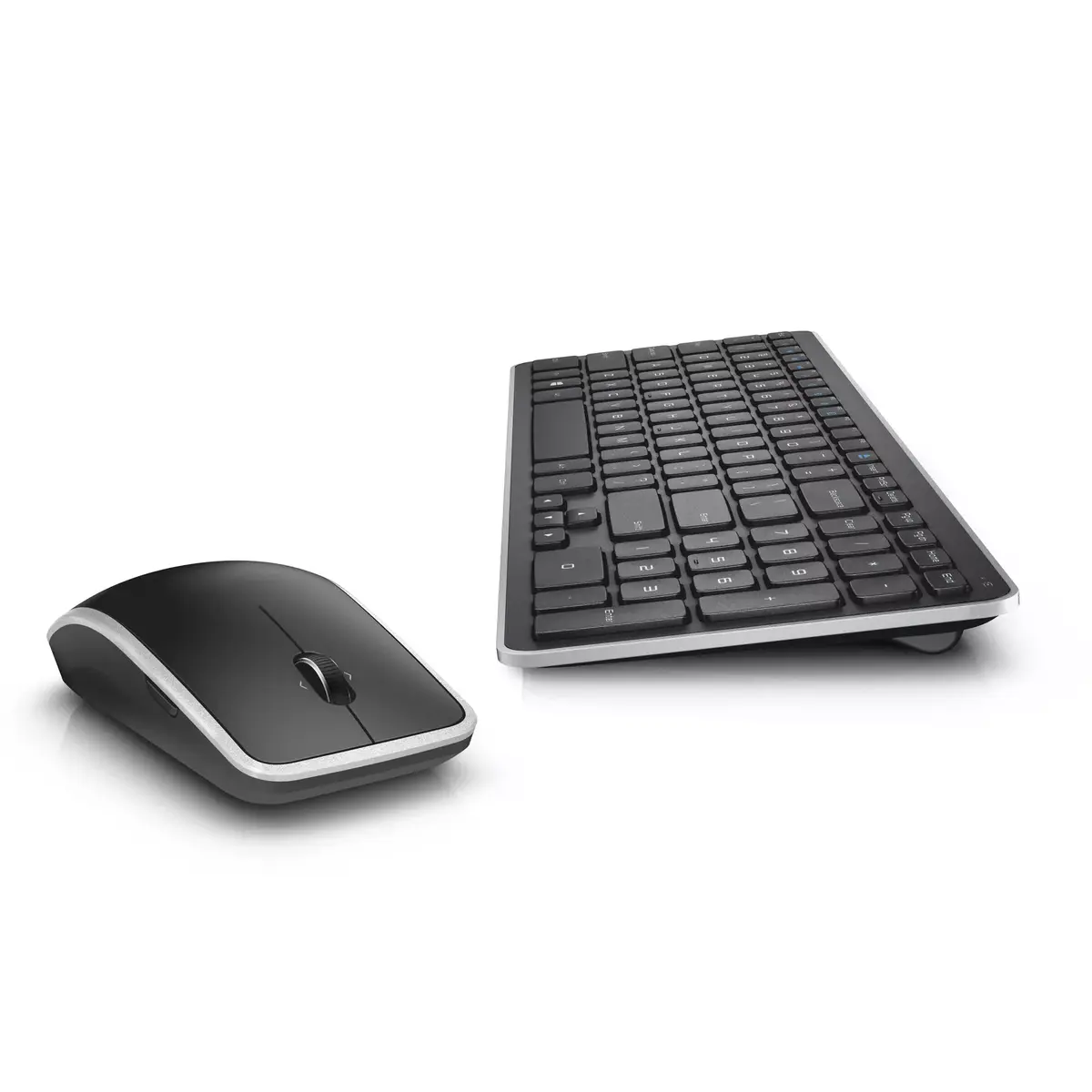
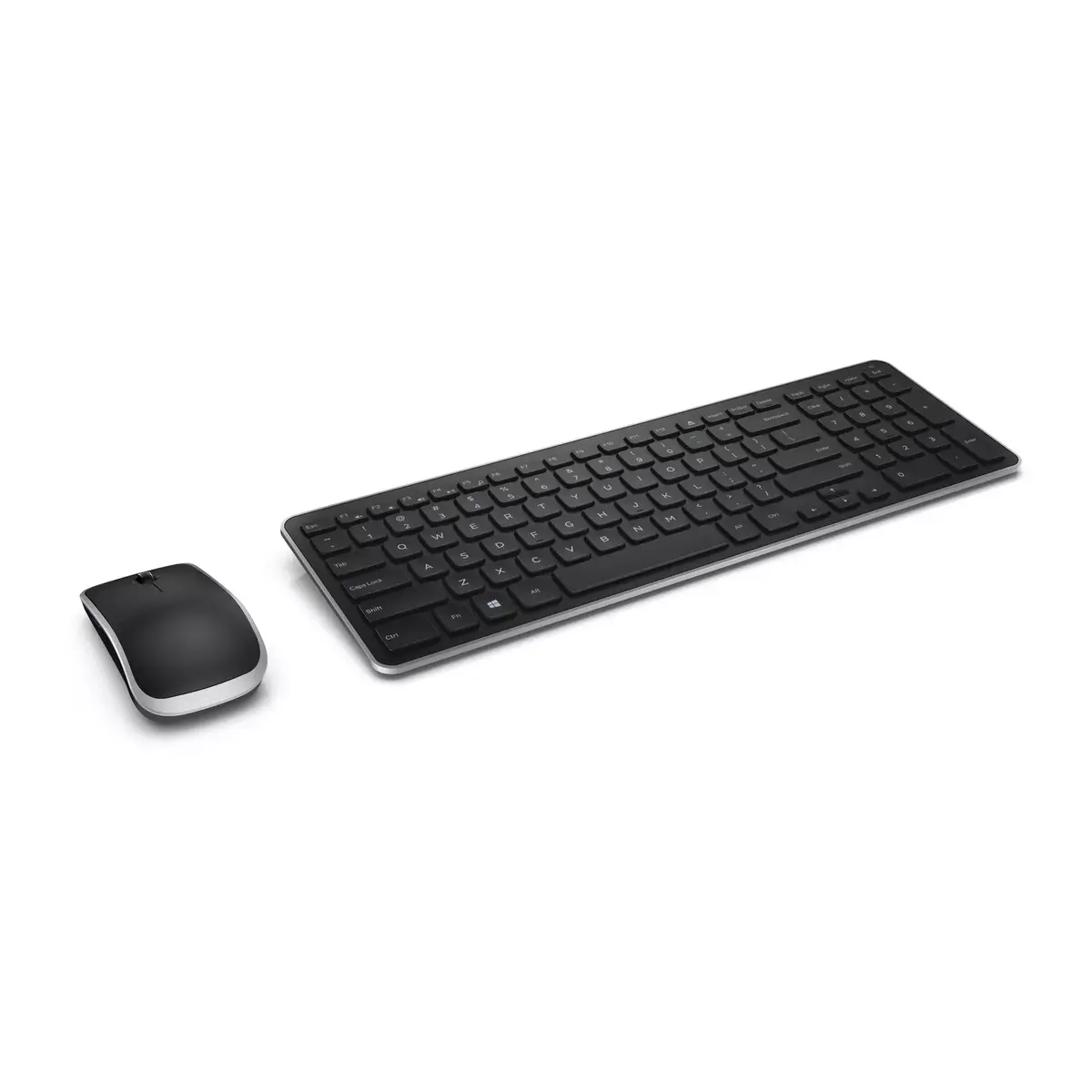
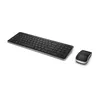
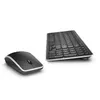
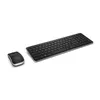
Dell KM714 Wireless Keyboard and Mouse Set, Full-size, QWERTZ German Layout, Black
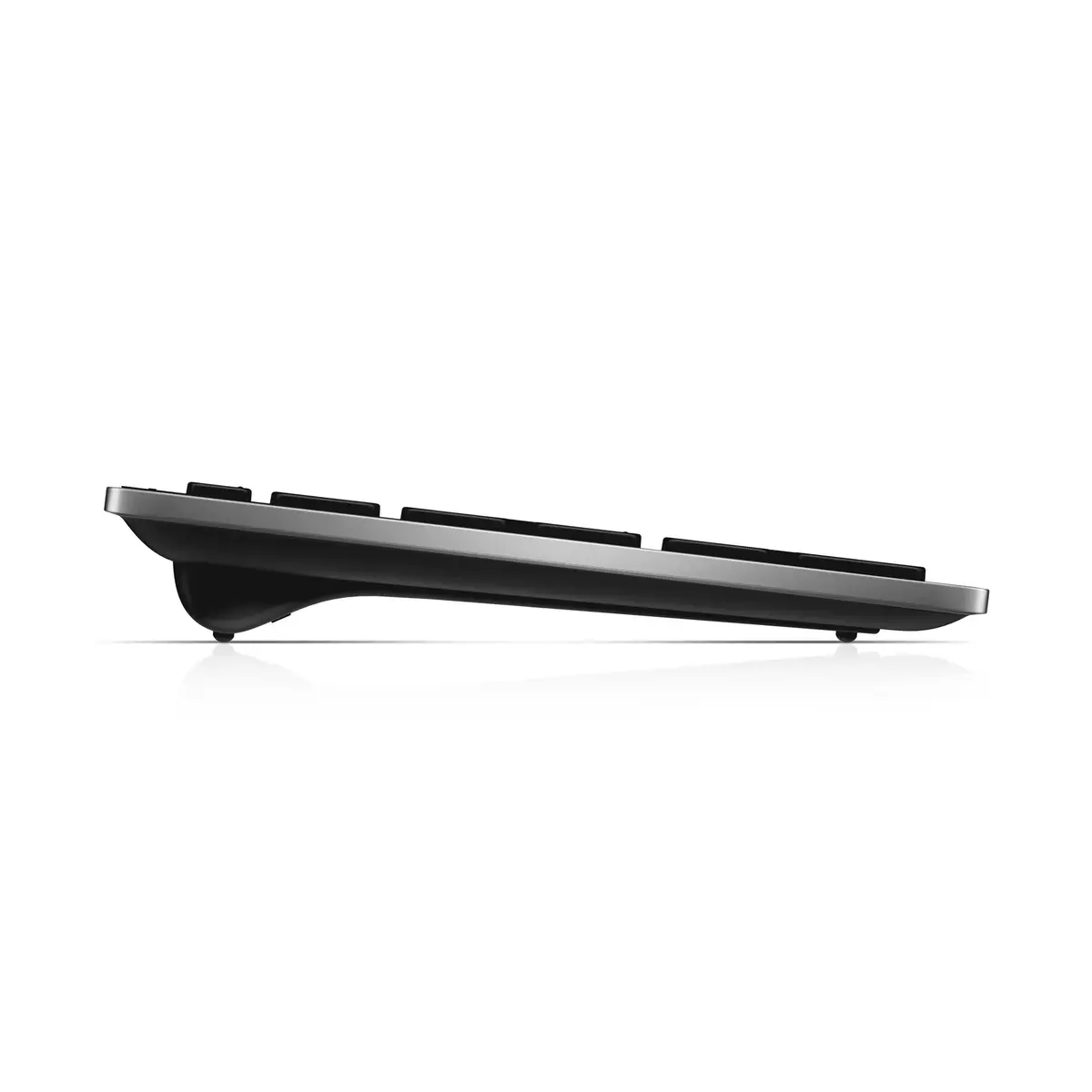
The Dell KM714 Wireless Keyboard and Mouse Set is a professional-grade peripheral solution designed to enhance productivity and maintain a clean, cable-free workspace. Featuring a full-size QWERTZ German layout, this set provides a familiar and efficient typing experience suitable for both office environments and home setups. The sleek black design with a slim profile ensures it integrates seamlessly into any modern workstation, while the reliable RF wireless connectivity offers a stable connection for your daily computing tasks.
This wireless combo offers a clutter-free environment by utilizing a single compact USB nano receiver, which frees up your computer's ports for other peripherals. The keyboard features responsive chiclet-style keys that provide a comfortable typing experience, complemented by dedicated multimedia shortcut keys for quick control over audio and video playback. The included laser mouse is designed for precision tracking and features a versatile scroll wheel and side buttons that facilitate easy navigation within Windows operating systems. Furthermore, the energy-efficient design ensures extended battery life, allowing for long periods of uninterrupted use without frequent battery replacements.
This keyboard set may not be ideal for users who require a specific non-German keyboard layout or those who prefer mechanical switches for gaming purposes. Additionally, users working in environments with extreme wireless interference might prefer a wired connection for absolute signal stability.
To begin using the Dell KM714, insert the provided batteries into both the keyboard and the mouse. Plug the USB nano receiver into an available USB port on your computer. The system should automatically detect the devices. If you wish to connect additional compatible devices, you can utilize the Dell Unifying software to manage your connections through the single receiver.
Usage recommendations: To maintain optimal performance, keep the USB receiver in a clear line of sight or close proximity to the keyboard and mouse. Replace batteries promptly when the low-power indicator activates to ensure consistent connectivity.
{{highlightedFeature.featureTitle}}:
{{getProductFeatureValueById(product, highlightedFeature.featureId)}}
{{ productComparisonGenerationError }}
