
Filters you can trust. Pure water every day.
In cart {{totalProductsCount}} item(s)
Your cart is empty
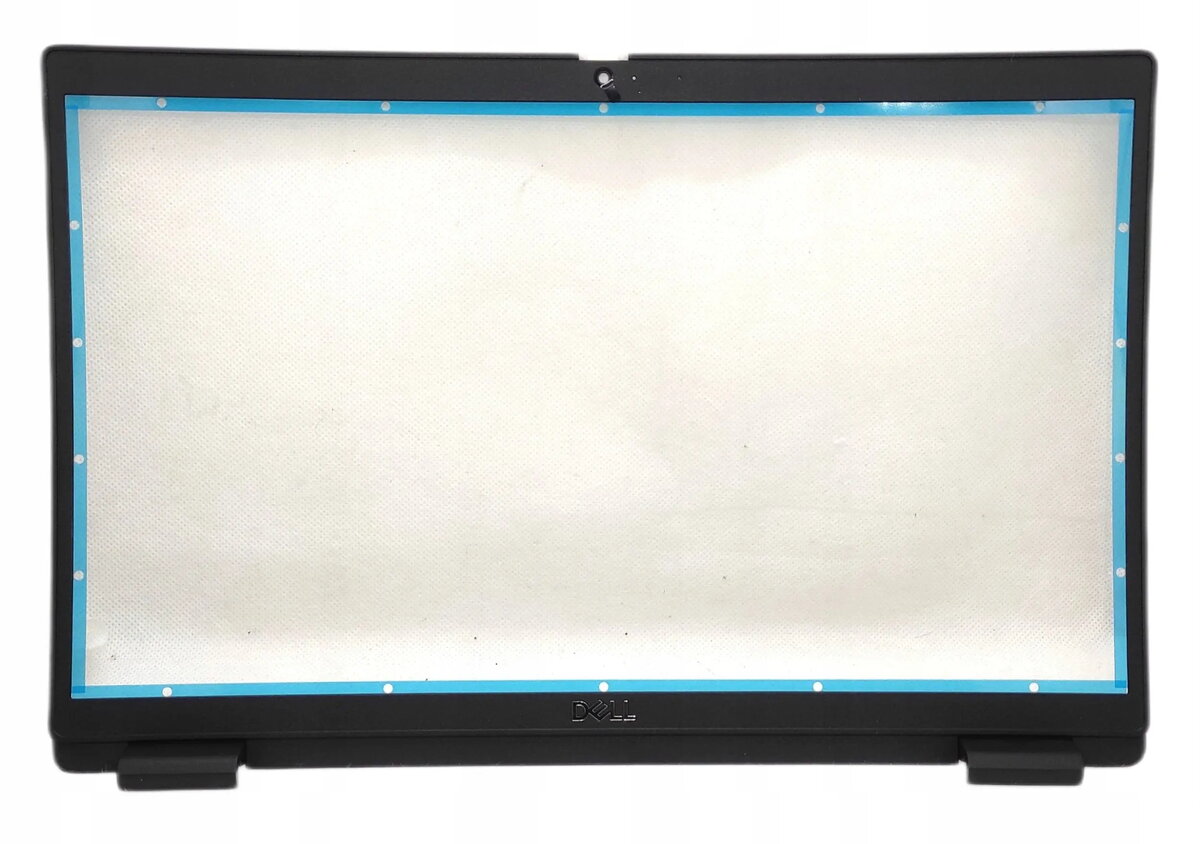
Laptop memory module for Dell BZL,LCD,NT,HD/MIC/SHTR,3520
Replacement laptop memory module compatible with Dell BZL,LCD,NT,HD/MIC/SHTR,3520. This RAM module is designed as a direct-fit component for system upgrades or repairs on the specified Dell notebook. It restores or increases available working memory to improve multitasking performance and application responsiveness when installed in a supported configuration. Verify the notebook model and supported memory specifications before installation to ensure compatibility.
The module provides a straightforward upgrade path for increasing available RAM without requiring motherboard modification. As a direct-fit replacement designed for the listed Dell model, it simplifies repair and maintenance tasks and helps reduce system slowdowns caused by insufficient memory. Installation can enable smoother switching between applications and improve overall system responsiveness in everyday tasks.
Power down the notebook and disconnect any power sources, including the battery if applicable. Open the service access panel according to the manufacturer’s instructions, locate the memory slot, and remove any existing module if replacing. Align the module with the slot and press gently until the retention clips engage. Reassemble the notebook, reconnect power, and confirm the new memory is recognized in the system BIOS or operating system. Follow safety precautions for electrostatic discharge during handling.
Before purchase and installation, consult your notebook’s service manual or Dell support resources to confirm supported memory capacity, speed and module configuration. Use static-safe procedures when handling the module and ensure firmware or BIOS is up to date for best compatibility.
{{highlightedFeature.featureTitle}}:
{{getProductFeatureValueById(product, highlightedFeature.featureId)}}
{{ productComparisonGenerationError }}
