
Powerful EcoFlow stations for energy anywhere!
In cart {{totalProductsCount}} item(s)
Your cart is empty
USB-C adapter Dell DA200 (D3MT1) — HDMI + Ethernet
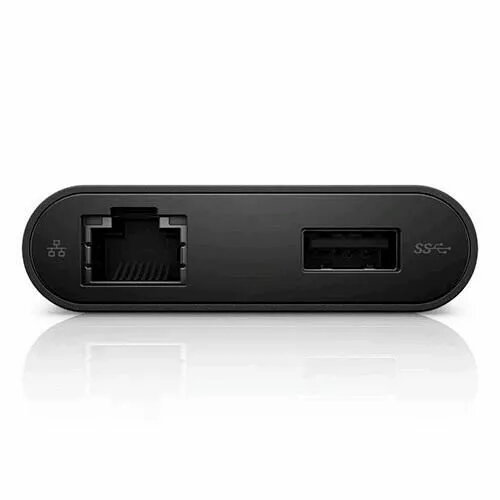
The Dell DA200 (D3MT1) is a compact USB-C adapter that combines an HDMI video output and a wired Ethernet port in a single portable accessory. It connects to laptops and mobile devices with USB-C to deliver HDMI video to external displays and provide a stable RJ45 network connection for environments where Wi‑Fi is unavailable or unreliable. The adapter is designed for mobility and straightforward plug-and-play use without additional drivers on most modern operating systems.
The adapter offers a slim form factor that is easy to carry and store, enabling quick connection to projectors, monitors or TVs via HDMI. The integrated Ethernet port supplies a consistent wired connection suitable for video calls, large file transfers and secure network access. The device supports automatic configuration on many systems and reduces cable clutter by combining video and network functions in one peripheral.
Connect the USB-C plug of the Dell DA200 to a compatible USB-C port on your laptop or mobile device. Attach an HDMI cable between the adapter's HDMI port and the external display, then connect an Ethernet cable to the adapter's RJ45 port for wired network access. The connected device should detect the external display and network automatically; if necessary, select the external display in your system display settings and configure the network adapter in the operating system network settings.
Use a high-quality HDMI cable and a good condition Ethernet cable to ensure reliable video and network performance. Verify that your device's USB-C port supports video output and data transfer simultaneously. For higher-resolution video output, check the host device specifications to confirm supported HDMI modes.
{{highlightedFeature.featureTitle}}:
{{getProductFeatureValueById(product, highlightedFeature.featureId)}}
{{ productComparisonGenerationError }}
