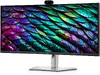
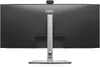
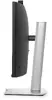
Next-generation collaboration experience
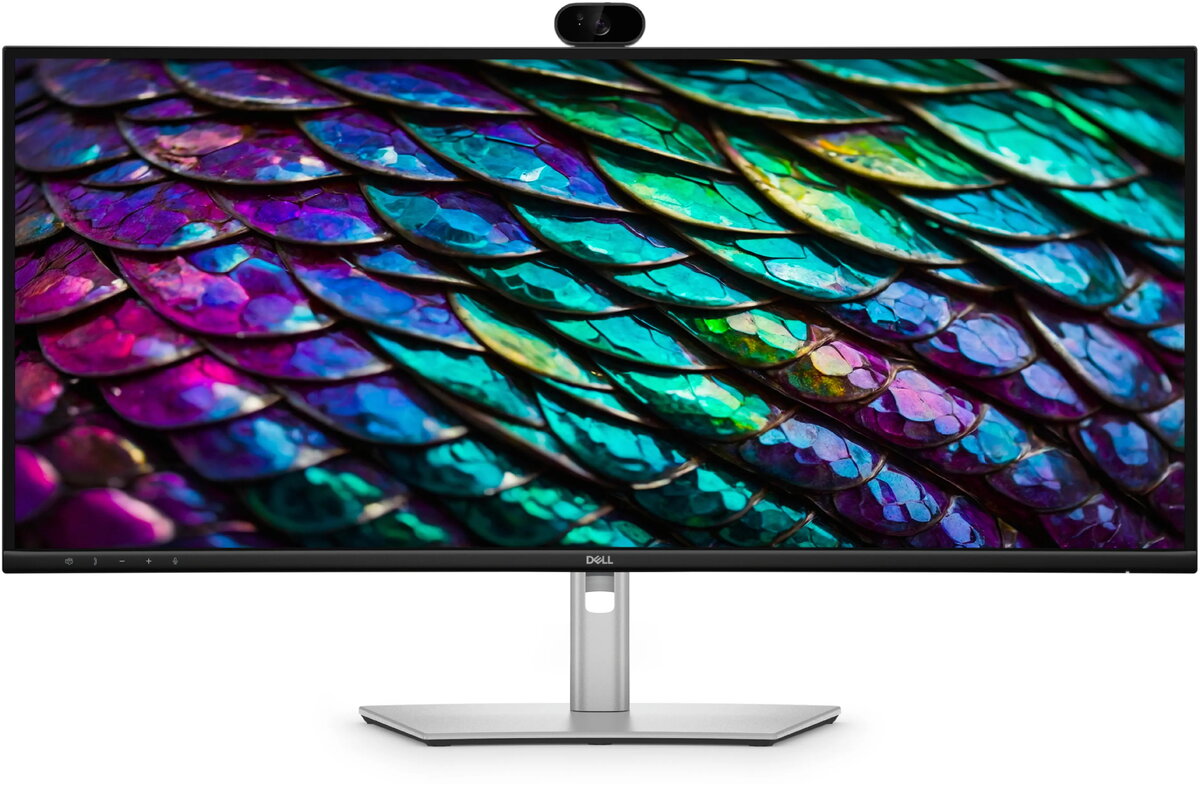
Professional clarity in every lighting condition — the built-in Sony Starvis 5MP sensor and QHD camera with HDR deliver balanced exposure and detailed video so you always look sharp on calls. AI Auto Framing keeps you centered as you move, ensuring the focus stays on you throughout meetings.

Effortless, secure collaboration
Works smoothly with major platforms — certified for Microsoft Teams and Zoom, with a quick-access touch control to launch calls instantly. Integrated Windows Hello sign-in and a mechanical tilt-and-shutter privacy cover provide secure, password-free access and physical privacy control for worry-free collaboration.

Single-cable productivity
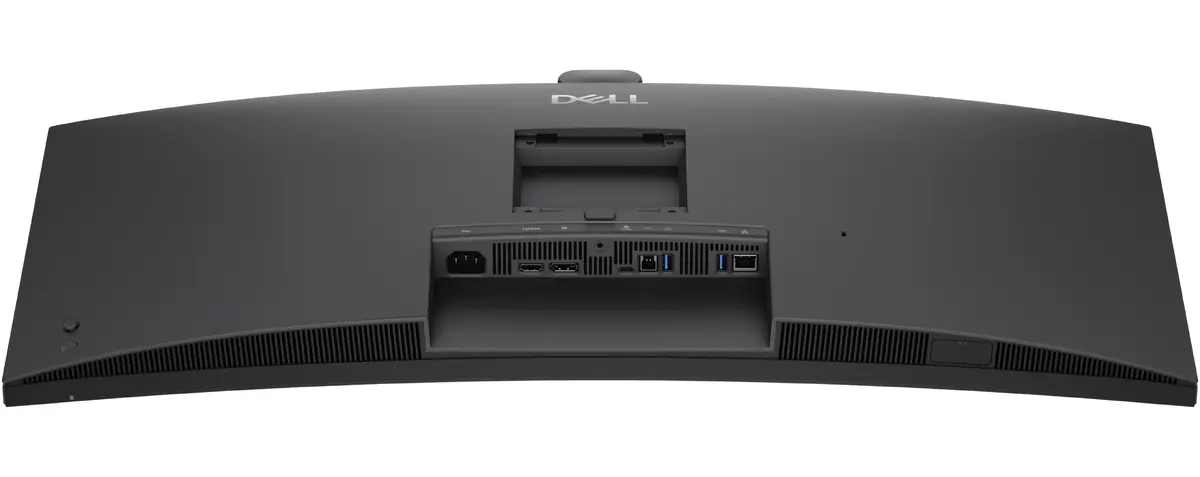
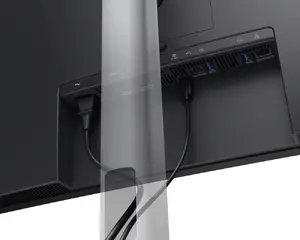
Streamline your workspace: one USB-C cable transmits video, data, Ethernet and delivers up to 90W power, reducing clutter while keeping your laptop charged and connected.
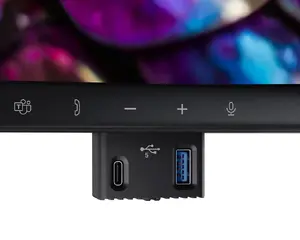
Quick-access pop-out ports
Connect or charge devices fast with easily reachable pop-out ports, including a USB-C port (up to 15W charging) and a USB Type-A port for peripherals.
Extensive wired connectivity
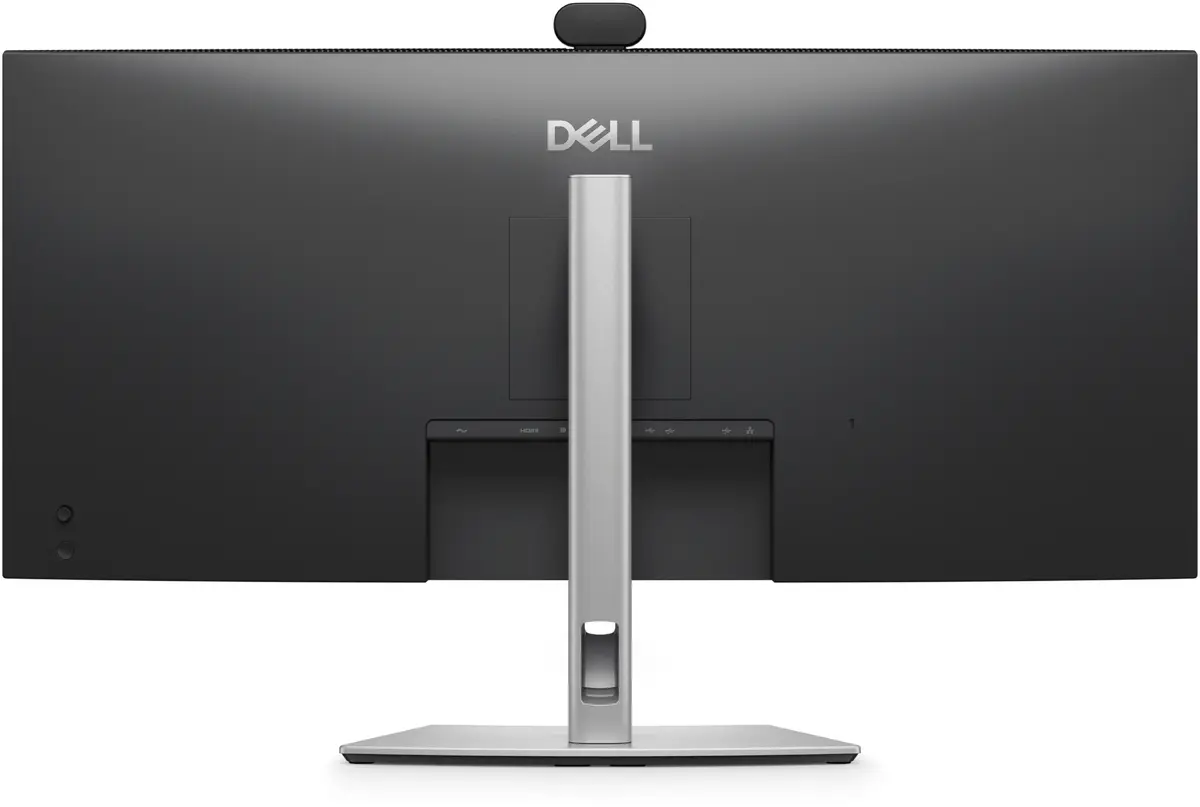
Attach all your accessories with a wide selection of ports, including RJ45 Ethernet for reliable network access — ideal for stable video calls and high-bandwidth tasks.
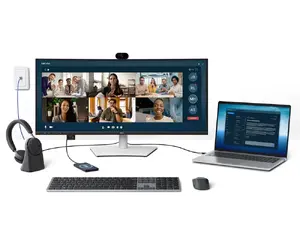
Seamless multitasking and KVM support
Picture-by-Picture (PbP) lets you view content from multiple PCs on one screen while a single keyboard and mouse control them. Built-in KVM and Auto KVM enable effortless switching between inputs to boost productivity across systems.
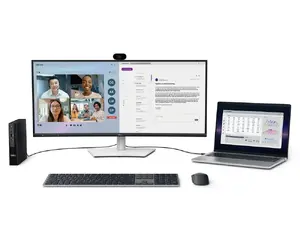
Mac-ready connectivity
Tested with macOS devices: this USB-C monitor works with Mac systems via USB-C or HDMI. For daisy-chaining multiple displays you’ll need Thunderbolt connectivity. Check your device compatibility — some M-series chips may limit features. Use Dell Display and Peripheral Manager to customise advanced settings.
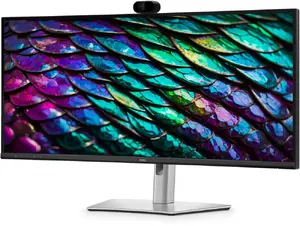
Comfort-focused display technology
TÜV 4-Star eye comfort certification reduces eye fatigue during long workdays. Hardware low blue light reduces harmful blue light emissions to ≤35% without compromising colour. A 100Hz refresh rate lowers flicker and delivers smoother motion and scrolling. Wide colour coverage with up to 1.07 billion displayable colours and 99% sRGB ensures vivid, accurate visuals.

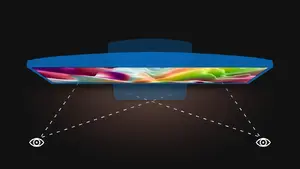
Consistent colour from every angle
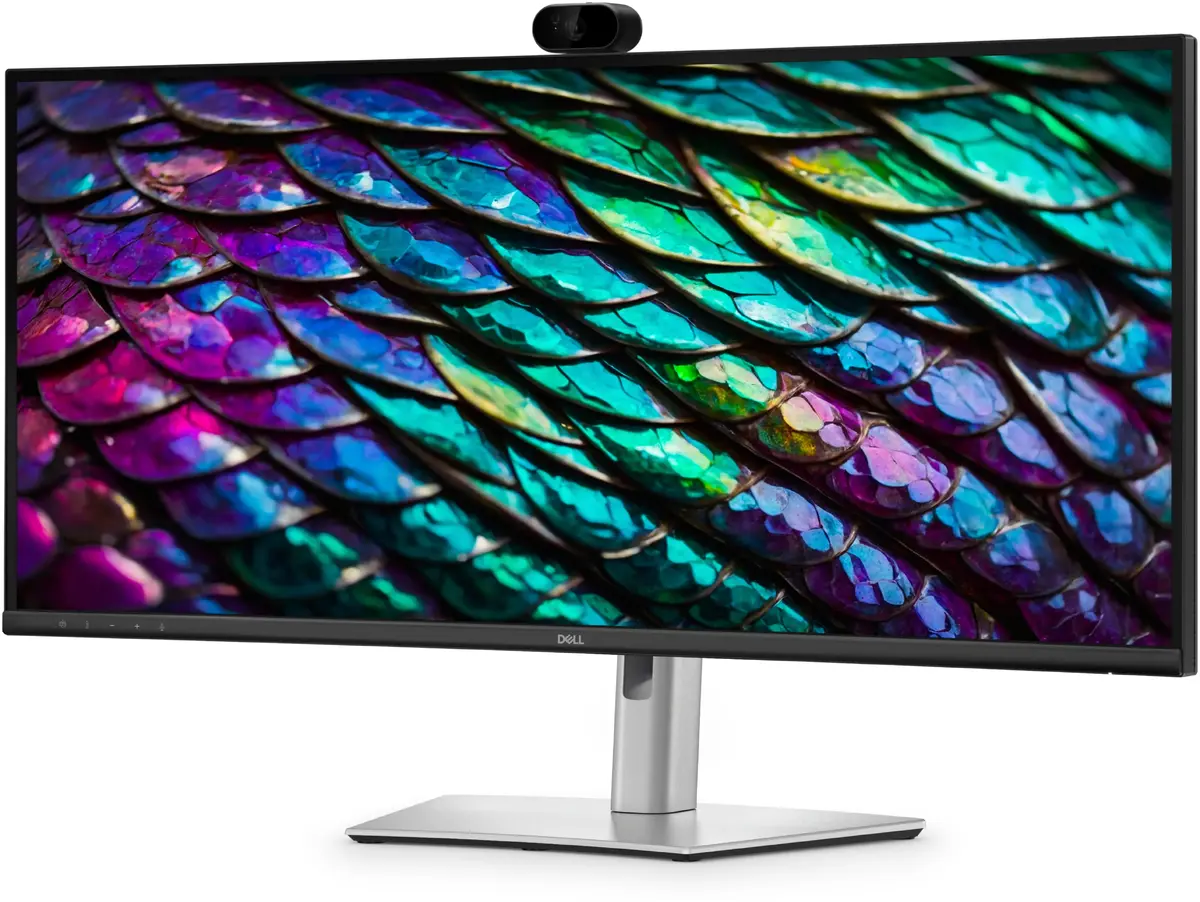
In-Plane Switching (IPS) technology provides consistent, vibrant colours and wide viewing angles, so images remain accurate across the curved 34" UWQHD screen.
Deep contrast for richer visuals
A 1500:1 contrast ratio delivers deeper blacks and brighter whites, enhancing depth and detail in images and video.

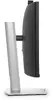
Tilt adjustment
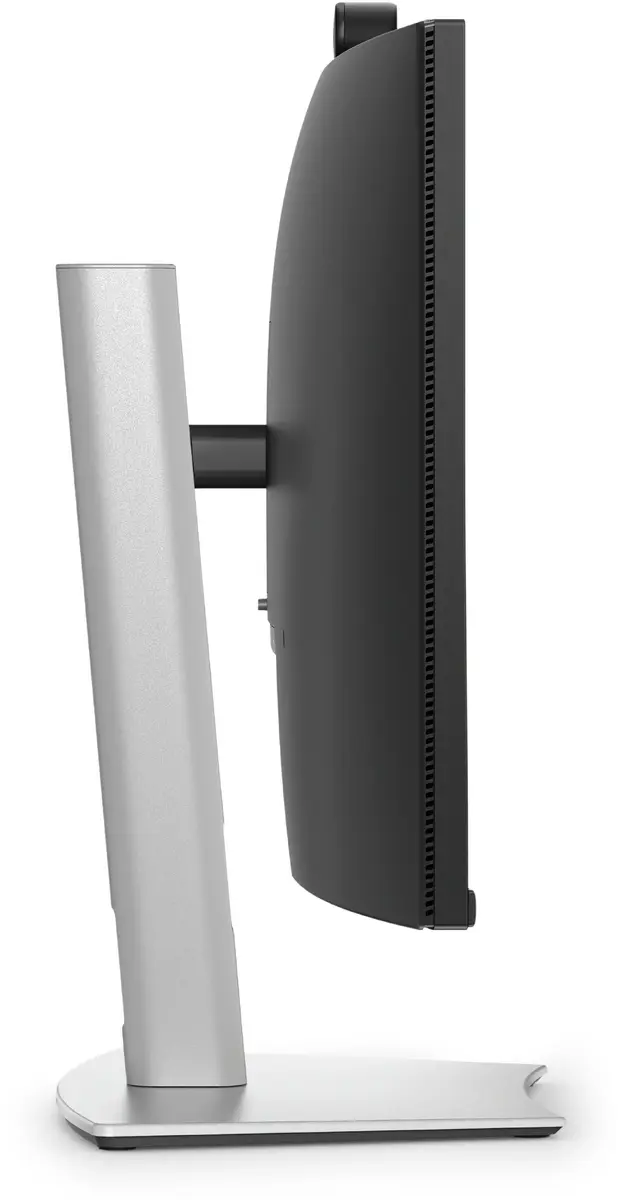
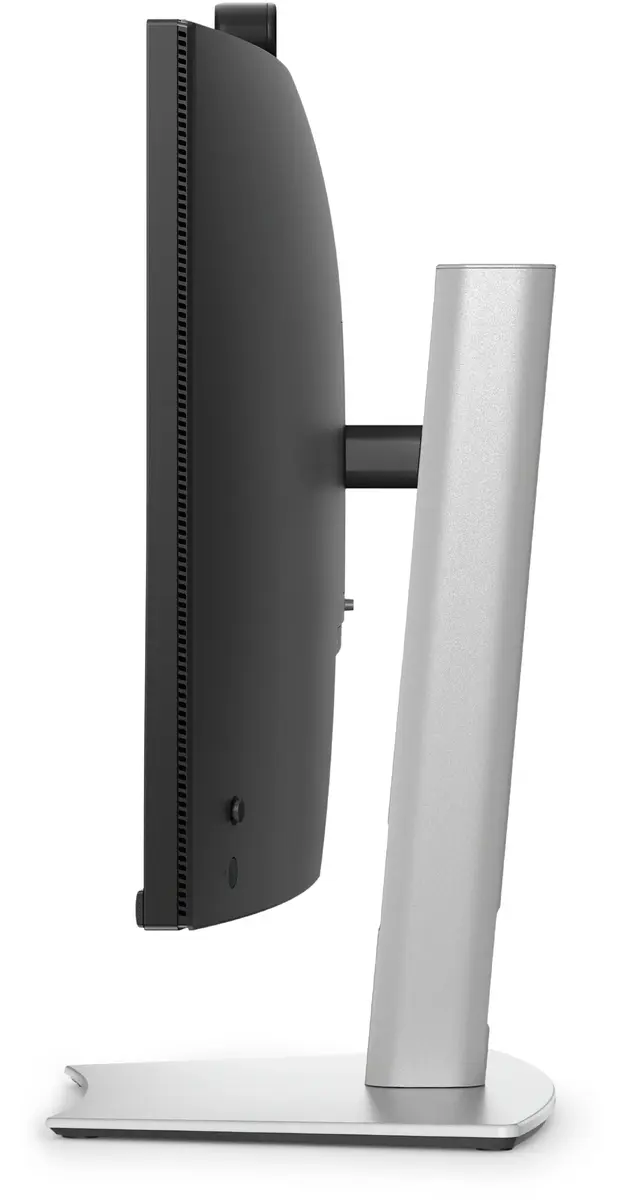
Ergonomic tilt range from -5° to +21° lets you position the screen for comfortable viewing throughout the day.

Swivel adjustment
Bi-directional swivel up to 30° enables easy sharing of your screen and optimal positioning.
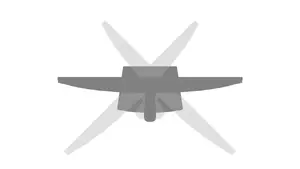
Slant (pivot) adjustment
Bi-directional slant adjustment up to -4° / +4° for fine-tuned viewing alignment.
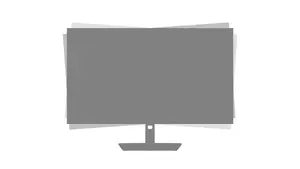
Height adjustability
Flexible height adjustment up to 150mm helps you find the ideal ergonomic position for long-term comfort.
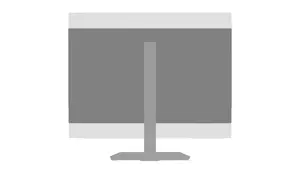
Dell Display and Peripheral Manager
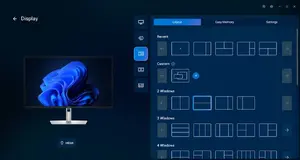
Optimise your Dell workspace with a single application: Easy Arrange lets you tile and save up to five window layouts and restore them manually, on schedule or at startup. Automate brightness and contrast to suit your day‑to‑day routine, and use the Dell Device Management Console for cloud-based fleet management and expanded command-line capabilities.
Designed with sustainability in mind
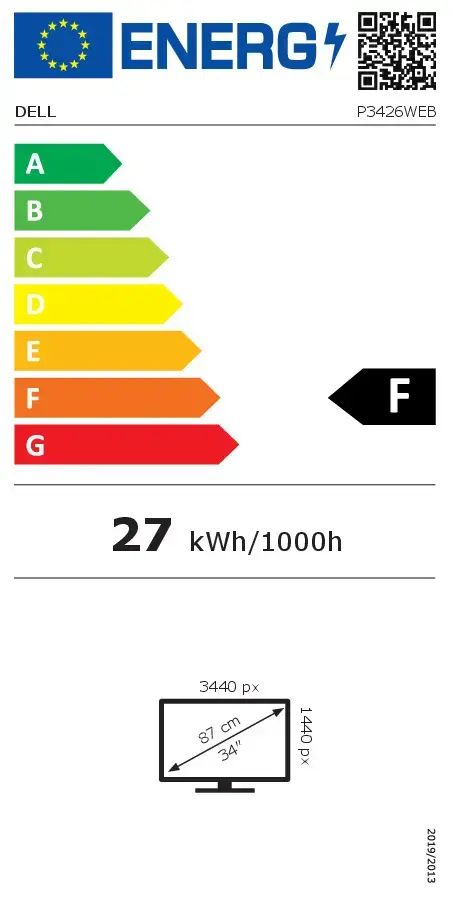
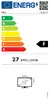
Built from recycled materials — up to 95% post-consumer recycled plastic, 100% recycled aluminium, 50% recycled steel and 20% recycled glass — to reduce waste. The monitor meets ENERGY STAR®, EPEAT Gold with Climate+, TCO Certification and TCO Certified Edge standards for safer materials and extended product life. Packaging is made from 100% recycled or renewable materials, helping reduce paper use equivalent to saving 790 trees annually. We also offer responsible IT retirement services to support your sustainability goals.