
Dreame vacuums for fast and efficient cleaning!
In cart {{totalProductsCount}} item(s)
Your cart is empty
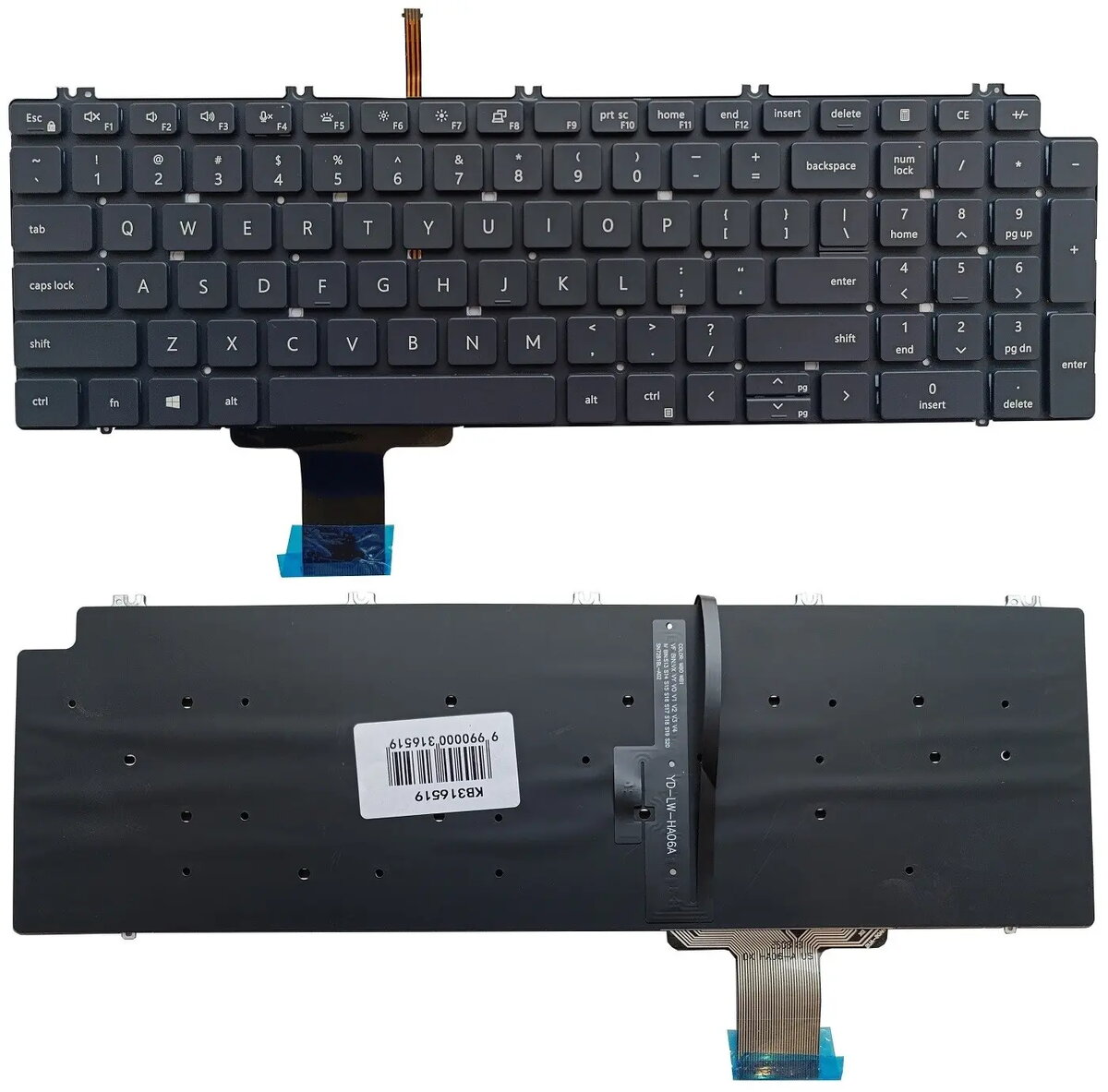
Laptop keyboard Dell for Precision 7550/7560/7750/7760 with backlight, US layout
Replacement laptop keyboard compatible with Dell Precision 7550, 7560, 7750 and 7760 models and a number of other Dell 15" workstations and consumer notebooks. This US layout (QWERTY) keyboard features integrated backlighting to support typing in low-light environments. It is designed as a direct-fit spare part to restore full keyboard functionality and illumination for professional mobile workstations.
The keyboard uses the standard US key arrangement for familiar typing and shortcut access, and the built-in backlight improves visibility in dim conditions. Its form factor and connector arrangement are matched to the listed Dell 15" models so it installs as a replacement without modification. The unit comes in a black finish that maintains the original laptop appearance and is backed by a short-term warranty for peace of mind.
Power off the laptop and disconnect all power sources before beginning replacement. Remove the laptop bottom cover, disconnect the battery if required by the service manual, and carefully release the keyboard retention clips and connector. Install the replacement keyboard by seating it in the frame, connecting the ribbon cable securely to the motherboard socket, and reassembling the chassis in reverse order. After reassembly, power on the laptop and verify that all keys and the backlight function correctly.
Follow the manufacturer's service manual or a qualified technician's instructions when replacing internal components. Avoid forcing connectors and ensure proper electrostatic discharge (ESD) precautions. If backlight or key response issues persist after installation, check ribbon cable seating and firmware/driver settings before considering further replacement.
{{highlightedFeature.featureTitle}}:
{{getProductFeatureValueById(product, highlightedFeature.featureId)}}
{{ productComparisonGenerationError }}
