Save time and money with our discounts!
In cart {{totalProductsCount}} item(s)
Your cart is empty
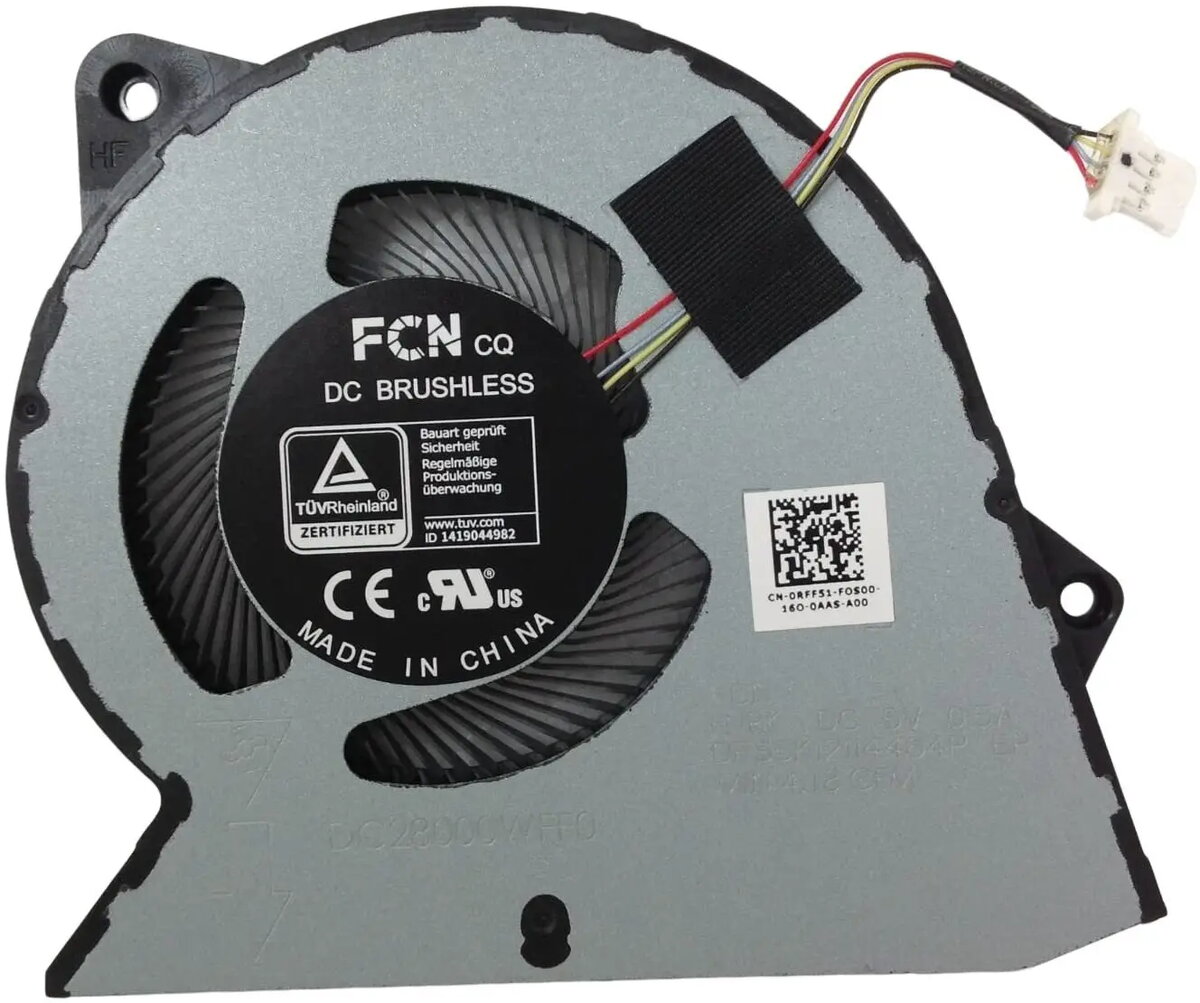
CPU cooling fan assembly Dell (replacement cooling module for laptop/desktop CPU)
Replacement CPU cooling fan assembly by Dell designed to cool a computer processor. This module integrates a blower-style fan and a heatsink mounting assembly to conduct and dissipate heat away from the CPU, helping to maintain stable operating temperatures under sustained load. Intended as a service or repair part for compatible Dell laptops or desktops, the assembly restores cooling performance and reduces risk of thermal throttling when the original fan or heatsink becomes noisy, damaged, or inefficient.
The assembly includes a preconfigured fan and heatsink interface that simplifies installation compared with assembling separate components. Engineered for compatibility with relevant Dell chassis and thermal layouts, it provides targeted airflow and thermal conduction to the processor area. Using an OEM-style unit helps preserve system fit, mounting points, and connector compatibility, supporting reliable fan speed control and sensor reporting through the system firmware.
Power down the system, disconnect from mains and remove the battery if applicable before beginning work. Access the internal cooling area according to the manufacturer service manual, remove the failed or existing fan and heatsink assembly, and clean the CPU contact surface and surrounding area. Apply an appropriate, thin layer of thermal interface material to the CPU surface if required, align the replacement assembly with the mounting points, and secure it using the original screws or fasteners. Reconnect the fan cable to the system fan header, reassemble the chassis, and power on the system to verify fan operation and temperature behavior in system diagnostics or firmware monitoring tools.
Use OEM-recommended thermal paste and torque specifications when installing the assembly. Verify firmware or BIOS fan control settings after replacement and run a controlled load test to confirm temperatures remain within manufacturer limits. If the system continues to exhibit abnormal temperatures or fan noise after installation, consult service documentation or professional repair support.
{{highlightedFeature.featureTitle}}:
{{getProductFeatureValueById(product, highlightedFeature.featureId)}}
{{ productComparisonGenerationError }}