

Filters you can trust. Pure water every day.
In cart {{totalProductsCount}} item(s)
Your cart is empty
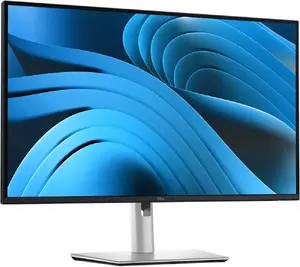
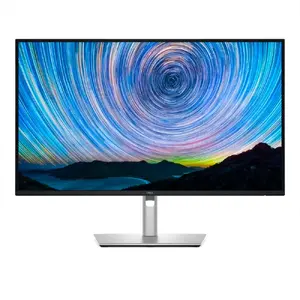
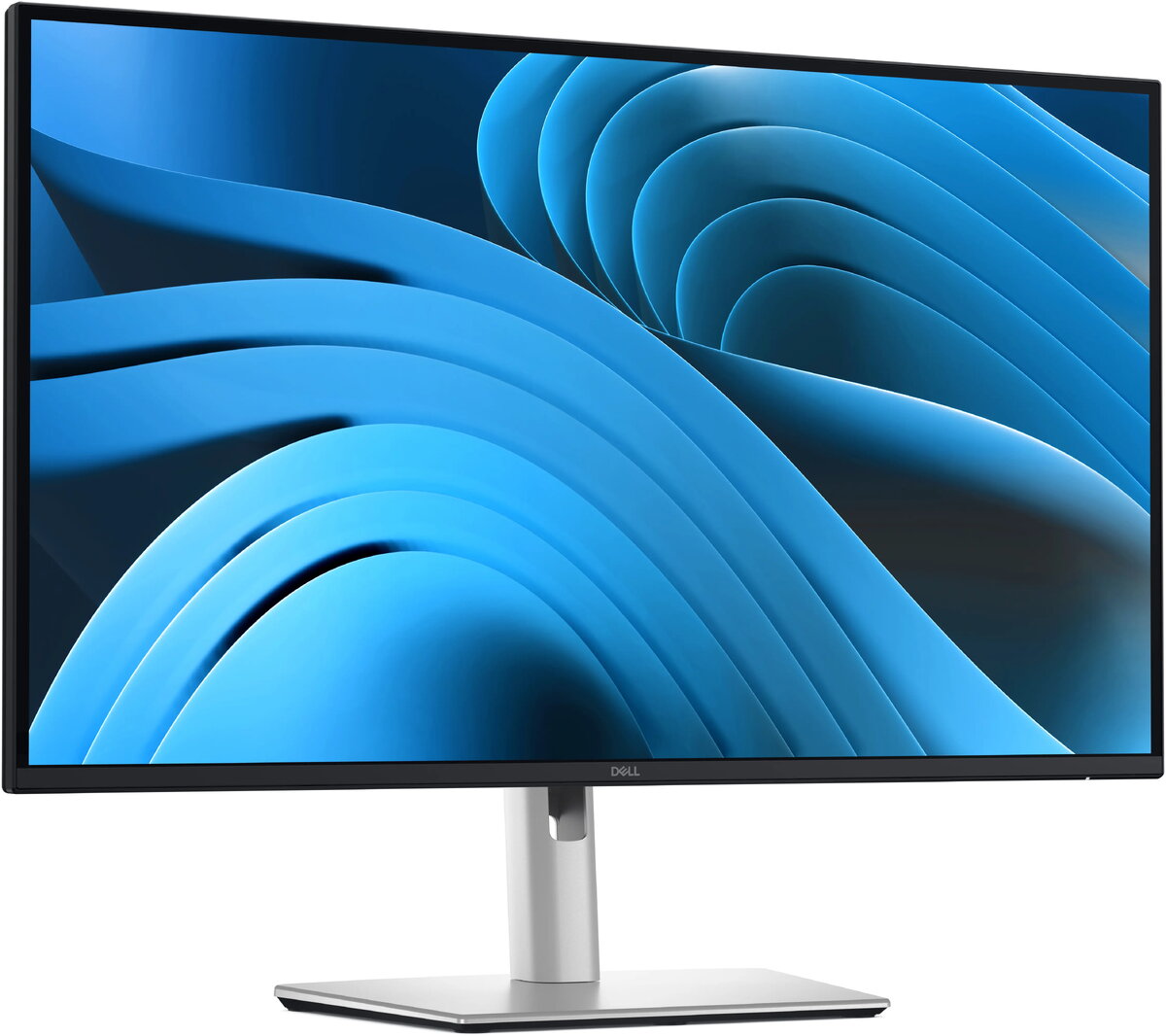
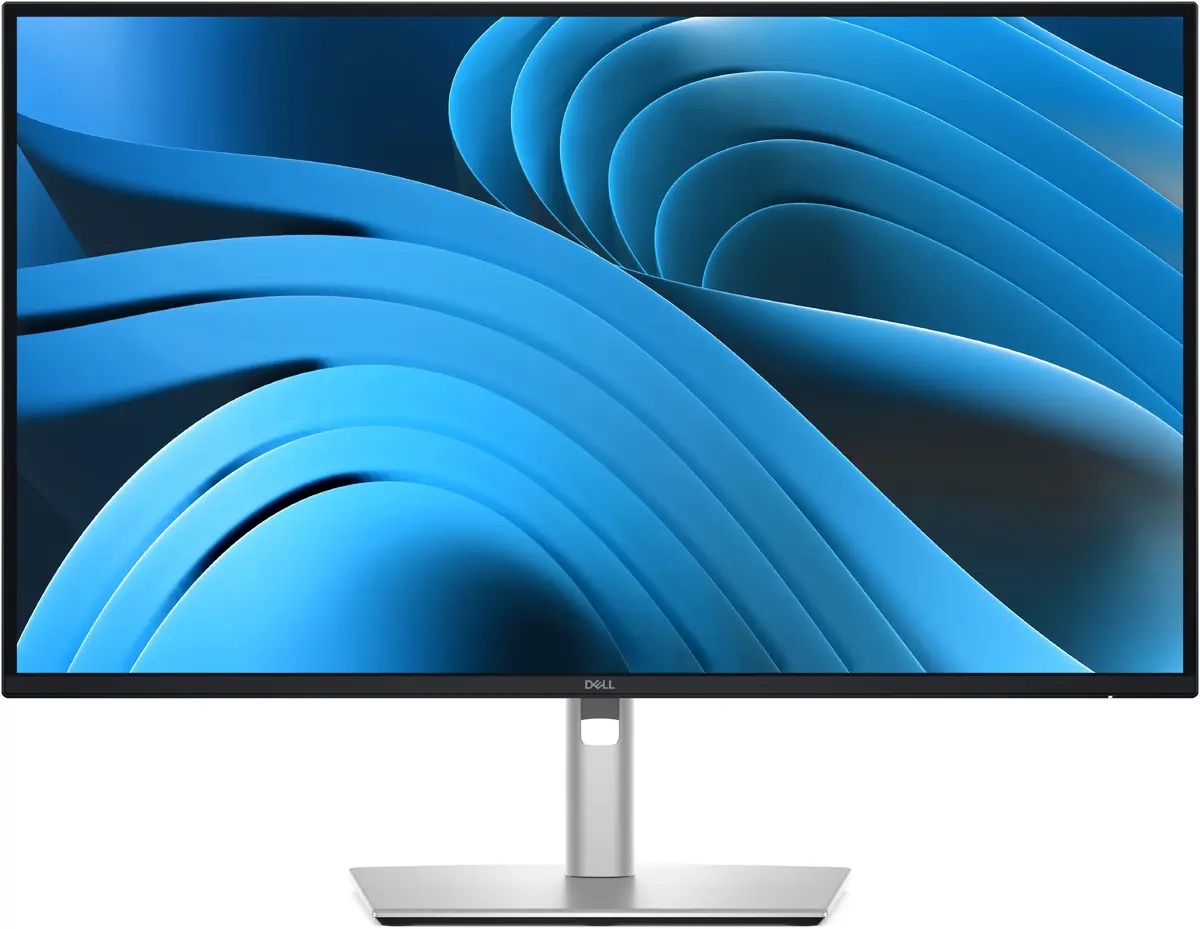
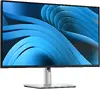
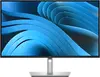
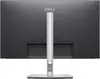
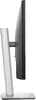
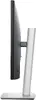
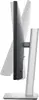
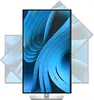
Monitor Dell Pro P2725D 27" (68.6 cm) IPS Quad HD 2560×1440, 8 ms, USB 3.2 Gen1 hub, VESA, height adjustable
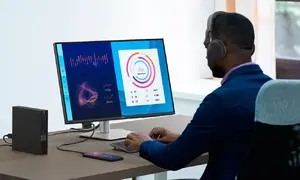
Dell Pro P2725D is a 27" (68.6 cm) IPS LCD monitor with Quad HD 2560×1440 resolution and 16:9 aspect ratio designed for office and professional environments. The display delivers a balance of image detail and workspace area while maintaining wide 178° viewing angles. With 350 cd/m² typical brightness, 1500:1 typical contrast ratio and a measured 8 ms response time, the monitor supports everyday productivity tasks and multi-window workflows. The unit includes an integrated USB 3.2 Gen1 hub with one USB-C downstream port, VESA mounting compatibility and height-adjustable stand for ergonomic positioning. Certified by TÜV Rheinland® for 4-star eye comfort, the screen provides flicker-free operation and features intended to reduce eye strain during extended use.
The Dell Pro P2725D combines a high-resolution Quad HD panel with IPS technology to offer consistent colours and wide viewing angles across a 27" diagonal, improving clarity for documents, spreadsheets and visual content. Built-in USB 3.2 Gen1 hub and a USB-C downstream port simplify connection of peripherals and single-cable workflows. Height adjustability and VESA compatibility support flexible ergonomic setups. Energy-efficient operation and TÜV Rheinland® 4-star eye comfort certification add practical benefits for long office hours.
Connect the Dell Pro P2725D to your computer using DisplayPort, HDMI or a USB-C downstream connection depending on your device and required workflow. Use the height-adjustable stand to set a comfortable eye level and reduce neck strain; VESA mounting is available if you prefer an alternative arm or bracket. Attach peripherals to the integrated USB 3.2 Gen1 hub to centralise connections. Adjust brightness and colour settings through the on-screen display to match ambient lighting and task requirements. Ensure proper cable routing and stable placement on a desk surface before regular use.
For prolonged work sessions, set display brightness to a comfortable level relative to room lighting, enable the flicker-free mode and take regular short breaks to reduce eye fatigue. Use the height adjustment or a VESA-mounted arm to maintain an ergonomic viewing angle where the top of the screen is at or slightly below eye level.
Work longer with less eye strain thanks to TÜV 4‑Star certification that reduces flicker and minimizes eye fatigue for comfortable, productive days.

Lower harmful blue light emissions to ≤35% without sacrificing colour accuracy, helping preserve your visual comfort during extended use.

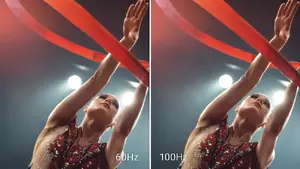
Enjoy smoother motion and reduced flicker with a 100Hz refresh rate that improves scrolling and on-screen movement for a more fluid experience.

See rich visuals with up to 16.7 million displayable colours and 99% sRGB coverage for reliable colour reproduction across photo, design and office work.

Work with crisp detail and consistent colour thanks to QHD (2560×1440) resolution, IPS technology for wide 178° viewing angles, and a 1500:1 contrast ratio that delivers deeper blacks and brighter whites.

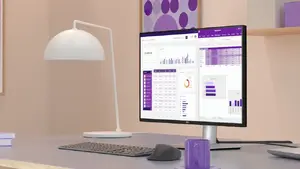
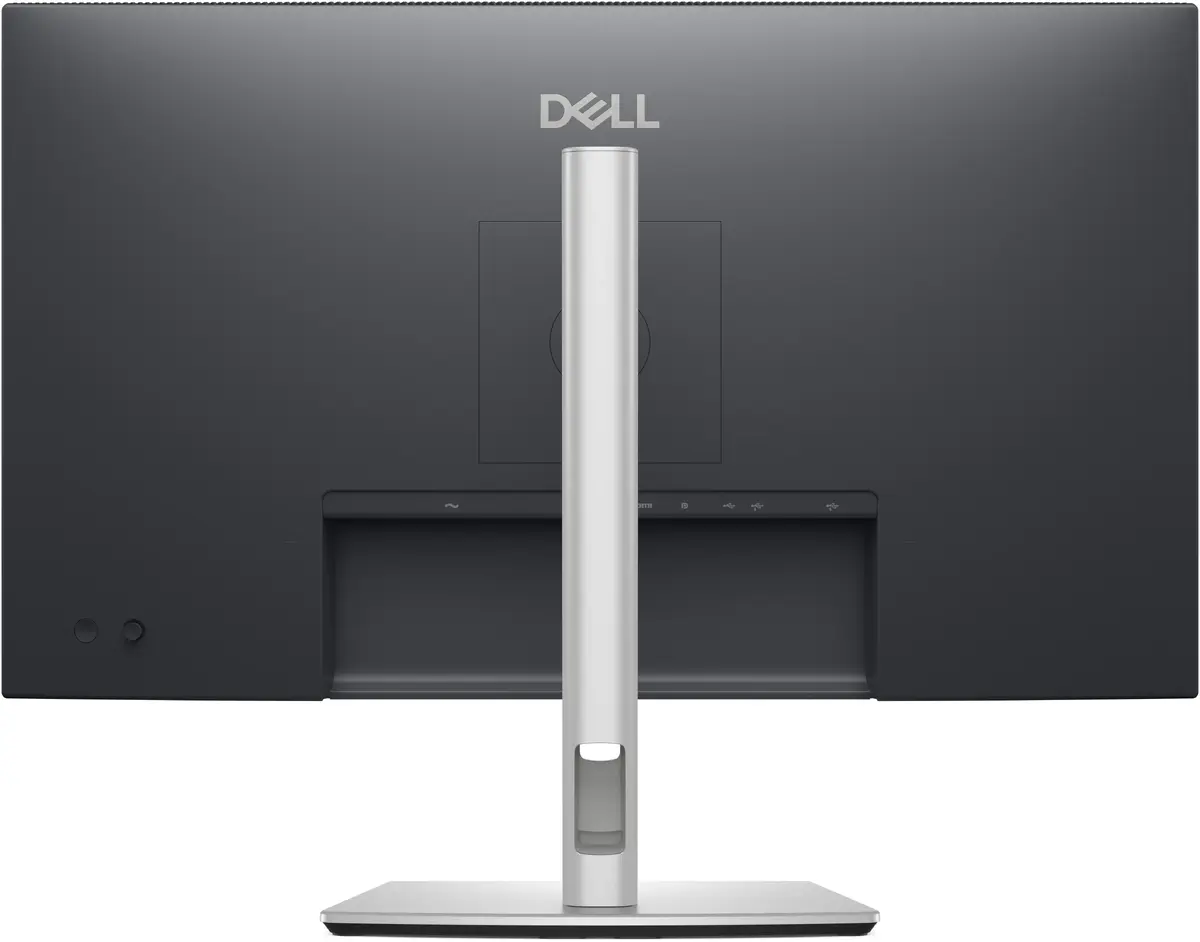
Connect all your accessories and streamline your setup with a built‑in USB 3.2 Gen1 hub, USB‑C downstream port, and multiple input options so you can configure a productive work environment.

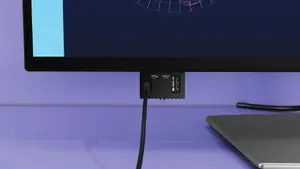
Front‑facing pop‑out USB‑C (with up to 15W charging) and USB‑A ports provide convenient, fast access for peripherals — tuck them away when you’re finished for a tidy desk.

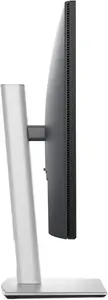
The slim‑bezel design and versatile stand let you work in comfort and style while maximising screen space and minimizing distraction.

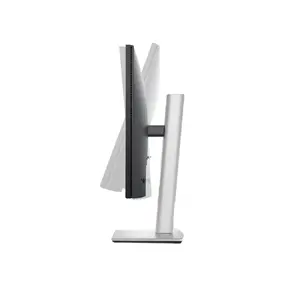
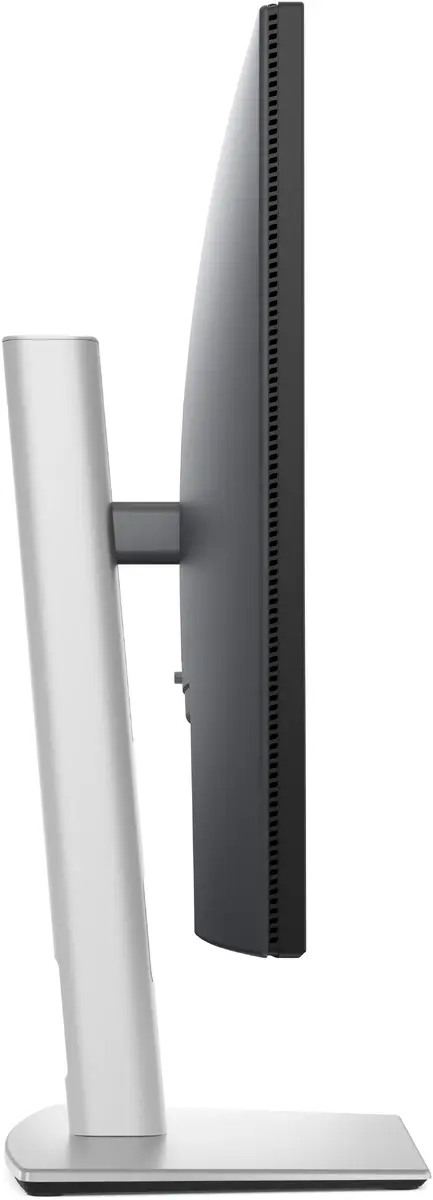
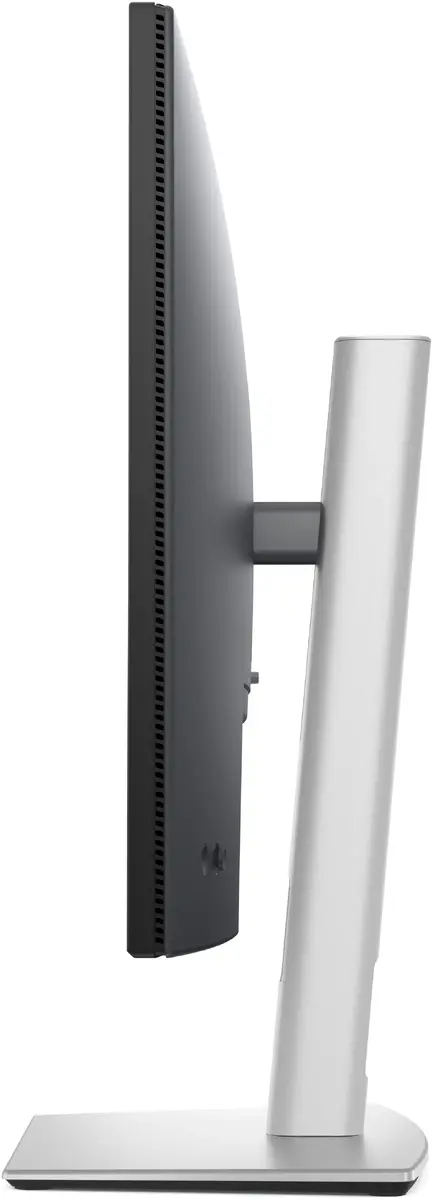
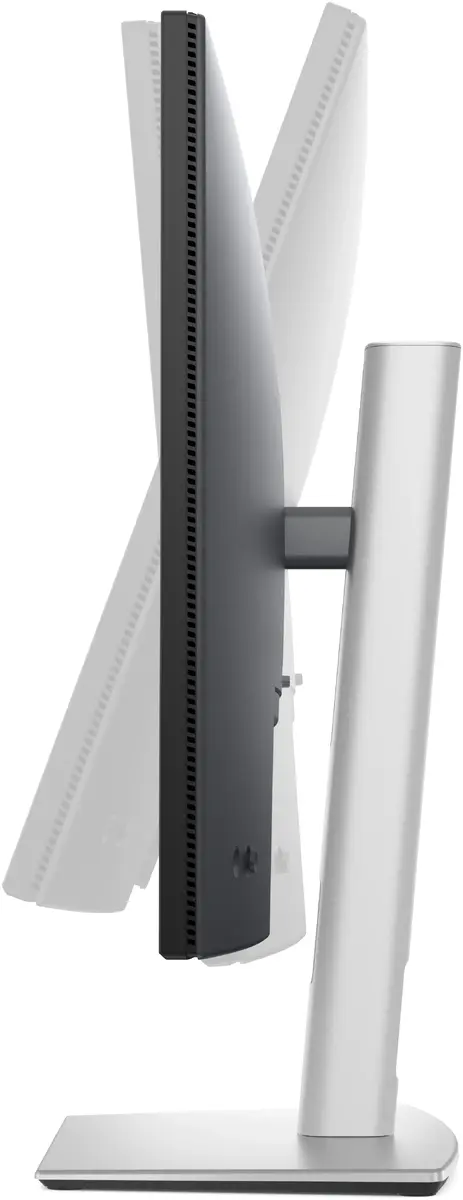
Easily tilt the screen from -5° to +21° to find the perfect viewing angle for your posture and task.

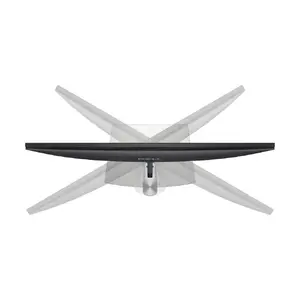
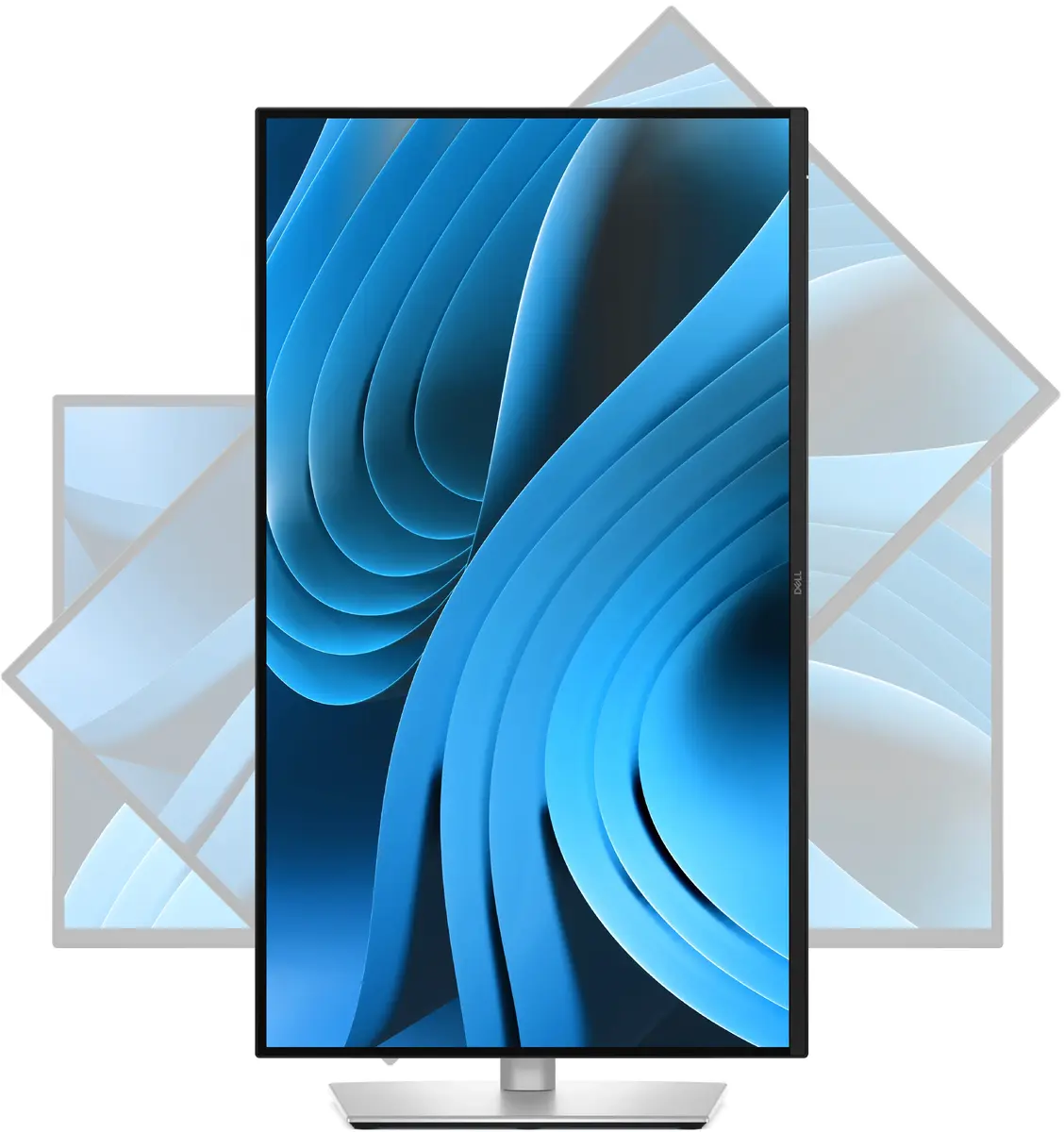
Rotate the display bi‑directionally up to 45° to share content or reposition your workspace quickly.

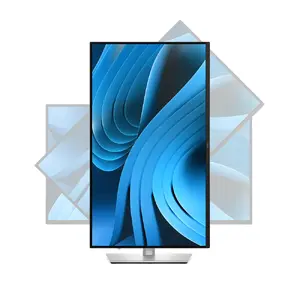
Switch to portrait orientation with bi‑directional pivoting up to 90° for coding, reading or long‑format documents.

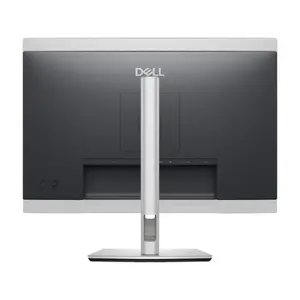
Set the ideal monitor height with up to 150 mm of vertical adjustment to reduce neck strain and create an ergonomic workspace.

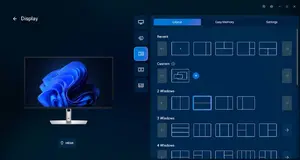
Optimise your Dell workspace with software that simplifies window arrangement, automates brightness and contrast schedules, and streamlines firmware updates and fleet management for greater productivity.

Built with sustainable materials (including post‑consumer and recycled content) and shipped in 100% renewable packaging; registered EPEAT Gold, ENERGY STAR® certified and TCO certified to help lower environmental impact.
{{highlightedFeature.featureTitle}}:
{{getProductFeatureValueById(product, highlightedFeature.featureId)}}
{{ productComparisonGenerationError }}
Device manufacturer code
Device manufacturer
iagonal of the visible part of the screen expressed in centimeters and inches.
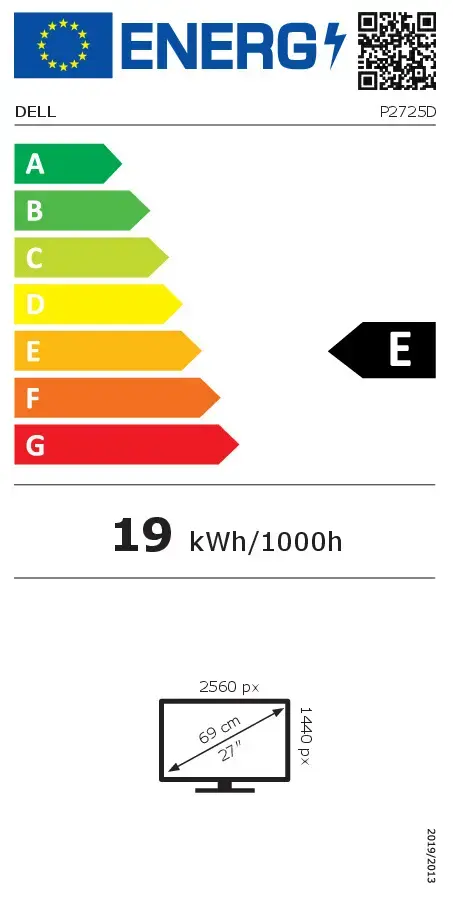
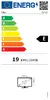
Energy efficiency class is a standard classification that is used all over Europe and which is understandable at first sight. Products can be efficiently compared according to classes, starting from A (the most energy efficient class), and ending with G (the most energy-intensive class). The classification of energy efficiency is based on annual energy consumption which is being calculated on the basis of several different parameters.
Power consumption in switched-on state expressed in W.