
Dreame vacuums for fast and efficient cleaning!
In cart {{totalProductsCount}} item(s)
Your cart is empty
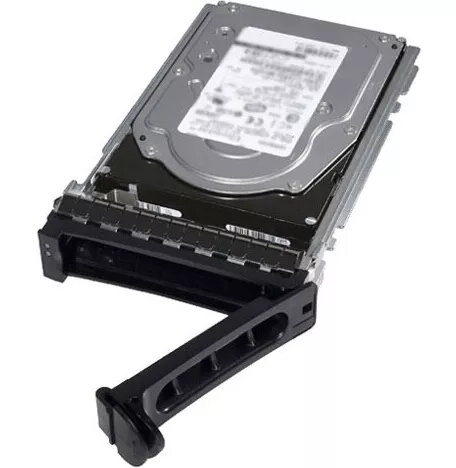
SSD drive DELL 512GB 2.5 inch SATA SNP110S/512G
The DELL SNP110S/512G is a 512GB internal 2.5-inch SATA solid state drive designed for laptops and compact systems. It provides increased storage capacity and faster data access compared with traditional HDDs, fitting standard 2.5-inch drive bays and using a SATA interface for compatibility with most laptop models.
This Dell 512GB SSD offers higher data transfer responsiveness, lower access latency, and greater shock resistance than spinning drives. Its 2.5-inch SATA form factor ensures broad compatibility with many laptops and small desktop systems while providing a reliable storage upgrade that improves boot times and application loading.
Power off the laptop or desktop and disconnect it from any power source. Open the device's drive bay or access panel according to the manufacturer instructions, remove the existing drive if required, and mount the 2.5-inch DELL SNP110S/512G into the drive bay. Connect the SATA data and power cables (or insert into the laptop's internal SATA connector), close the housing, reconnect power, and boot the system. Initialize, partition and format the new SSD via the operating system disk management tools or restore a system image to transfer data.
For best results, back up important data before installation and ensure your system BIOS/UEFI recognizes SATA drives. Use the latest OS drivers and consider updating firmware through Dell support if available.
{{highlightedFeature.featureTitle}}:
{{getProductFeatureValueById(product, highlightedFeature.featureId)}}
{{ productComparisonGenerationError }}
