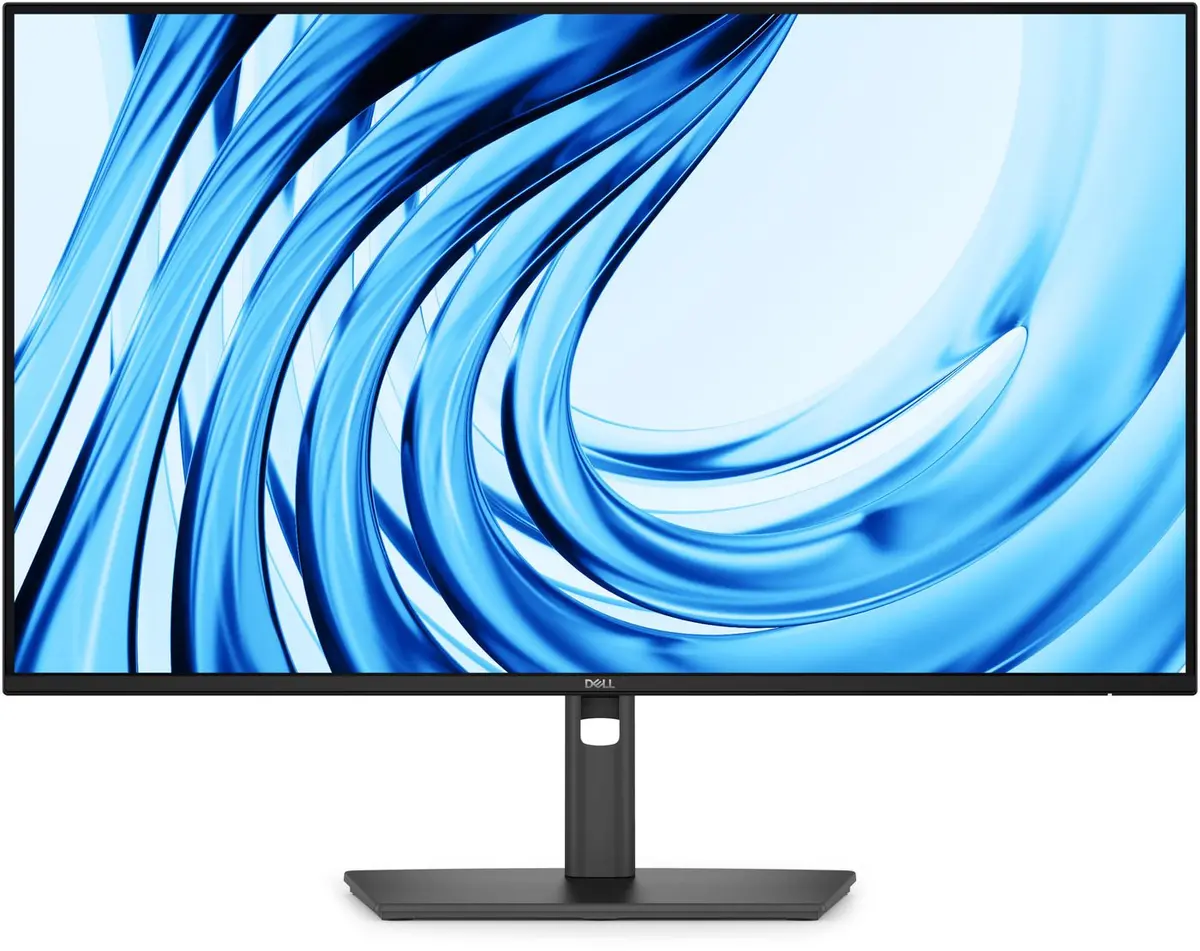
The Dell Pro p 27 Monitor p2726h is compared with several closely related alternatives and variations from the same product line: Dell Pro p2726h Monitor, Monitor Dell Pro P 27 P2726H 27", Dell Pro P2726H Computer Monitor, Dell P2726H 27-inch IPS Monitor, and Dell Pro 27 Plus P2725HHF. All these devices are designed for professional use, daily office tasks, and productivity, sharing a standard 27-inch display format. The main practical differences among them lie in connection interfaces such as USB-C availability, support for higher refresh rates, and ergonomic adjustment options.
⚙️ The specifications comparison table below contrasts key characteristics such as display type and resolution, panel technology, available connection ports, built-in hubs, and ergonomic adjustment features to help evaluate the technical advantages of each option.
| Parameter | Dell Pro p 27 Monitor p2726h | Dell Pro p2726h Monitor | Monitor Dell Pro P 27 P2726H 27" | Dell Pro P2726H Computer Monitor | Dell P2726H 27-inch IPS Monitor | Dell Pro 27 Plus P2725HHF | Practical Conclusion |
|---|
| Display type | Professional monitor | Professional monitor | 27" IPS LCD Full HD | 27-inch IPS LCD Full HD | 27-inch IPS FHD 100Hz | 27" IPS Full HD 100 Hz | All reviewed models are built around 27-inch IPS panels with Full HD resolution, delivering consistently reliable viewing angles and color reproduction for office use. |
| Connectivity | Standard office setup | Standard office setup | HDMI, DisplayPort, USB-C, USB hub | HDMI, DisplayPort, USB hub | HDMI, DisplayPort, USB-C | Standard lineup setup | Versions featuring USB-C ports and built-in hubs offer greater convenience for connecting modern laptops and peripheral devices without extra adapters. |
| Ergonomics | Standard office ergonomics | Standard office ergonomics | Height adjustment, VESA | Height adjustment, VESA | Height, tilt, pivot, VESA | Standard workstation ergonomics | Nearly all versions support VESA mounting and height adjustment, making it easy to tailor the workspace setup to individual requirements. |
◎ The suitability and use cases table below evaluates which specific variation fits best for different user tasks, workload intensity, and workspace organization needs.
| Use case | Recommended product | Why |
|---|
| Daily office work and standard tasks | Dell Pro p 27 Monitor p2726h | Ideal for baseline productivity, document handling, and spreadsheets in a standard office environment. |
| Connecting modern laptops and peripherals | Monitor Dell Pro P 27 P2726H 27" | The inclusion of USB-C ports and a built-in hub simplifies workstation connectivity. |
| Smoother motion and dynamic daily workflows | Dell P2726H 27-inch IPS Monitor | A 100 Hz refresh rate delivers smoother visual transitions and added comfort during extended working hours. |
The Dell Pro p 27 Monitor p2726h is a solid professional display built for everyday tasks. Choose this model if you need a reliable standard monitor for office productivity, while alternative variations featuring higher refresh rates or USB-C connectivity are better suited for users prioritizing smoother visuals or expanded peripheral integration.