Filters you can trust. Pure water every day.
In cart {{totalProductsCount}} item(s)
Your cart is empty
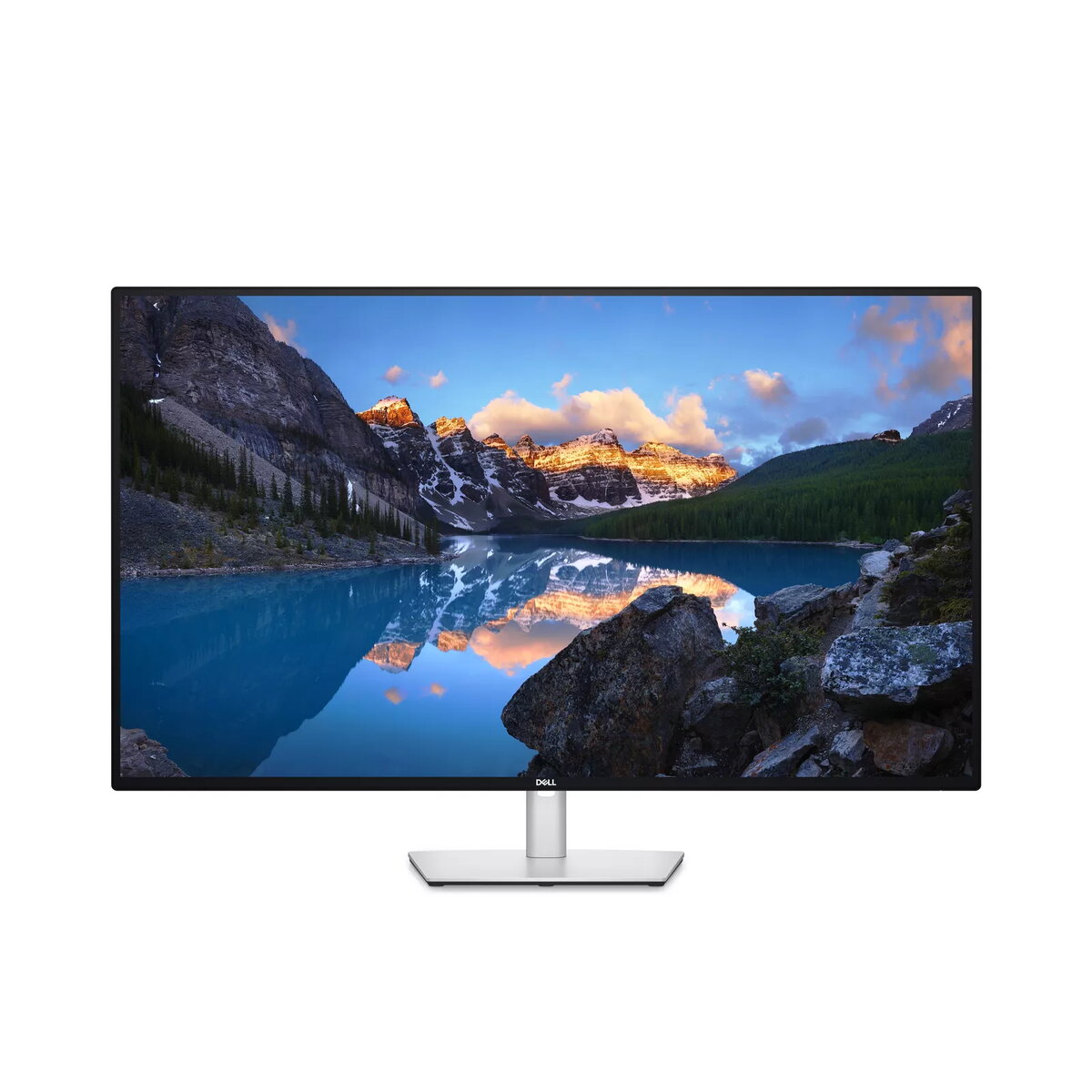
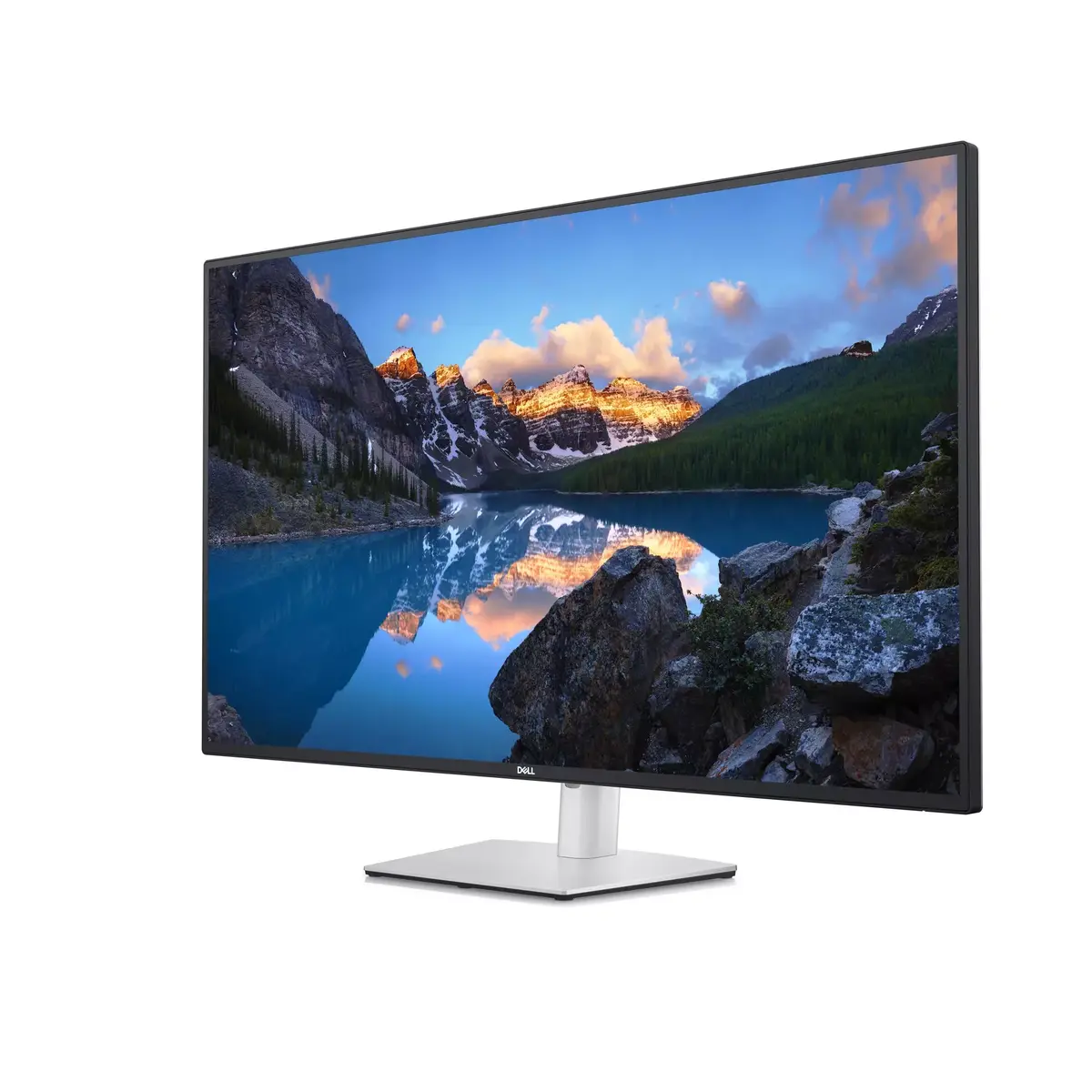
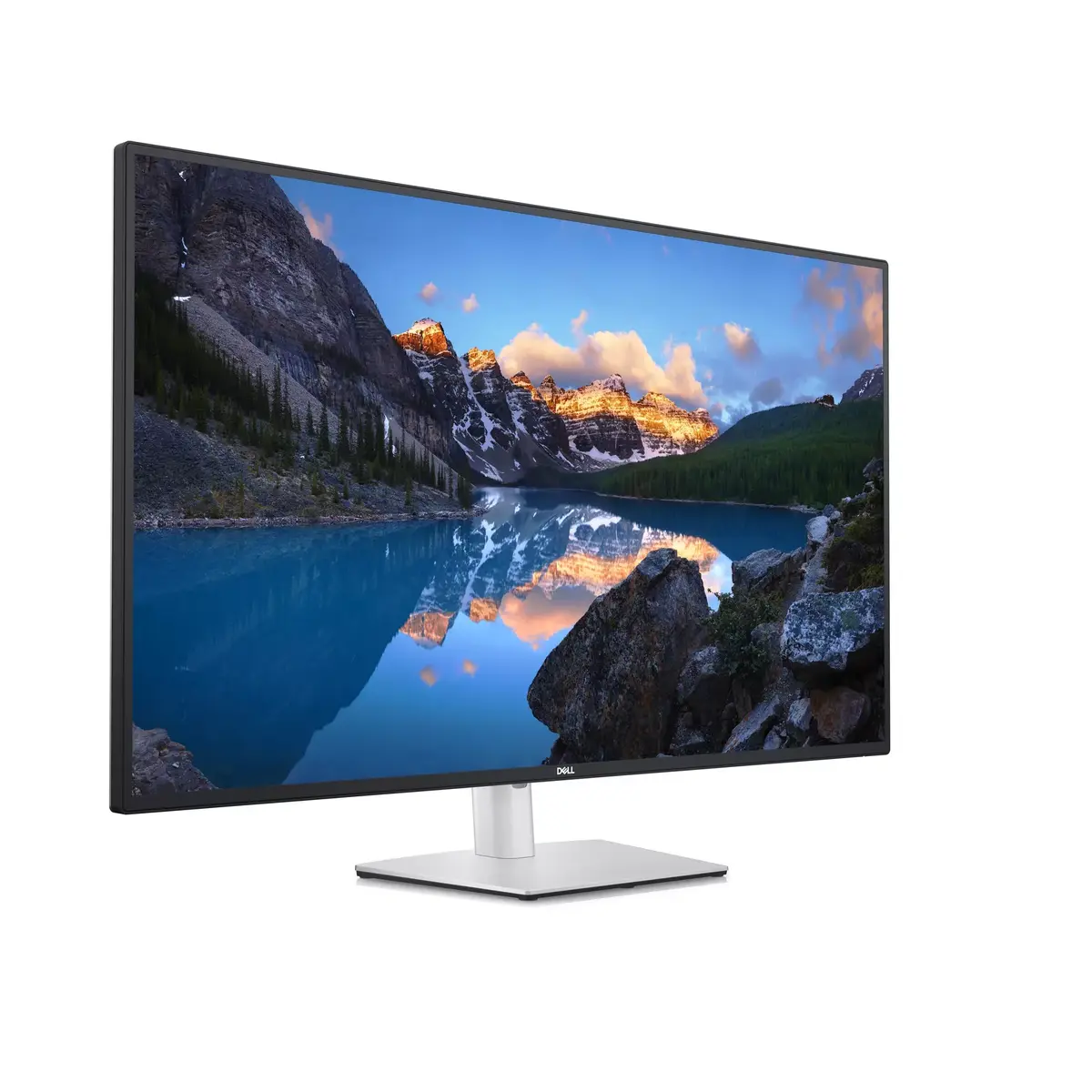
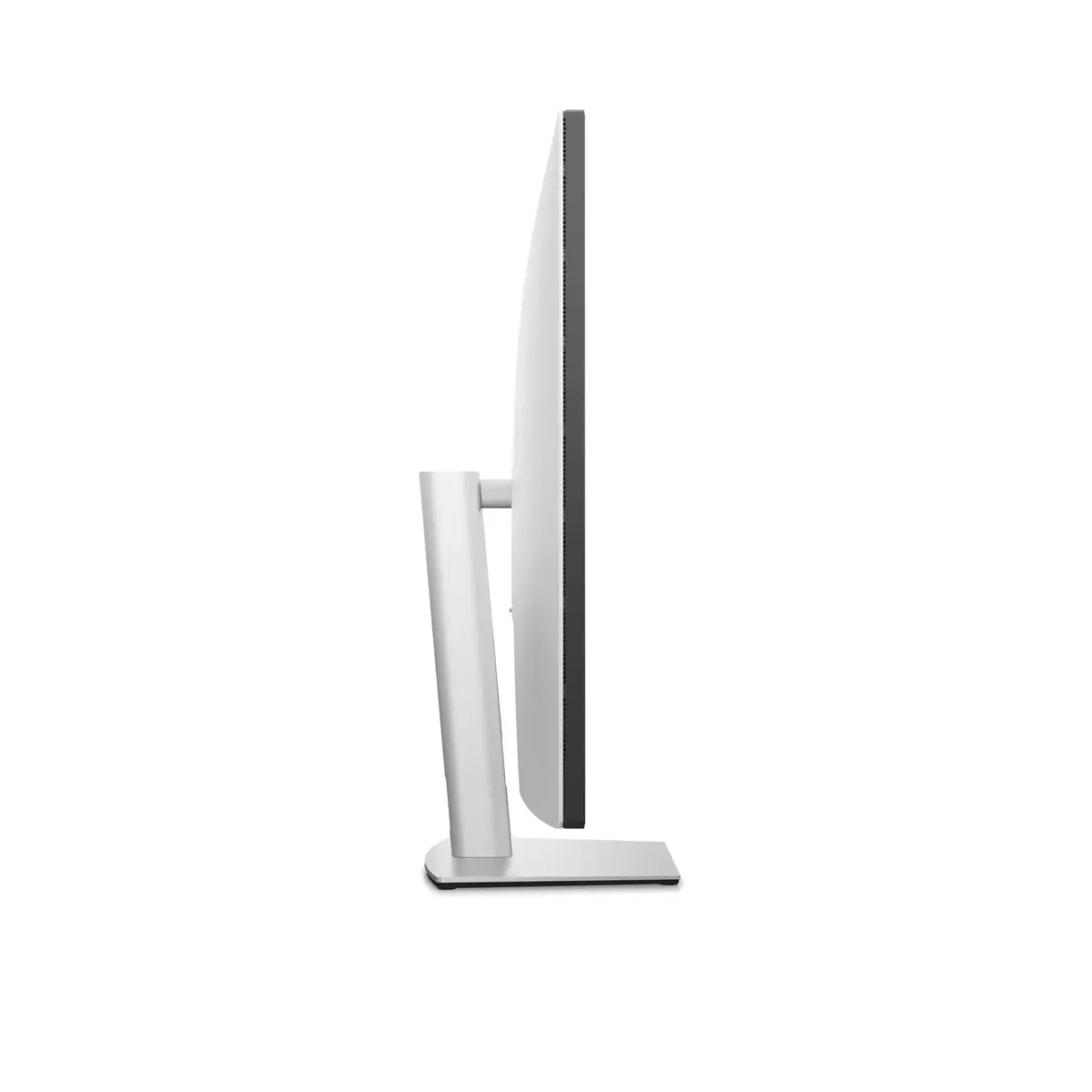
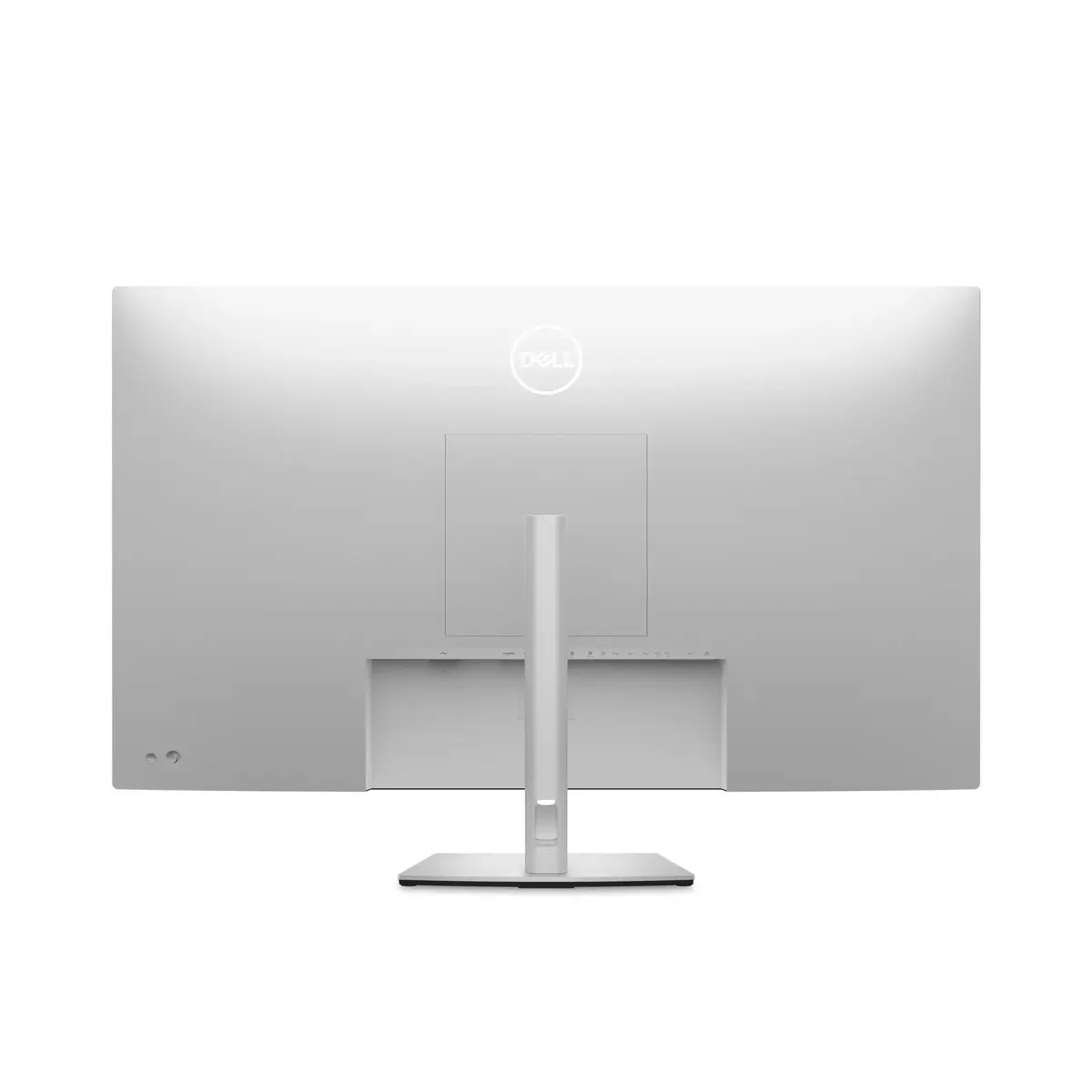
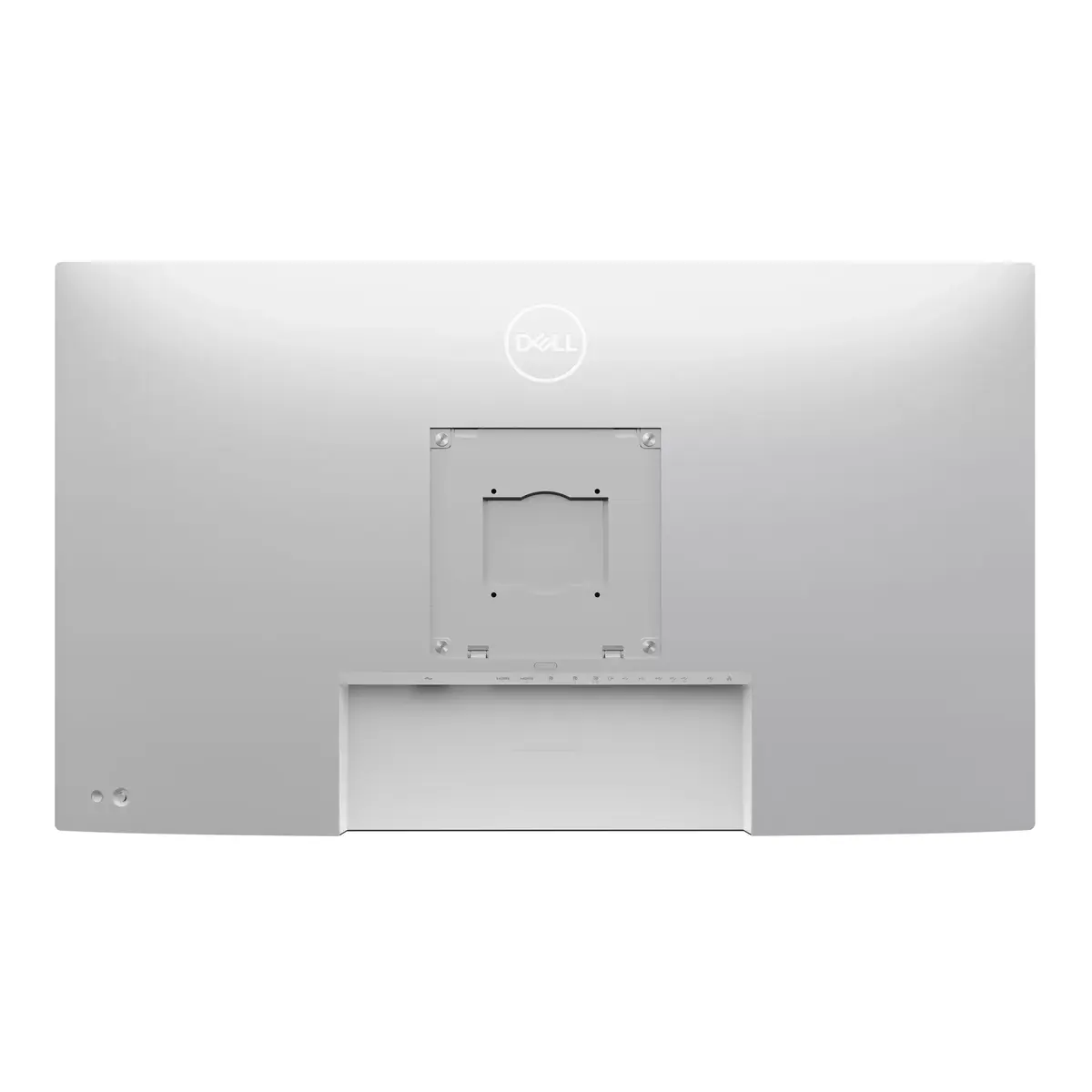
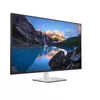
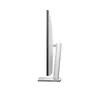
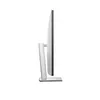
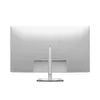
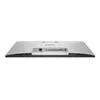
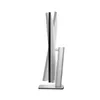
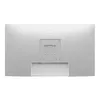
Monitor Dell UltraSharp U4323QE 43" 4K UHD IPS LCD 3840x2160, 8 ms, USB-C, USB 3.2 Gen2 hub, built-in speakers, VESA, silver
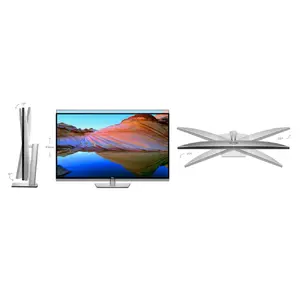
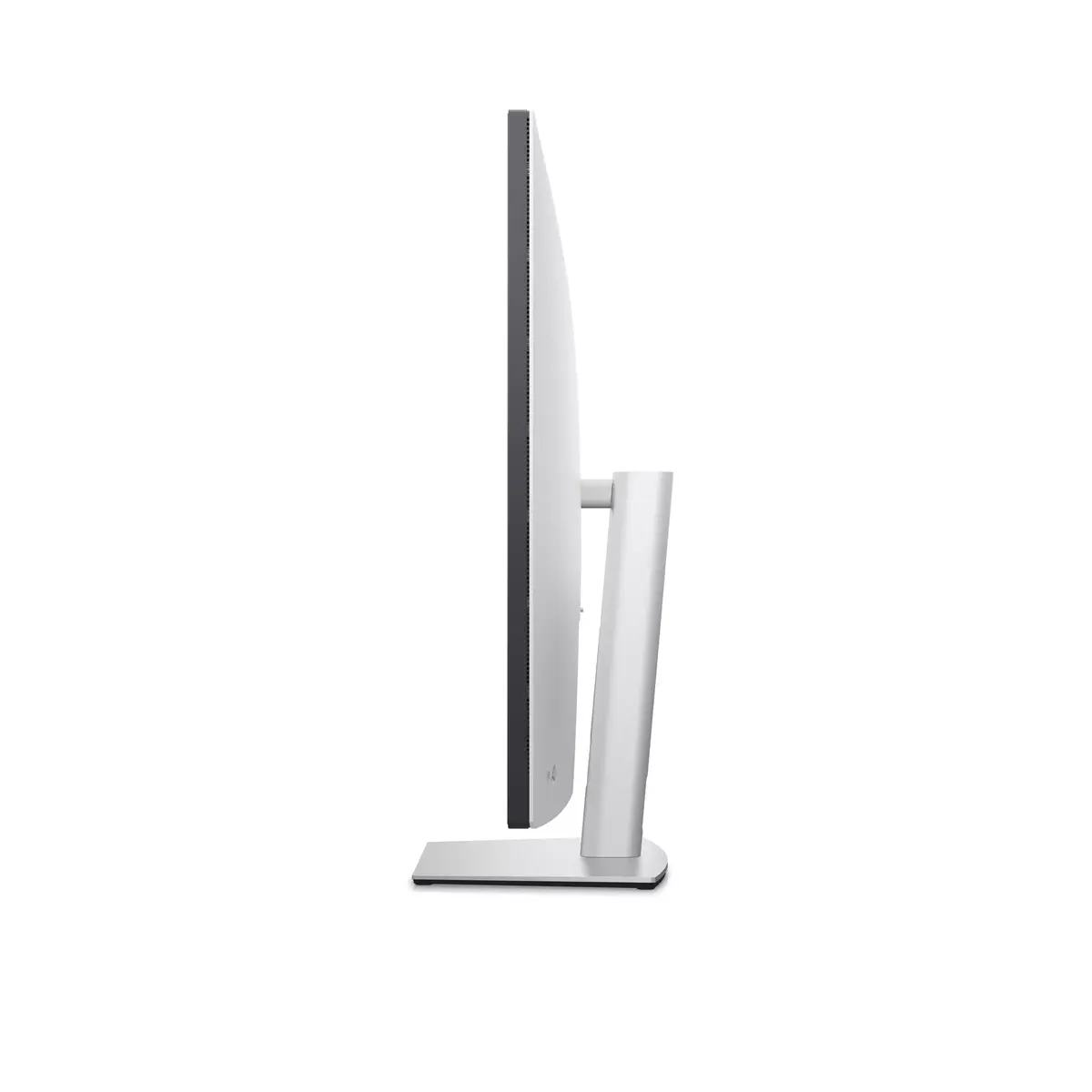
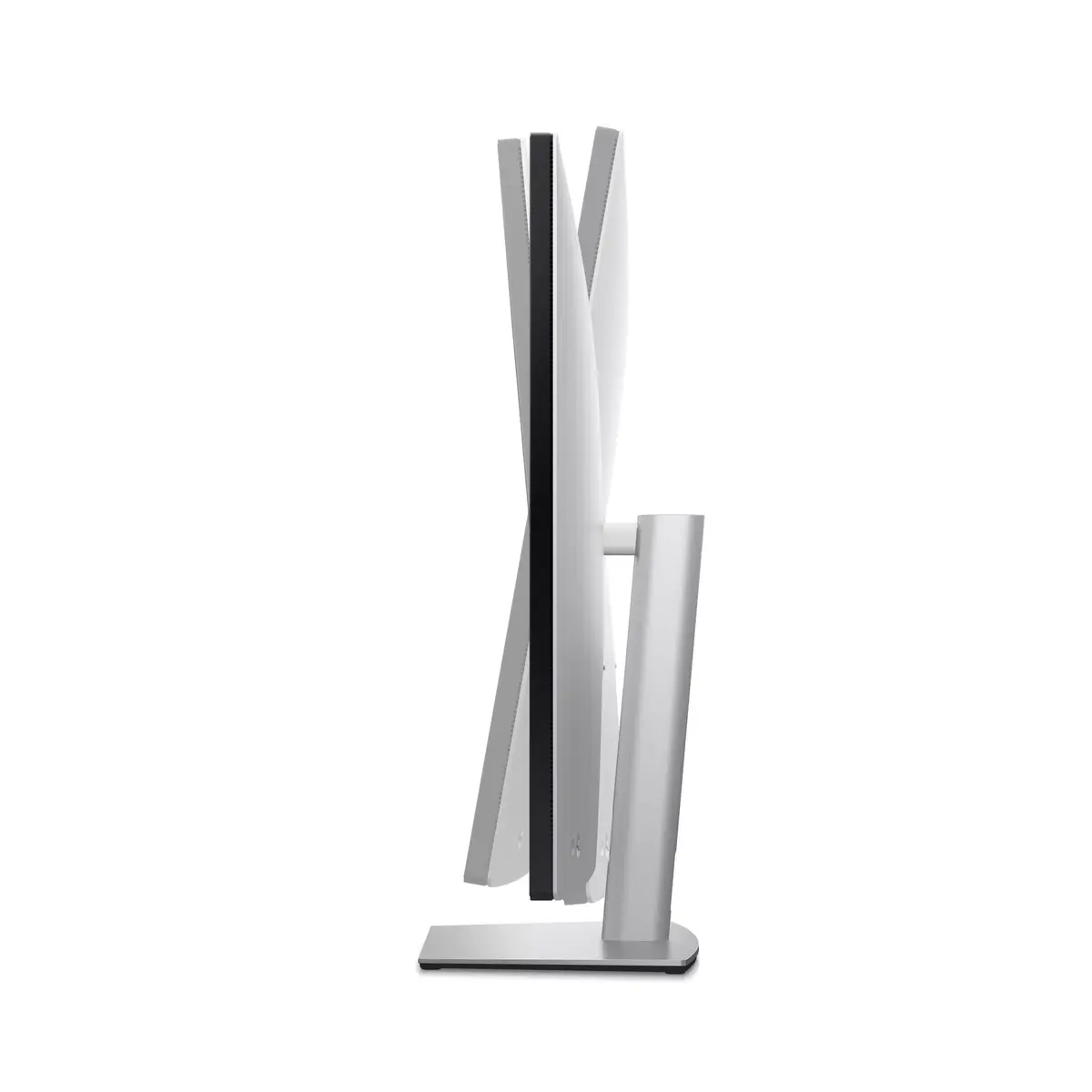
The Dell UltraSharp U4323QE is a 43" 4K UHD IPS LCD monitor that provides 3840 x 2160 resolution on a flat, large-format panel. Designed for productivity and multi-source workflows, it offers a 42.5" viewing area, 8 ms response time, 350 cd/m² typical brightness, built-in speakers, USB-C connectivity and an integrated USB 3.2 Gen 2 hub. The display supports VESA mounting and includes height adjustment for ergonomic placement. Its IPS panel and 0.245 x 0.245 mm pixel pitch deliver consistent viewing angles and sharp detail suitable for content review and multitasking.
The UltraSharp U4323QE combines high resolution with a large screen area to allow simultaneous viewing of multiple windows and sources without scaling loss. The integrated USB hub with a USB-C downstream port simplifies single-cable workflows for compatible laptops, while built-in speakers reduce the need for external audio devices. IPS technology ensures wide viewing angles and reliable color rendering for review and office work. VESA compatibility and height adjustment provide flexible mounting and ergonomic setup options.
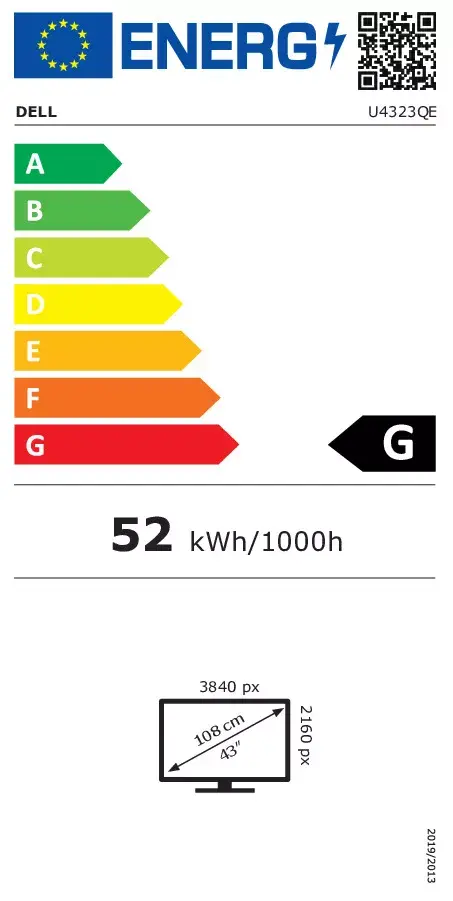
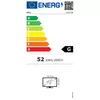
This monitor is a large-format 4K display intended for desk-based productivity rather than fast-paced gaming. The 8 ms response time and 1000:1 typical contrast ratio are adequate for office and content review but may not meet the needs of competitive gamers seeking the lowest response times and highest contrast. Its energy efficiency class is G in SDR conditions, which may be a consideration for energy-sensitive environments.
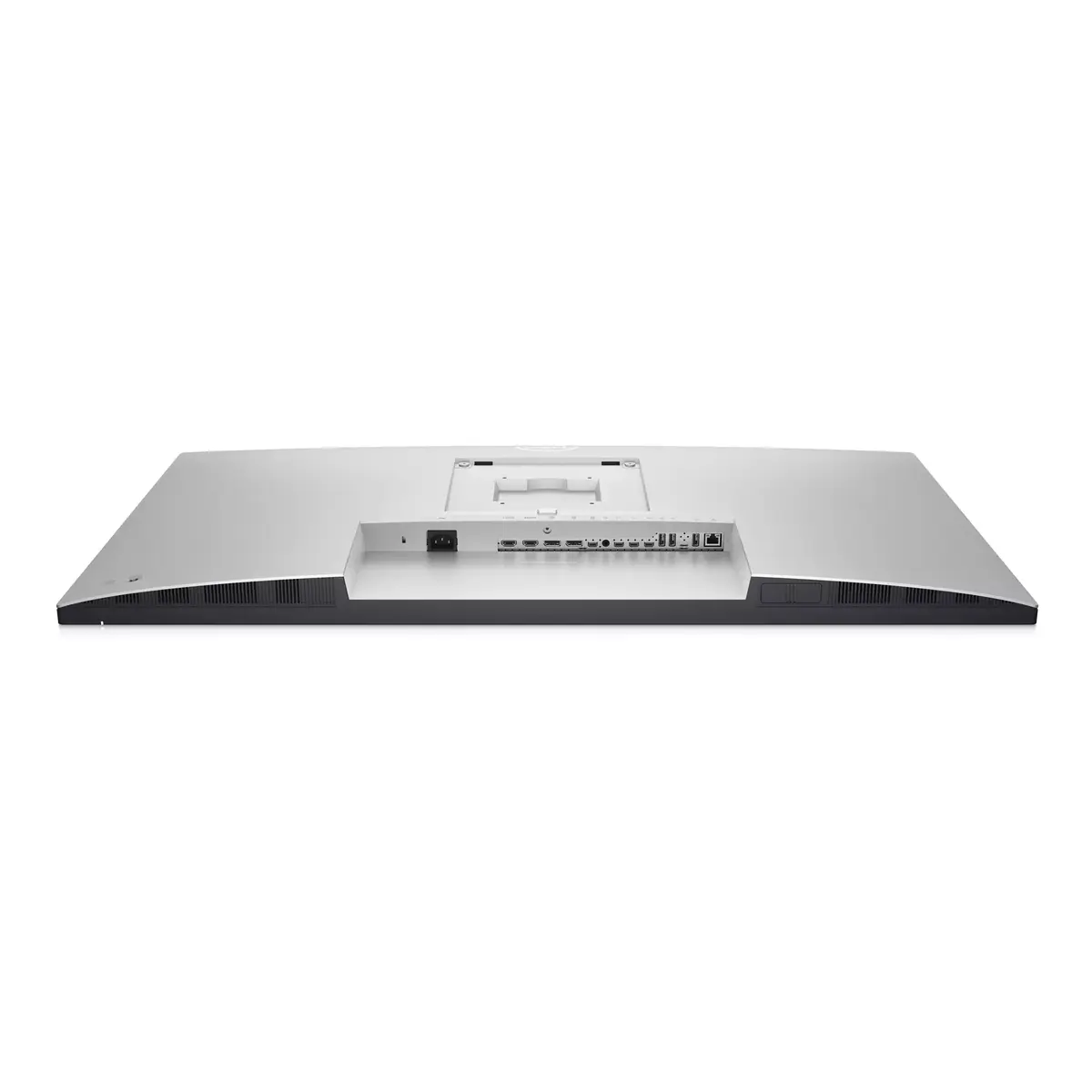
Position the monitor on a stable desk or attach it to a VESA-compatible arm or bracket using the provided mounting points. Connect a compatible computer via USB-C to enable display signal, power delivery (if supported by the host), and USB hub functionality through a single cable. Alternatively, use other video inputs if needed and connect peripherals to the integrated USB 3.2 Gen 2 hub. Adjust the height and viewing angle to reduce glare and obtain an ergonomic posture. Use the on-screen display to configure brightness, input selection and audio settings for the built-in speakers.
For multi‑PC workflows, use the monitor's partitioning and input switching features to assign workspaces to each source, and connect a keyboard and mouse through the integrated hub to streamline device management. Adjust ComfortView Plus and brightness settings to reduce eye strain during extended use.
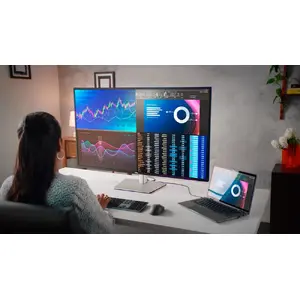
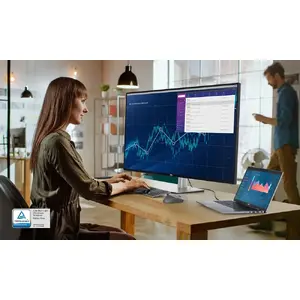
Meet the Dell UltraSharp U4323QE — a 43" 4K monitor built to expand productivity, connectivity and sustainability. It delivers a large, color-accurate workspace for multitasking, collaboration and content review while keeping environmental responsibility in mind.

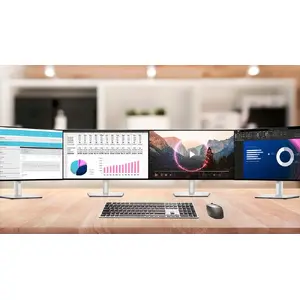
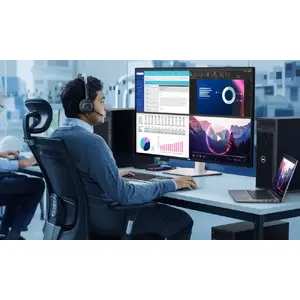
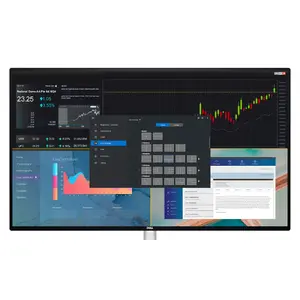
Organize your workflow with up to four separate Full HD partitions using Internal Multi-Stream Transport (iMST). Partition your screen from a single PC without extra software or DisplayPort splitters to see more at once and work faster.

Control four different PCs using a single keyboard and mouse. KVM and Auto KVM let you switch seamlessly between inputs, and you can share content from multiple machines simultaneously for efficient collaboration.

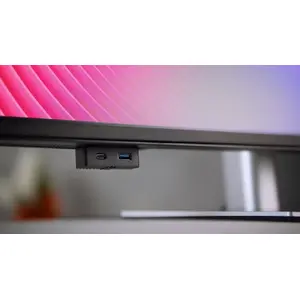
Access peripherals quickly with front-facing pop-out USB-A and USB-C ports (USB-C supports 15W charging) that tuck away when not in use. The monitor also offers comprehensive connectivity — HDMI, multiple USB-A and USB-C ports (including USB-C with up to 90W power delivery), and an RJ45 (1Gbps) port for a reliable wired network connection.

Work comfortably with tilt, swivel and height adjustments plus built-in dual 8W speakers for clear sound. Use the power sync feature to turn on your USB-C connected laptop with a single button press, streamlining your start-up process.

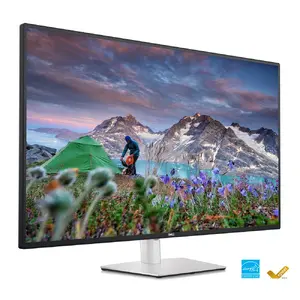
Enjoy crisp detail and ample screen real estate with true 4K (3840 x 2160) resolution on an IPS panel. ComfortView Plus reduces potentially harmful blue light while maintaining strong color accuracy for long, comfortable viewing sessions.

Customize and optimize your workflow with a modern, intuitive DDM interface and Menu launcher. Use Easy Arrange with 49 preset window layouts (plus five customizable layouts) to tile applications across one or multiple screens, receive automatic firmware and software update notifications, and match monitor color presets with supported ICC profiles for consistent color. Share a single keyboard and mouse between PCs with the USB KVM wizard and deploy DDM through IT tools like SCCM/InTune or CLI scripts for easy management.

Designed with sustainability in mind: the monitor uses post-consumer recyclable (PCR) plastics and recycled aluminum in its construction and meets EnergyStar® and EPEAT® Gold standards. Packaging incorporates high levels of recycled content, PowerNap saves energy by dimming or sleeping the display when idle, and Dell Technologies continues to reduce environmental impact across the product lifecycle.

From the world’s No.1 monitor company, enjoy Dell’s dedication to product quality and customer satisfaction backed by industry-leading support.

Benefit from Dell Premium Panel Exchange: free panel replacement within the Limited Hardware Warranty period even if a single bright pixel is found, ensuring your display maintains the highest visual standards.
{{highlightedFeature.featureTitle}}:
{{getProductFeatureValueById(product, highlightedFeature.featureId)}}
{{ productComparisonGenerationError }}
Device manufacturer code
Device manufacturer
iagonal of the visible part of the screen expressed in centimeters and inches.
Rating of how efficiently a device uses energy, affecting power consumption and costs.
Energy efficiency class is a standard classification that is used all over Europe and which is understandable at first sight. Products can be efficiently compared according to classes, starting from A (the most energy efficient class), and ending with G (the most energy-intensive class). The classification of energy efficiency is based on annual energy consumption which is being calculated on the basis of several different parameters.
Power consumption in switched-on state expressed in W.