


Docking Station DeLOCK USB Type-C Docking Station with M.2 Slot
Offer for a legal entity, non-cash payment.
Short description

Cheapest delivery:
Unisend LV
Product information
Description
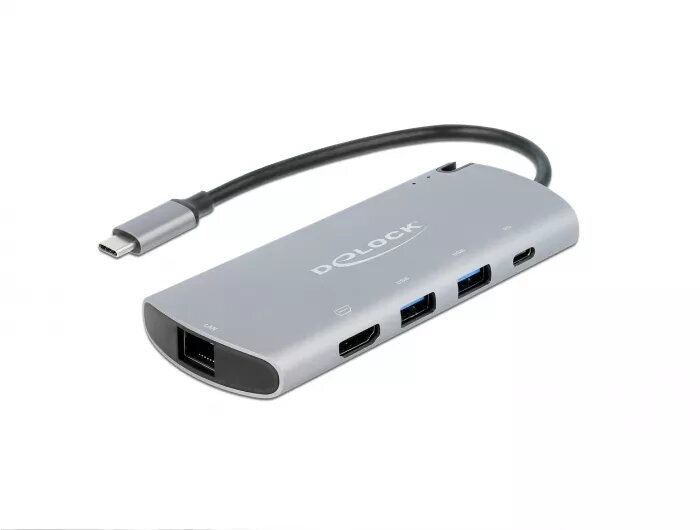
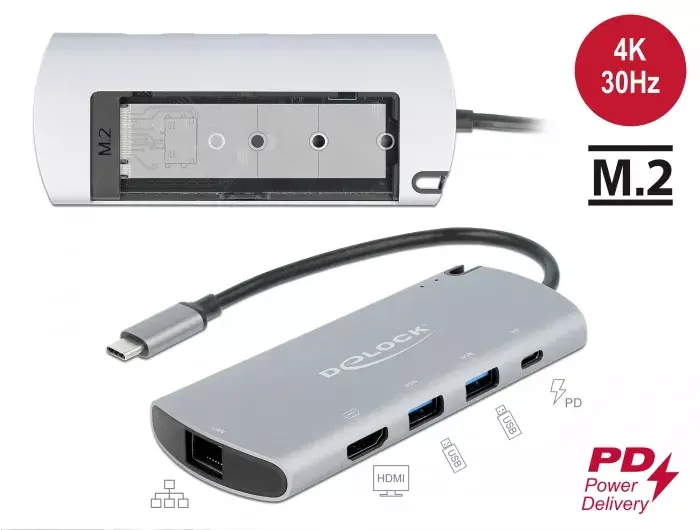
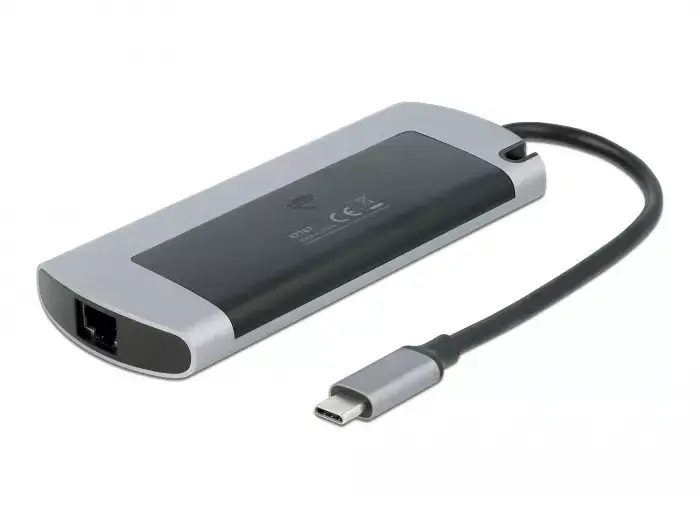
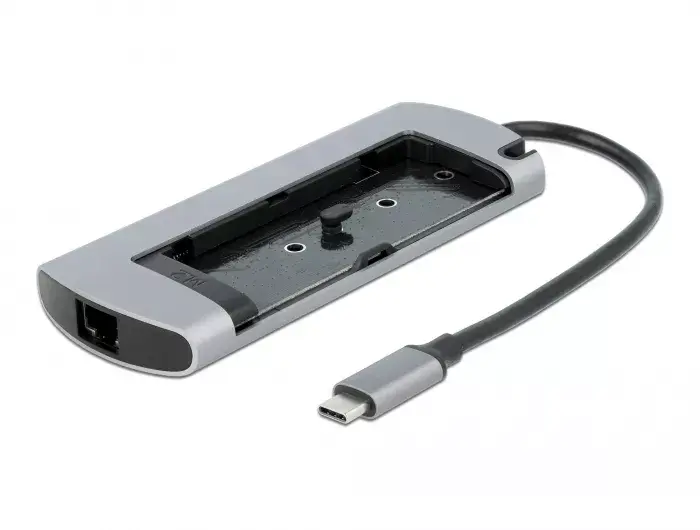
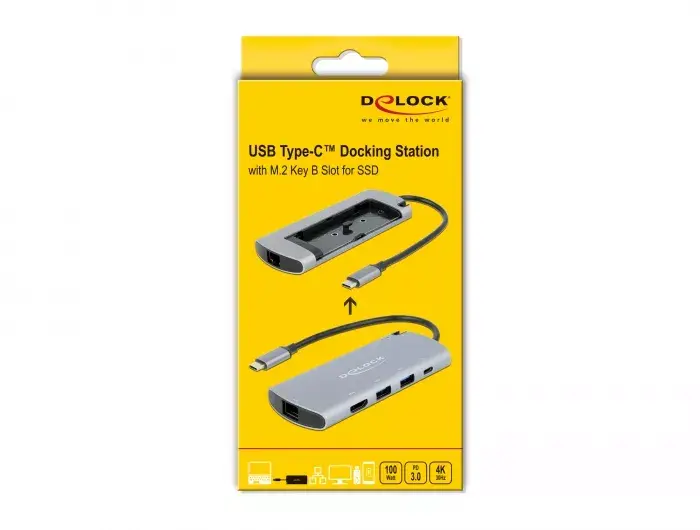
This Delock USB Type-C docking station connects to a computer via a USB-C port with DisplayPort Alt Mode or a Thunderbolt 3 port and provides multiple interfaces for peripherals, network and a monitor. The unit features a 4K-capable HDMI output, two USB 3.2 Gen 1 ports and a Gigabit Ethernet connector. An M.2 slot with key B on the underside accepts M.2 SATA SSDs in 2280, 2260, 2242 or 2230 form factors. The docking station supports USB Power Delivery (USB PD 3.0) up to 100 W and can be used with or without an external power supply.
Advantages
Compact and robust housing suitable for travel; supports fast wired network connections up to 1 Gbit/s; built-in M.2 slot for a SATA SSD expands local storage without needing an external enclosure; USB PD 3.0 up to 100 W enables charging of compatible laptops and tablets while connected; HDMI output allows connecting an external monitor.
Suitable for
- Connecting a laptop or tablet with USB-C DP Alt Mode or Thunderbolt 3 to external monitor and peripherals
- Expanding local storage by installing an M.2 SATA SSD (key B, 2280/2260/2242/2230)
- Providing a stable wired network connection for office or travel use
- Charging a compatible laptop or tablet via USB Power Delivery while using peripherals
Key specifications
- Interface to host: USB-C with DP Alt Mode or Thunderbolt 3
- Video output: HDMI (4K capable)
- USB ports: 2 × USB 3.2 Gen 1
- Network: Gigabit Ethernet (up to 1000 Mbit/s)
- M.2 slot: key B, supports M.2 SATA SSDs in 2280/2260/2242/2230 formats
- Power delivery: USB PD 3.0 up to 100 W
- Colour: Grey
How to use
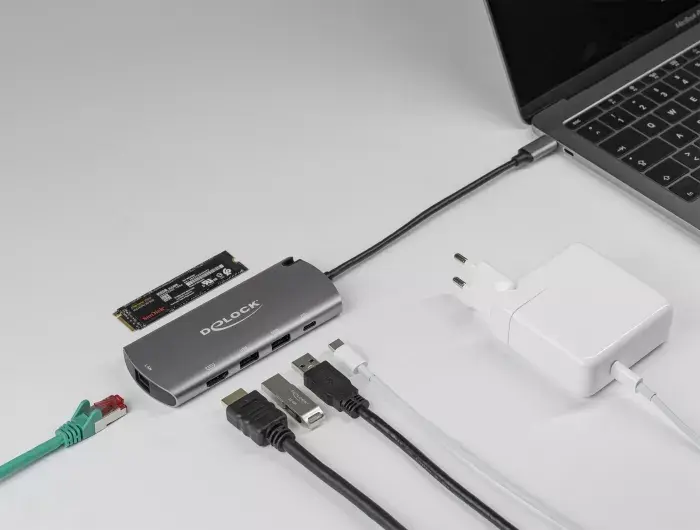
Connect the docking station to a compatible host device using the USB-C cable and ensure the host supports DisplayPort Alt Mode or Thunderbolt 3 for video output. Insert an M.2 SATA SSD (key B) into the underside slot in the correct orientation and secure it according to the drive length (2280, 2260, 2242 or 2230). Connect an HDMI cable to the monitor, plug in USB peripherals to the USB 3.2 ports and attach a network cable to the Gigabit Ethernet port if required. If charging of the host is needed, connect an appropriate USB-C power adapter to the docking station's Power Delivery port.
Usage recommendations
Use a compatible USB-C power adapter that supports USB PD and provides sufficient wattage for your laptop model (up to 100 W). Before inserting or removing an M.2 SSD, shut down the host or unmount the drive to avoid data loss. Verify that the host device supports DisplayPort Alt Mode for HDMI output to function correctly.
Features
- Product colour:
- Grey


