


PCI Express x1 Card DeLOCK 90501
Offer for a legal entity, non-cash payment.
Short description

Cheapest delivery:
Unisend LV
Product information
Description
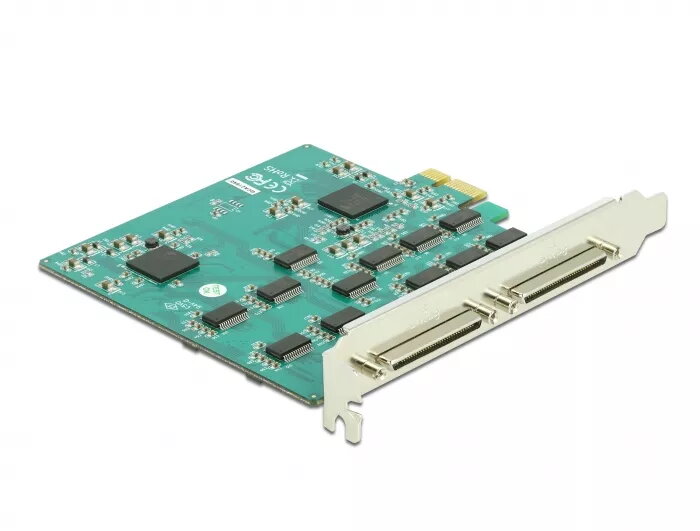
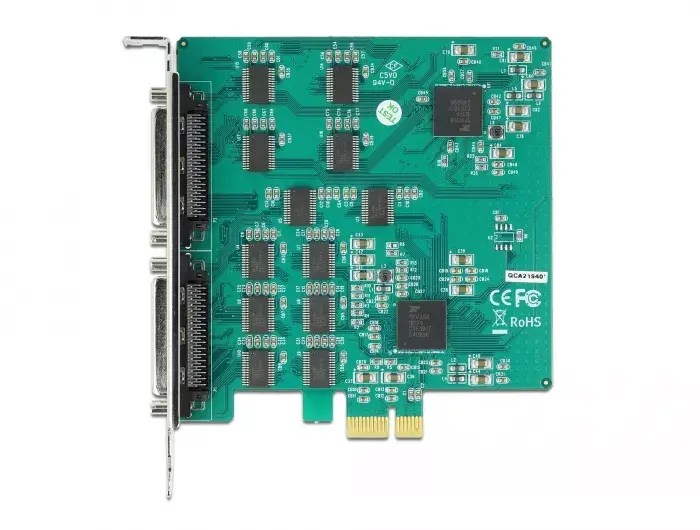
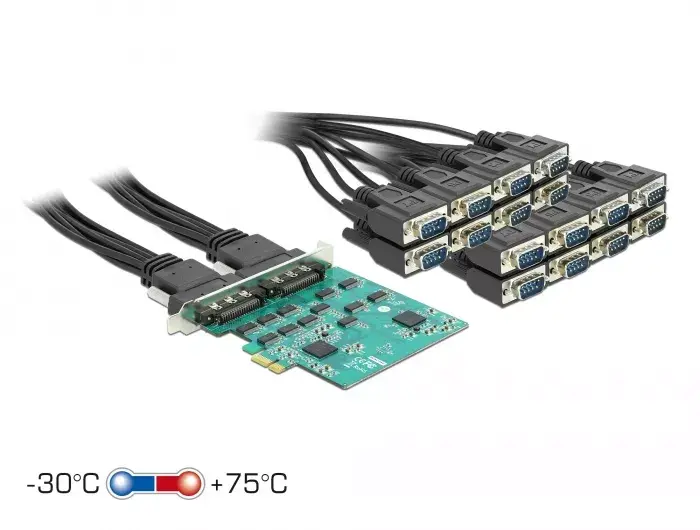
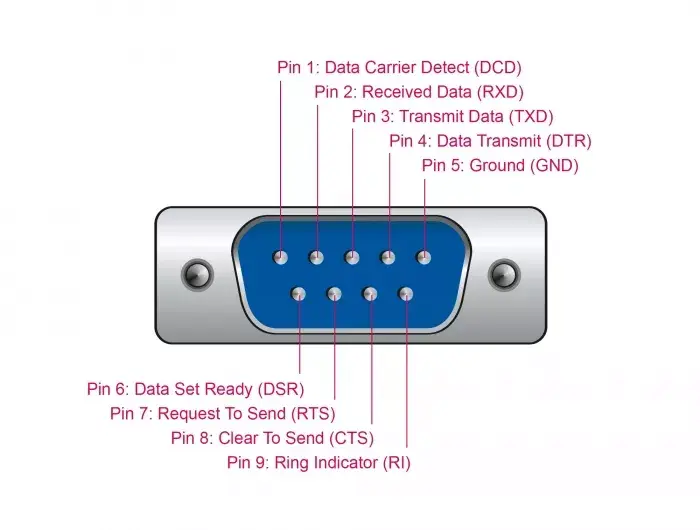
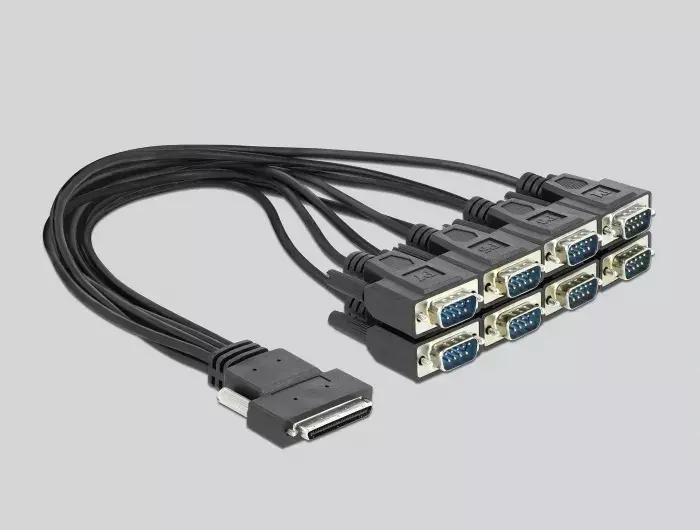
The PCI Express x1 Card DeLOCK 90501 adds 16 high-speed RS-232 serial ports to a PC via a PCIe x1 interface. The ports are routed through two VHDCI fan-out cables to Sub-D9 connectors, allowing connection of devices such as printers, cash register systems, measuring instruments and machines. The card supports Plug and Play installation, ESD overvoltage protection up to 15 kV, an extended operating temperature range and complies with PCIe 1.1 standards.
Advantages
This PCI Express card provides 16 independent RS-232 ports with per-port data rates up to 921.6 kbps and hardware FIFO of 256 bytes. Flexible VHDCI-to-Sub-D9 fan-out cables are included for convenient cabling. The board offers ESD protection up to 15 kV and components specified for an extended temperature range, making it suitable for industrial and commercial environments. The compact PCIe x1 form factor (102.5 x 100 mm) enables installation in standard desktop systems.
Suitable for
- Connecting multiple serial printers and POS terminals
- Industrial control systems and machines with RS-232 interfaces
- Laboratory and measuring instruments with serial output
- Legacy devices requiring multiple COM ports
Key specifications
- Interface: PCI Express x1 (compliant with PCIe 1.1)
- Serial ports: 16 x RS-232 via two VHDCI fan-out cables to Sub-D9
- Maximum data rate per port: 921.6 kbps
- FIFO: 256 bytes
- Data bits: 5, 6, 7 or 8; Stop bits: 1, 1.5 or 2
- ESD protection: up to 15 kV
- Maximum cable length: 0.4 m (fan-out cable)
- Dimensions: 102.5 mm x 100 mm
- Included serial cables: model 90501
How to use
Install the PCI Express x1 Card into an available PCIe x1 slot on the motherboard with the system powered off. Connect the two VHDCI fan-out cables from the card to your RS-232 devices using the Sub-D9 connectors. Power on the PC; the operating system should detect the card via Plug and Play and install the necessary drivers. Configure port parameters (baud rate, data bits, stop bits, parity) in your operating system or application to match the connected devices.
Usage recommendations
For reliable operation, use short fan-out cables (maximum 0.4 m) and ensure proper grounding of connected equipment. Avoid exposing the card and cables to extreme mechanical stress. If devices operate in harsh environments, verify that system ventilation and ambient temperature remain within the card's extended operating range.
- Internal:
- Yes
- Operating relative humidity (H-H):
- 0 - 95
- Cables included:
- Serial
- Host interface:
- PCIe
- Flow control support:
- Yes
- Drivers included:
- Yes
- Data bits:
- 8, 7, 6, 5
- Stop bits:
- 1, 2, 1.5
- Parity bit:
- Space, Odd, No, Mark, Even
- Flow Control type:
- XON/XOFF, RTS/CTS
- FIFO (First In, First Out):
- 256
- Maximum cable length:
- 0.4 m
- Expansion card standard:
- PCIe 1.1
Other features
- Quantity:
- 1
Operational conditions
- Operating temperature (T-T):
- -30 - 75
Packaging content
- Manual:
- Yes
Weight & dimensions
- Depth:
- 100 mm
- Width:
- 102.5 mm
Features
- Windows operating systems supported:
- Yes


