
{{ totalProductsCount }}

In cart {{totalProductsCount}} item(s)

Total:
{{sum | formatAmount}}

Your cart is empty

header-product TV set-top box DENVER DVBC-120 — DVB‑C cable tuner, Full HD, MPEG‑4, JPEG, LED display, 110–240V

TV set-top box DENVER DVBC-120 — DVB‑C cable tuner, Full HD, MPEG‑4, JPEG, LED display, 110–240V

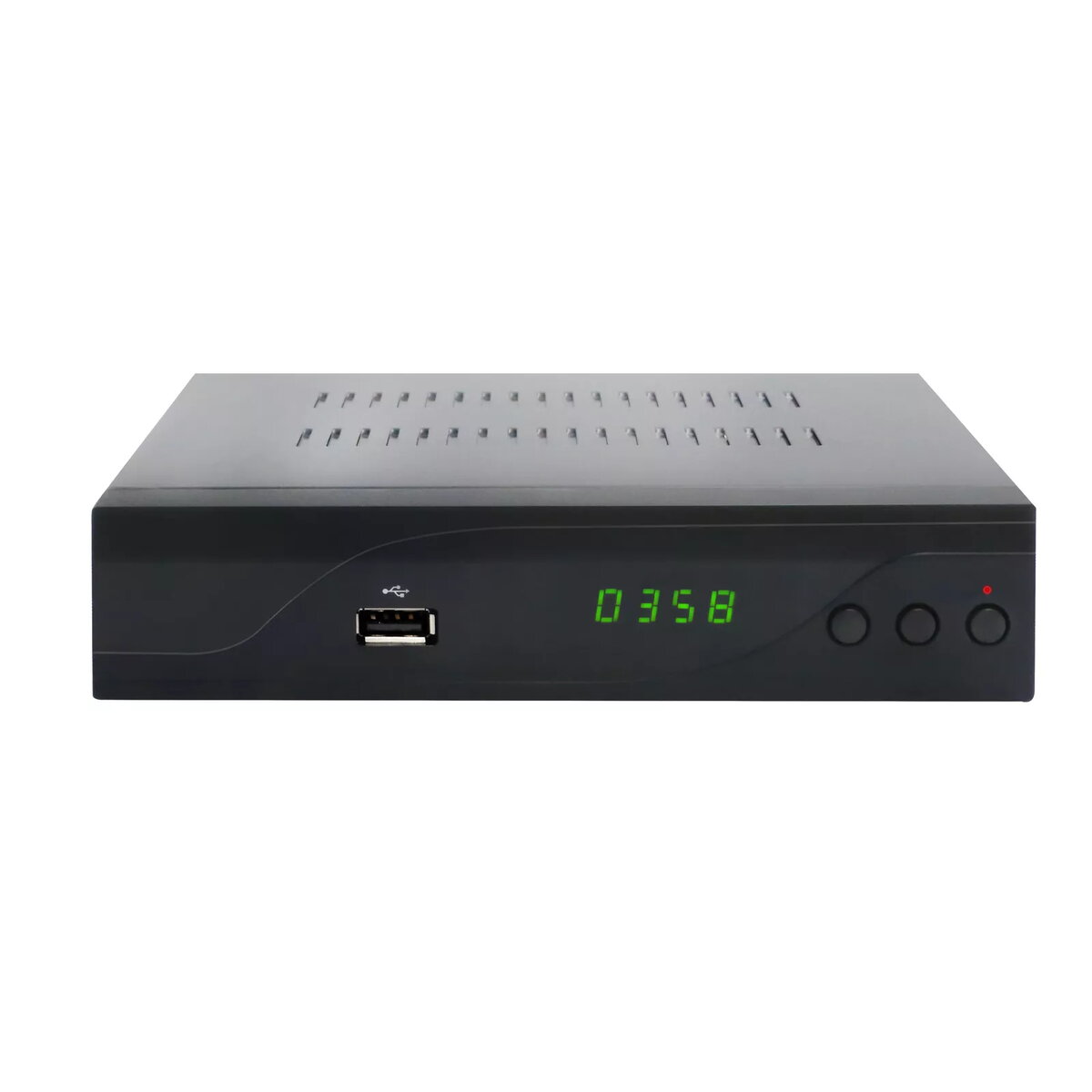
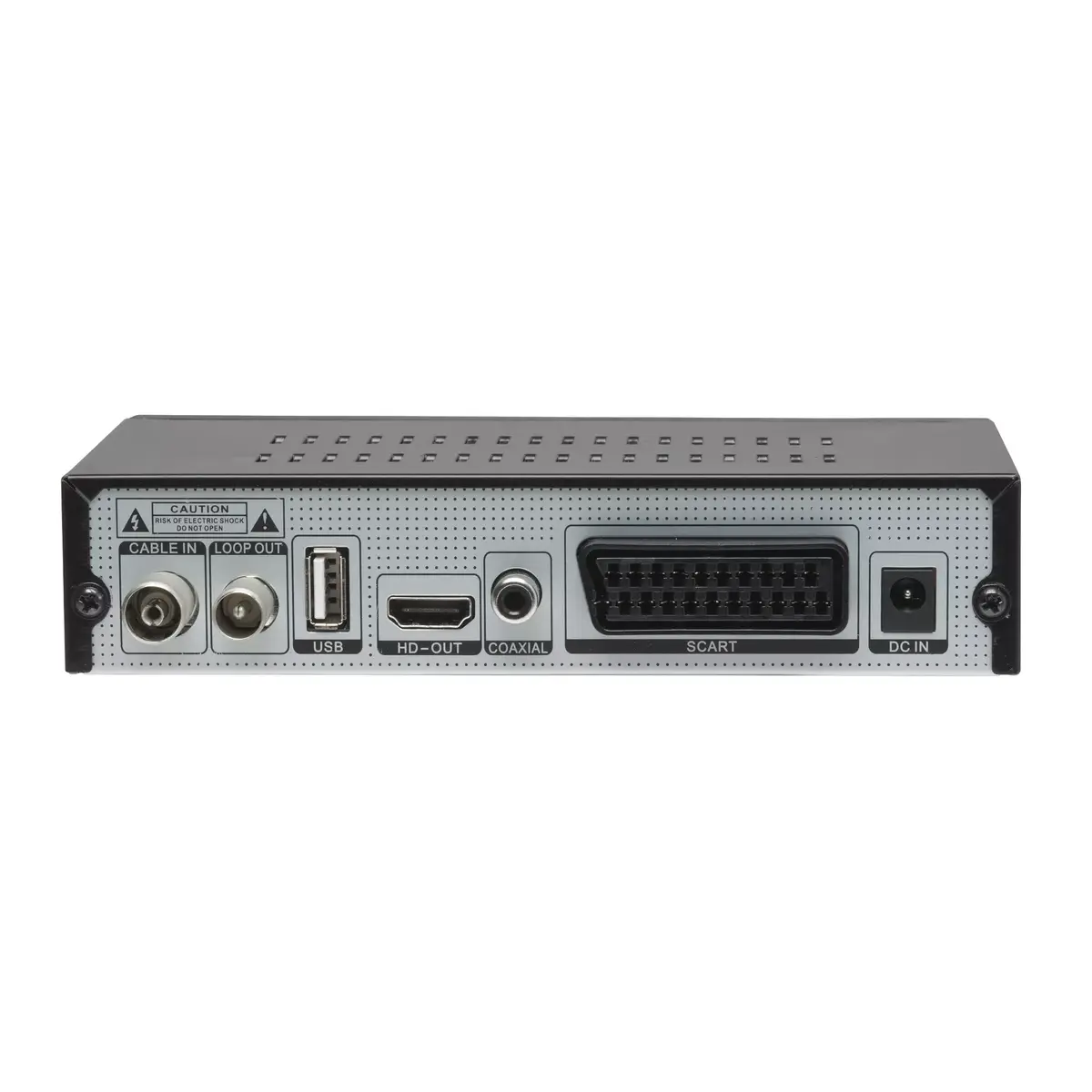
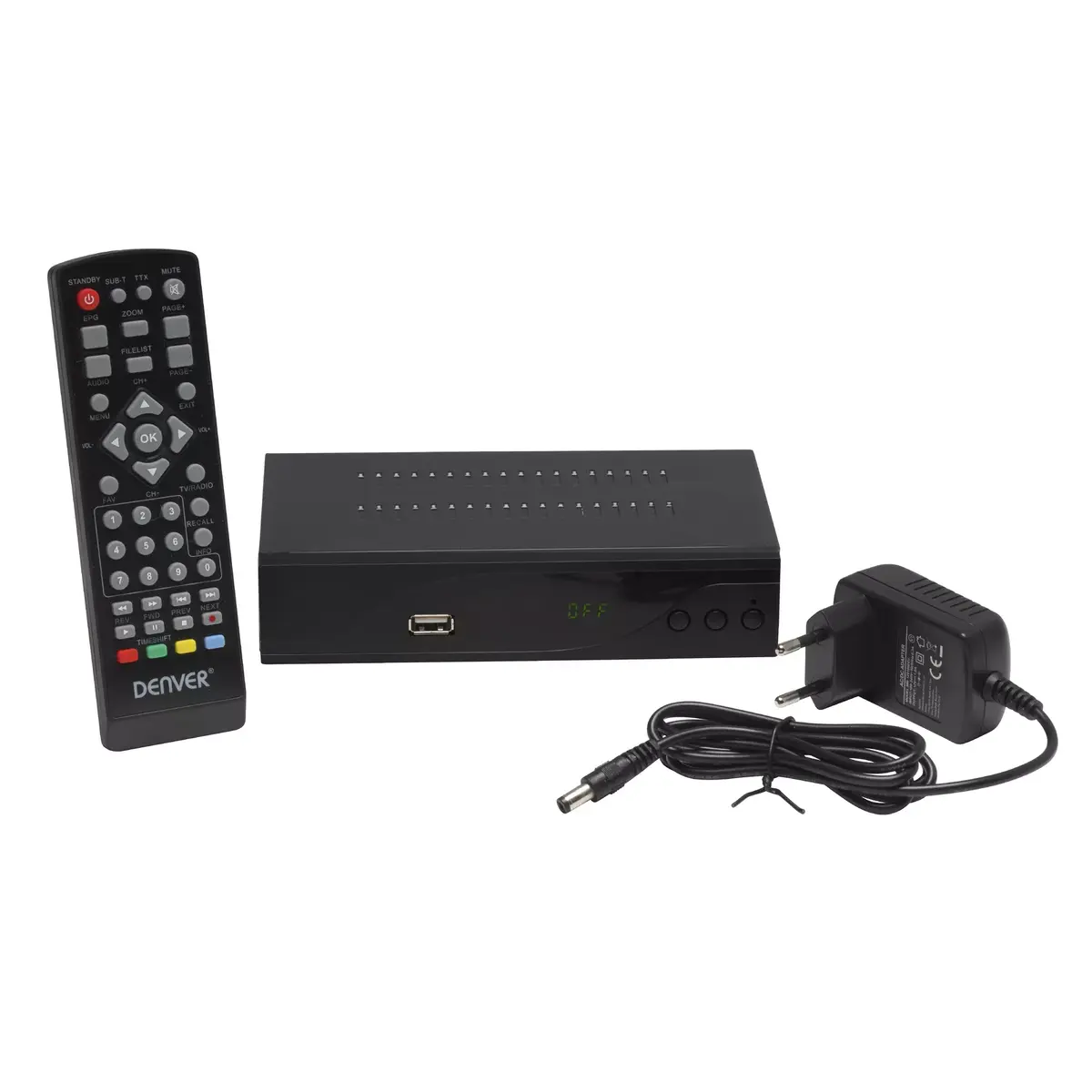
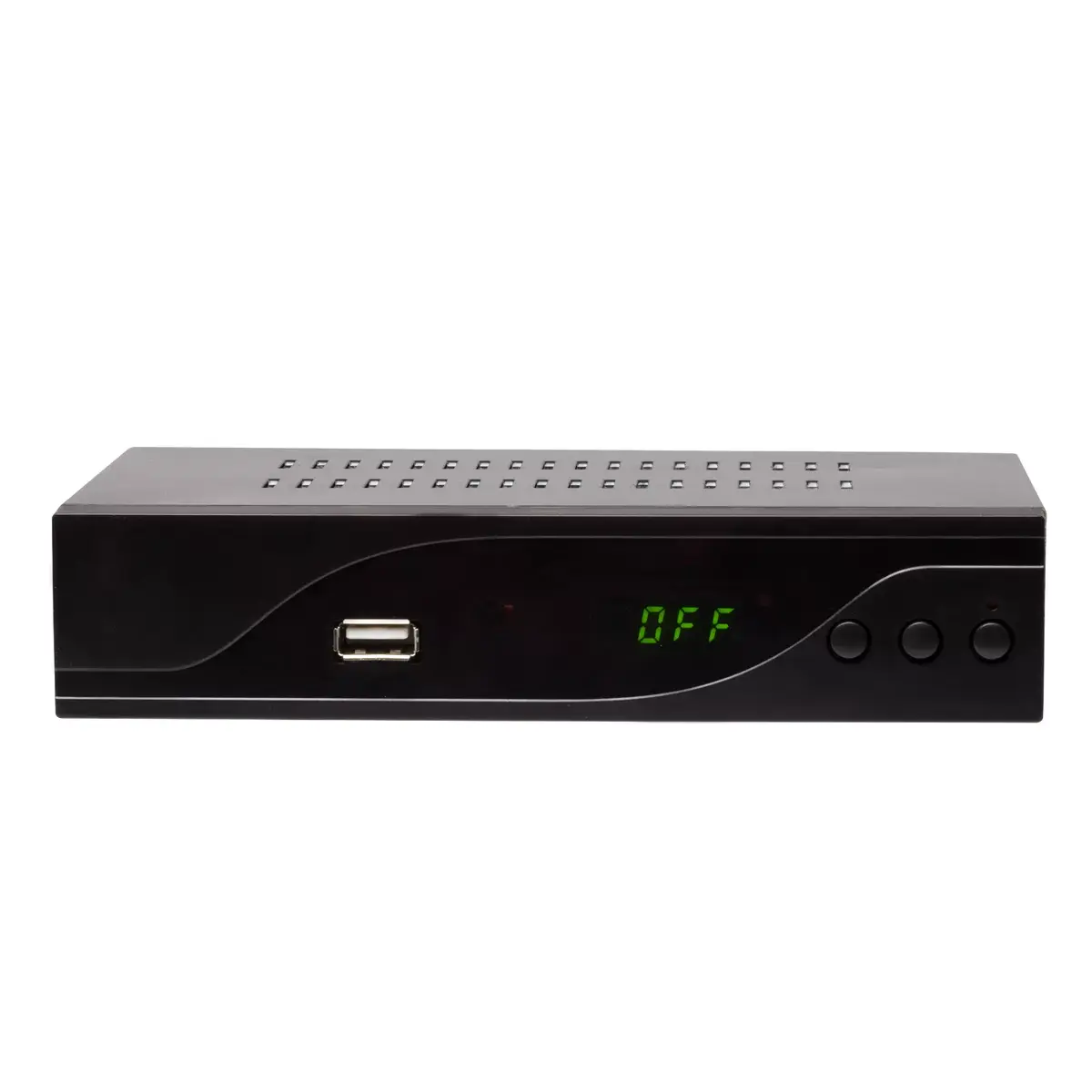
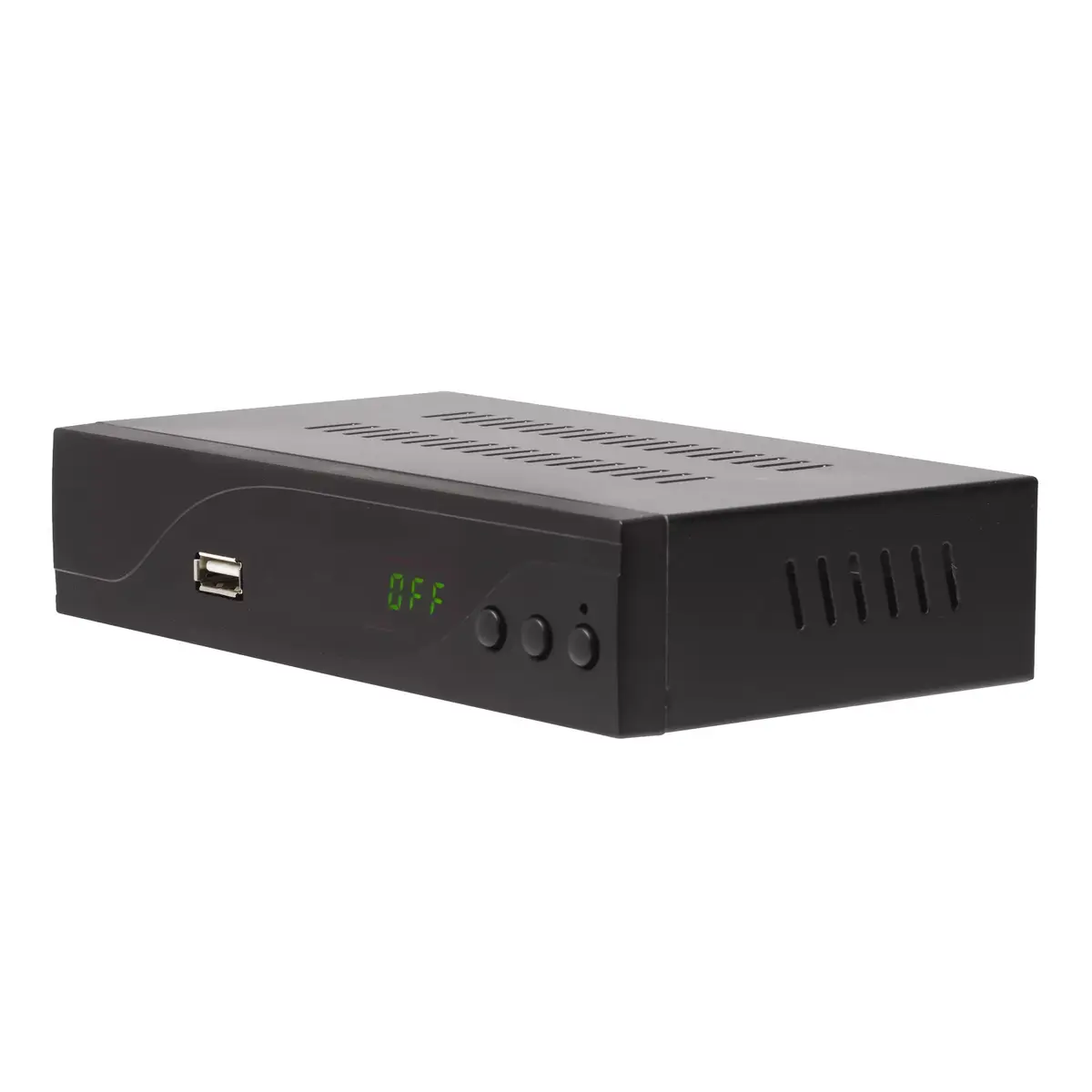
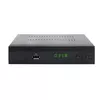
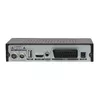
DENVER DVBC-120 TV set-top box Photo 1
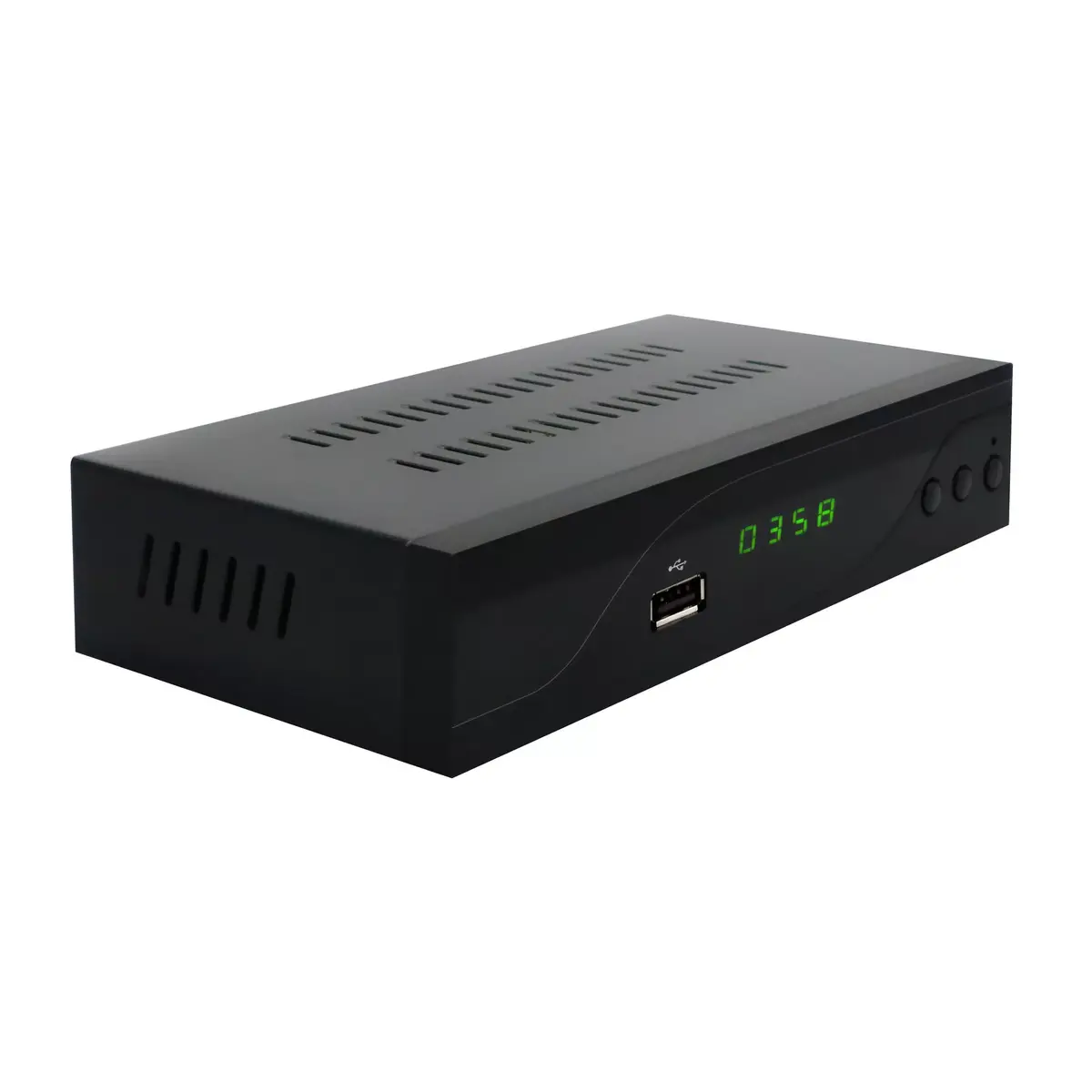
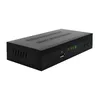
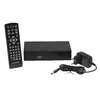
DENVER DVBC-120 TV set-top box Photo 2
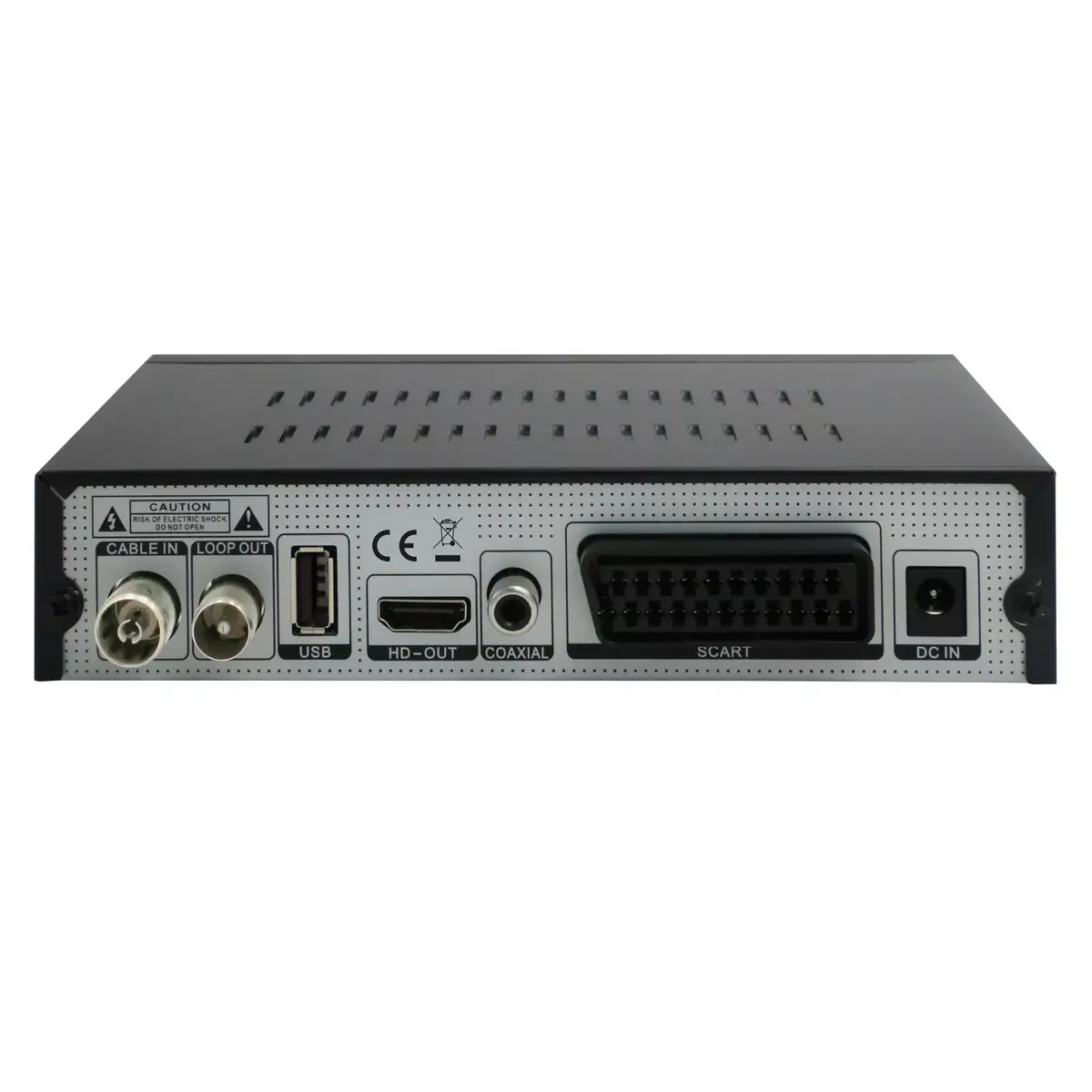
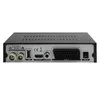
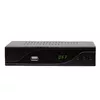
DENVER DVBC-120 TV set-top box Photo 3
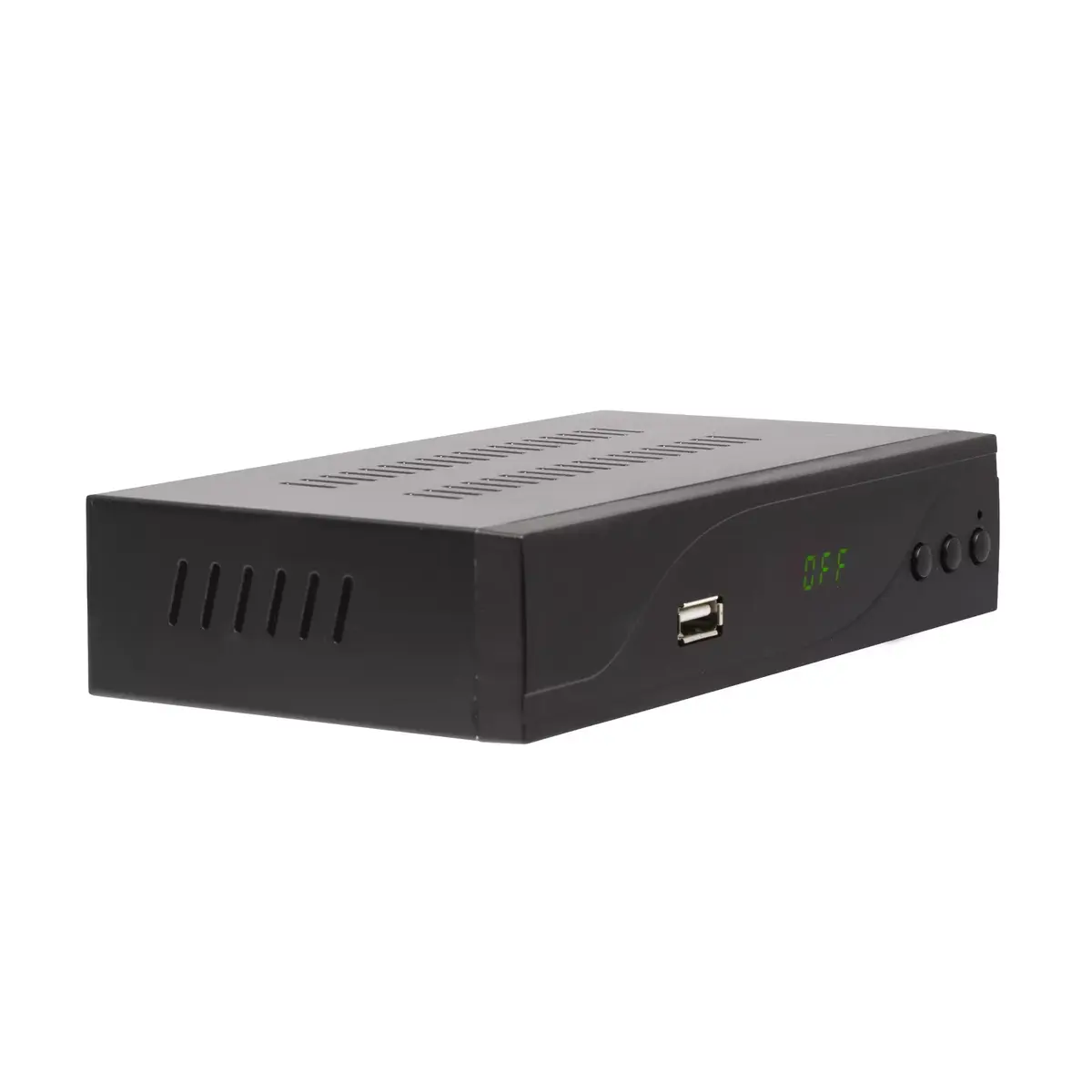
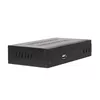
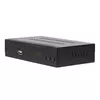
DENVER DVBC-120 TV set-top box Photo 4
DENVER DVBC-120 TV set-top box Photo 5
DENVER DVBC-120 TV set-top box Photo 6
DENVER DVBC-120 TV set-top box Photo 7
DENVER DVBC-120 TV set-top box Photo 8
DENVER DVBC-120 TV set-top box Photo 1
DENVER DVBC-120 TV set-top box Photo 2
DENVER DVBC-120 TV set-top box Photo 3
DENVER DVBC-120 TV set-top box Photo 4
DENVER DVBC-120 TV set-top box Photo 5
DENVER DVBC-120 TV set-top box Photo 6
DENVER DVBC-120 TV set-top box Photo 7
DENVER DVBC-120 TV set-top box Photo 8
Out of stock.
View similar!

Short description

DENVER DVBC-120 is a cable TV set-top box with a DVB‑C digital tuner providing Full HD output. Supports MPEG‑4 video and JPEG images, features an LED display and operates on 110–240 V, 50–60 Hz. Designed for receiving and decoding digital cable broadcasts for home TVs where Wi‑Fi, Ethernet and card reader are not required.
Warranty: 2 Years
SKU: 10460845
delivery
Information regarding the items availability for purchase will be posted on this site
price
Item cost information will be published on this site
Together cheaper
{{product.price | formatAmount}}
{{product.title}}
{{productBundle.reference.specialPrice | formatAmount}}
{{productBundle.title}}
{{productBundlePreviousPrice | formatAmount}}
{{productBundleSpecialPrice | formatAmount}}

You saving {{productBundleYouSave | formatAmount}}

Product information

Description

DENVER DVBC-120 is a compact cable TV set-top box with a DVB‑C tuner that decodes digital cable broadcasts and outputs Full HD video to compatible televisions. The device supports MPEG‑4 video playback and JPEG images, offers a front LED display for basic status and channel information, and runs on a wide-range 110–240 V, 50–60 Hz power supply. It is intended for users who need a straightforward cable tuner without network connectivity or smart card functions.

Advantages

The DENVER DVBC-120 provides dependable reception and full HD output in a simple, black enclosure. Its MPEG‑4 support enables efficient decoding of modern digital channels while JPEG compatibility allows viewing still images from USB sources. The front LED display gives quick feedback on channel number or time, and the broad voltage range ensures compatibility with different mains supplies.

Suitable for

  • Homes or apartments using DVB‑C cable television where a basic external tuner is required
  • TV sets without a built-in DVB‑C tuner that need Full HD signal decoding
  • Users who only require local playback of MPEG‑4 video files or JPEG images
  • Setups where network connectivity (Wi‑Fi/Ethernet) and card readers are not needed

When it may not be suitable

This model does not include Wi‑Fi or Ethernet LAN, so it is not suitable where internet streaming, firmware updates via network, or IP‑based services are required. It also lacks an integrated card reader and therefore cannot be used for decryption services that require subscription smart cards.

Key specifications

  • Tuner type: DVB‑C (cable)
  • Video output: Full HD (1080p compatible output depending on TV)
  • Supported video formats: MPEG‑4
  • Image format support: JPEG
  • Front panel: LED display for channel/time/status
  • Power input: 110–240 V, 50–60 Hz
  • Device colour: Black

How to use

Connect the coaxial cable from the cable provider to the DVB‑C antenna input on the DENVER DVBC-120, then connect the video output (HDMI or appropriate analogue output) to your TV. Power the unit from a mains outlet within the 110–240 V range. Use the on‑screen menu to scan for channels and adjust settings. For playback of supported media files, insert a USB storage device into the USB port (if available) and use the media browser on the set‑top box to select MPEG‑4 videos or JPEG images. Navigate channels and menus using the supplied remote control and consult the user manual for specific button functions and setup options.

What to consider before purchase

  • Ensure your cable TV provider uses DVB‑C transmission and that your TV lacks a compatible internal tuner
  • Confirm that you do not require Wi‑Fi, Ethernet, network streaming, or smart card/cam support
  • Verify the available connectors on your TV (HDMI or analogue) to ensure compatibility with the set‑top box outputs
  • Check that Full HD output meets your resolution expectations and that your TV supports 1080p

Usage recommendations

Place the set‑top box in a well‑ventilated location and connect it to the TV using the highest quality supported cable (preferably HDMI) to achieve the best Full HD picture. Regularly scan for channels if your provider updates frequency allocations, and use USB storage for offline playback of MPEG‑4 videos and JPEG galleries where network features are not needed.

Specifications

Card reader integrated:
No
Wi-Fi:
No
Ethernet LAN:
No
Product colour:
Black
All features

Features

Product colour:
Black
Tuner type:
Digital
On Screen Display (OSD):
Yes
Teletext function:
Yes
Electronic Programme Guide (EPG):
Yes
Timer:
Yes

Display

Built-in display:
Yes
Display type:
LED

Packaging content

Remote control included:
Yes

Video

Aspect ratio:
16:9, 4:3
Digital signal format system:
DVB-C
Personal Video Recorder (PVR) included:
Yes
Signal source:
Cable
HD type:
Full HD

Power

AC input frequency:
50-60
AC input voltage:
110 - 240

Ports & interfaces

USB 2.0 ports quantity:
2
DC-in jack:
Yes
Composite video out:
0
Digital audio coaxial out:
1
Digital audio optical out:
0
S-Video outputs quantity:
0
SCART ports quantity:
1
Component video (YPbPr/YCbCr) out:
0
RF ports quantity:
2
HDMI ports quantity:
1

Storage

Card reader integrated:
No
Built-in HDD:
No

Network

Ethernet LAN:
No
Wi-Fi:
No

File formats

Image formats supported:
JPEG
Video formats supported:
MPEG4

Similar products

{{product.title}} Show details Hide details

{{highlightedFeature.featureTitle}}:

{{getProductFeatureValueById(product, highlightedFeature.featureId)}}

{{product.price | formatAmount}}
Might be useful
{{product.manufacturerName}}
{{product.categoryName}}
{{product.title}}
{{product.specialPrice}}
{{product.price}}

Customer reviews

Customer questions

FAQ

What payment options are available?

AiO.lv offers several payment methods: Bank transfer. All transactions are 100% secure and encrypted.

Can this product be purchased for a company (with VAT)?

Yes. AiO.lv works with legal entities in Latvia and across Europe. The product price already includes VAT. For certain product categories, as well as for companies from other EU countries with a valid VAT number, a 0% VAT rate may apply. We issue the invoice immediately after the order is placed, support electronic BIS invoices, and automatically generate all necessary accounting documents. You can complete the purchase for a company online — simply select the company profile and choose bank transfer as the payment method during checkout.

What is the warranty period?

All DENVER products come with an official 2 Years warranty. It covers all manufacturing defects and malfunctions that may occur during use. The warranty is valid at all authorized DENVER service centers and through AiO.lv

Can the product be returned after purchase?

Yes, you can return the product within 14 days of purchase if you bought it as a consumer (not a legal entity). Returns are possible without giving any reason — the main condition is that the product retains its original appearance and full set of accessories. We will make the process as simple and convenient as possible: just contact our customer support team, and we will help you arrange the return.

Where should I contact for warranty service?

For warranty-related questions you can contact the AiO.lv (SIA VSPRO) customer support team. We will assist with consultation, warranty claim processing, and coordination with certified service centers.

How can I tell if this product suits my needs?

When making a choice, we recommend paying attention to the key features: card reader integrated, wi-fi, ethernet lan, product colour, compatibility with your devices or usage conditions, material quality, functionality, and warranty terms. These characteristics will help you determine how well the model meets your needs.

Where can I download the instructions for DENVER DVBC-120 TV set-top box?

You can download the instructions in PDF format from the “Instructions” section on the product description page. The file contains complete information about installation, setup, and usage.
warranty
14-Day Return Policy We are confident in our quality, but if the purchase doesn’t fit — you have 14 days to return the product with peace of mind.
shipping
Fast Delivery Get your orders as quickly as possible — right to your door, parcel lockers, or pickup points across Latvia and the EU.
payment
Secure Payment Pay the way you prefer: cash, VISA, MasterCard, Apple Pay, Google Pay, bank transfer, or 0% installment plan.
warranty
Quality Since 2008 AiO.lv has been on the market for over 18 years and has earned trust — with more than 6000 genuine positive reviews on Google.