


Digitus Micro-HDMI to VGA converter DA-70460 with maximum resolution 1920 x 1080 pixels
Offer for a legal entity, non-cash payment.
Short description


Cheapest delivery:
Unisend LV
Product information
Description
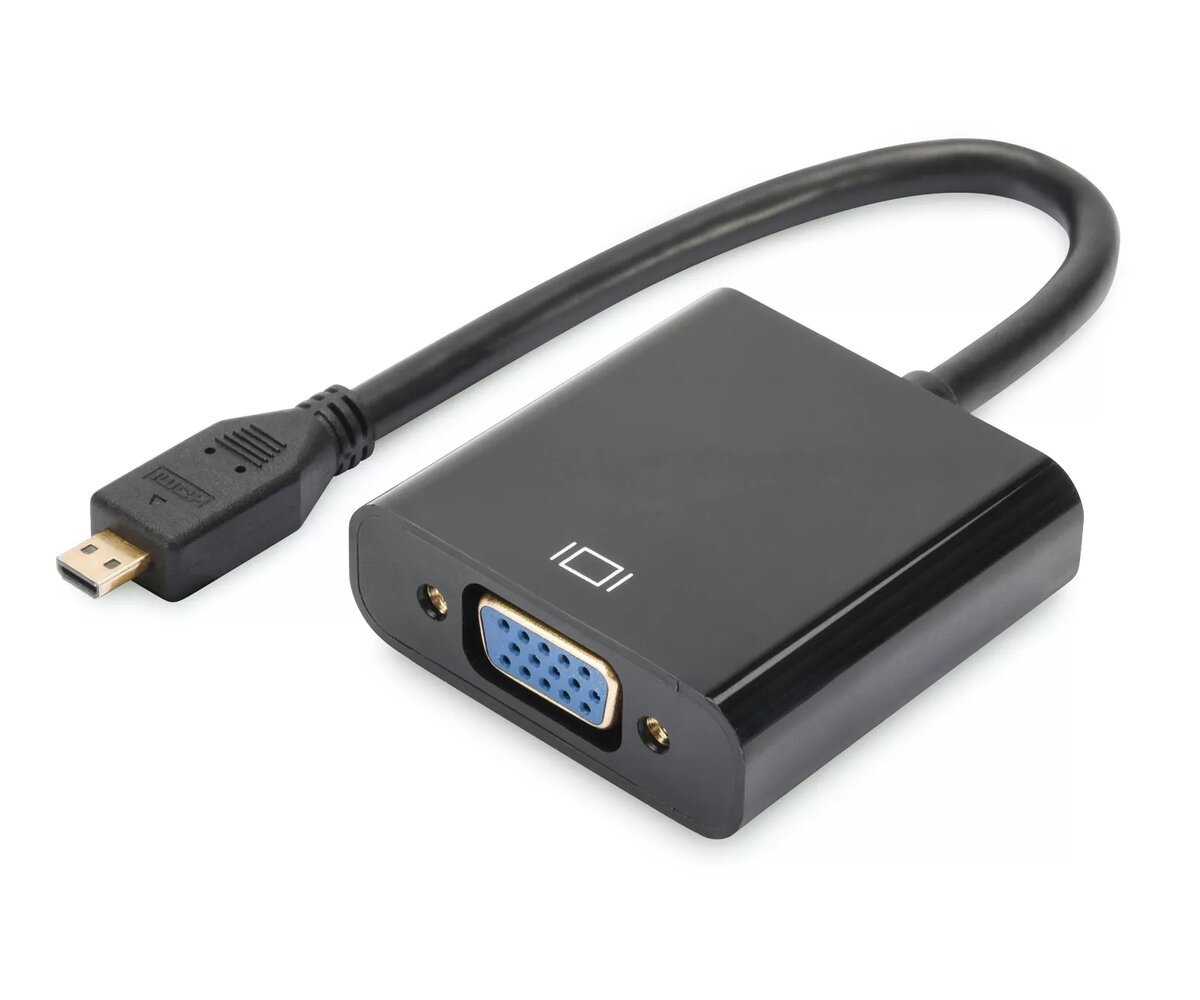
The Digitus Micro-HDMI to VGA converter DA-70460 enables a seamless connection between modern portable devices equipped with a Micro-HDMI output and traditional display units featuring a VGA input. This practical adapter bridges the gap between digital source devices and analog displays, ensuring that video and audio signals are processed efficiently. Featuring a compact and lightweight design, the converter is easy to transport and integrate into various setups without requiring external power supplies or complex driver installations.
Advantages
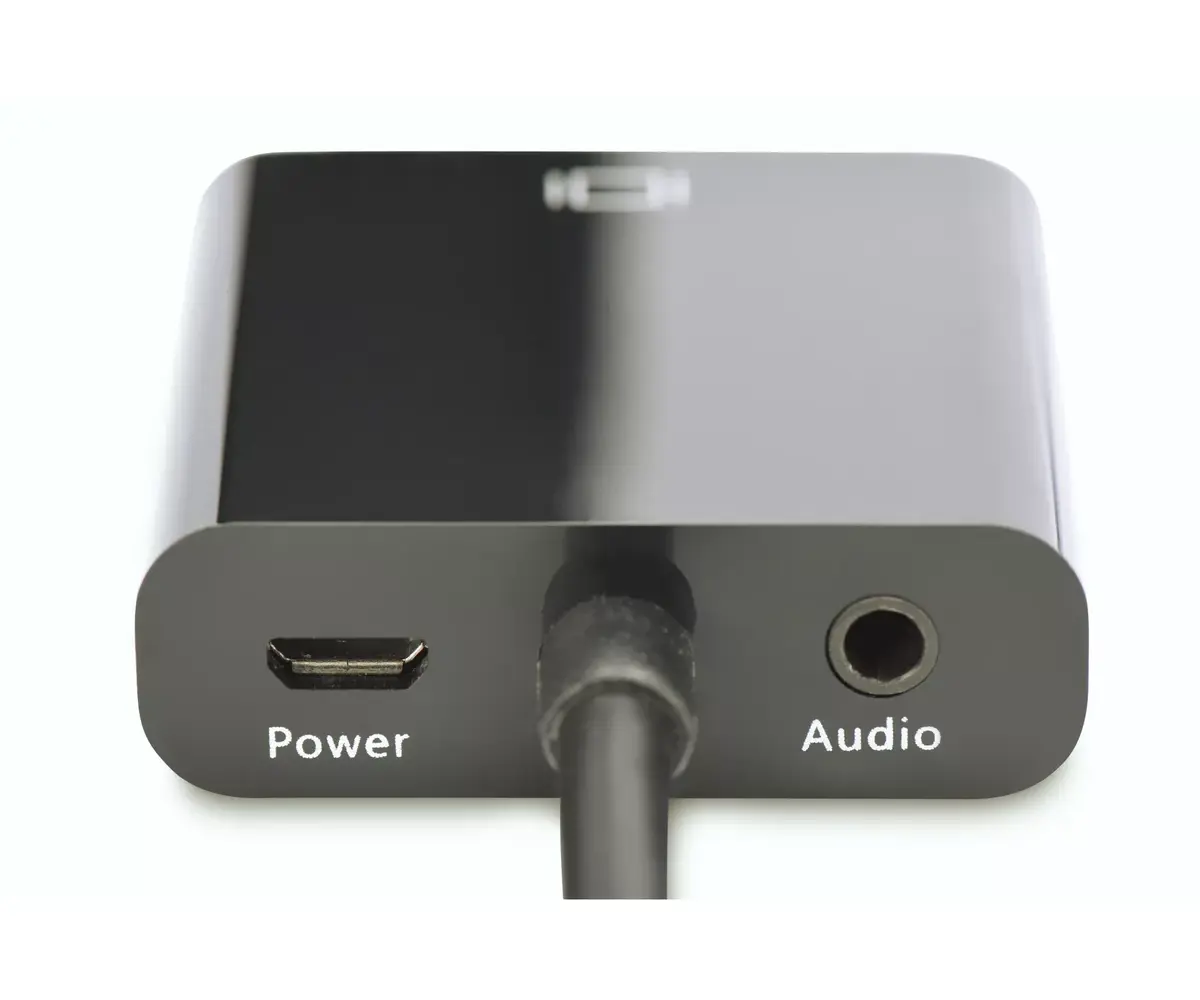
The Digitus Micro-HDMI to VGA converter provides a reliable method for utilizing older VGA monitors, projectors, and televisions with newer source technology. By converting digital HDMI signals into analog VGA signals alongside parallel audio conversion via a 3.5 mm audio jack, it allows users to experience presentations, videos, and images on a larger scale. The Plug and Play functionality ensures immediate operation straight out of the box, saving setup time and eliminating the need for dedicated software configurations.
Suitable for
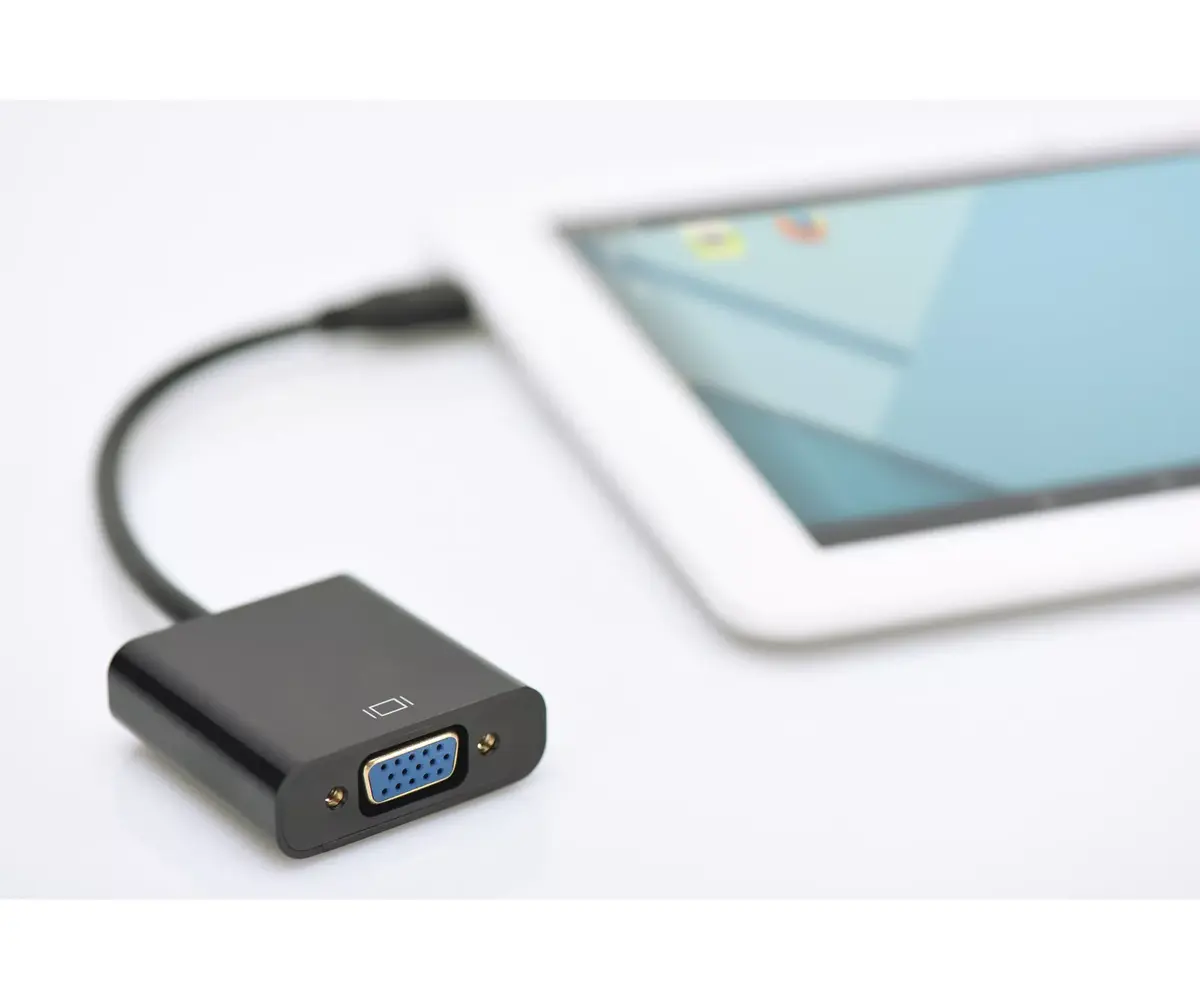
- Connecting tablets with Micro-HDMI ports to external VGA monitors
- Presenting slideshows and videos from Ultrabooks to projectors
- Linking digital cameras to conventional VGA displays for media viewing
- Setting up dual-display workspaces using legacy screens
This adapter is designed exclusively for converting digital Micro-HDMI signals to analog VGA displays. It will not function in reverse, meaning it cannot transmit an analog VGA video source to a digital Micro-HDMI display. Furthermore, it is not compatible with devices that lack a Micro-HDMI output port, such as standard HDMI or DisplayPort connections.
Key specifications
- Connector 1: Micro-HDMI Type D
- Connector 2: VGA D-Sub
- Audio output: 3.5 mm audio jack
- Maximum resolution: 1920 x 1080 pixels
- Color: Black
- Weight: 35 g
- Dimensions: 193 x 45 x 15 mm
To use the Digitus Micro-HDMI to VGA converter, connect the Micro-HDMI end directly to your compatible source device such as a tablet, Ultrabook, or camera. Next, attach a standard VGA cable from your display unit, such as a monitor or projector, into the VGA port of the adapter. If audio playback is required, connect external speakers or a sound system to the integrated 3.5 mm audio jack. The device operates automatically through Plug and Play without requiring manual driver installations.
What to consider before purchase
- Verify that your source device features a Micro-HDMI output port rather than a standard HDMI port
- Ensure your display device relies on a VGA input connection
- Confirm that the maximum resolution of 1920 x 1080 pixels meets your display requirements
Usage recommendations: Handle the cable and connectors with care to avoid bending the pins inside the VGA port or straining the Micro-HDMI connection. Disconnect the adapter by pulling on the plug housing rather than the cable itself to prolong its operational lifespan. Store the device in a dry environment when not in use.
Features
- Connector 2:
- VGA (D-Sub)
- Connector 1:
- HDMI Type D (Micro)


