
Hurry and order now – up to 50% off!
In cart {{totalProductsCount}} item(s)
Your cart is empty
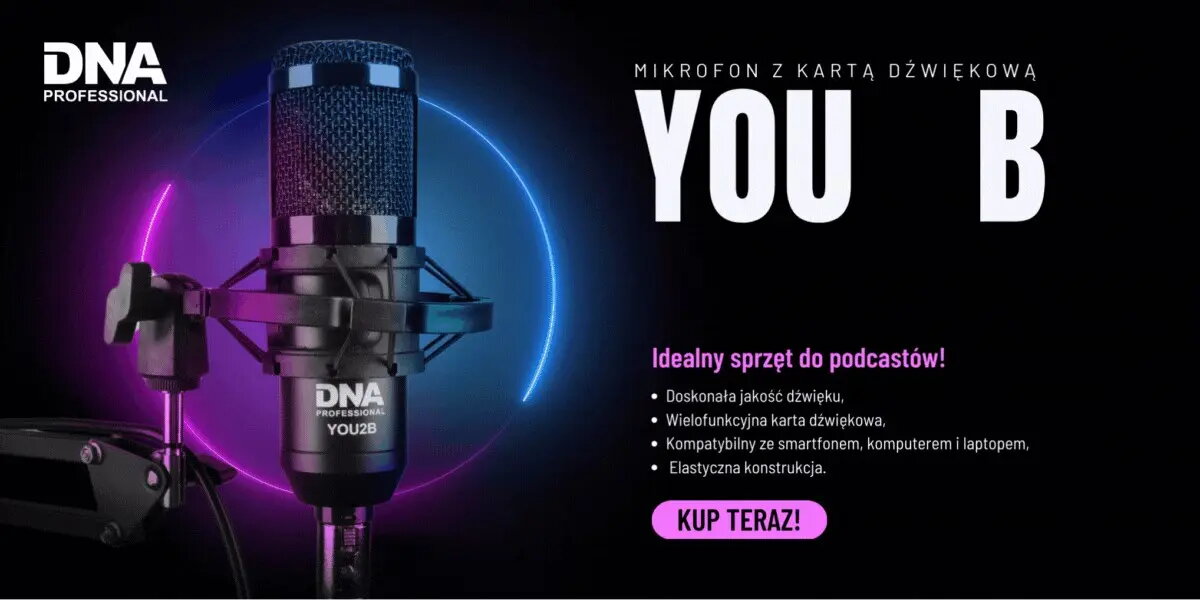
Podcast Kit DNA Professional — YOU2B microphone with audio interface and tripod
The DNA Professional Podcast Kit DNA Professional — YOU2B microphone with audio interface and tripod is a complete package designed for recording voice-centric content. It combines a YOU2B studio microphone, a compact integrated audio interface and a stable tripod to provide a straightforward setup for podcasters, streamers and voice-over artists. The kit supports direct connection to a computer or external recorder through the included audio interface, allowing controlled signal input and reliable microphone placement for clear speech capture.
This kit brings together microphone, interface and tripod in a single set to reduce compatibility concerns and speed up setup. The included audio interface provides gain control and a clean preamplifier stage for improved vocal clarity compared with basic direct-microphone connections. The tripod ensures consistent positioning and reduces handling noise, while the microphone is optimized for spoken-word recording to capture natural timbre and intelligibility.
Place the tripod on a flat surface and secure the microphone in the holder. Connect the microphone to the integrated audio interface following the supplied cables and plug the interface into your computer or external recorder. Adjust the input gain on the interface to achieve a clean level without clipping while speaking at your normal recording volume. Position the microphone 10–30 cm from the mouth, slightly off-axis if necessary, to balance directness and sibilance. Monitor the signal through headphones and perform a short test recording to confirm levels and tonal balance before starting a session.
For consistent results, use a pop filter or windscreen to reduce plosives and place the microphone on the tripod at a fixed distance. Monitor levels and mute the interface or software when not recording to avoid accidental noise. Allow the interface drivers to install or update on your computer if prompted and check audio input settings in your recording software to select the integrated interface as the input source.
{{highlightedFeature.featureTitle}}:
{{getProductFeatureValueById(product, highlightedFeature.featureId)}}
{{ productComparisonGenerationError }}