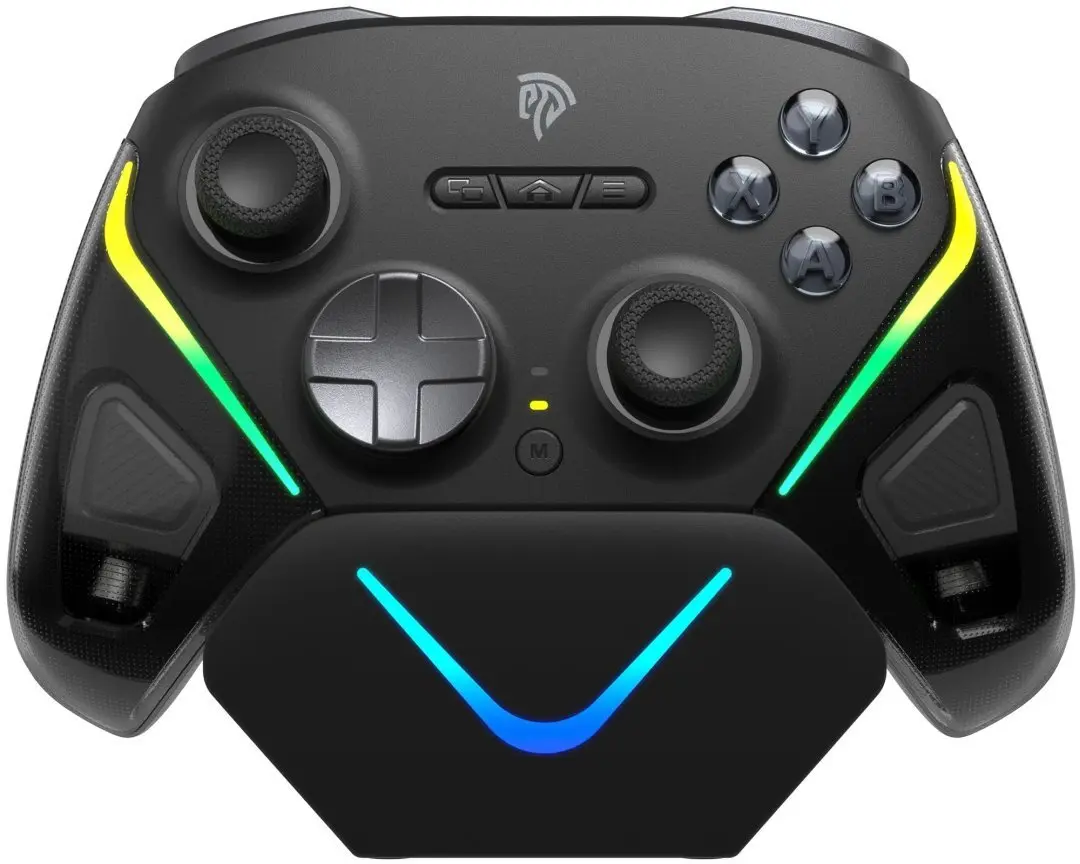
The EasySMX D10 Wireless Game Controller is a versatile gaming peripheral engineered to provide a seamless experience across multiple platforms, including PC, Nintendo Switch, iOS, Android, and Steam Deck. Designed with ergonomics in mind, this gamepad ensures comfort during extended gaming sessions while offering reliable wireless connectivity and precise input response. It serves as a comprehensive solution for players who switch between different gaming devices and require a consistent, high-quality control interface.
Advantages
This controller stands out due to its broad compatibility, allowing users to transition between mobile, handheld, and desktop gaming environments without needing multiple devices. The ergonomic design reduces hand fatigue, while the responsive buttons and analog sticks provide the accuracy required for competitive and casual gameplay. Its wireless technology ensures a stable connection, minimizing input lag and providing the freedom of movement necessary for an immersive gaming experience.
Suitable for
- PC gaming on Windows platforms
- Nintendo Switch console gaming
- Mobile gaming on iOS and Android devices
- Portable gaming on Steam Deck
- Casual and competitive gaming sessions
When it may not be suitable
This controller may not be the optimal choice for users requiring specialized professional-grade features such as mechanical switches or extensive macro programming capabilities. Additionally, it is not compatible with older gaming consoles that lack support for standard wireless Bluetooth or USB input protocols.
Key specifications
- Wireless connectivity
- Multi-platform support: PC, Switch, iOS, Android, Steam Deck
- Ergonomic button layout
- Responsive analog sticks
- Integrated rechargeable battery
How to use
To begin using the EasySMX D10, ensure the controller is fully charged using the provided cable. Activate the pairing mode on the controller and navigate to the Bluetooth settings on your target device to establish a connection. Once paired, the controller will be recognized as an input device, allowing you to configure button mapping within your game settings if necessary. For wired use, simply connect the controller directly to your device via the appropriate USB cable.
What to consider before purchase
- Verify your device's operating system version for compatibility
- Check if your specific games support external controller input
- Consider the need for additional adapters if your device lacks Bluetooth
Usage recommendations
For the best performance, keep the controller firmware updated if applicable and ensure the device is kept away from sources of strong electromagnetic interference to maintain a stable wireless signal.