Hurry and order now – up to 50% off!
In cart {{totalProductsCount}} item(s)
Your cart is empty
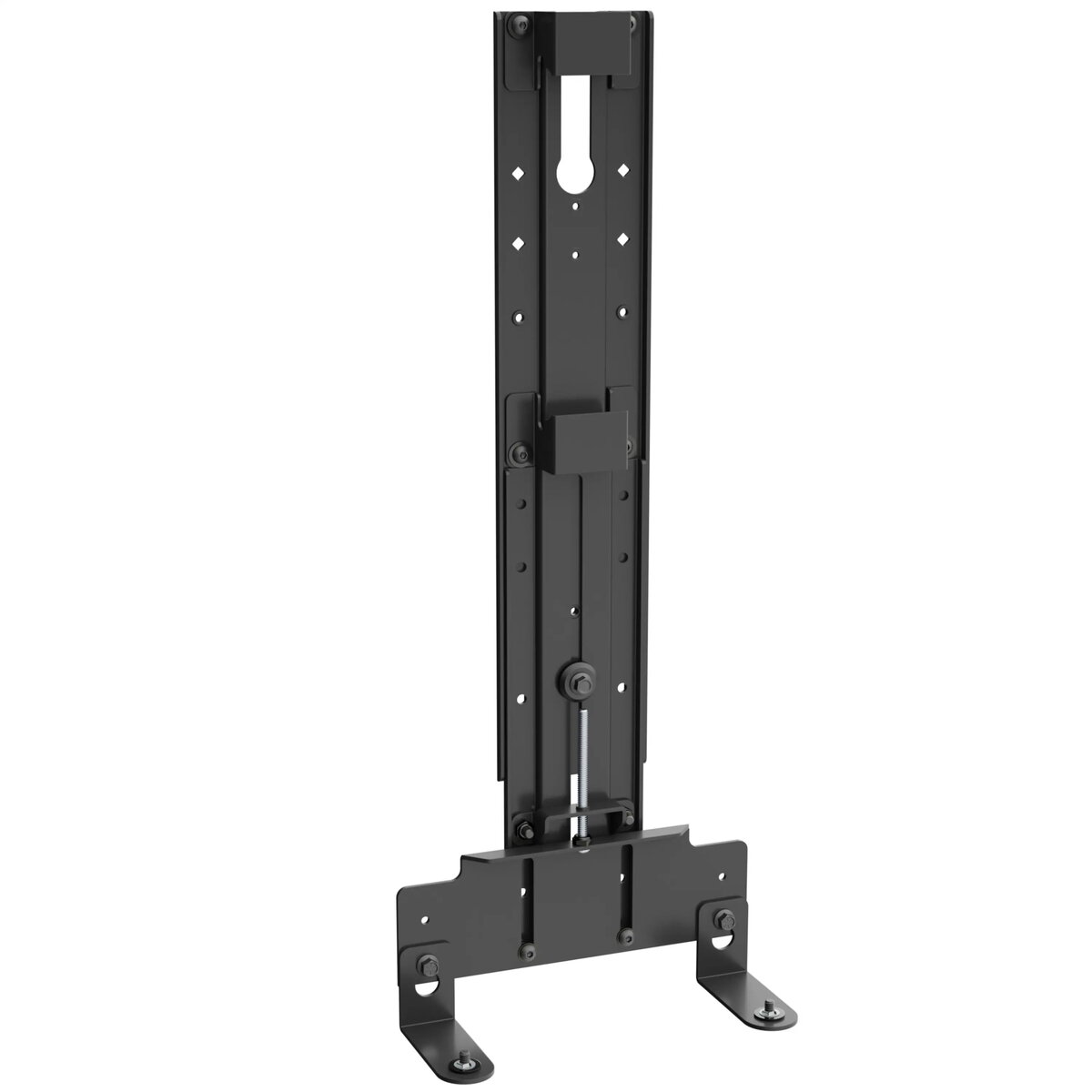
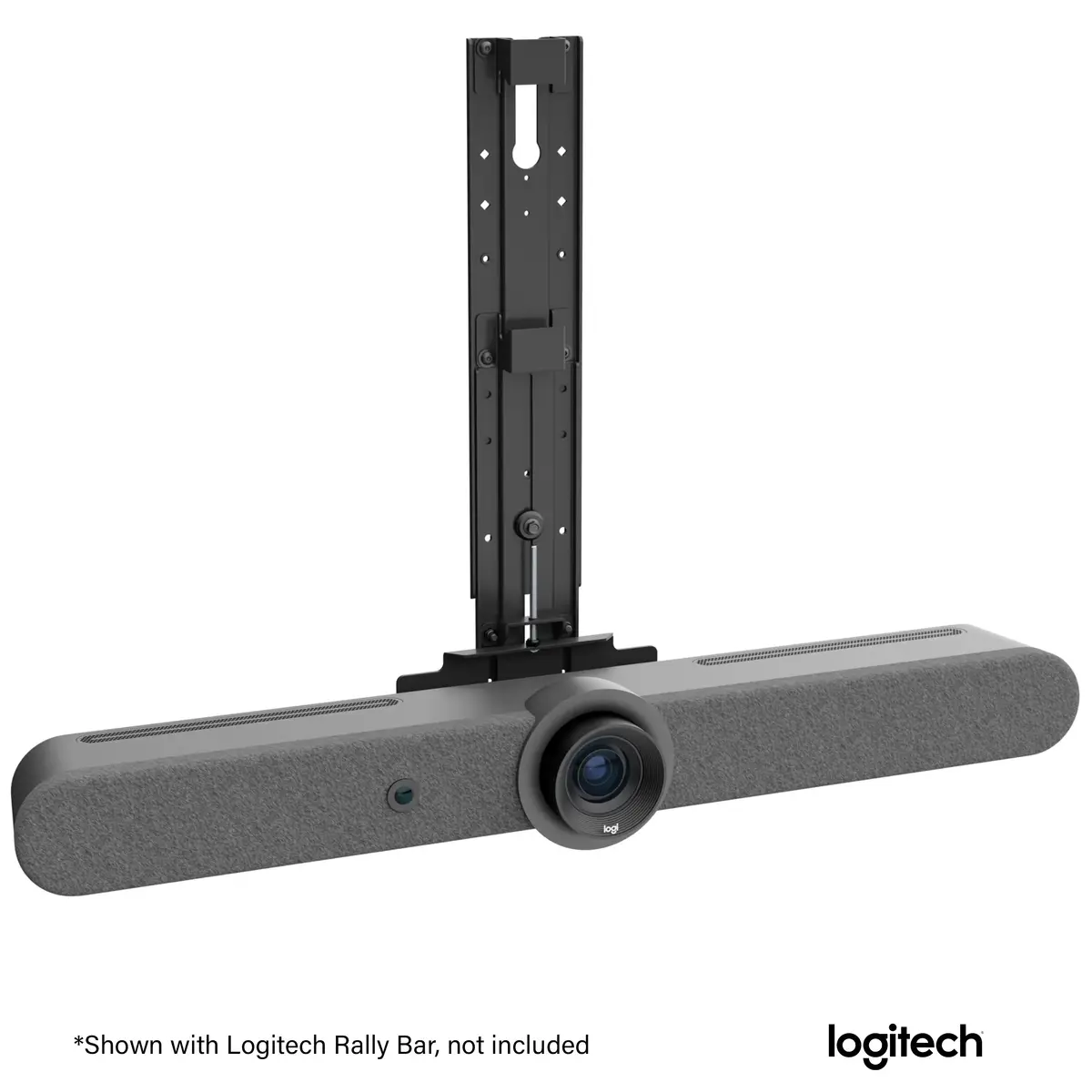
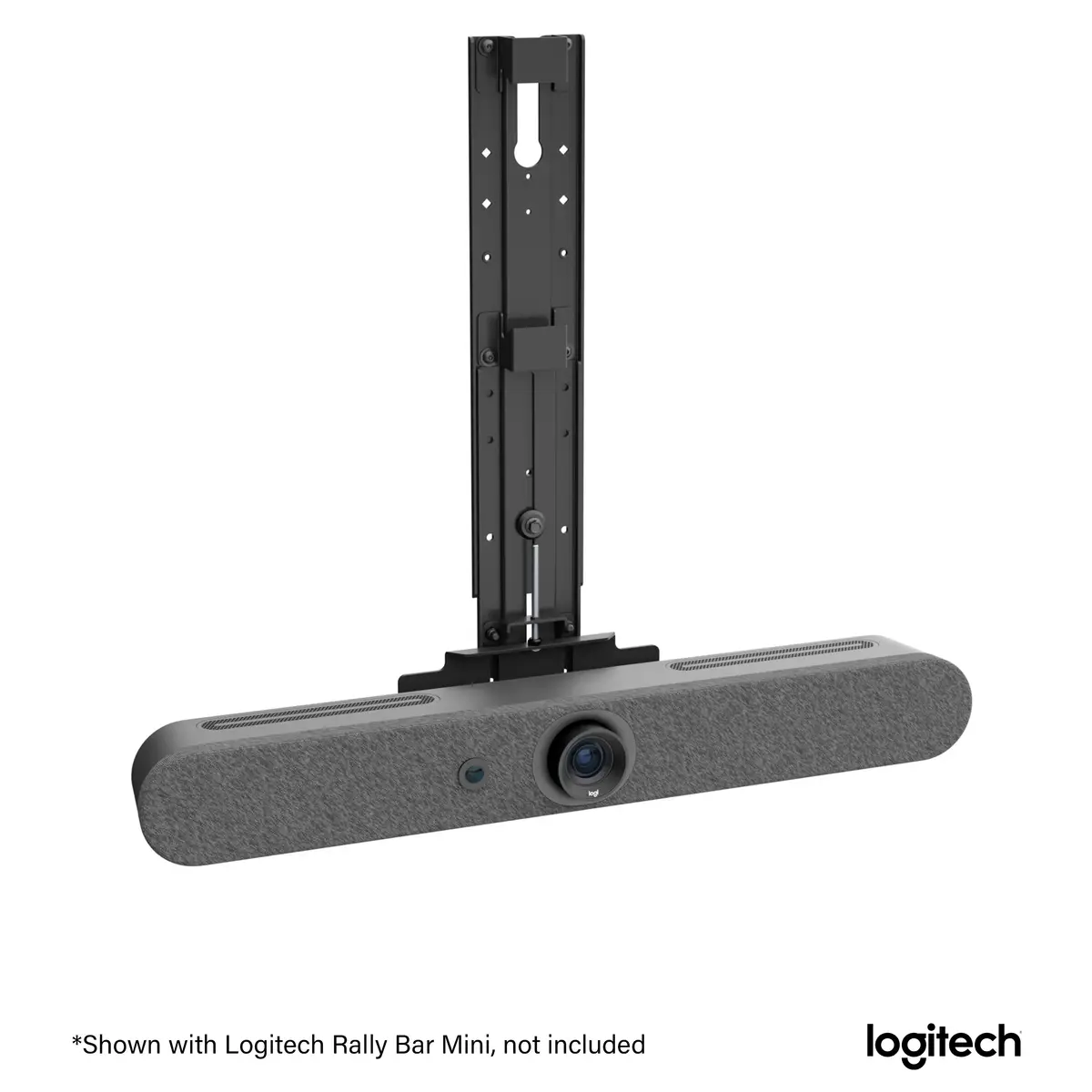
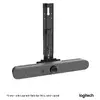
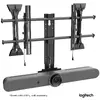
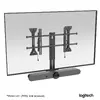
Eaton Chief Fusion Display Mount Accessory for Logitech Rally Bar, Rally Bar Mini and Rally Bar Huddle
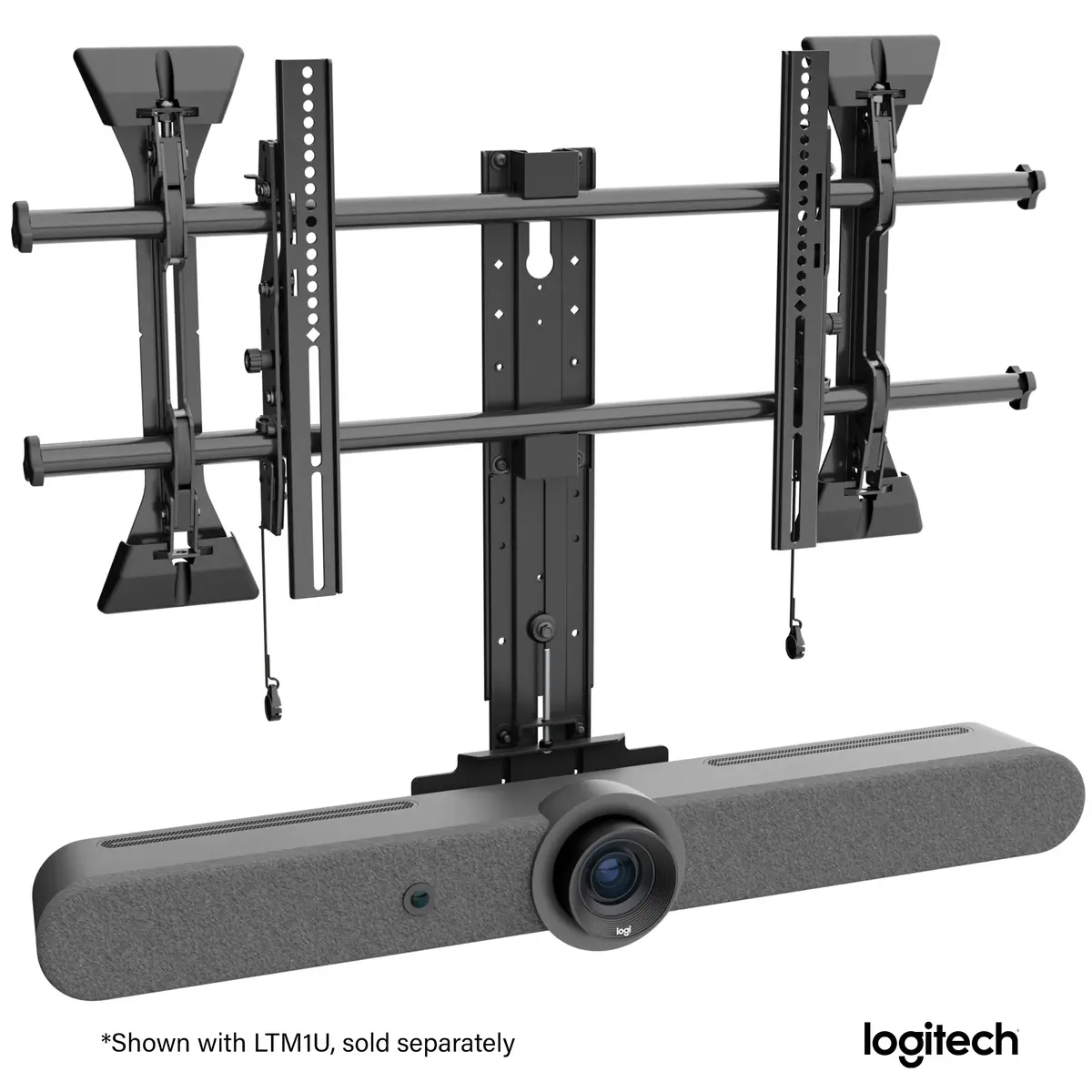
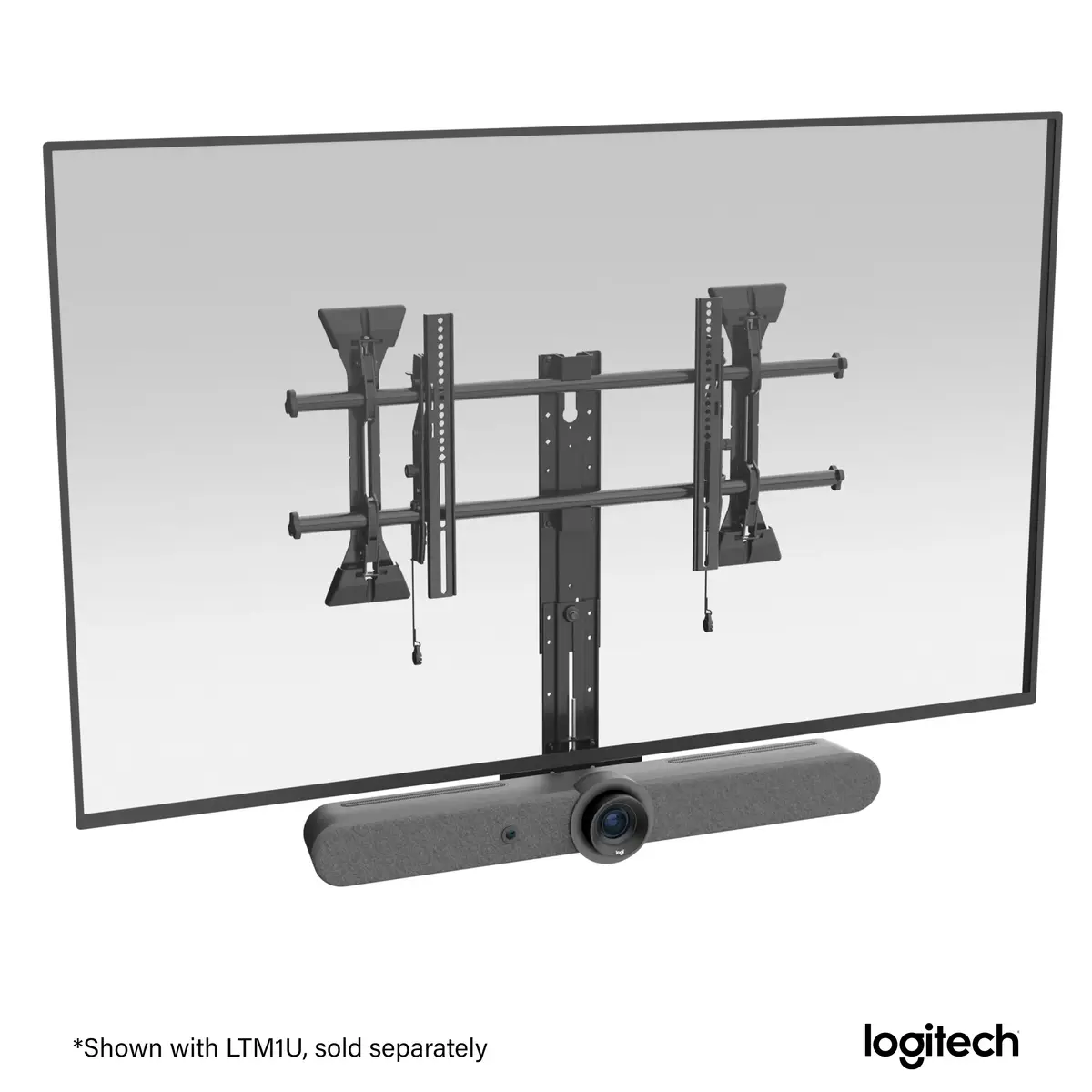
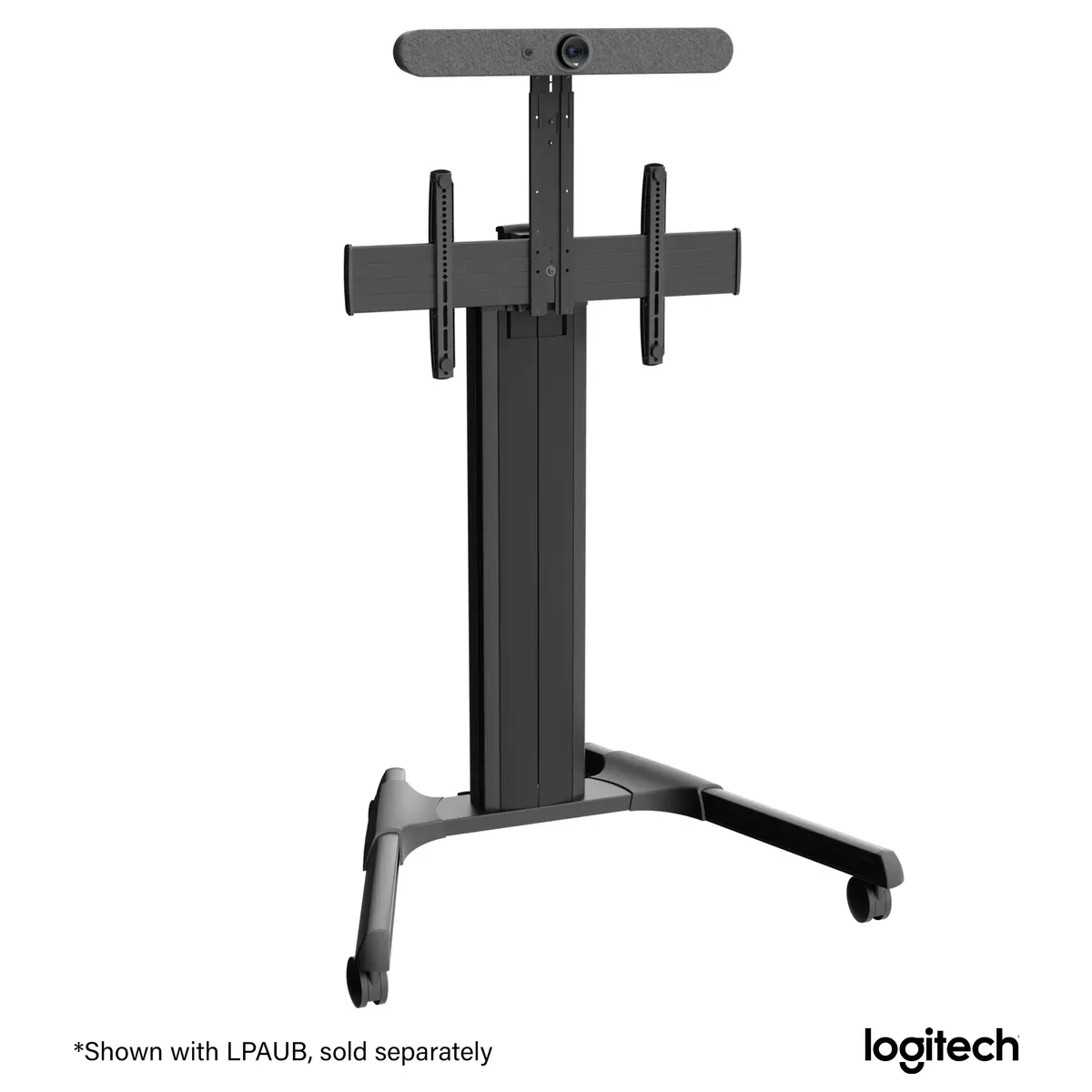
The Eaton Chief Fusion display mount accessory is a specialized mounting solution engineered for the seamless integration of Logitech Rally Bar, Rally Bar Mini, and Rally Bar Huddle video conferencing systems. Designed to provide a stable and professional appearance in any meeting room, this accessory allows for the precise positioning of video bars either above or below displays ranging from 55 to 94 inches. Its robust construction ensures that your conferencing hardware remains secure, while the integrated adjustment features facilitate perfect alignment with your screen for optimal camera performance.
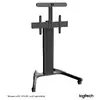
This mounting accessory offers significant flexibility for professional installation environments. It features a generous height adjustment range, including both macro and micro-adjustment capabilities, which allows users to align the video bar perfectly with the edge of the display. The inclusion of keyhole slots and captive screws simplifies the assembly process, significantly reducing installation time on site. Furthermore, its broad compatibility with various Fusion series wall, ceiling, and floor mounts ensures that it can be adapted to almost any room configuration or existing infrastructure.
This accessory is specifically designed for use with the Logitech Rally Bar product line and may not be compatible with video bars from other manufacturers. It is also intended for use with specific Eaton Chief Fusion mounting systems and may not fit third-party display mounts or non-standard display configurations.
To install the accessory, first ensure that your primary display mount is securely fixed to the wall, ceiling, or floor stand. Attach the L-brackets to the mount using the provided captive screws, utilizing the keyhole slots for initial positioning. Once the bracket is in place, secure the Logitech Rally Bar, Rally Bar Mini, or Rally Bar Huddle to the accessory. Use the macro-adjustment settings to set the general height, and then utilize the micro-adjustment feature to fine-tune the alignment until the video bar is perfectly flush with the top or bottom of your display.
For the best results, perform the final micro-adjustment only after all cables are connected and the display is fully mounted, as this ensures the camera is perfectly aligned with the screen's center line for a professional video conferencing experience.
{{highlightedFeature.featureTitle}}:
{{getProductFeatureValueById(product, highlightedFeature.featureId)}}
{{ productComparisonGenerationError }}