Save time and money with our discounts!
In cart {{totalProductsCount}} item(s)
Your cart is empty
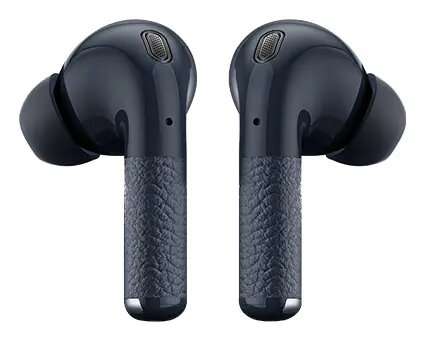
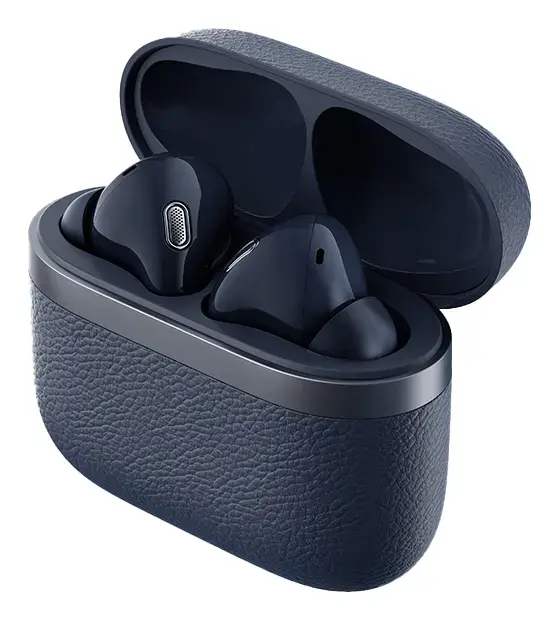
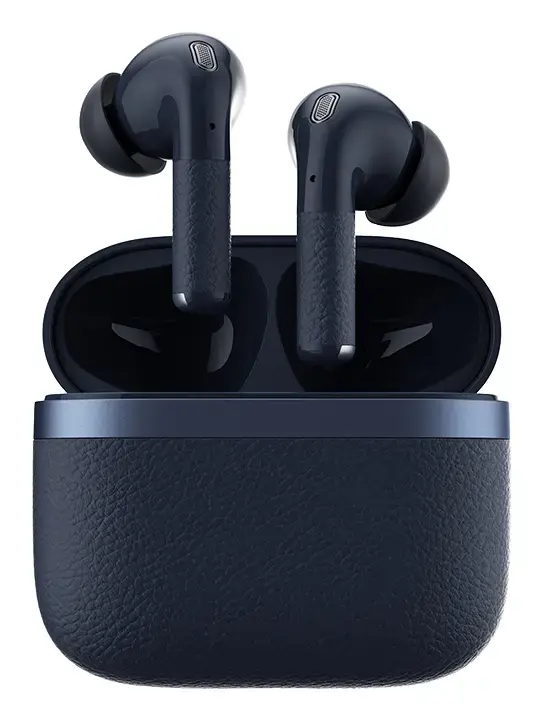
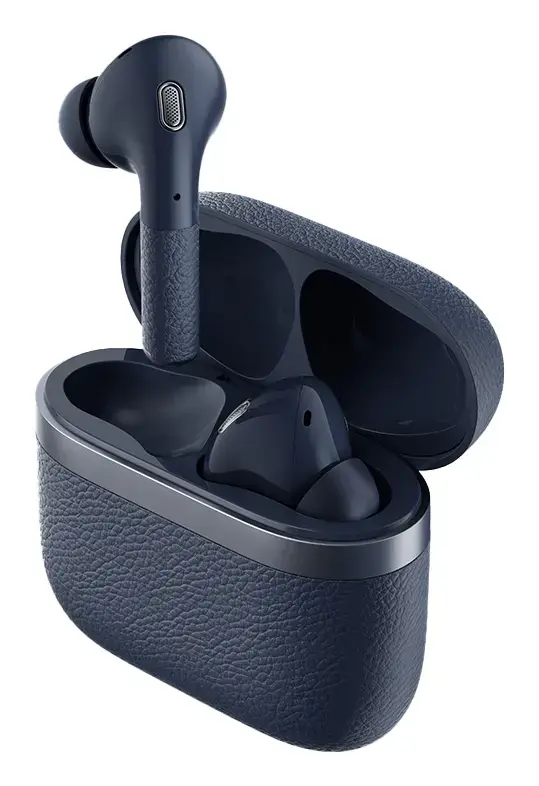
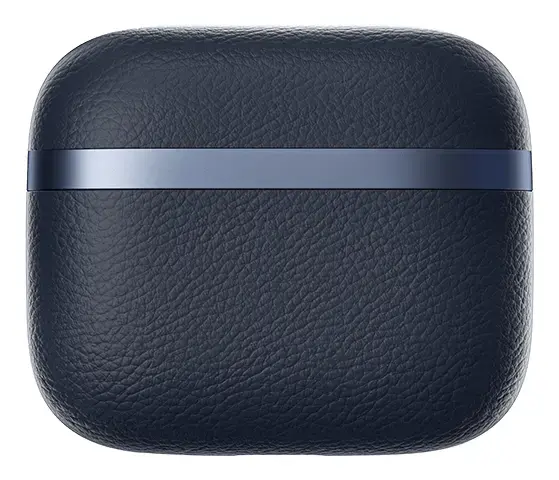
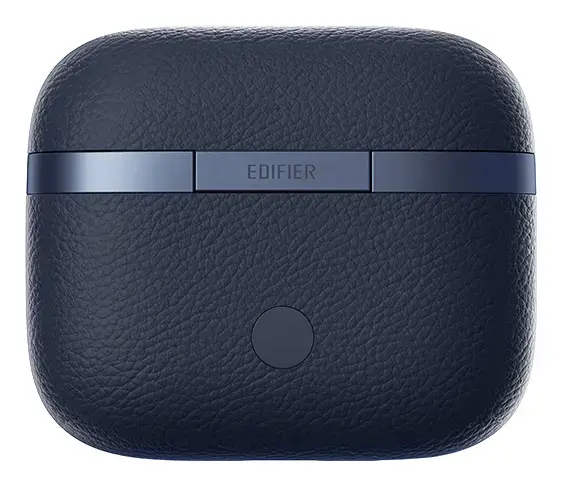
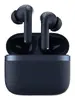
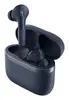
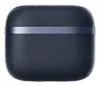
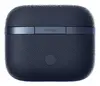
Edifier W260NC In-ear True Wireless Stereo Bluetooth Headset Dark Blue with Built-in Microphone and USB Type-C Charging
The Edifier W260NC in-ear True Wireless Stereo Bluetooth headset in dark blue is designed to deliver reliable audio performance for both calls and music. Featuring a binaural wearing style and a built-in microphone, this headset utilizes advanced True Wireless Stereo technology to offer a completely cable-free listening experience. With a broad frequency response range and a convenient USB Type-C charging port, it serves as a practical audio solution for everyday use.
The Edifier W260NC combines high-resolution audio capabilities with a comfortable in-ear design. The built-in microphone ensures that voice communication remains clear during phone calls or online meetings. The True Wireless Stereo connectivity provides a stable wireless link to compatible devices, allowing freedom of movement without tangled wires. The dark blue finish gives the headset a modern and professional appearance, while the USB Type-C charging port ensures efficient and widely compatible power replenishment.
This headset may not be suitable for professional audio mixing or studio monitoring where absolute neutral sound reproduction is required. Users seeking wired connectivity without the need for battery management or charging may also find wireless earbuds less ideal for continuous, uninterrupted desktop use.
To begin using the Edifier W260NC headset, charge the charging case and earbuds fully using the provided USB Type-C cable. Enable Bluetooth on your smartphone, tablet, or laptop, and take the earbuds out of the case to enter pairing mode. Select the headset from your device's Bluetooth settings menu to establish the connection. Insert the earbuds securely into your ears, adjusting them for a comfortable fit. Use your connected device or the built-in controls to manage your music playback, adjust volume, and answer or end phone calls.
Usage recommendations: To maintain optimal performance and hygiene, clean the ear tips regularly with a soft, dry cloth and store the earbuds inside the charging case when not in use. Avoid exposing the headset to extreme temperatures or excessive moisture to preserve battery health and device longevity.
{{highlightedFeature.featureTitle}}:
{{getProductFeatureValueById(product, highlightedFeature.featureId)}}
{{ productComparisonGenerationError }}