


This is due to long delivery times and limited product warranties.
Powerful EcoFlow stations for energy anywhere!
In cart {{totalProductsCount}} item(s)
Your cart is empty
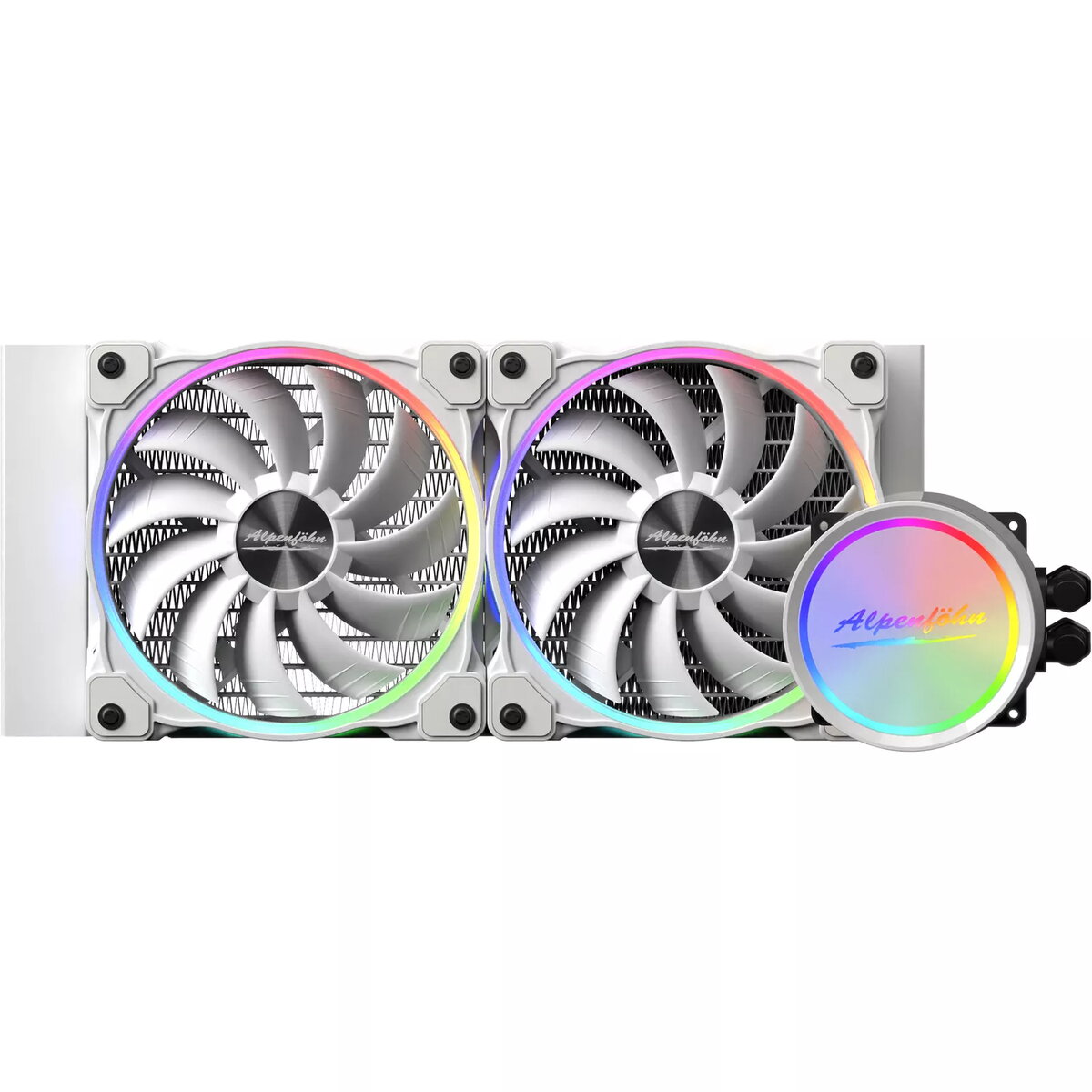
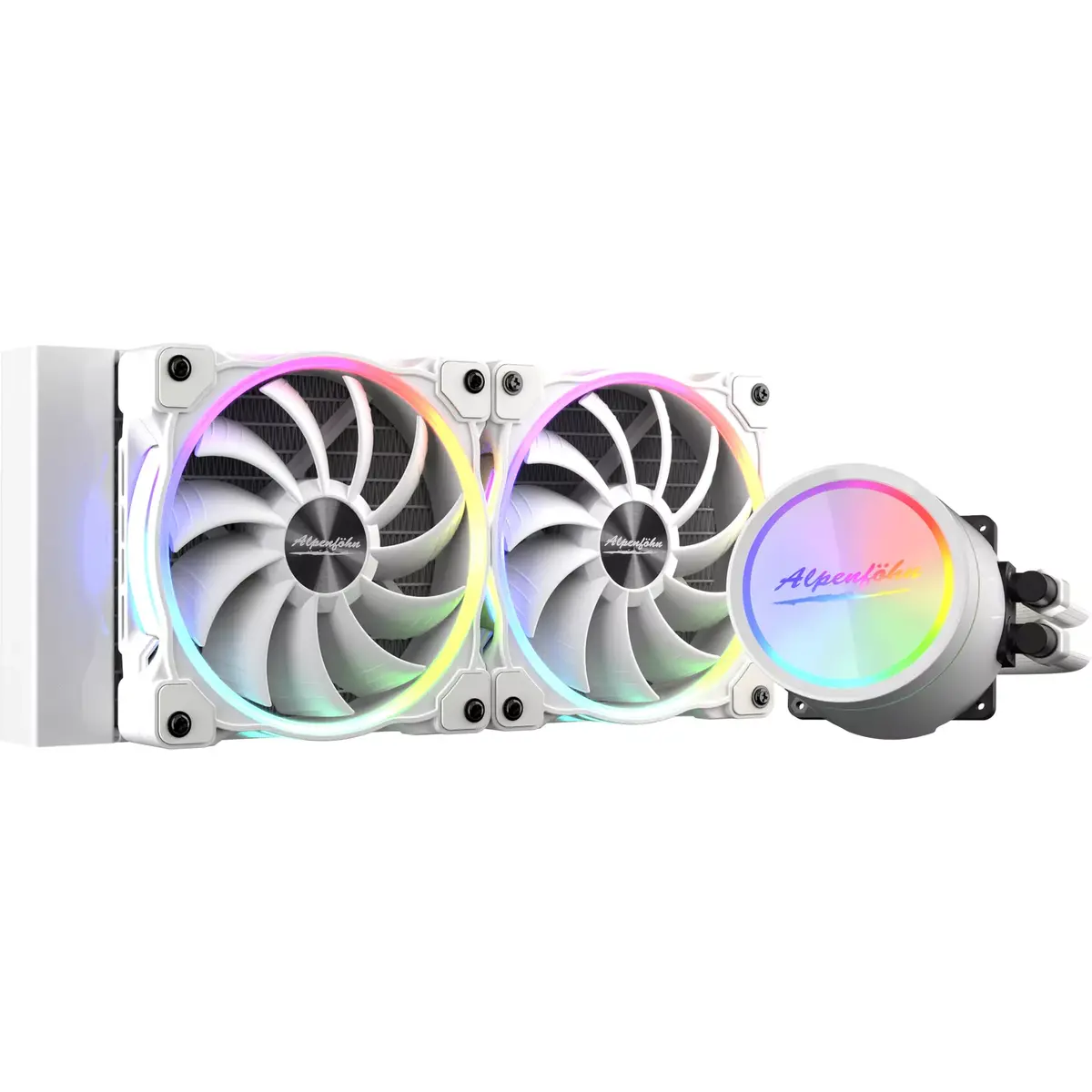
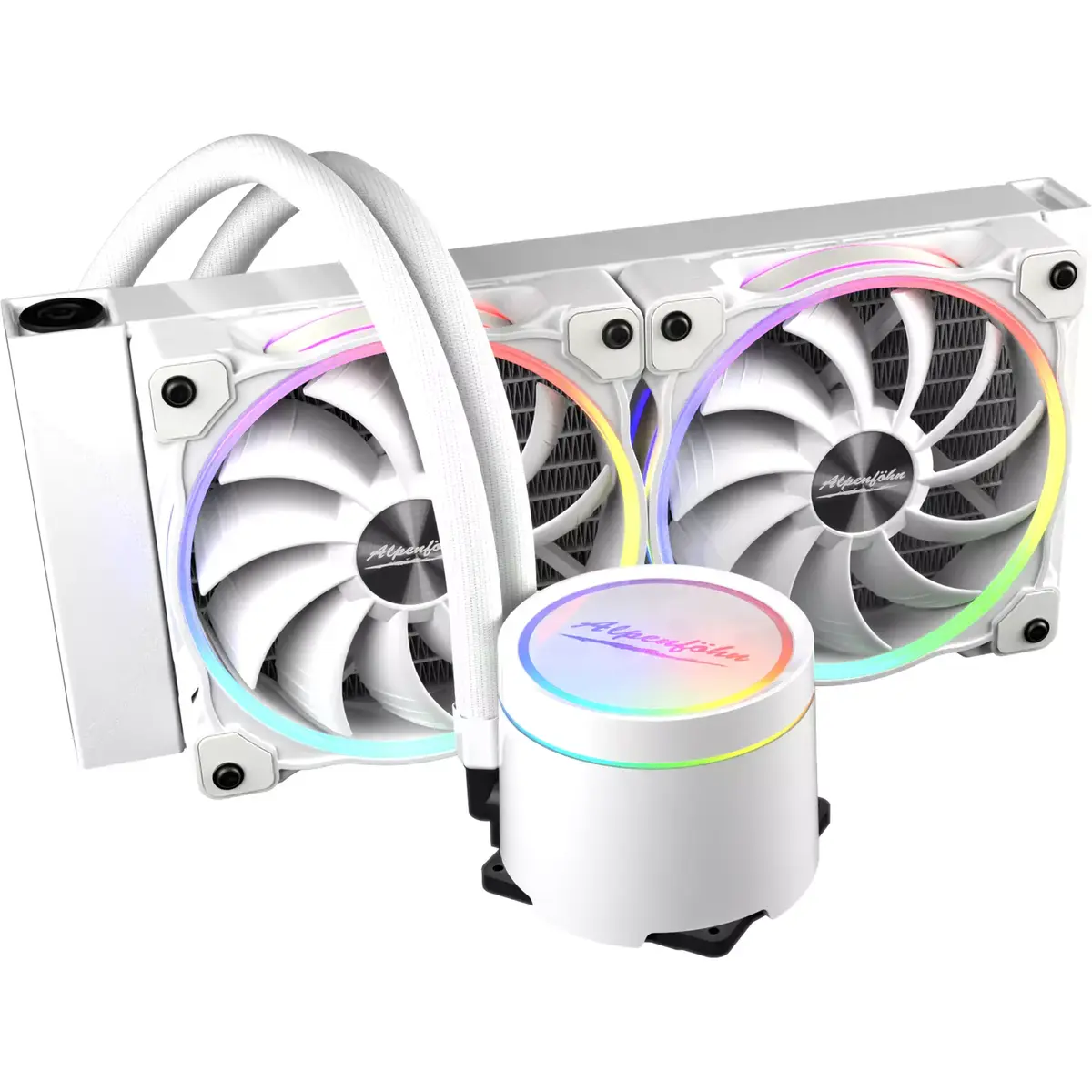
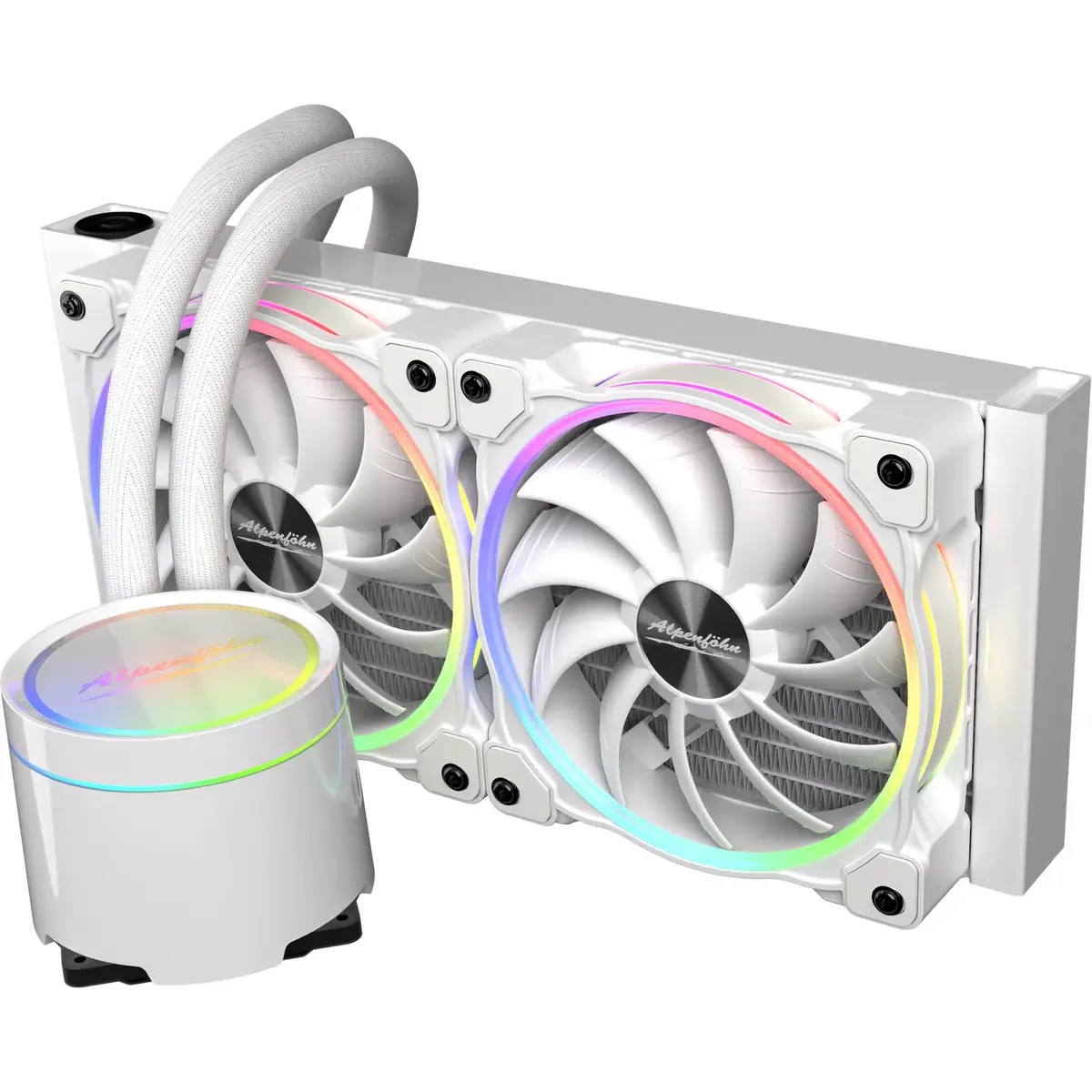
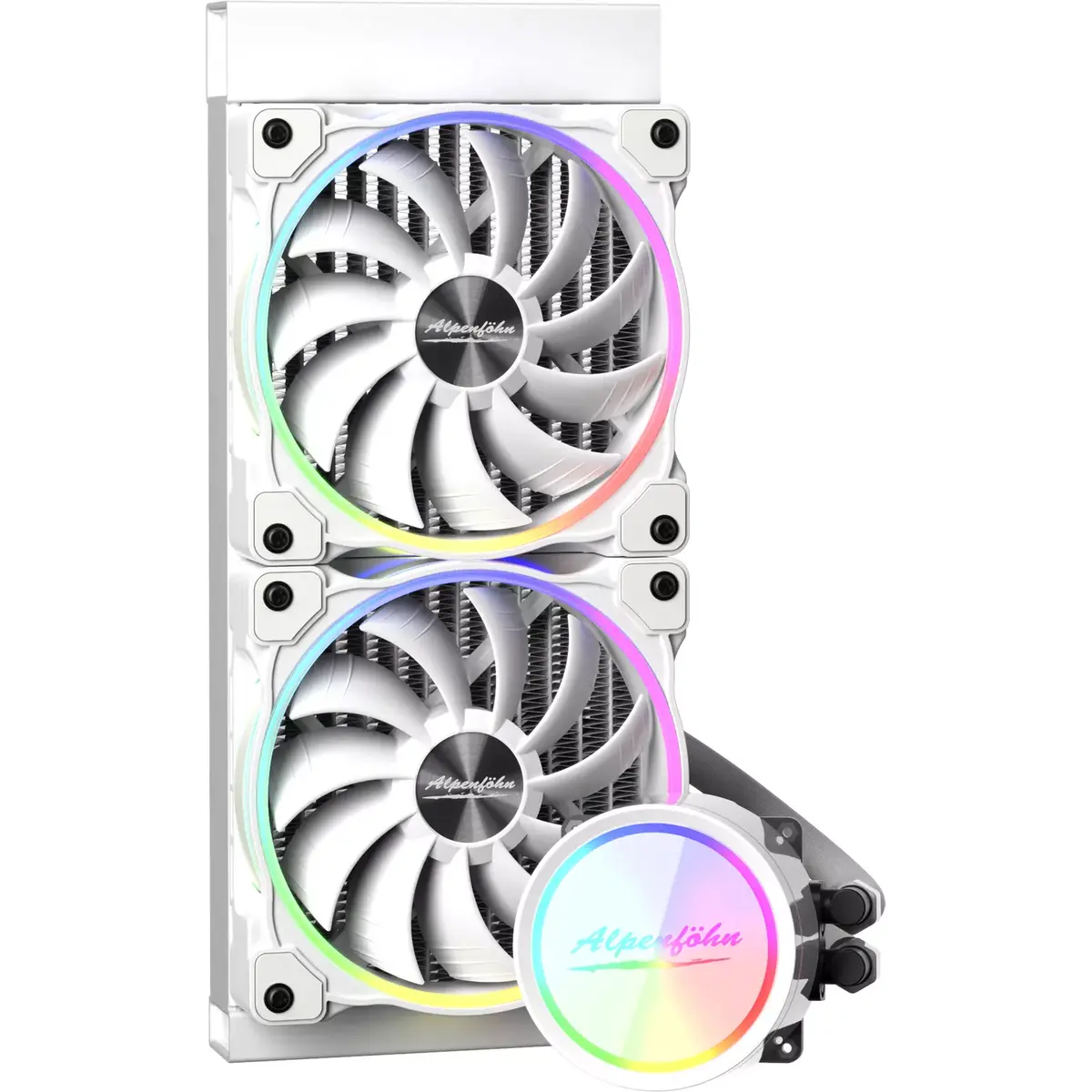
All-in-one liquid cooler Alpenföhn 84000000193
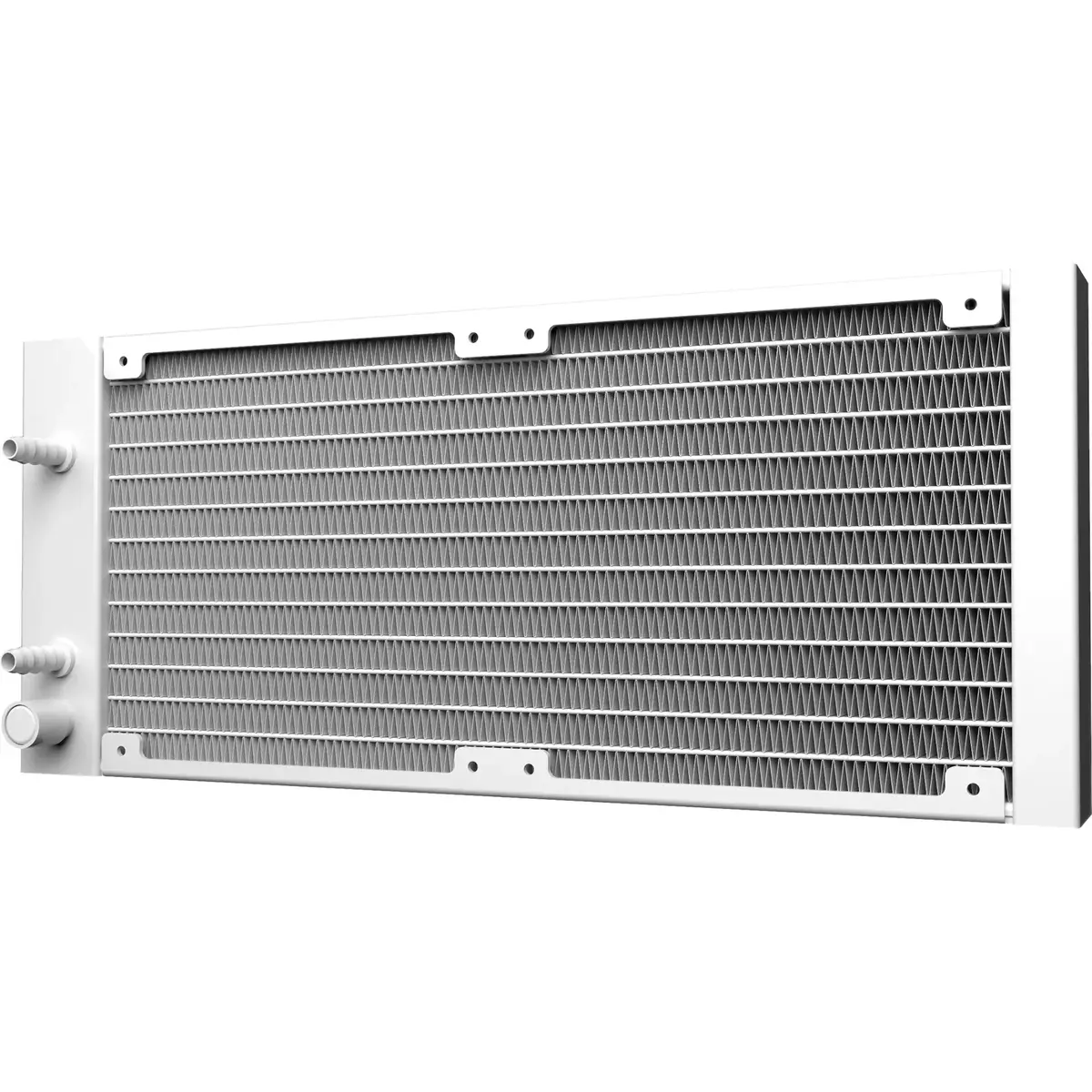
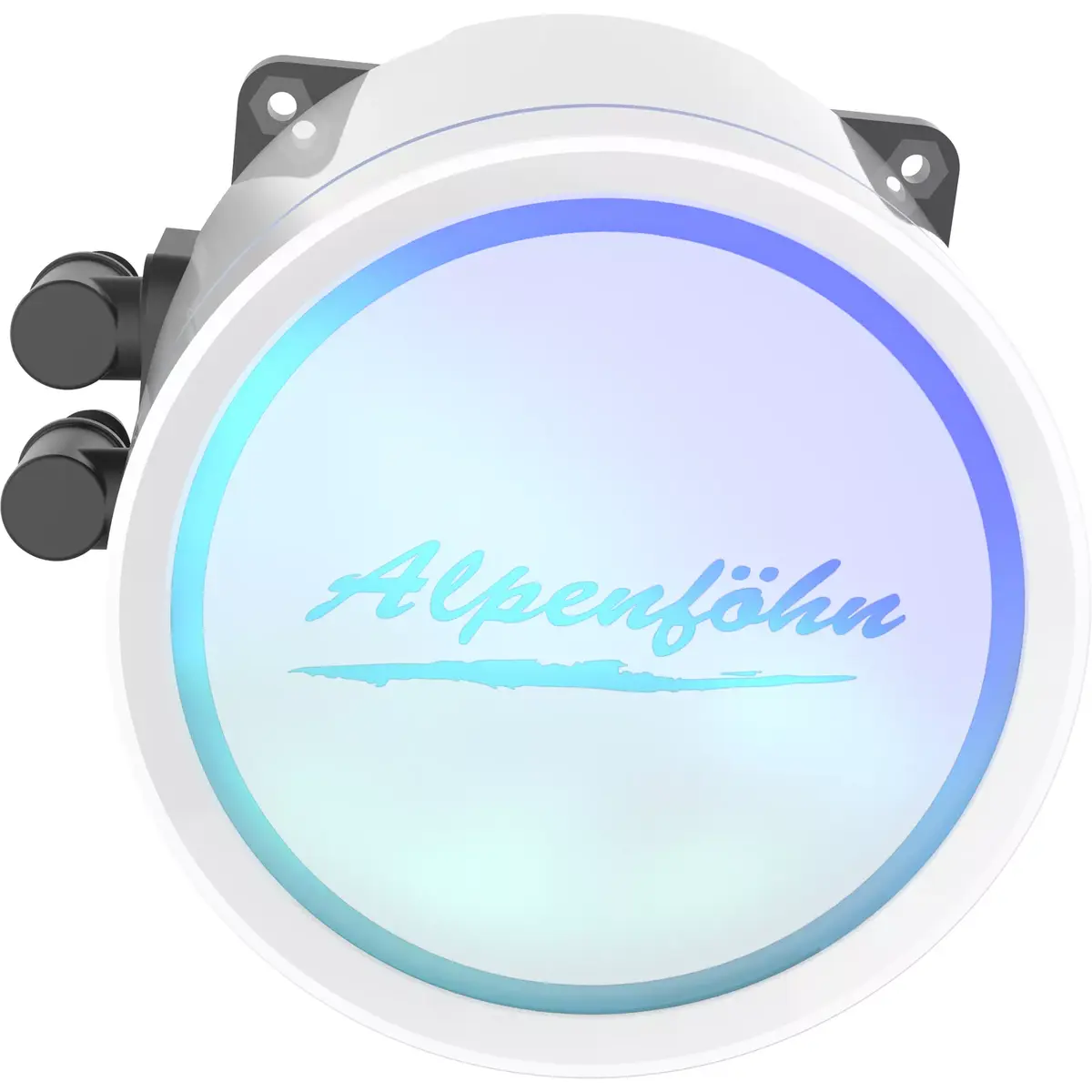
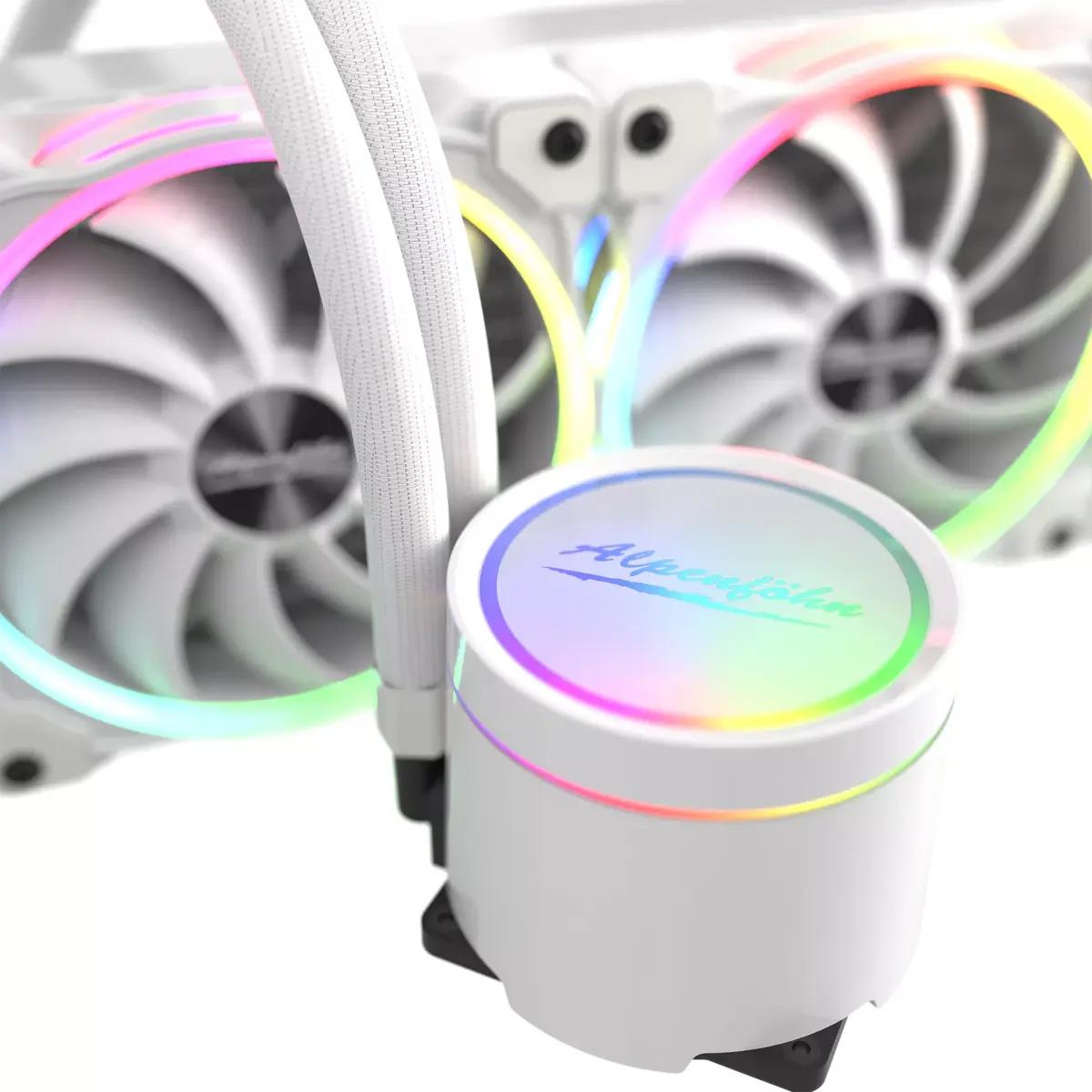
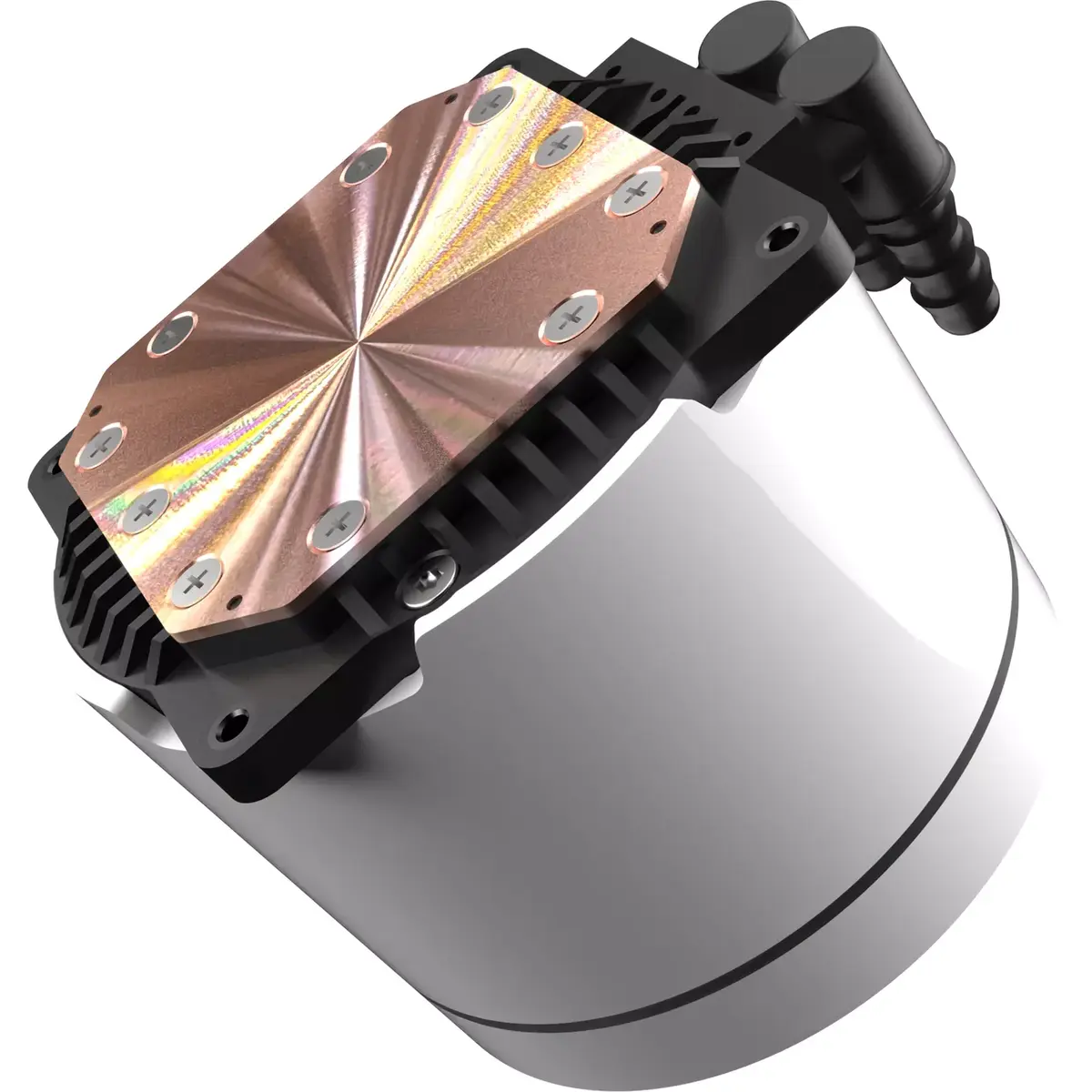
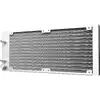
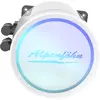
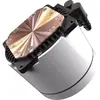
The Alpenföhn Gletscherwasser All-in-one liquid cooler combines a closed-loop white radiator, a pump unit with diamond-ground copper base plate, addressable RGB lighting and included Wing Boost 3 ARGB fans. Designed in cooperation with overclocking specialist Roman “der8auer” Hartung, the kit contains Thermal Grizzly Hydronaut thermal paste and interchangeable logo plates for the pump head. The assembly is completed in Germany and the unit is compatible with a wide range of Intel and AMD sockets, including Ryzen 5000 / Zen 3 platforms.
The pump features large-area micro-channels in a diamond-ground copper base for fast heat transfer and a two-chamber design that reduces noise while improving performance and longevity. The aluminium radiator uses a leak-mitigating design that regulates internal pressure in the unlikely event of a coolant breach. Included Thermal Grizzly Hydronaut paste is silicone-free, electrically insulating and formulated for large-area cooling. Wing Boost 3 ARGB fans provide optimized airflow with reduced turbulence, fluid dynamic bearings for low vibration, IC motor control to minimize electrical noise and full PWM speed control. Removable logo plates and a full set of cables, ARGB- and PWM-splitters plus a remote control allow flexible system integration and lighting control even on motherboards without ARGB headers.
Install the radiator and fans in your case where a 120 mm fan radiator fits, following the included mounting instructions for your socket. Apply the supplied Thermal Grizzly Hydronaut compound to the CPU surface and secure the pump block using the provided brackets and screws. Connect the pump and fans to motherboard headers or to the included PWM splitter for synchronized speed control. Attach the ARGB connectors to your motherboard or to the supplied receiver and use the remote control to configure lighting effects if your board has no ARGB header. Rotate and swap the logo plate on the pump head by removing the bayonet cap, positioning the chosen plate and re-securing the cap.
For optimal performance, ensure good case airflow and keep radiator fins free of dust. Use PWM fan control profiles to balance noise and cooling performance; increase pump speed and fan curves for sustained heavy loads or overclocking. Replace the clear logo plate only when the system is powered down and the pump head is cool to the touch.
{{highlightedFeature.featureTitle}}:
{{getProductFeatureValueById(product, highlightedFeature.featureId)}}