
Dreame vacuums for fast and efficient cleaning!
In cart {{totalProductsCount}} item(s)
Your cart is empty
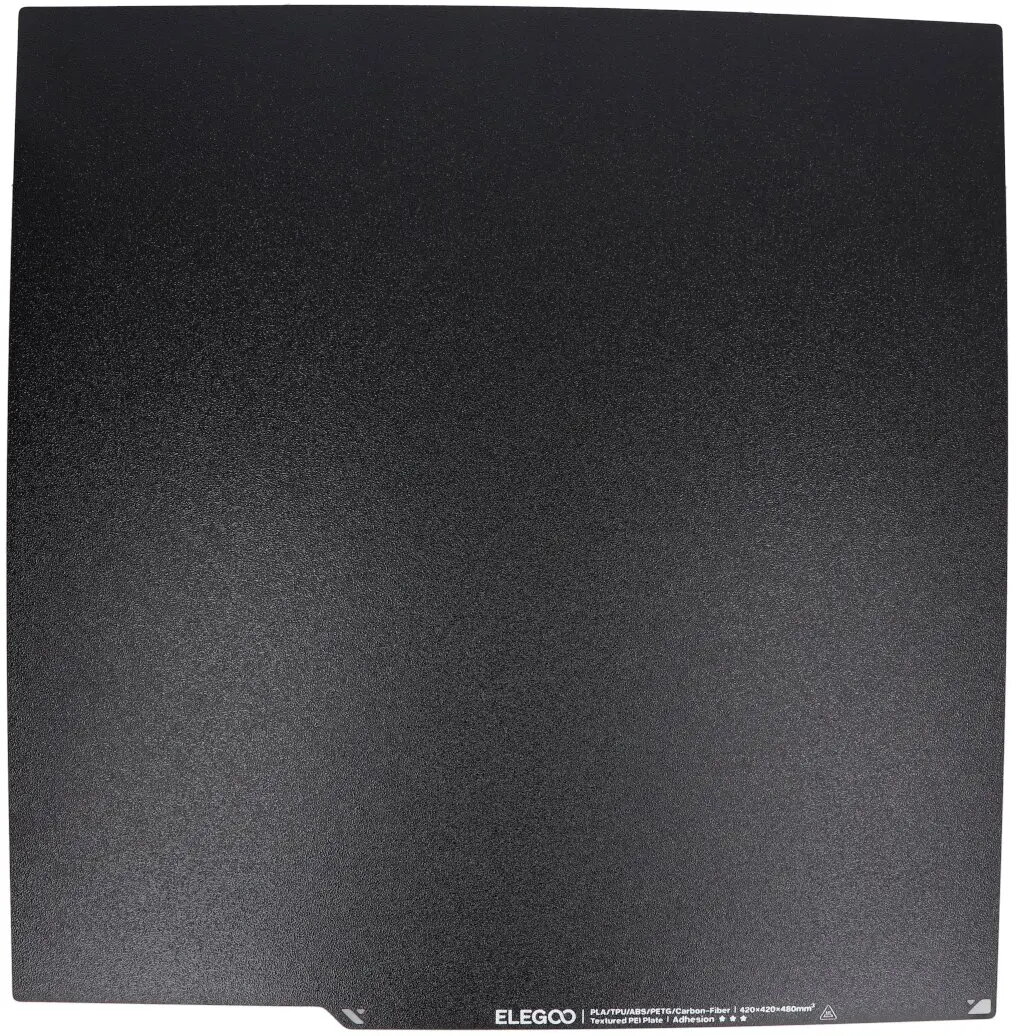
Textured PEI Print Surface Sheet for Elegoo Neptune 4 Max — 430 x 430 mm
Textured PEI Print Surface Sheet for Elegoo Neptune 4 Max — 430 x 430 mm is a replacement build-plate cover engineered to fit the Elegoo Neptune 4 Max workbed and provide a reliable, adhesive printing surface. The textured PEI finish improves first-layer adhesion and helps reduce warping for common filaments such as PLA and PETG. Sized at 430 x 430 mm, the sheet is compatible with the full printable area of the Neptune 4 Max and is intended for desktop FDM 3D printing where a reusable, easy-to-maintain build surface is required.
The textured PEI surface offers consistent adhesion across the plate while allowing parts to be removed without excessive force once the print cools. Its durable polymer construction resists scratches and ordinary wear from repeated prints and maintenance. The textured finish minimizes visible blemishes on the part bottom and reduces the likelihood of corner lifting or warping during cooling. The sheet is designed for direct application to the existing build plate, simplifying replacement and reducing machine downtime.
Clean the build plate surface to remove dust, grease, or residue before applying the textured PEI sheet. Align the sheet to the edges of the Neptune 4 Max build plate and apply pressure across the surface to ensure firm contact and remove air pockets. After installation, perform bed leveling and adjust nozzle height to account for the new surface thickness. For best adhesion, set initial layer height and temperature according to filament manufacturer recommendations and allow the first layer to cool before attempting part removal.
Maintain the textured PEI surface by cleaning with isopropyl alcohol or mild soapy water; avoid aggressive scrubbing that could alter the texture. For persistent adhesion issues, check bed level and Z-offset, and consider adjusting first-layer settings. When removing prints, wait for the plate to cool slightly to reduce the risk of damage to the sheet or printed part.
{{highlightedFeature.featureTitle}}:
{{getProductFeatureValueById(product, highlightedFeature.featureId)}}
{{ productComparisonGenerationError }}