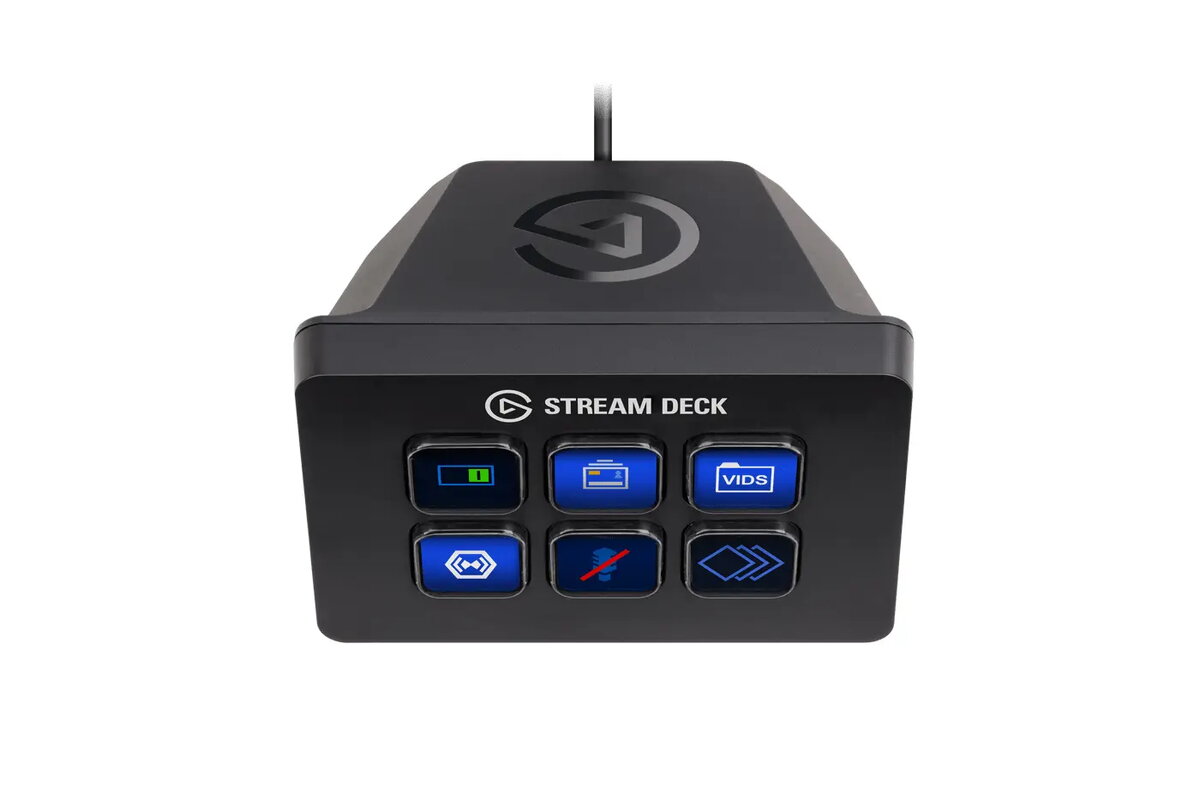
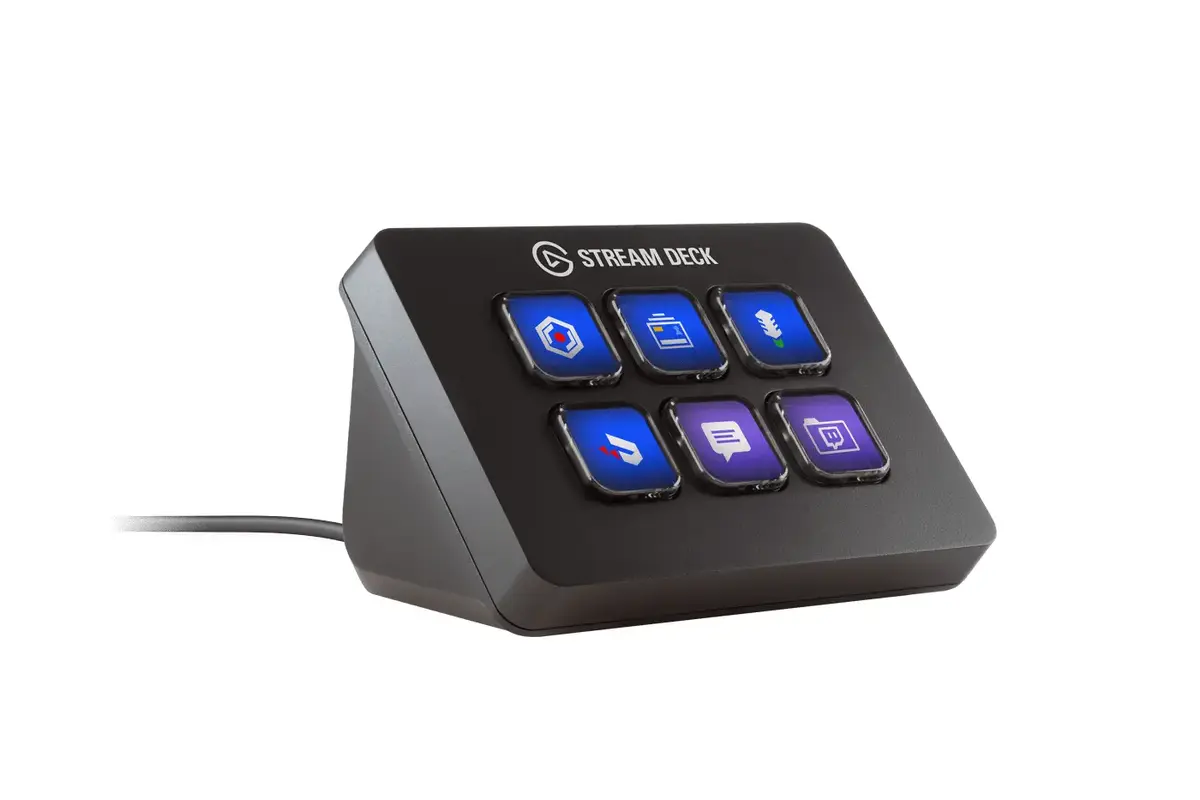
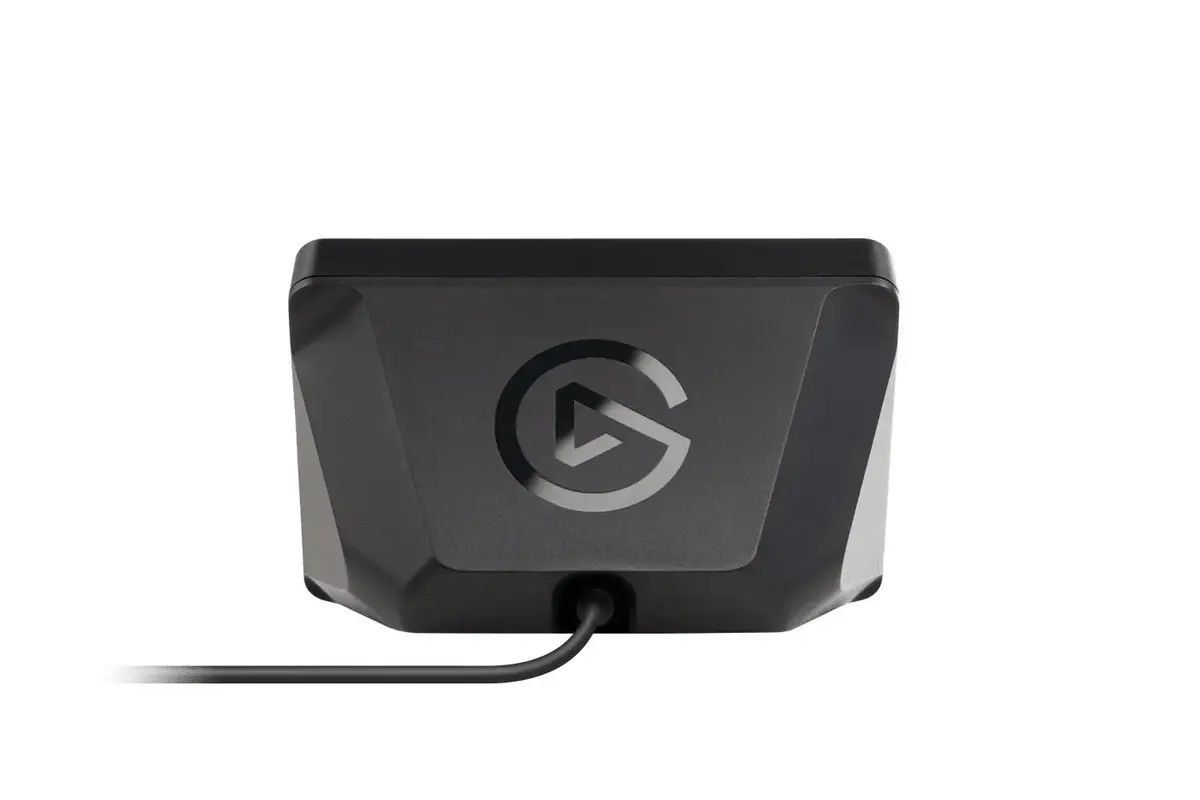
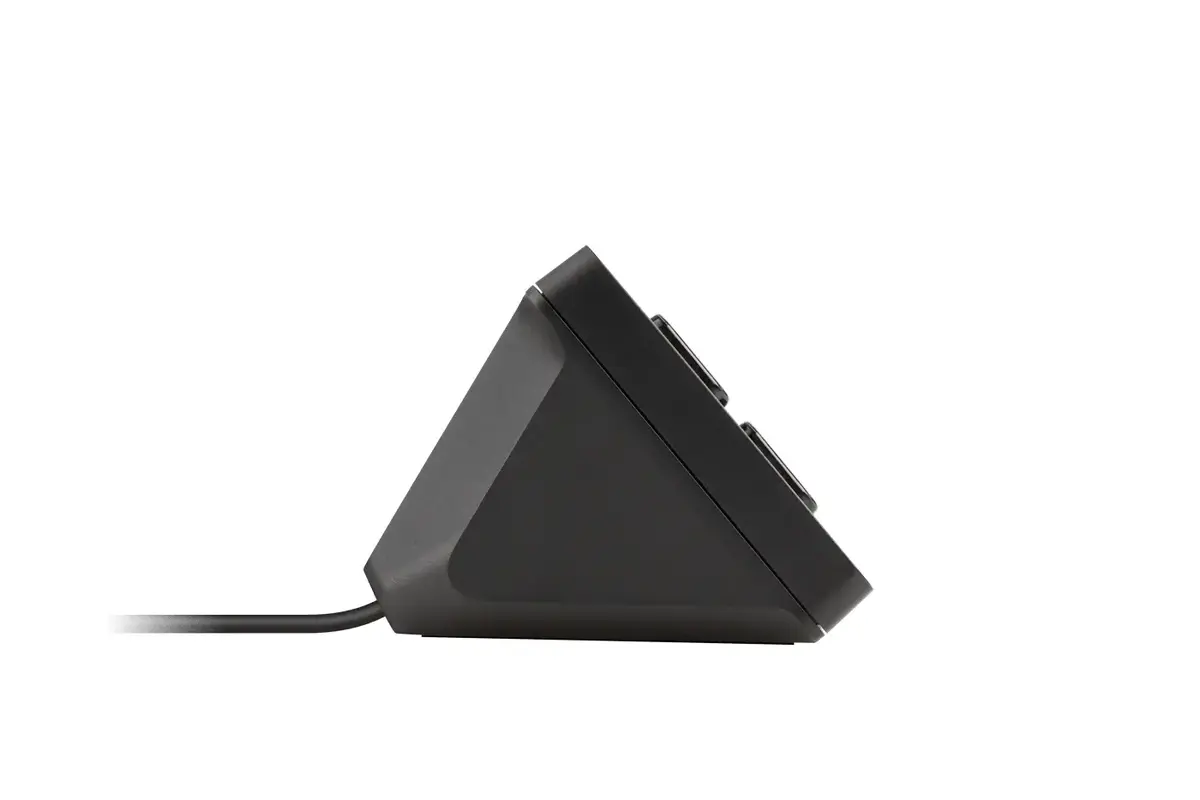
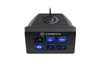
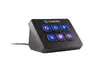
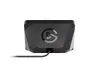
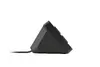
The Elgato Stream Deck Mini is a compact, professional-grade control interface designed to streamline the workflow of streamers, content creators, and power users. Featuring six fully customizable LCD keys, this device provides tactile, one-touch control over a wide range of applications, tools, and digital platforms. Its wired USB connection ensures a stable and responsive link to your computer, while the 1.5-meter cable offers sufficient flexibility for various desk configurations. By replacing complex keyboard shortcuts with intuitive, visual icons, the Stream Deck Mini enhances production quality and efficiency in any creative environment.
Advantages
The primary advantage of the Elgato Stream Deck Mini is its ability to consolidate complex commands into a single, tactile interface. Each of the six LCD keys can be programmed to trigger specific actions, such as switching scenes in broadcasting software, launching applications, or managing social media interactions. The device provides instant visual feedback, allowing users to see exactly what each key does at a glance. Its compact form factor makes it an ideal solution for users with limited desk space who still require high-level control over their production environment. Furthermore, the software allows for the creation of folders and smart profiles, enabling users to manage an unlimited number of actions by switching between different configurations on the fly.
Suitable for
- Live streaming on platforms like Twitch and YouTube
- Managing broadcasting software such as OBS Studio and Streamlabs
- Launching applications and opening specific folders or websites
- Executing complex multi-action sequences with a single press
- Improving productivity in creative software and office applications
When it may not be suitable
The Stream Deck Mini may not be the best choice for users who require a large number of simultaneous physical buttons, as it is limited to six keys. Those who frequently manage highly complex production setups with dozens of active sources might find the larger versions of the Stream Deck more appropriate to avoid excessive folder navigation.
Key specifications
- Interface: Wired USB
- Number of keys: 6 customizable LCD keys
- Cable length: 1.5 meters
- Form factor: Compact/Mini
- Color: Black
How to use
To begin using the Elgato Stream Deck Mini, connect the device to an available USB port on your computer using the integrated cable. Download and install the official Elgato Stream Deck software from the manufacturer's website. Once installed, the software will detect the device, allowing you to drag and drop various actions, plugins, and icons onto the six LCD keys. You can customize each key with unique images, assign specific hotkeys, or create multi-action sequences that trigger several commands in a specific order. Profiles can be saved and switched automatically when you open different applications, ensuring your controls are always relevant to the task at hand.
What to consider before purchase
- Ensure you have an available USB port on your computer for the wired connection.
- Consider whether six keys are sufficient for your specific workflow or if a larger model is needed.
- Verify that your preferred streaming or creative software is supported by the Stream Deck plugin library.
- Assess your desk space to ensure the compact footprint fits your current setup.
Usage recommendations
For optimal performance, keep the device firmware and the Stream Deck software updated to the latest version to ensure compatibility with new plugins and platform integrations. Use the Multi Action feature to combine repetitive tasks into a single button press to maximize your efficiency during live broadcasts.