



Filters you can trust. Pure water every day.
In cart {{totalProductsCount}} item(s)
Your cart is empty
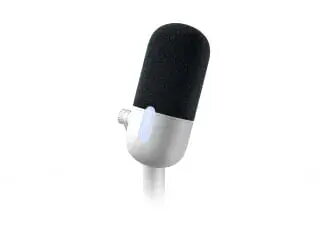
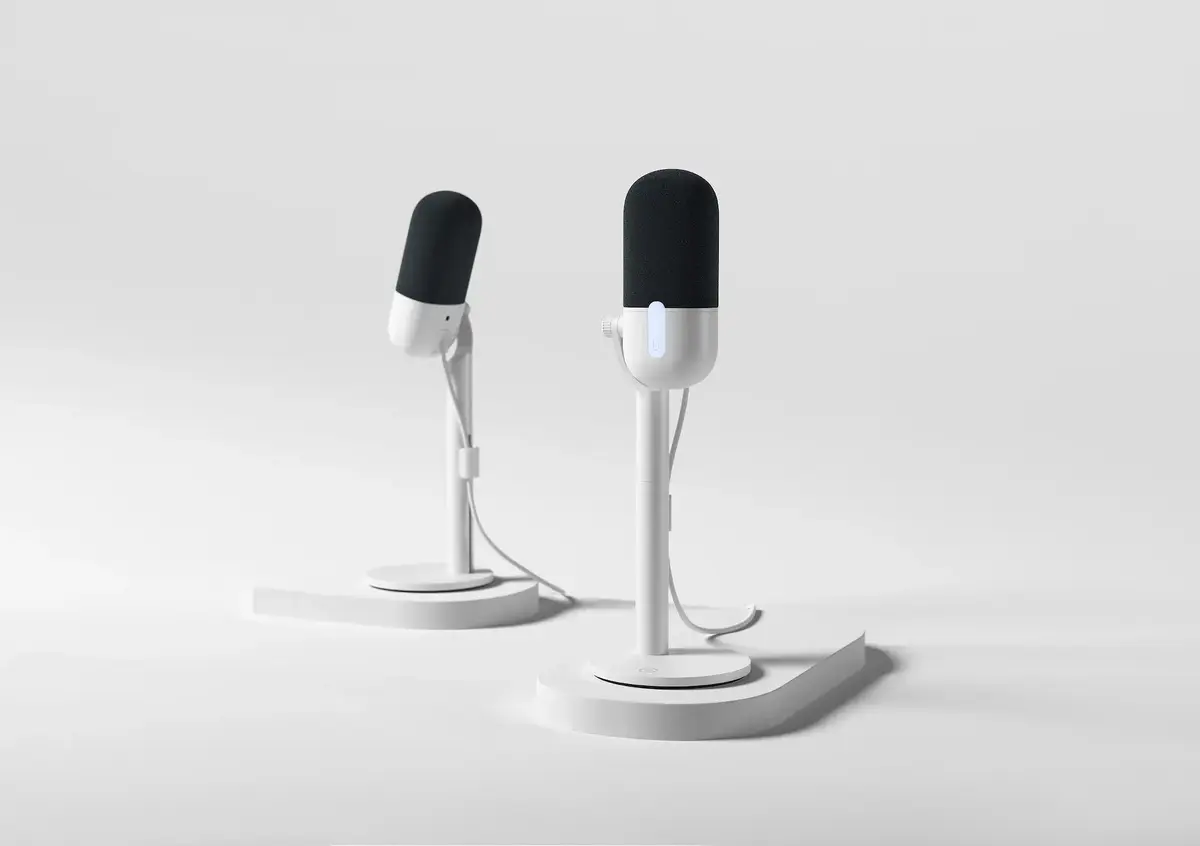
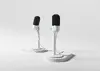
Elgato Wave Neo Table Microphone, Wired, USB/3.5 mm, White
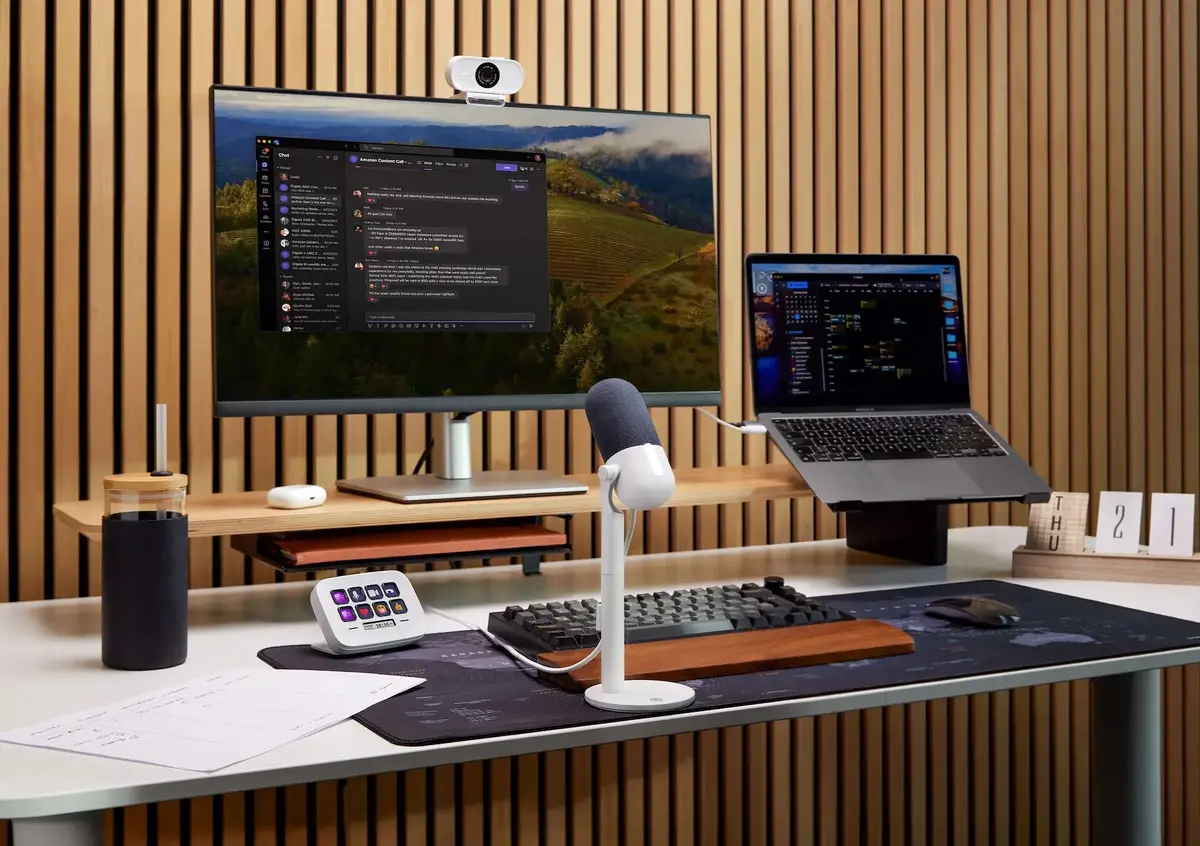
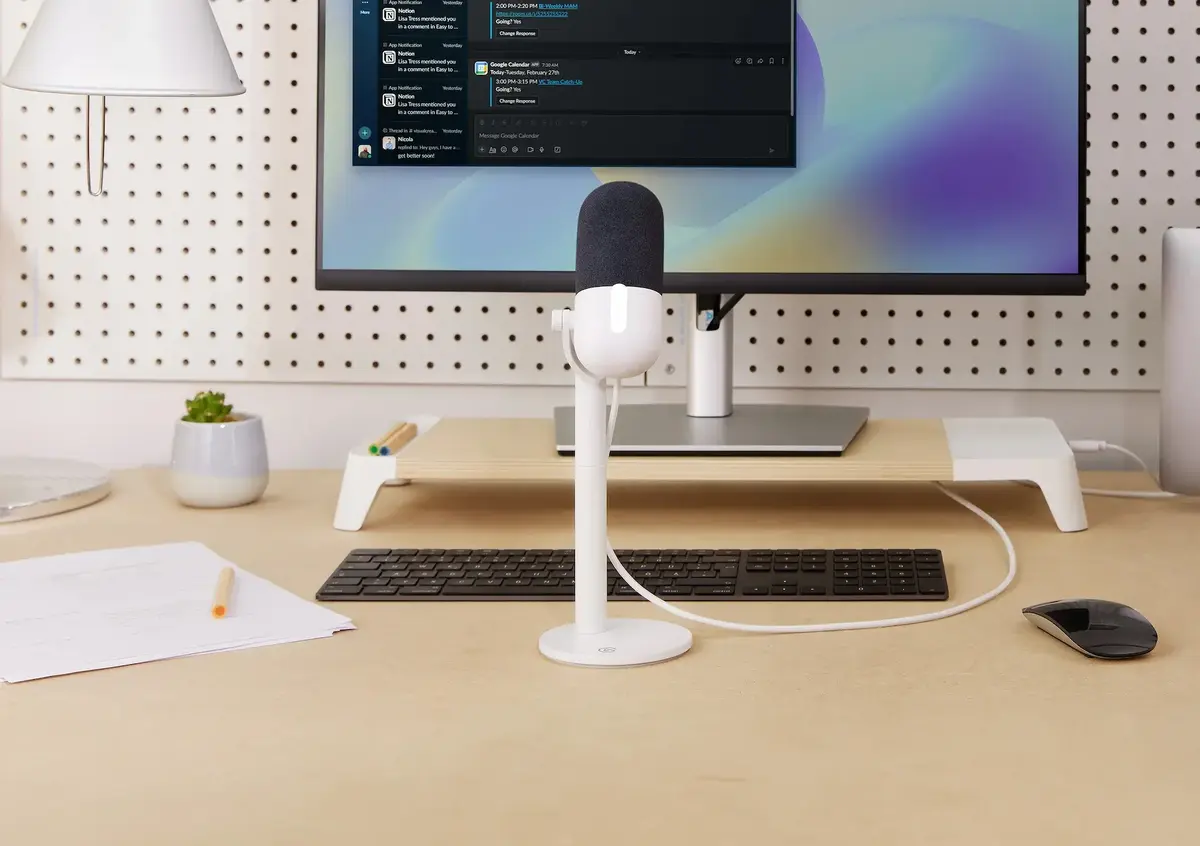
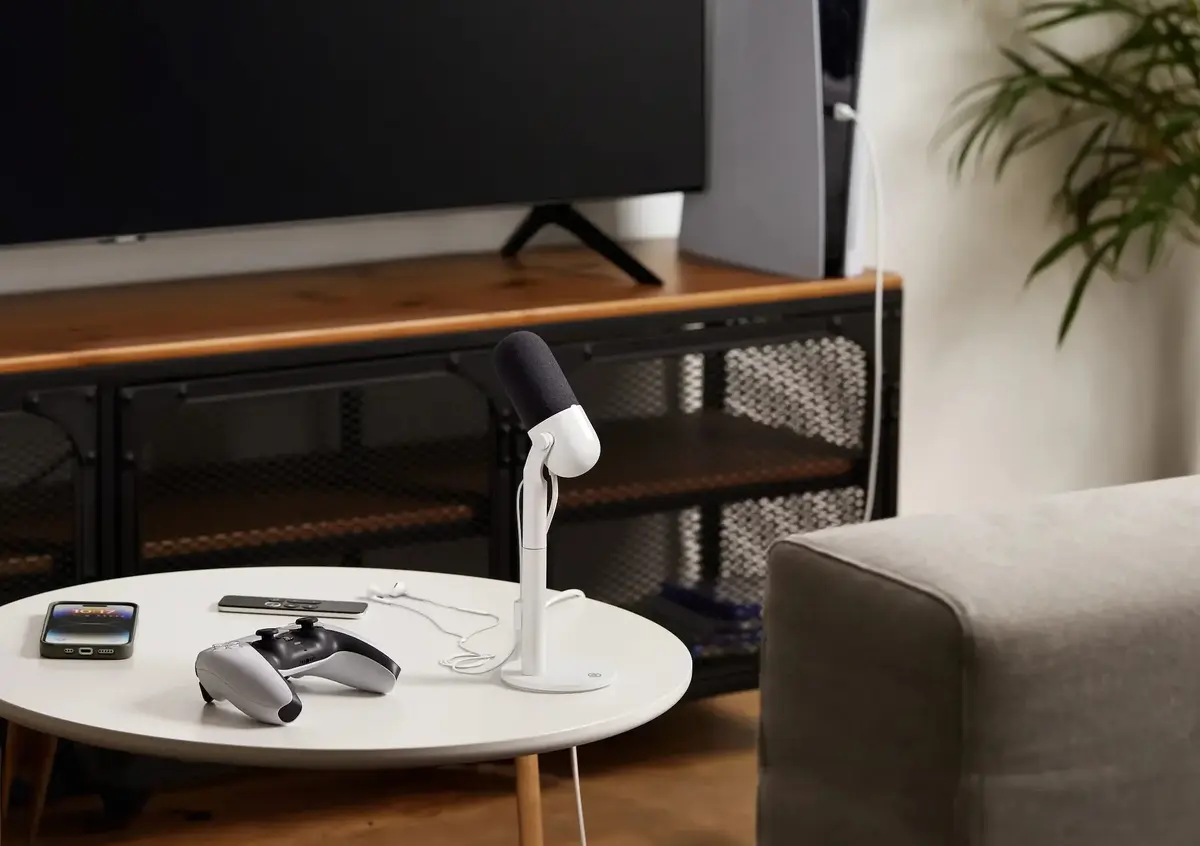
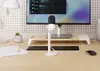
The Elgato Wave Neo is a high-quality table microphone engineered to provide clear and professional audio capture for a variety of digital tasks. Designed with a sleek white finish, this wired microphone integrates seamlessly into any desktop environment, offering a reliable plug-and-play solution for users who require consistent sound quality without complex setup procedures.
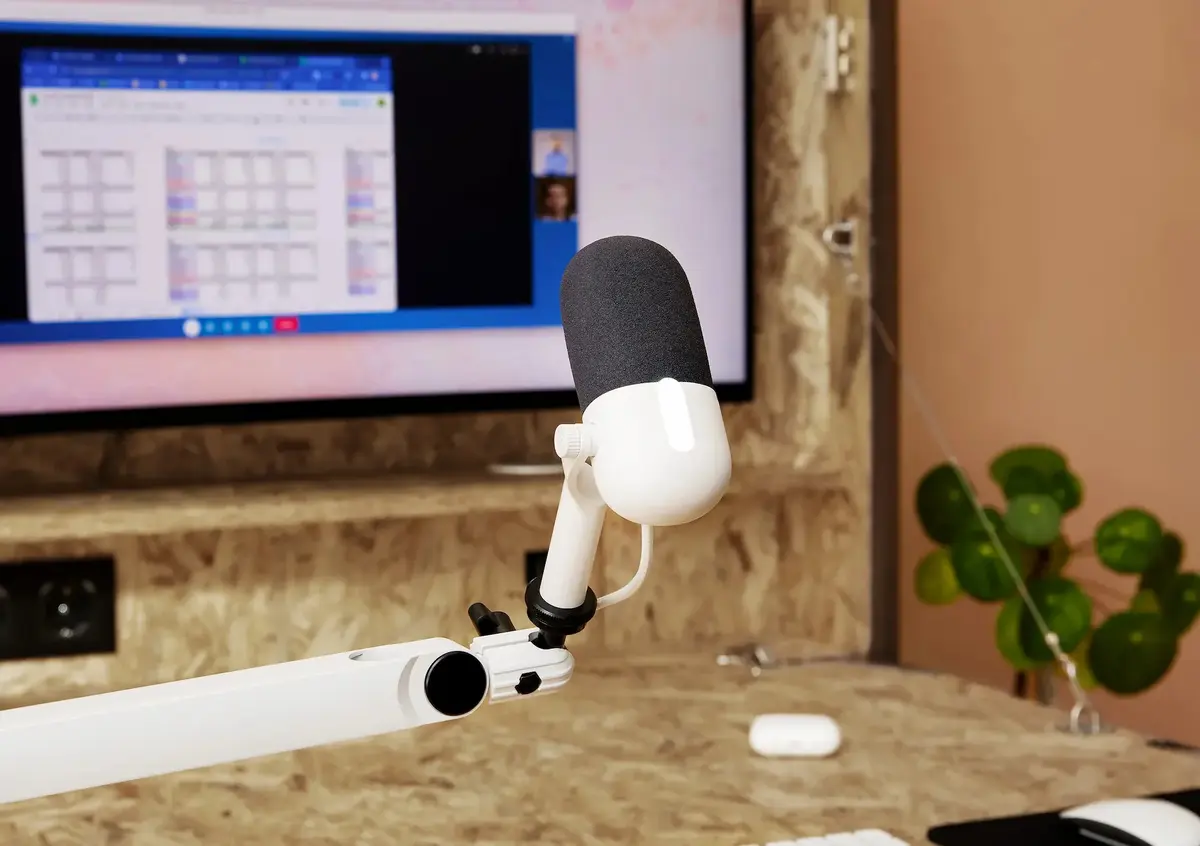
This microphone excels by delivering true-to-life voice accuracy that significantly outperforms standard built-in laptop microphones. Its specialized design includes a riser that positions the capsule at an optimal distance from the user, effectively reducing background noise such as keyboard typing while ensuring the voice remains the primary focus. The combination of high-fidelity audio capture and a user-friendly interface makes it an accessible tool for both beginners and experienced creators who value efficiency and performance.
The Elgato Wave Neo is primarily designed for desktop use and may not be the ideal choice for users who require a highly portable, clip-on, or wireless microphone solution for mobile recording. Additionally, those seeking specialized studio-grade XLR microphones for complex multi-track audio production might find the feature set of this USB-based device too limited for their specific professional requirements.
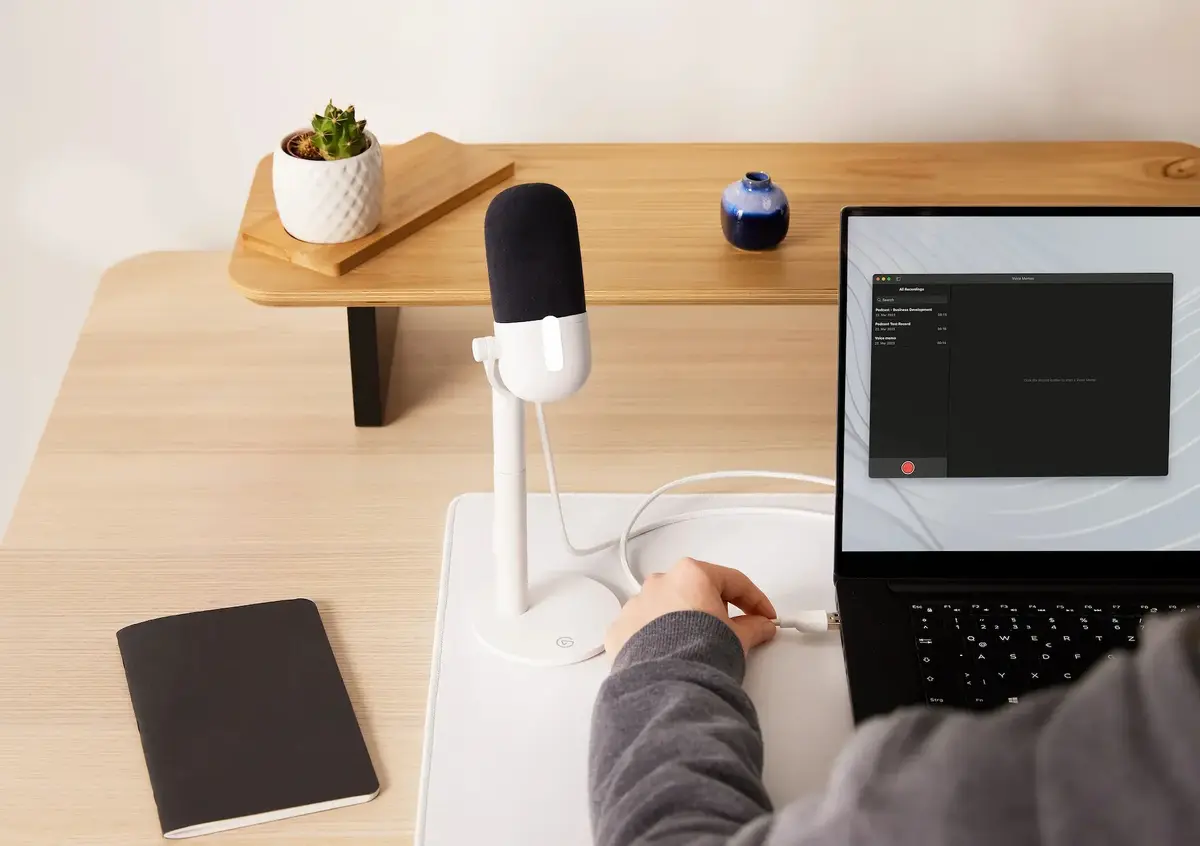
To begin using the Elgato Wave Neo, simply place the microphone on your desk using the included stand. Connect the device to your computer using the provided USB cable. The system should automatically recognize the microphone as an audio input device, allowing you to select it within your preferred recording or communication software. Ensure the microphone is positioned at a comfortable distance from your mouth to achieve the best balance between voice clarity and background noise rejection.
Usage recommendations: For optimal audio quality, keep the microphone at a consistent distance from your mouth and adjust your software input levels to prevent clipping. Regularly check for firmware updates through the official software to ensure the best performance.
{{highlightedFeature.featureTitle}}:
{{getProductFeatureValueById(product, highlightedFeature.featureId)}}
{{ productComparisonGenerationError }}