
A curated selection of maximum value offers!
In cart {{totalProductsCount}} item(s)
Your cart is empty
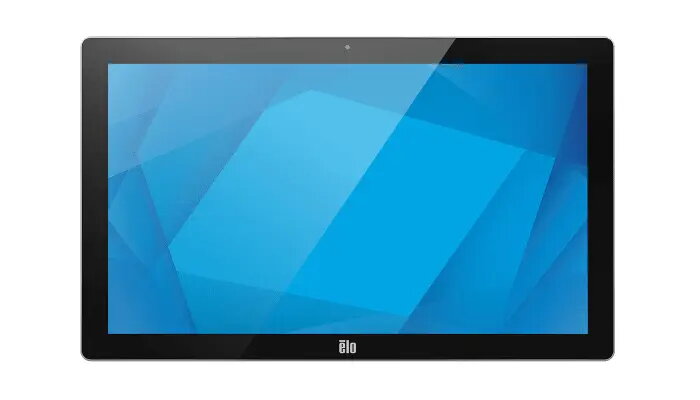
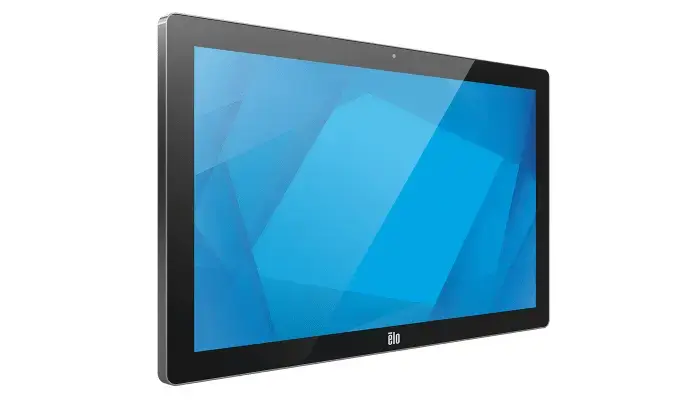
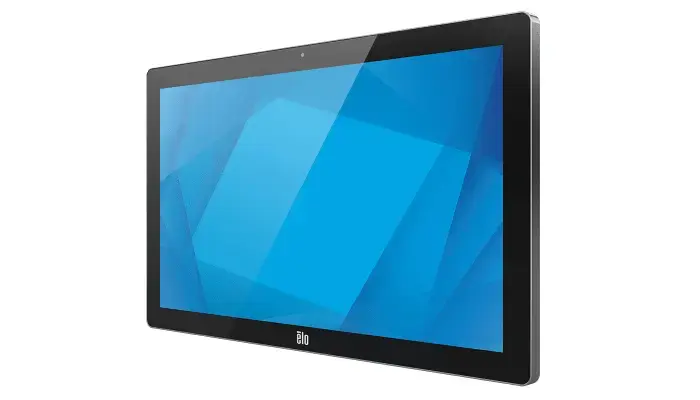
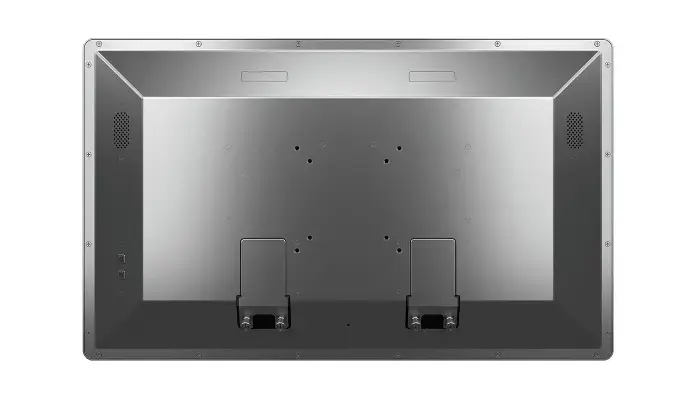
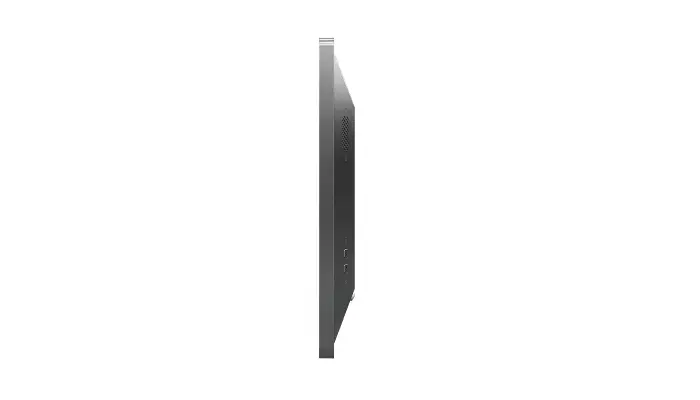
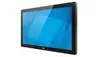
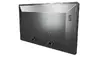
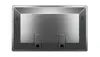
Elo Touch Solutions I-Series 5 Steel Digital Signage Flat Panel 21.5-inch LED Full HD Touchscreen Android Wi-Fi Stainless Steel Built-in Processor
The Elo Touch Solutions I-Series 5 Steel is a commercial-grade 21.5-inch digital signage flat panel designed for continuous professional use. Featuring a robust stainless steel enclosure, this interactive touchcomputer combines a vibrant Full HD LED touchscreen with a built-in Android operating system and a high-performance Qualcomm processor. It serves as an all-in-one computing and display solution equipped with wireless and wired networking capabilities, built-in speakers, and a webcam, making it highly reliable for demanding public and retail installations.
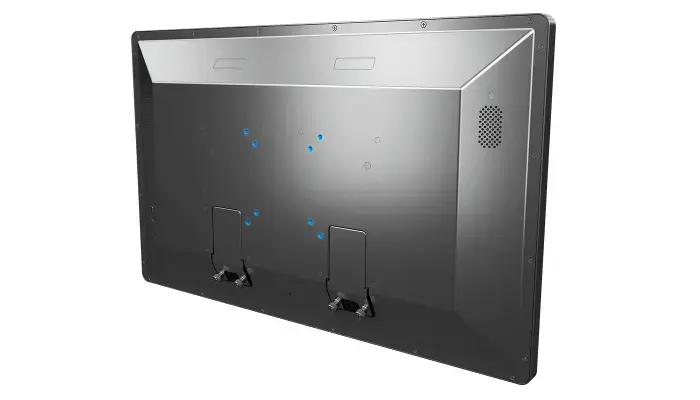
This interactive digital signage panel stands out due to its durable stainless steel construction, which ensures longevity and resistance in high-traffic commercial spaces. The projected capacitive touchscreen supports multi-touch functionality, offering a responsive and intuitive user experience comparable to modern tablet devices. With integrated Android operating system support, Google Mobile Services, and a powerful built-in processor with generous RAM and flash storage, the device enables seamless deployment of custom applications without requiring an external PC. Furthermore, flexible connectivity options including Ethernet, Wi-Fi, Bluetooth, USB, and USB-C allow for easy peripheral integration and network connection.
This device may not be suitable for outdoor installations exposed to direct heavy weather elements, as its ingress protection ratings are designed for indoor or semi-protected commercial environments. It is also not intended for heavy desktop office computing tasks that require traditional desktop operating systems like Windows or macOS without utilizing compatible Android software solutions.
To set up the Elo Touch Solutions I-Series 5 Steel, mount the panel securely using a compatible VESA bracket in either portrait or landscape orientation depending on your space requirements. Connect the device to a power source using the supplied power adapter or utilize the network infrastructure where applicable. Power on the unit and follow the on-screen setup instructions to configure the Android operating system, connect to your local network via Wi-Fi or Ethernet, and install your desired interactive software or digital signage application.
For optimal performance and longevity in commercial deployments, ensure the device is installed in well-ventilated areas within recommended operating temperature ranges and regularly update the software system security patches.
{{highlightedFeature.featureTitle}}:
{{getProductFeatureValueById(product, highlightedFeature.featureId)}}
{{ productComparisonGenerationError }}