Save time and money with our discounts!
In cart {{totalProductsCount}} item(s)
Your cart is empty
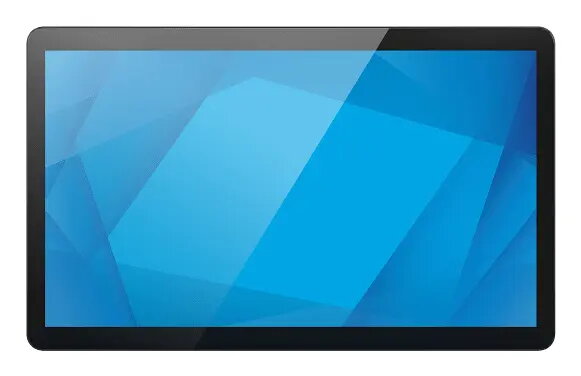
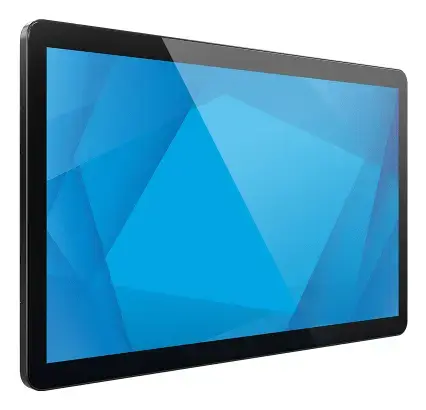
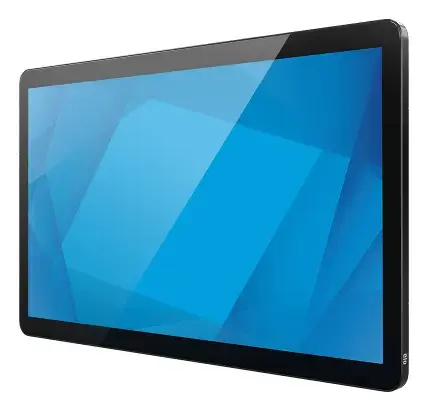
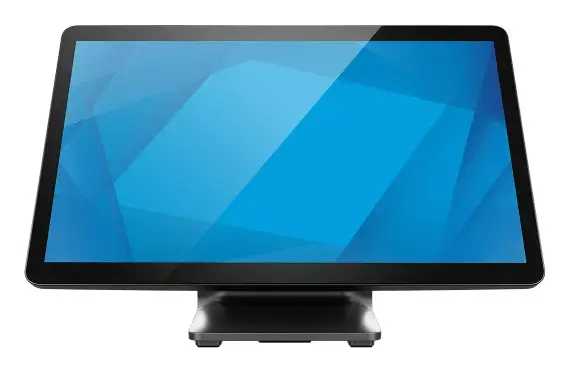
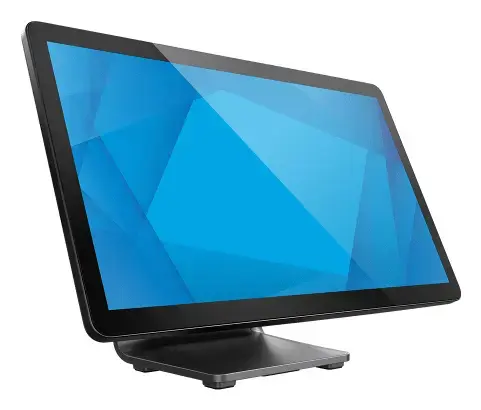
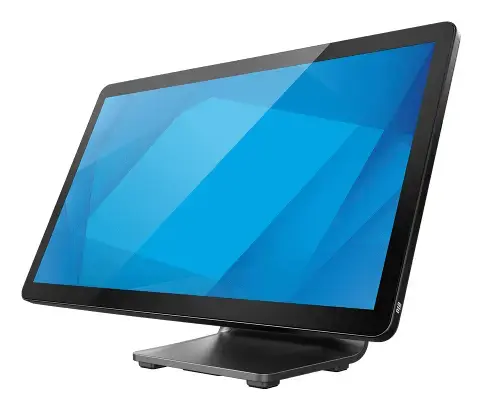
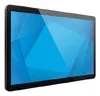
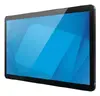
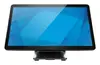
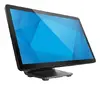
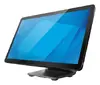
Elo Touch Solutions 1504L Digital Signage Flat Panel 15.6 Inch LED Full HD Touchscreen Black
The Elo Touch Solutions 1504L Digital Signage Flat Panel 15.6 Inch LED Full HD Touchscreen Black is a professional touchmonitor engineered for commercial and industrial environments. Featuring a 15.6-inch LED-backlit display with a Full HD resolution of 1920 x 1080 pixels and a brightness level of 450 cd/m², this device delivers clear visuals and reliable touch performance. It utilizes projected capacitive touch technology supporting up to 10 simultaneous touch points, offering responsive interaction for modern interactive systems. Built with commercial-grade durability, the monitor incorporates an IP54-sealed design and an IK08 impact-resistant scratch-resistant glass surface, making it suitable for continuous public deployment.
This professional touchmonitor provides exceptional visual clarity combined with advanced optical bonding to reduce glare and improve viewing comfort. Its rugged construction ensures dependable daily operation in demanding commercial settings, while the 10-point touch capability allows for intuitive multi-user interactions. The integrated speakers add audio functionality without requiring external peripherals, and the flexible connectivity options including HDMI, DisplayPort, USB, and USB-C simplify integration with existing hardware setups. Furthermore, the VESA mounting compatibility allows for secure installation on walls, arms, or stands according to spatial requirements.
This monitor may not be suitable for outdoor environments exposed to direct weather elements or heavy rain, as its IP54 rating only provides limited protection against dust and splashes. It is also not designed for high-end graphic design or colour-critical professional photo editing due to its commercial display specifications.
To set up the Elo Touch Solutions 1504L, mount the display securely using a compatible VESA bracket or place it on a stable surface using the included stand. Connect the power supply and attach the necessary video cables such as HDMI or DisplayPort from your host computer or terminal to the monitor ports. Connect the USB cables to enable touch functionality. Once powered on, you can navigate the on-screen display settings directly through the touchscreen interface to adjust brightness, contrast, and other visual preferences to match your operational environment.
Usage recommendations: Operate the touchmonitor within standard indoor commercial conditions and use the built-in OSD lock feature to prevent unauthorized setting adjustments during public use.
{{highlightedFeature.featureTitle}}:
{{getProductFeatureValueById(product, highlightedFeature.featureId)}}
{{ productComparisonGenerationError }}
Device manufacturer code
Device manufacturer
Amount of power consumed by this model, often expressed in watts (W). Typical values that manufacturers give are power consumption when off, standby/suspended mode, typical use, maximum usage.
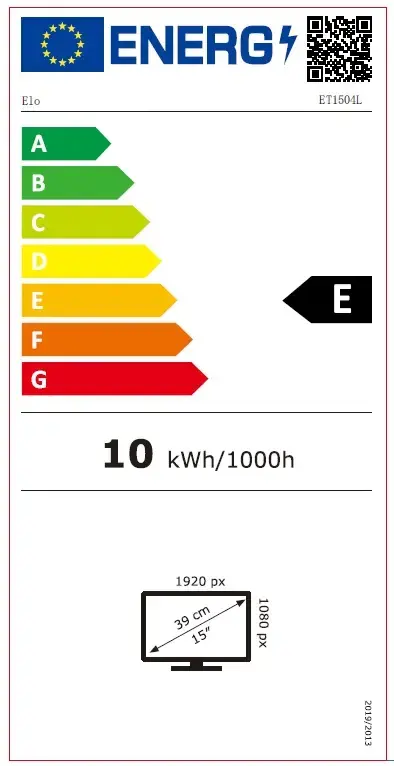
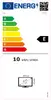
Energy efficiency class is a standard classification that is used all over Europe and which is understandable at first sight. Products can be efficiently compared according to classes, starting from A (the most energy efficient class), and ending with G (the most energy-intensive class). The classification of energy efficiency is based on annual energy consumption which is being calculated on the basis of several different parameters.
An Ethernet LAN (Local Area Network) interface is present, for a wired conection via a cable.
Number of DisplayPorts. A DisplayPort is a digital display interface developed by the Video Electronics Standards Association (VESA). The interface is primarily used to connect a video source to a display device such as a computer monitor, though it can also be used to carry audio, USB, and other forms of data.
The number of sockets (ports) for HDMI connections. HDMI (High-Definition Multimedia Interface) is a compact audio/video interface for transferring uncompressed video data and compressed/uncompressed digital audio data from a HDMI-compliant device ("the source device") to a compatible computer monitor, video projector, digital television, or digital audio device. HDMI is a digital replacement for existing analog video standards.
The creation of a plan or convention for the construction of an object or a system.
A screen of a laptop, smartphone, etc., that responds to touch so you can control the interface using your fingers.
The technology used in the display e.g. plasma, LED.
Size of the display for this product, measured diagonally, usually in inches.
The number of distinct pixels in each dimension that can be displayed. It is usually quoted as width × height, with the units in pixels: for example, "1024 × 768" means the width is 1024 pixels and the height is 768 pixels. The higher the number of pixels, the sharper the image.
The device contains speaker(s) to produce sound.
The colour e.g. red, blue, green, black, white.