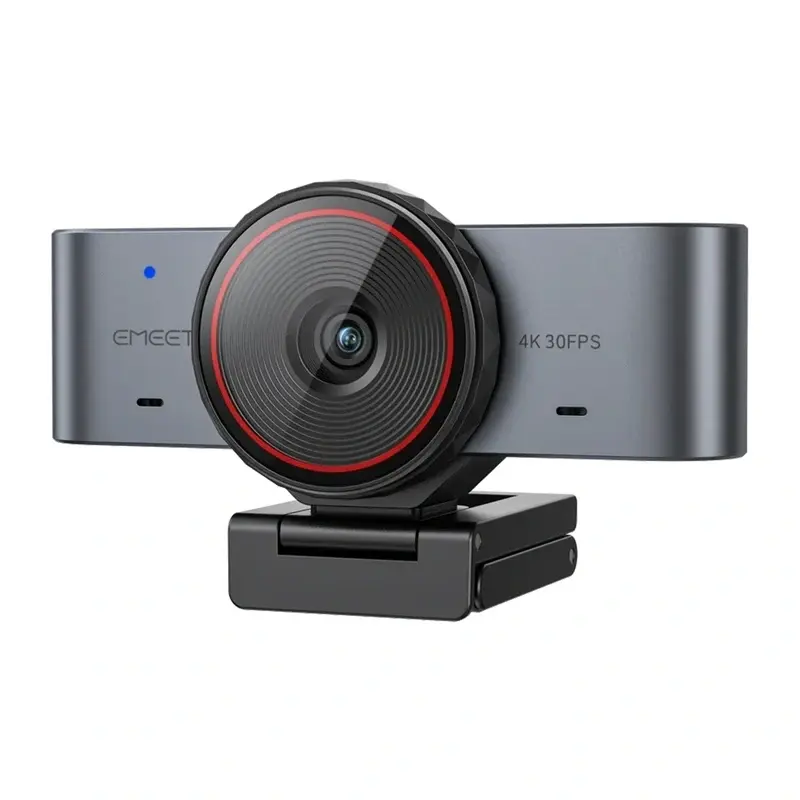
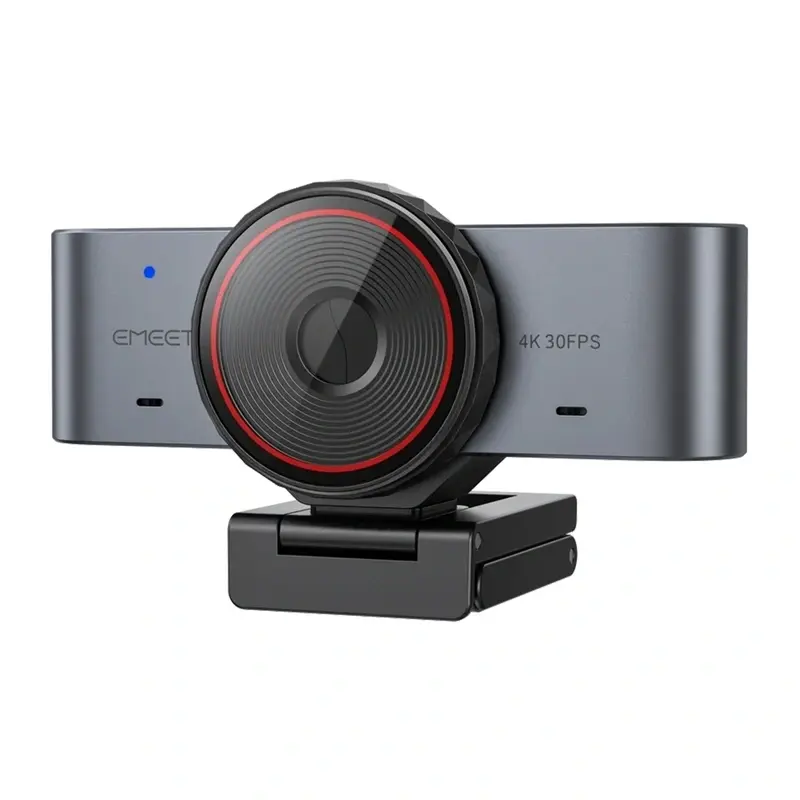
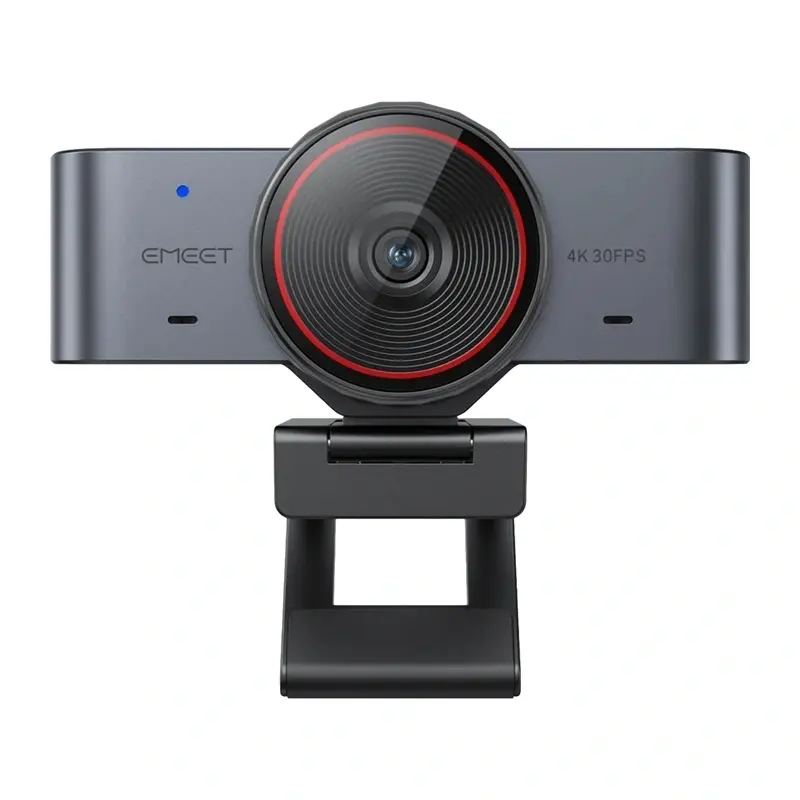
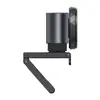
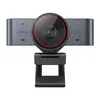
The eMeet SmartCam C960 Ultra webcam is designed for high-definition video communication, streaming, and online meetings. Featuring advanced optical technology, it delivers clear video quality and reliable performance for professional and personal use. Easily attachable to displays, this versatile camera integrates seamlessly into modern digital workspaces for efficient remote collaboration. At the core of the camera is a large Sony CMOS sensor, which captures more light to ensure high detail and natural colors even in challenging lighting conditions.
Advantages
The camera features a bright F/1.8 lens and fast phase-detection autofocus that responds in approximately 0.2 seconds to maintain sharp focus during movement. It supports 4K Ultra HD video at 30 frames per second and smooth Full HD at 60 frames per second, catering to both detailed recordings and fluid live streaming. A 73-degree field of view provides natural framing without distortion, while two built-in microphones capture clear audio for calls. Additional capabilities include a natural background blur effect and dedicated EMEET Studio software for advanced image adjustments, cropping, and vertical content creation.
Suitable for
- Video conferencing and professional remote meetings
- Live streaming and content creation on platforms like YouTube or Twitch
- Recording vertical video content for social media platforms
- Online education, webinars, and virtual training sessions
When it may not be suitable
This webcam may not be suitable for users operating computers powered by ARM-based architecture, as it lacks compatibility with those systems. Additionally, it might not meet the specialized needs of high-end cinematic productions that require interchangeable lenses or manual optical controls.
Key specifications
- Sony 1/1.5" CMOS image sensor
- Maximum resolution of 3840 × 2160 at 30 FPS and 1920 × 1080 at 60 FPS
- F/1.8 aperture lens
- PDAF autofocus system with approximately 0.2-second response time
- 73° field of view
- Two built-in microphones
- USB-C interface with included USB-A adapter
- Compatible with Windows 64-bit and macOS 10.14 or later
How to use
Mount the webcam securely on top of your computer monitor or display using the integrated clip, or attach it to a compatible 1/4-inch tripod stand. Connect the camera to your computer using the provided USB-C cable and adapter. The plug-and-play functionality allows the device to be recognized immediately by your operating system without requiring complex driver installations. For advanced features such as image cropping, background removal, and firmware updates, download and install the EMEET Studio software.
What to consider before purchase
- Verify that your computer operating system is compatible, ensuring it is a 64-bit Windows version or macOS 10.14 and later, and not an ARM-based processor.
- Check available USB ports on your computer to ensure compatibility with the included USB-C cable or adapter.
- Assess your lighting conditions and application requirements to make the most of the 4K resolution and low-light performance.
Usage recommendations: Position the webcam at eye level to ensure natural framing during video calls. Utilize the EMEET Studio software in well-lit environments to optimize the autofocus and background blur features for a professional appearance.