
New Arrival
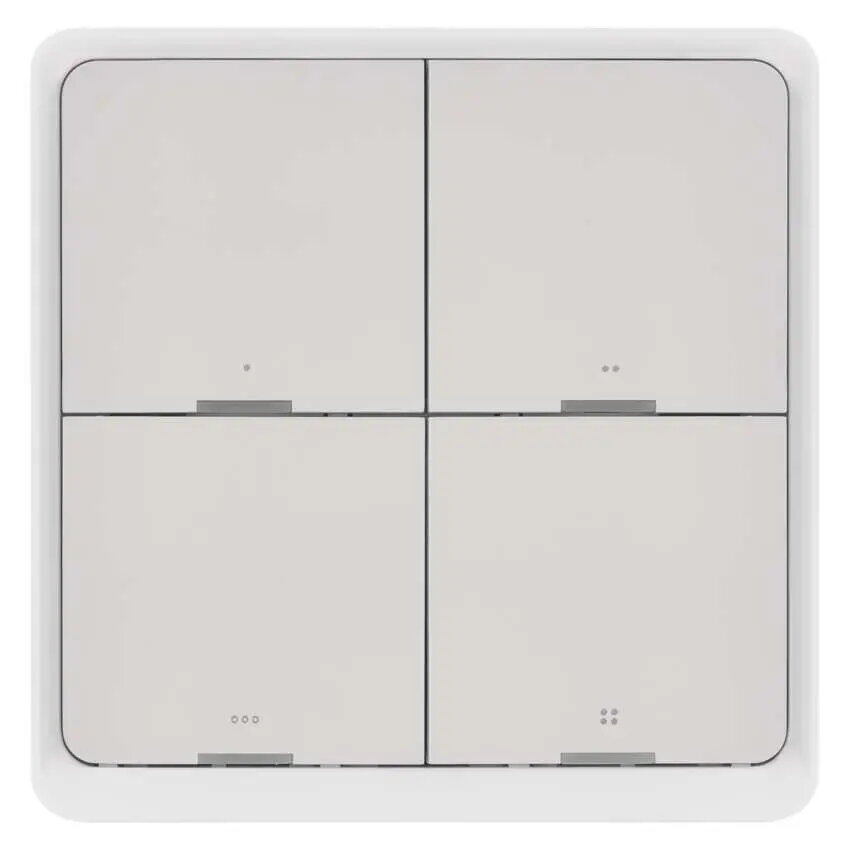
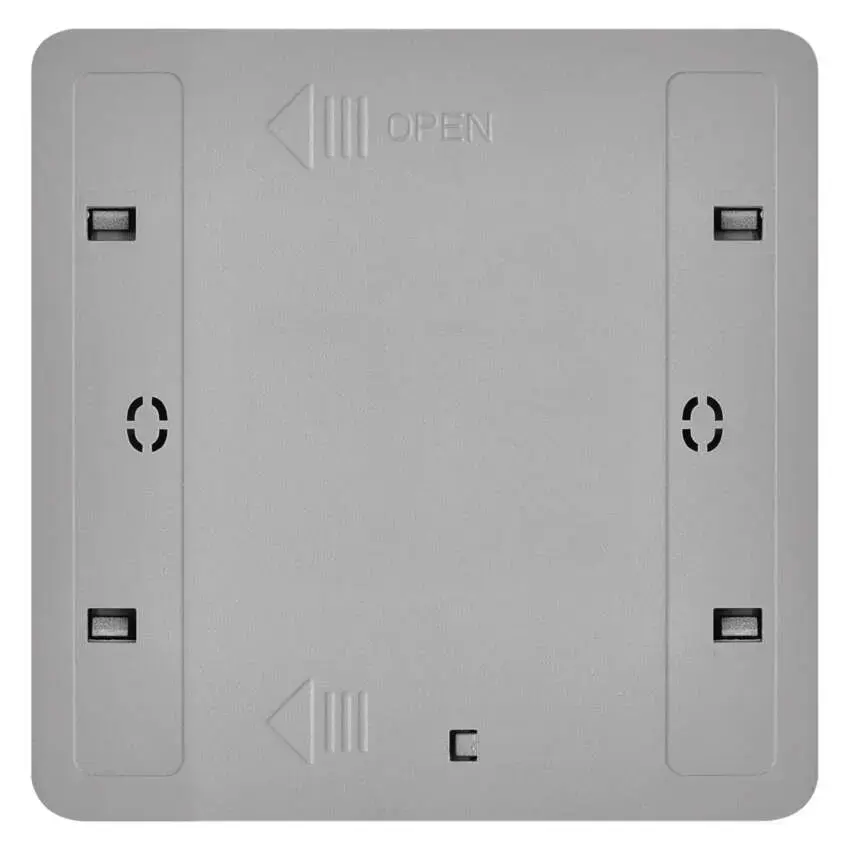
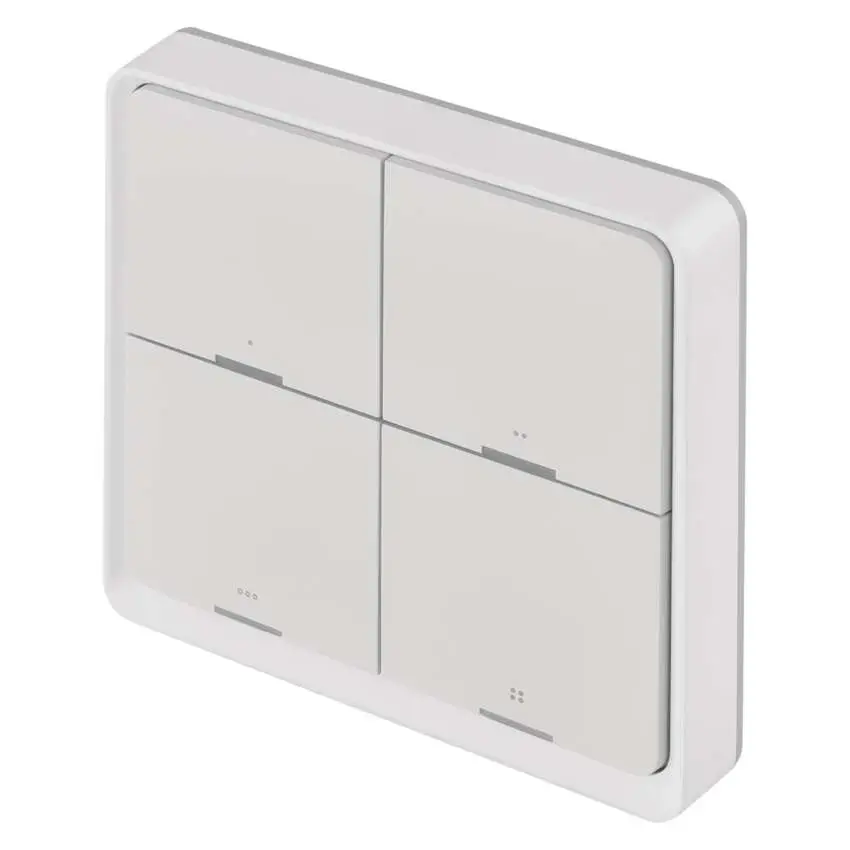
EMOS H5013 Smart Button Zigbee 3.0 Central Control Unit Accessory
27.99 €
Keep track of price changes
You keep track of price changes
Watch the price drop
Leave your address - as soon as the price of the product goes down, you'll know about it right away
You keep track of price changes
EMOS H5013 Smart Button Zigbee 3.0 Central Control Unit Accessory
{{email}}
You keep track of price changes
EMOS H5013 Smart Button Zigbee 3.0 Central Control Unit Accessory
{{email}}
{{selectedOffer && selectedOffer.price | formatAmount}}
Short description
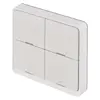
The EMOS H5013 is a wireless smart button designed as a central control unit accessory for smart home automation. It utilizes the Zigbee 3.0 interface for reliable connectivity and operates on a 3V power supply. This grey-colored device allows for convenient scene control and device management within a compatible smart home ecosystem, providing a compact and efficient solution for home automation tasks.
Deliver the order:
to the Customer Service Center at Kengaraga 2b, Riga
02.07.2026
{{selectedOffer.officeDeliveryString}}
free
Customer service center
2b. Kengaraga str., Riga, Latvia, LV-1063
02.07.2026
{{selectedOffer.officeDeliveryString}}
free
Courier Delivery
Please note that in case of a large parcel additional delivery costs may apply!
From 4.99 €
Parcel couriers
Latvijas Pasts pakomāts / Unisend / DPD Paku skapis / Omniva / Venipak Pickup / Venipak Locker / Latvijas Pasts nodaļa
07.07.2026
{{selectedOffer.parcelStationDeliveryString}}
From 1.99 €

Payment Methods:
Bank transfer, Bank cards on-line, Apple Pay, Google Pay


