
Powerful EcoFlow stations for energy anywhere!
In cart {{totalProductsCount}} item(s)
Your cart is empty
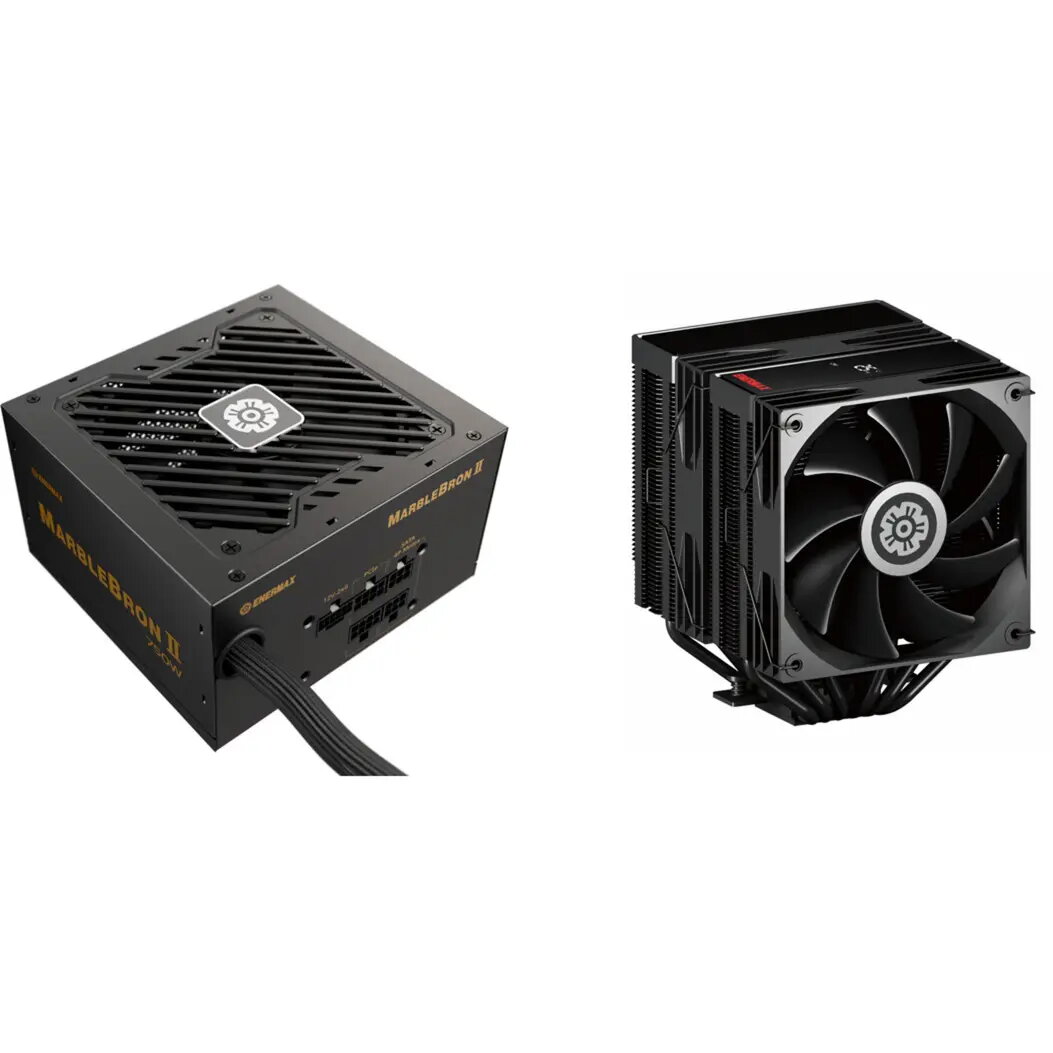
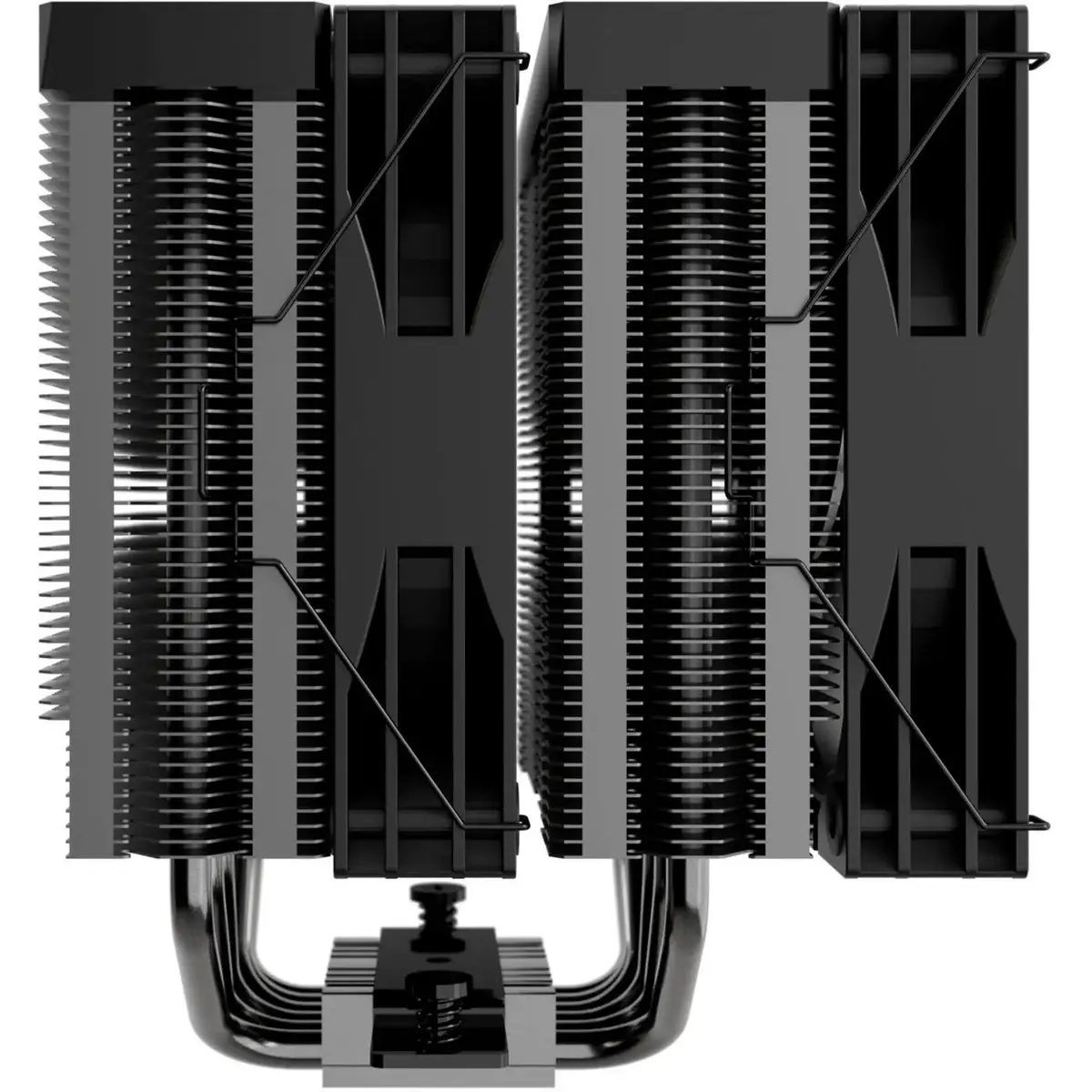
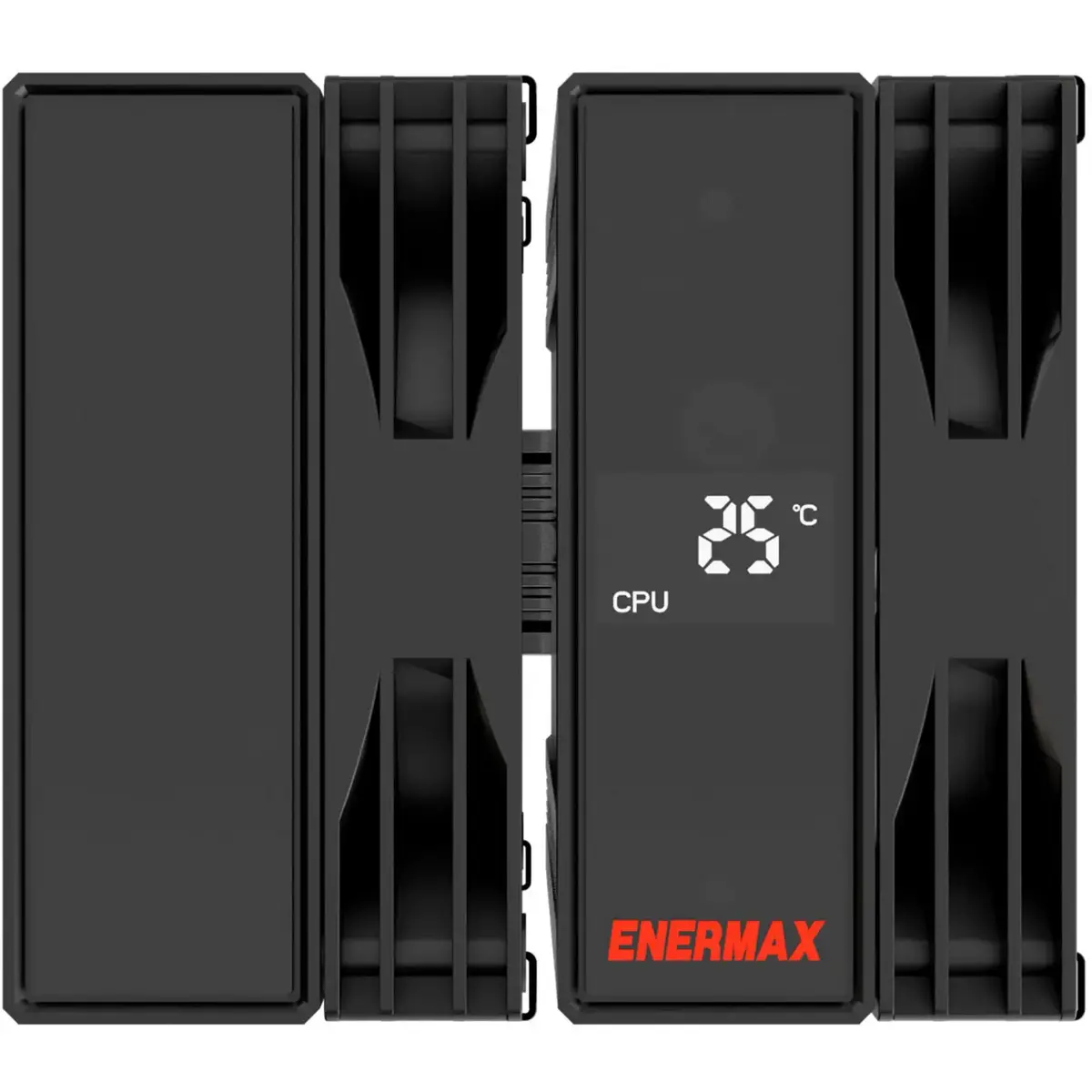
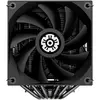
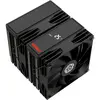
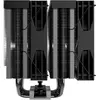
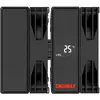
Power Supply ENERMAX MARBLEBRON II 750W with ETS-TD60 Digital CPU Cooler bundle (black, 750 W)
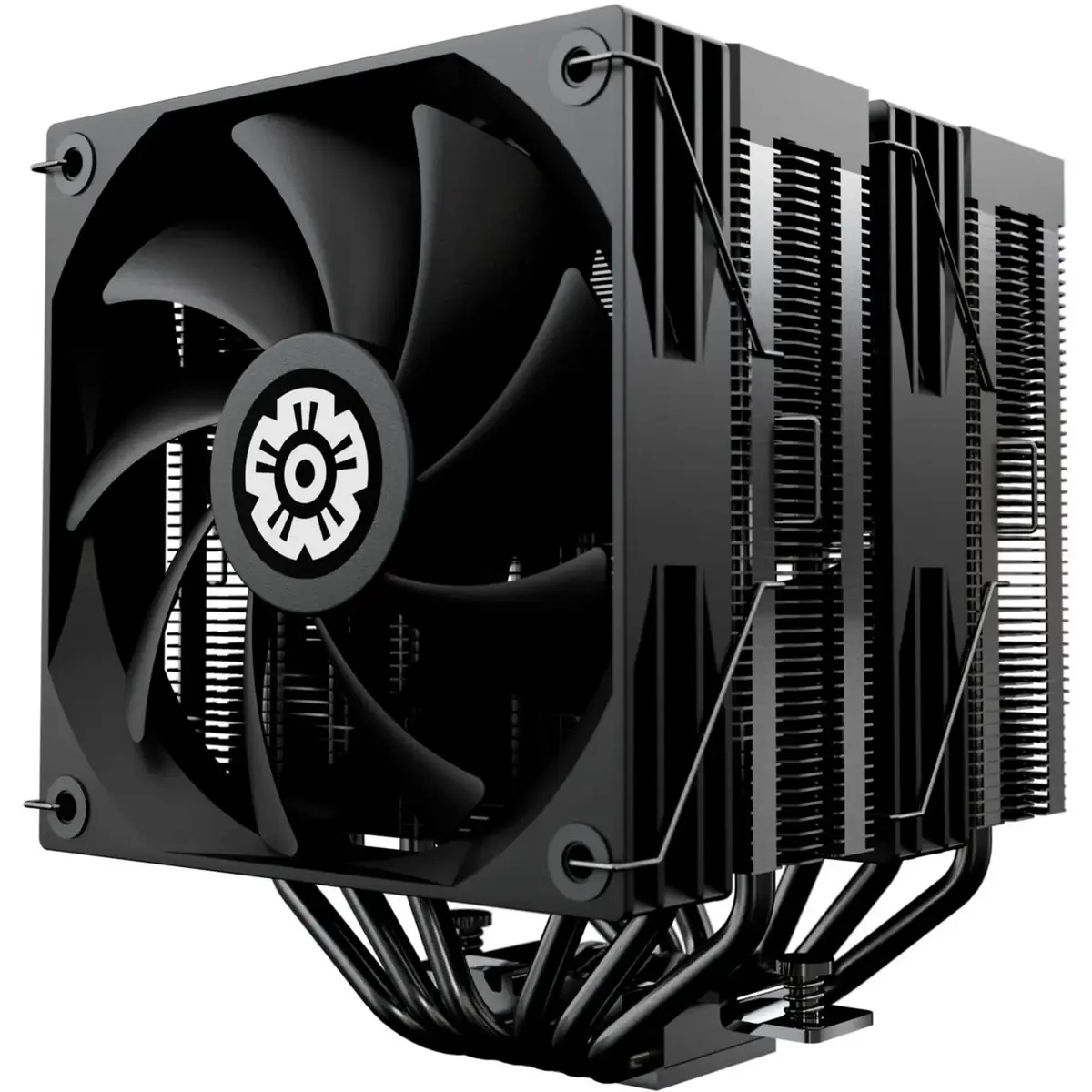
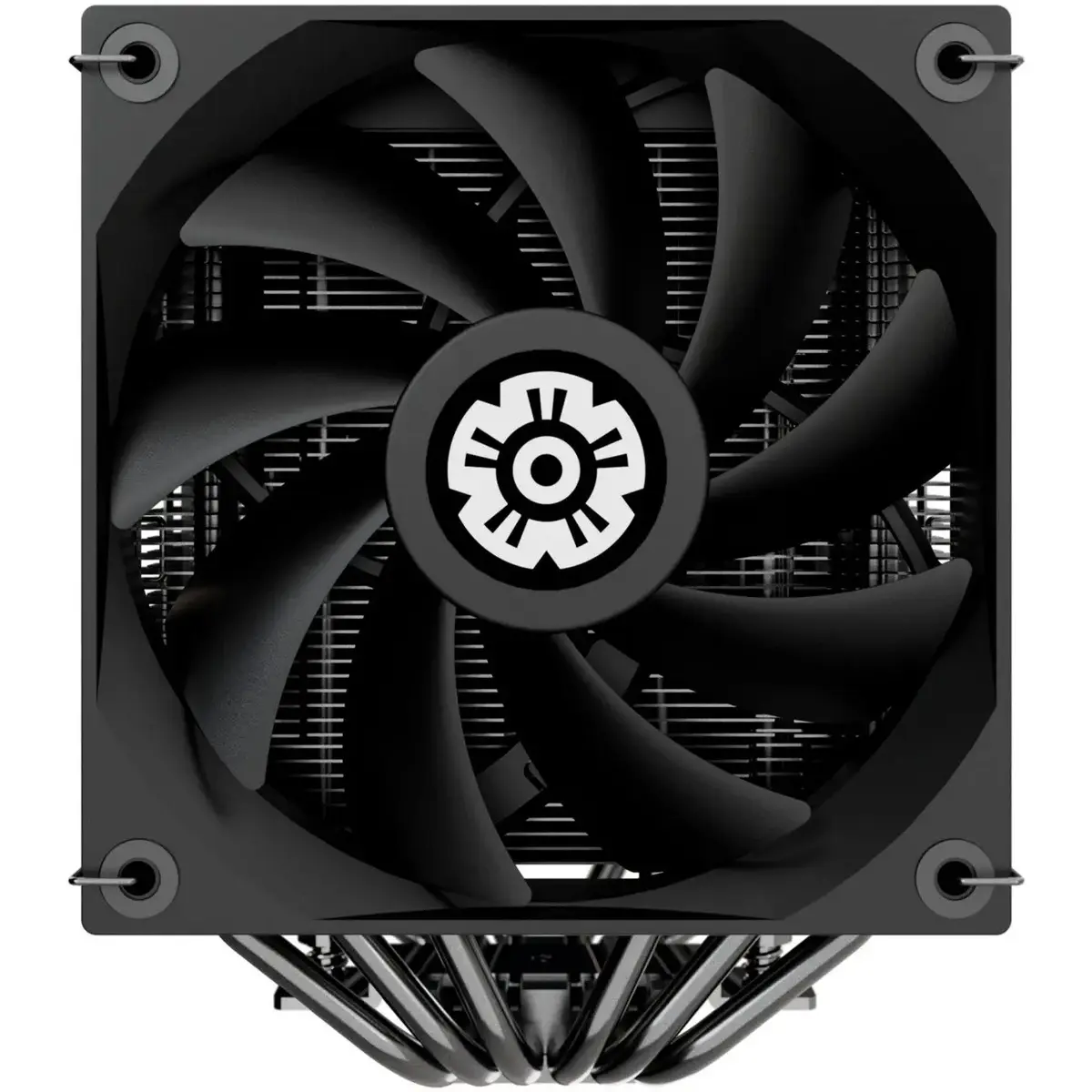
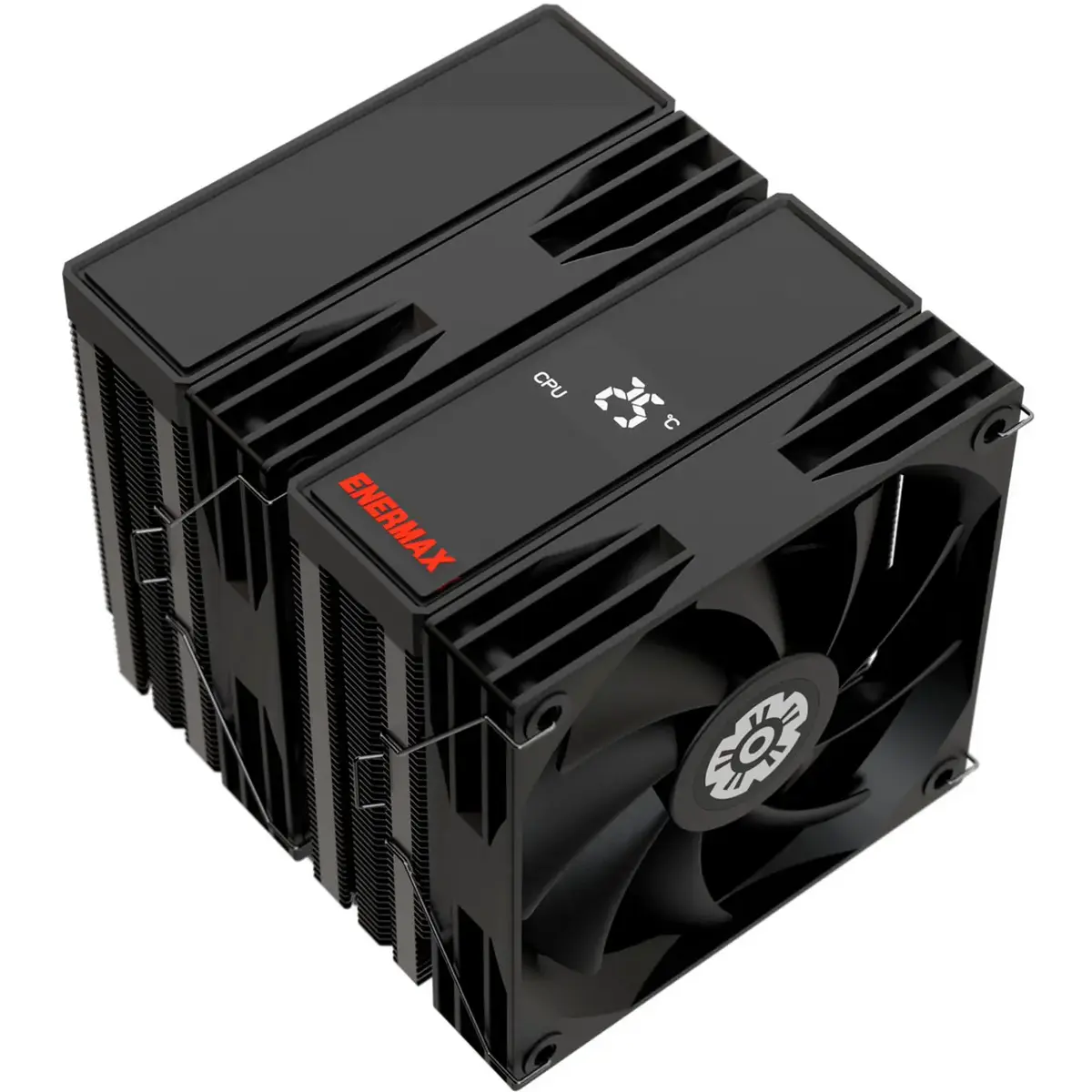
The ENERMAX MARBLEBRON II 750W with ETS-TD60 Digital CPU Cooler bundle pairs a 750-watt ATX power supply with a tower-style digital CPU cooler. This kit is intended for desktop system builders and upgraders who require a stable power source and an efficient cooling solution in a single purchase. The power supply provides continuous power delivery suitable for gaming rigs, workstations and general-purpose desktops, while the ETS-TD60 Digital cooler offers a compact tower design with digital control for CPU thermal management.
The bundle offers compatibility and convenience by combining a high-capacity PSU and a dedicated CPU cooler in one package. The power supply delivers sufficient wattage for multi-component systems and includes standard protection features for safe operation. The digital tower cooler provides targeted airflow to the CPU area and includes adjustable fan control for balancing noise and cooling performance. Together they simplify component selection for upgrades and new builds.
Install the power supply into a compatible ATX case following the case manufacturer guidelines and standard safety procedures. Connect the 24-pin motherboard cable, appropriate CPU and PCIe power connectors, and peripheral cables to components according to their power requirements. Mount the ETS-TD60 Digital CPU cooler onto a compatible CPU socket using the supplied mounting hardware; ensure thermal paste is applied between the CPU heatspreader and the cooler base if not pre-applied. Connect the cooler fan(s) to the motherboard fan header or the included controller and configure fan settings in BIOS or the provided digital control software for desired performance.
Ensure the power supply is installed in a well-ventilated case with unobstructed airflow and use recommended connectors for GPU and CPU to avoid overloading single rails. For effective CPU cooling, verify that the cooler is mounted securely, maintain a clean heatsink and fan assembly, and configure fan curves to balance noise and temperature targets based on your workload.
{{highlightedFeature.featureTitle}}:
{{getProductFeatureValueById(product, highlightedFeature.featureId)}}
{{ productComparisonGenerationError }}