
Dreame vacuums for fast and efficient cleaning!
In cart {{totalProductsCount}} item(s)
Your cart is empty
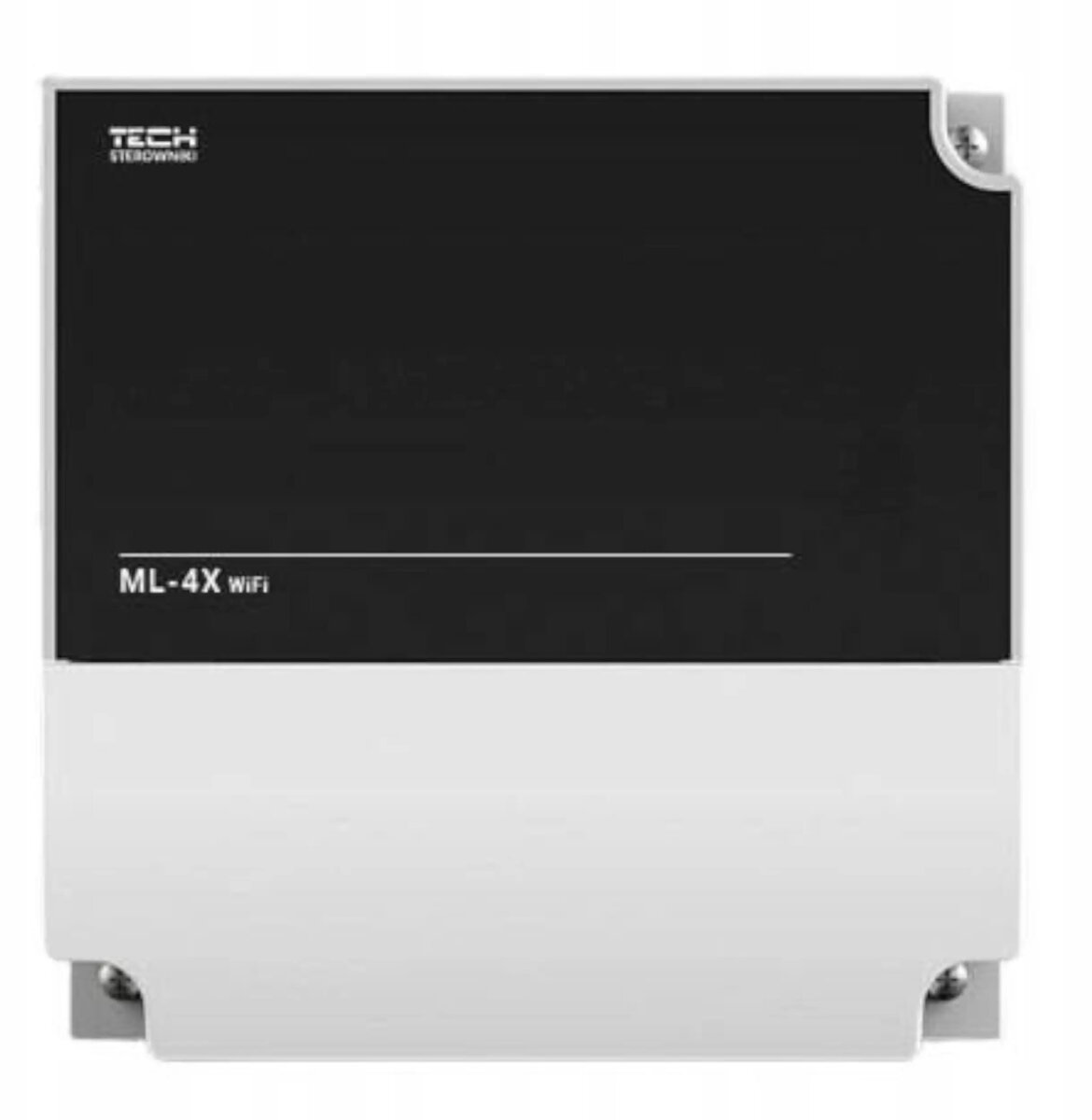
Expansion module 4-section for Engo L-4X Wi‑Fi (white) ML-4X Wi‑Fi
The Expansion module 4-section for Engo L-4X Wi‑Fi (white) ML-4X Wi‑Fi adds four additional zones or outputs to a compatible Engo L-4X Wi‑Fi control unit. Designed to expand the capacity of an existing alarm or automation system without replacing the main panel, this module connects to the base unit and integrates with the system’s Wi‑Fi control and configuration. The white enclosure is intended for indoor installation in residential or small commercial premises where extra inputs or relay outputs are required.
This expansion module increases the number of available sections or outputs by four, allowing for a straightforward capacity upgrade of an existing control unit. Integration with the Engo L-4X Wi‑Fi system preserves centralized management, configuration and remote access through the same Wi‑Fi interface. The compact white housing is unobtrusive and suitable for standard indoor mounting, while the module’s design focuses on compatibility and ease of installation to minimize downtime during expansion.
This module is intended specifically for compatibility with the Engo L-4X Wi‑Fi control unit and may not work with other panel models or brands. It is not a standalone control unit and requires the main Engo L-4X Wi‑Fi panel to operate. For large-scale commercial or industrial systems that need many more zones or advanced enterprise features, a larger-capacity control solution may be more appropriate.
Install the expansion module near the Engo L-4X Wi‑Fi control unit following the manufacturer’s wiring and mounting guidelines. Connect the module to the main panel using the defined interface or connectors, then configure the added sections/outputs through the Engo L-4X Wi‑Fi control interface or mobile application. Label the new zones and test each input or output to confirm correct operation within the alarm and automation workflows before finalizing installation.
After installation, perform a full system test including zone activation, alarm signalling and remote access through the Wi‑Fi interface. Keep documentation of wiring and configuration settings for future maintenance or further expansion.
{{highlightedFeature.featureTitle}}:
{{getProductFeatureValueById(product, highlightedFeature.featureId)}}
{{ productComparisonGenerationError }}