
Save time and money with our discounts!
In cart {{totalProductsCount}} item(s)
Your cart is empty
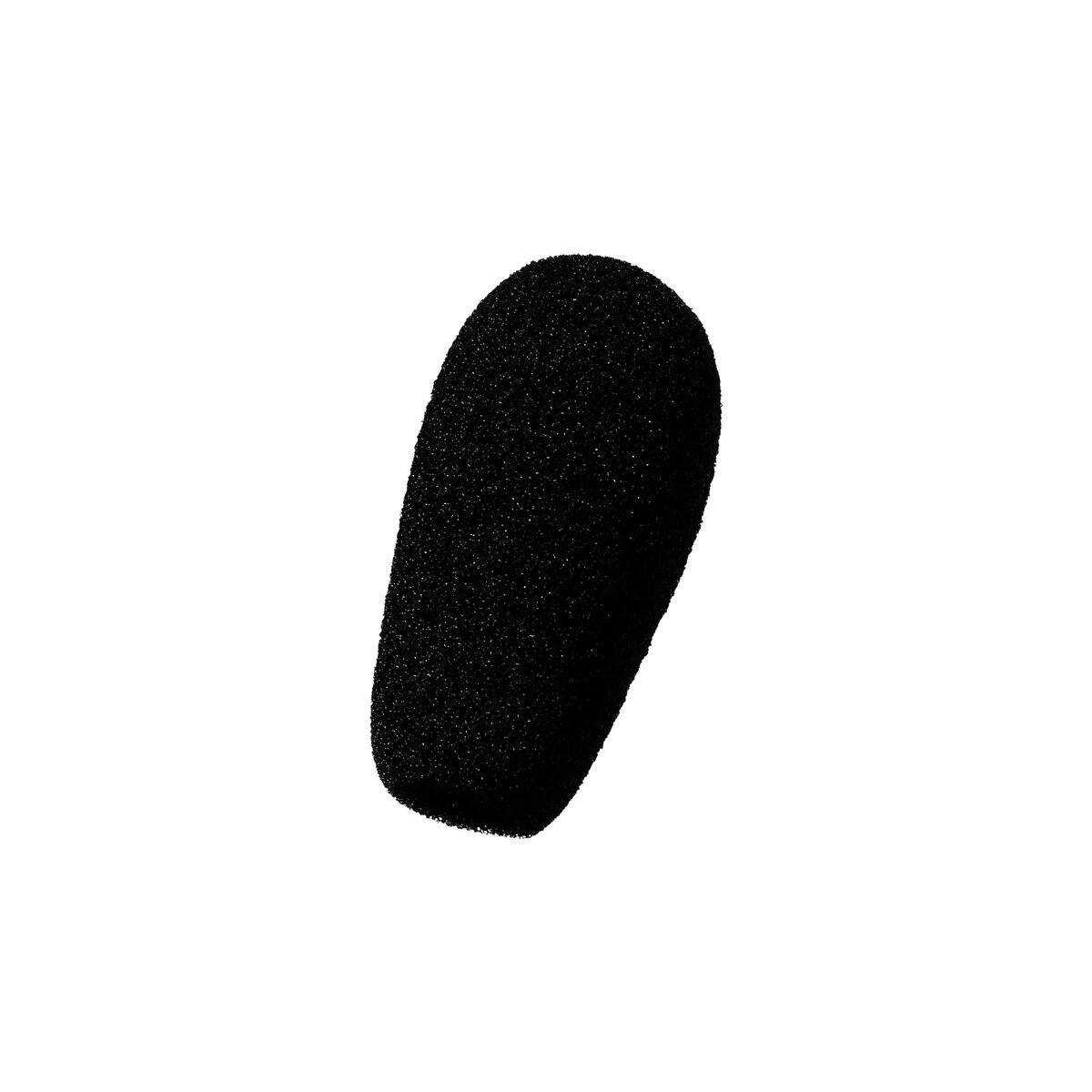
EPOS PS 01 Microphone windscreen Black
The EPOS PS 01 Microphone Windscreen in Black is an essential audio accessory designed to enhance your recording and live performance quality. Engineered to effectively minimize unwanted wind noise, breathing sounds, and vocal plosives, this windscreen ensures professional-grade acoustic clarity. Crafted from durable, high-quality foam, it fits securely on compatible microphones while simultaneously protecting the delicate microphone capsule from everyday hazards such as dust and moisture. Whether you are broadcasting, podcasting, or performing music, this reliable accessory delivers clean and crisp audio reproduction.
This microphone windscreen offers significant acoustic improvements by effectively diffusing air turbulence before it reaches the microphone diaphragm, resulting in noticeably cleaner vocal recordings. The robust foam construction ensures long-lasting durability and consistent performance over time. In addition to reducing acoustic interference, it acts as a protective physical barrier that shields the microphone capsule against moisture and dust accumulation, thereby extending the operational lifespan of your audio equipment. Its sleek black finish maintains a professional appearance in any studio or stage environment.
This windscreen may not be suitable for microphones that do not match its design dimensions or compatibility requirements. Additionally, it is not intended for heavy outdoor use in extreme weather conditions such as severe storms or high-velocity gales, where dedicated blimp-style windshields are typically required.
To use the microphone windscreen, gently align the opening of the foam cover with the head of the compatible microphone. Carefully slide the windscreen downward over the microphone capsule until it is firmly and securely seated. Ensure that the foam covers the entire active recording area evenly without distortion. To remove for cleaning or storage, gently pull the windscreen upward while holding the microphone body steady.
For optimal audio performance, inspect the foam windscreen regularly for dust or debris and gently clean with a dry cloth or mild soap solution when necessary. Allow the windscreen to dry completely before reattaching it to the microphone.
{{highlightedFeature.featureTitle}}:
{{getProductFeatureValueById(product, highlightedFeature.featureId)}}
{{ productComparisonGenerationError }}