
Dreame vacuums for fast and efficient cleaning!
In cart {{totalProductsCount}} item(s)
Your cart is empty
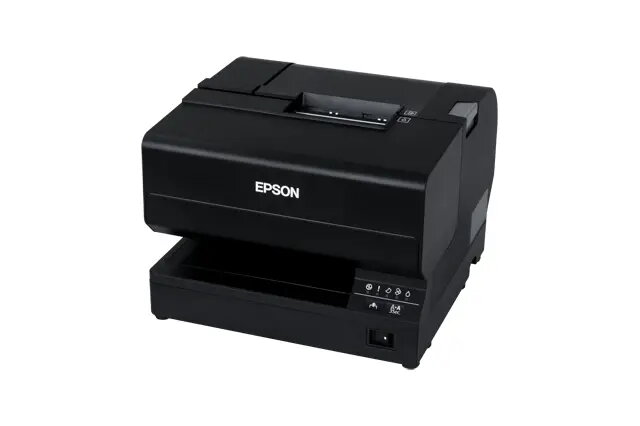
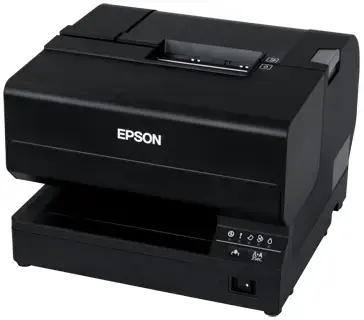
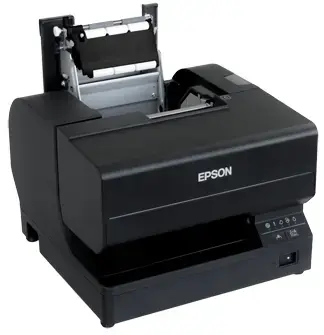
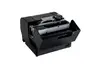
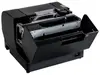
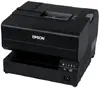
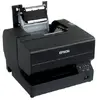
Epson TM-J7700(301PH) Inkjet POS Printer with Ethernet and USB 2.0
The Epson TM-J7700(301PH) is a professional inkjet POS printer engineered to deliver high-quality receipt, slip, and coupon printing for demanding retail environments. Utilizing advanced inkjet technology, this device provides sharp, detailed output with a print speed of 98 mm/sec, ensuring efficient transaction processing. Its robust design and reliable connectivity options make it a dependable choice for businesses requiring consistent performance and long-term durability.
This printer offers significant improvements in print quality and speed compared to traditional dot matrix models, providing high-resolution output that is resistant to water and light. The low total cost of ownership is achieved through efficient ink usage and simplified maintenance procedures. Its compact footprint and backwards compatibility allow for seamless integration into existing point-of-sale systems, while the easy-install ink cartridges and drop-in paper loading minimize downtime during busy operational hours.
This printer may not be suitable for environments requiring high-volume label printing or specialized thermal-only paper applications. It is also not designed for mobile use, as it requires a wired connection to a power source and a host system.
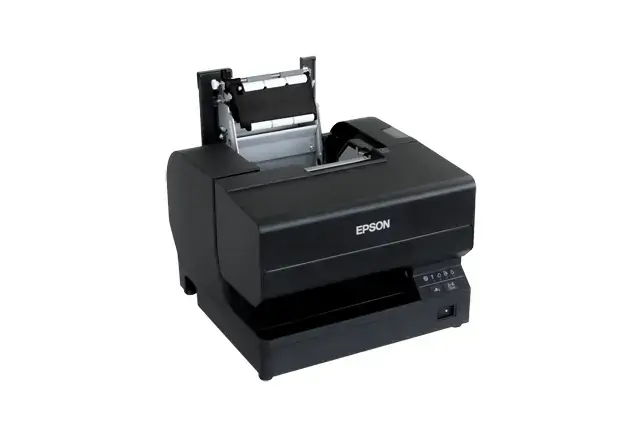
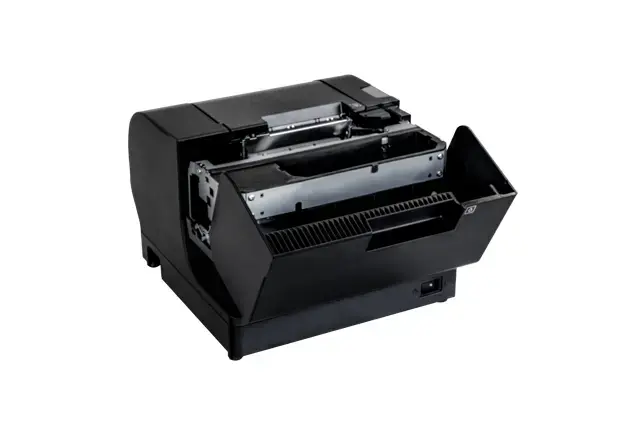
To begin using the Epson TM-J7700, connect the device to your power source and link it to your POS terminal using either the Ethernet or USB 2.0 interface. Install the ink cartridges by following the simple drop-in procedure, and load the paper roll into the designated compartment. Once connected and powered on, ensure the appropriate drivers are installed on your host system to facilitate communication between the printer and your software.
To maintain optimal print quality and device longevity, use only genuine Epson ink cartridges and ensure the printer is kept in a clean, dust-free environment. Regularly check the paper path for debris and perform routine maintenance as indicated by the printer status indicators.
{{highlightedFeature.featureTitle}}:
{{getProductFeatureValueById(product, highlightedFeature.featureId)}}
{{ productComparisonGenerationError }}
