

Powerful EcoFlow stations for energy anywhere!
In cart {{totalProductsCount}} item(s)
Your cart is empty
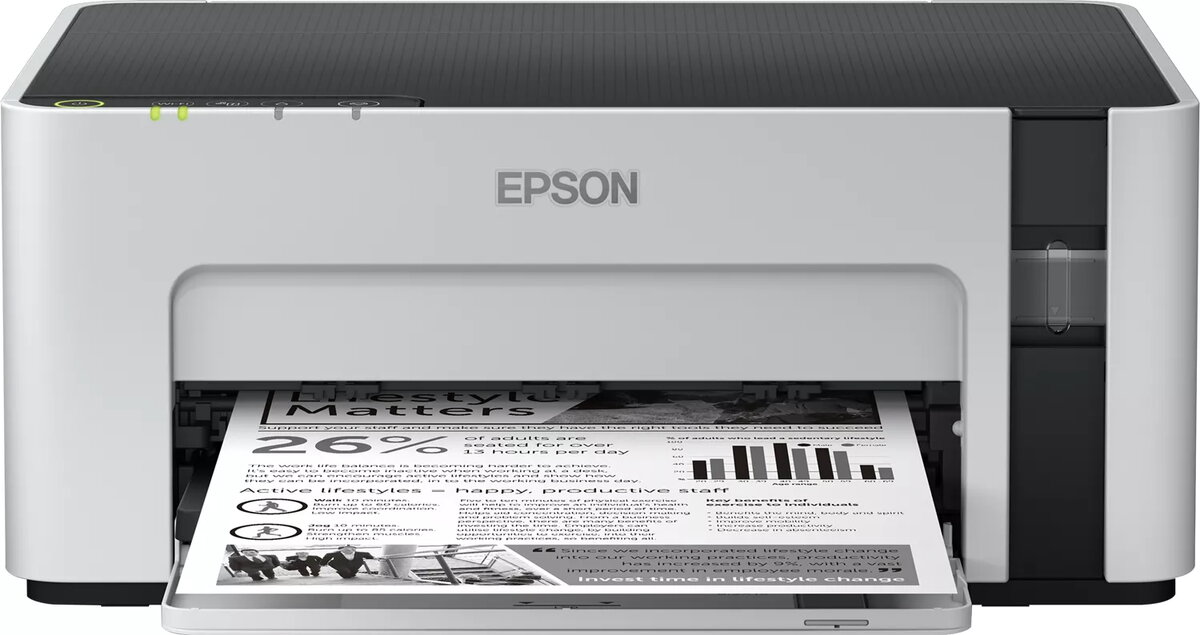
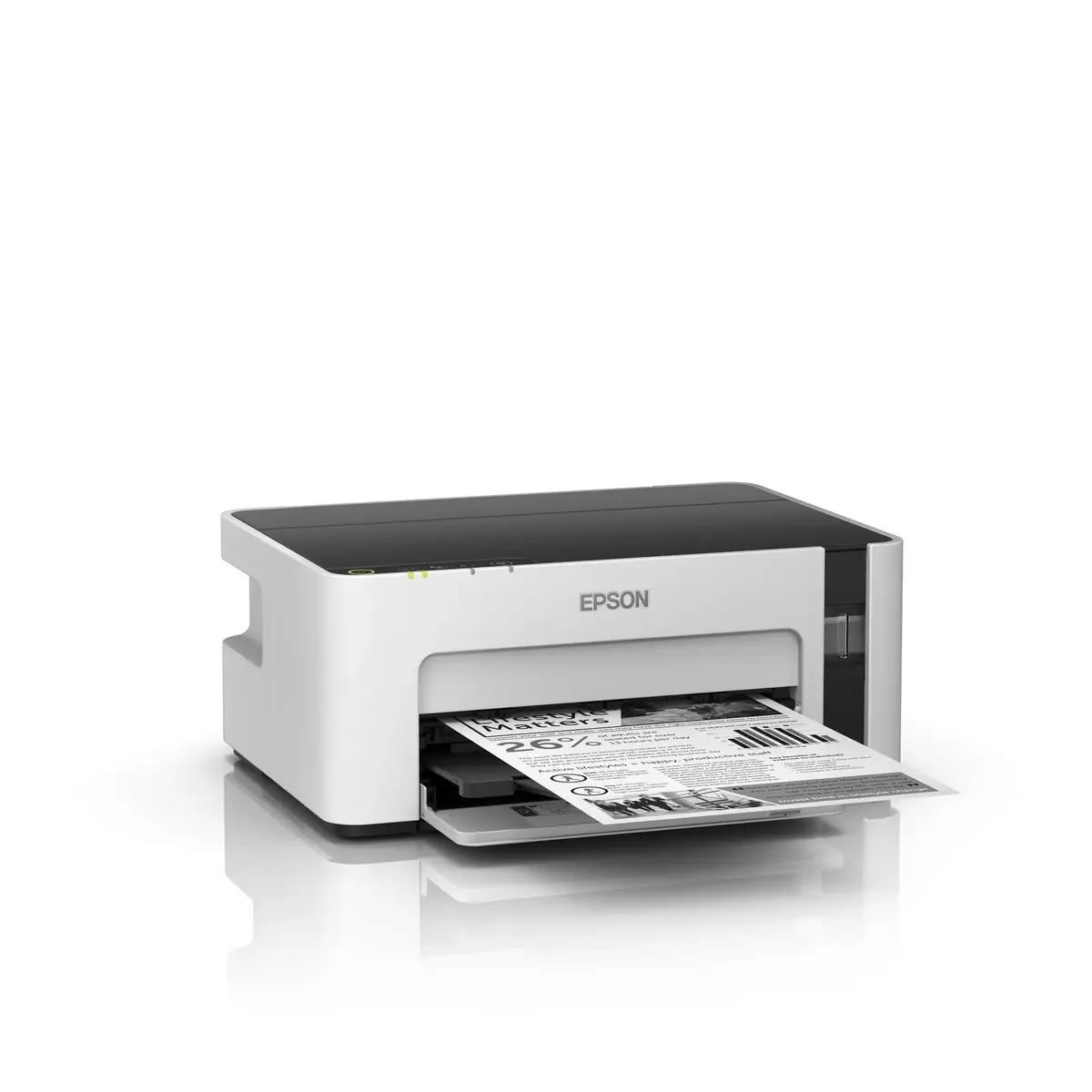
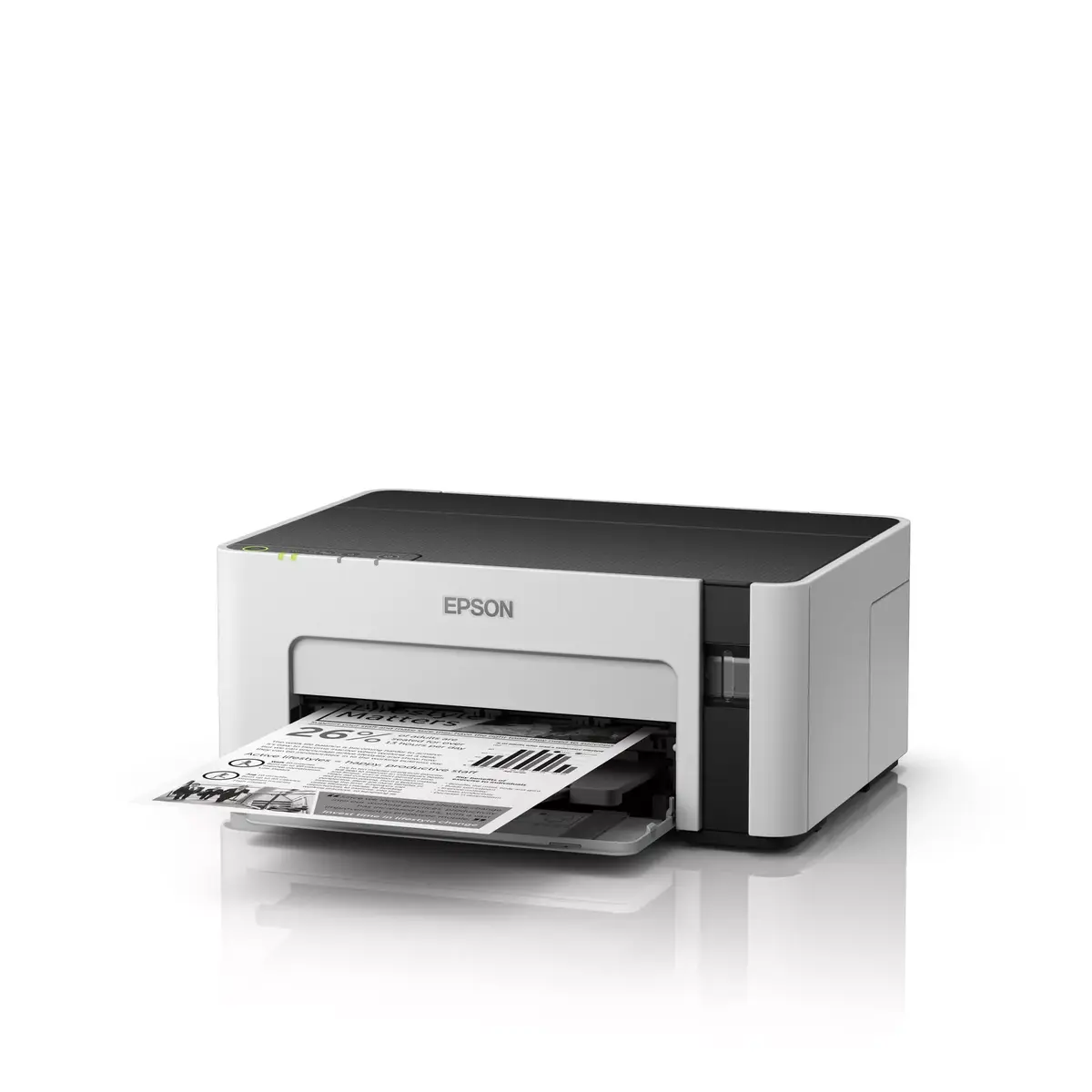
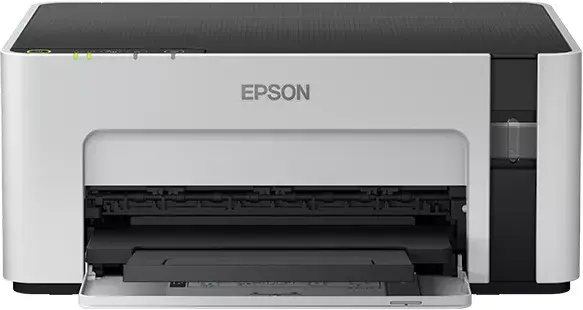
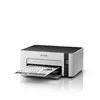
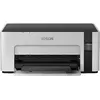
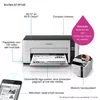
Epson EcoTank ET-M1120 Mono Inkjet Printer A4 Wi-Fi 32 ppm 1440 x 720 DPI
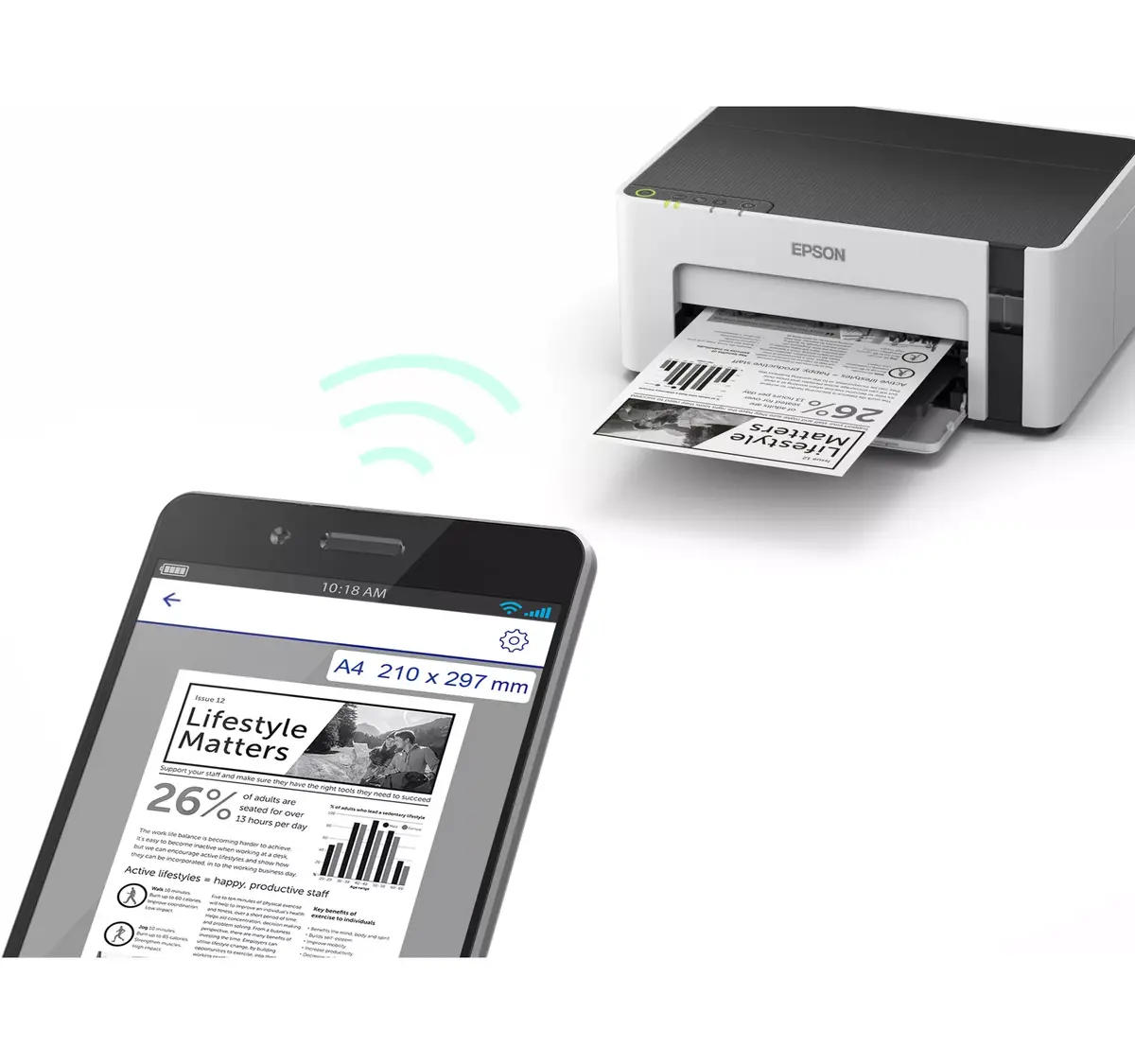
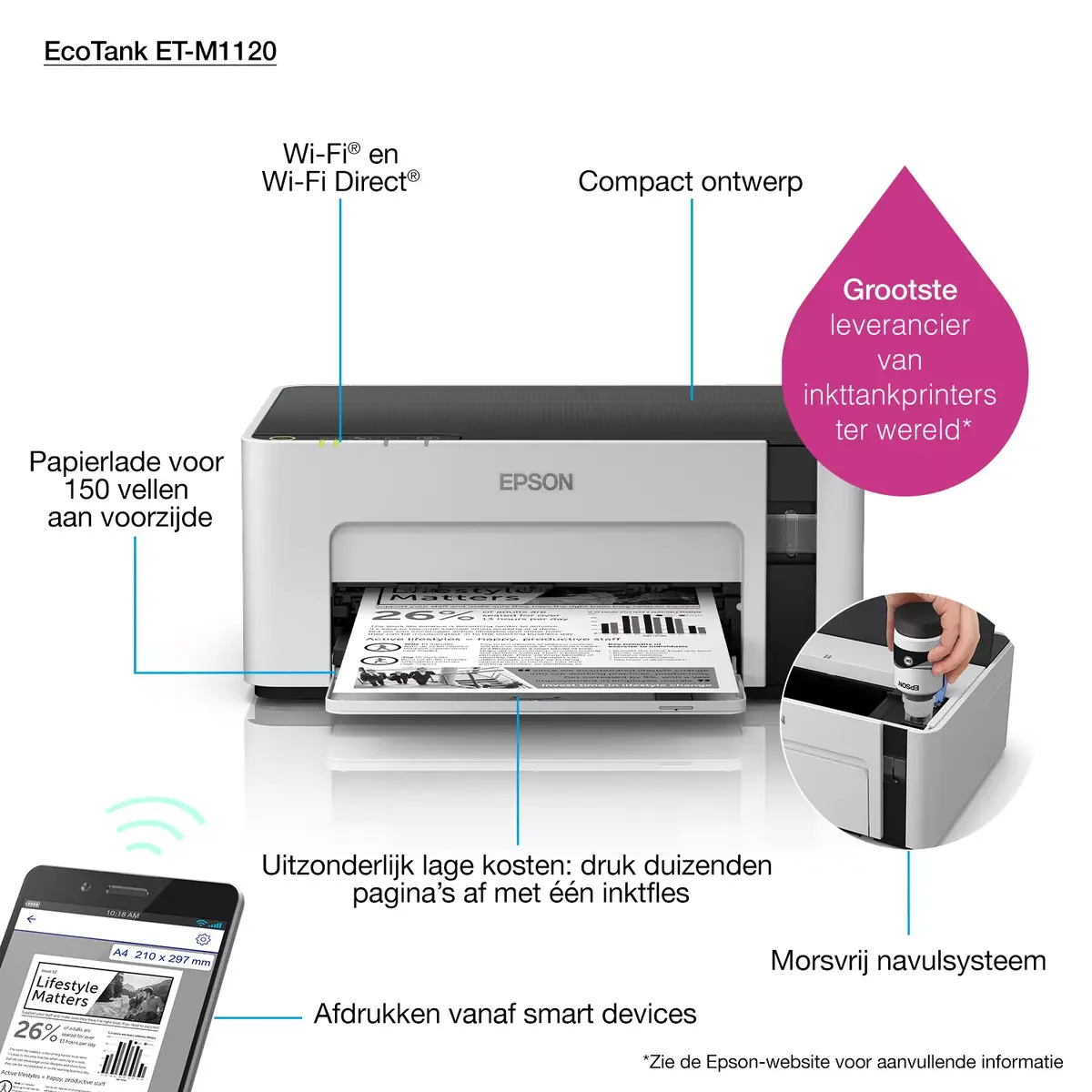
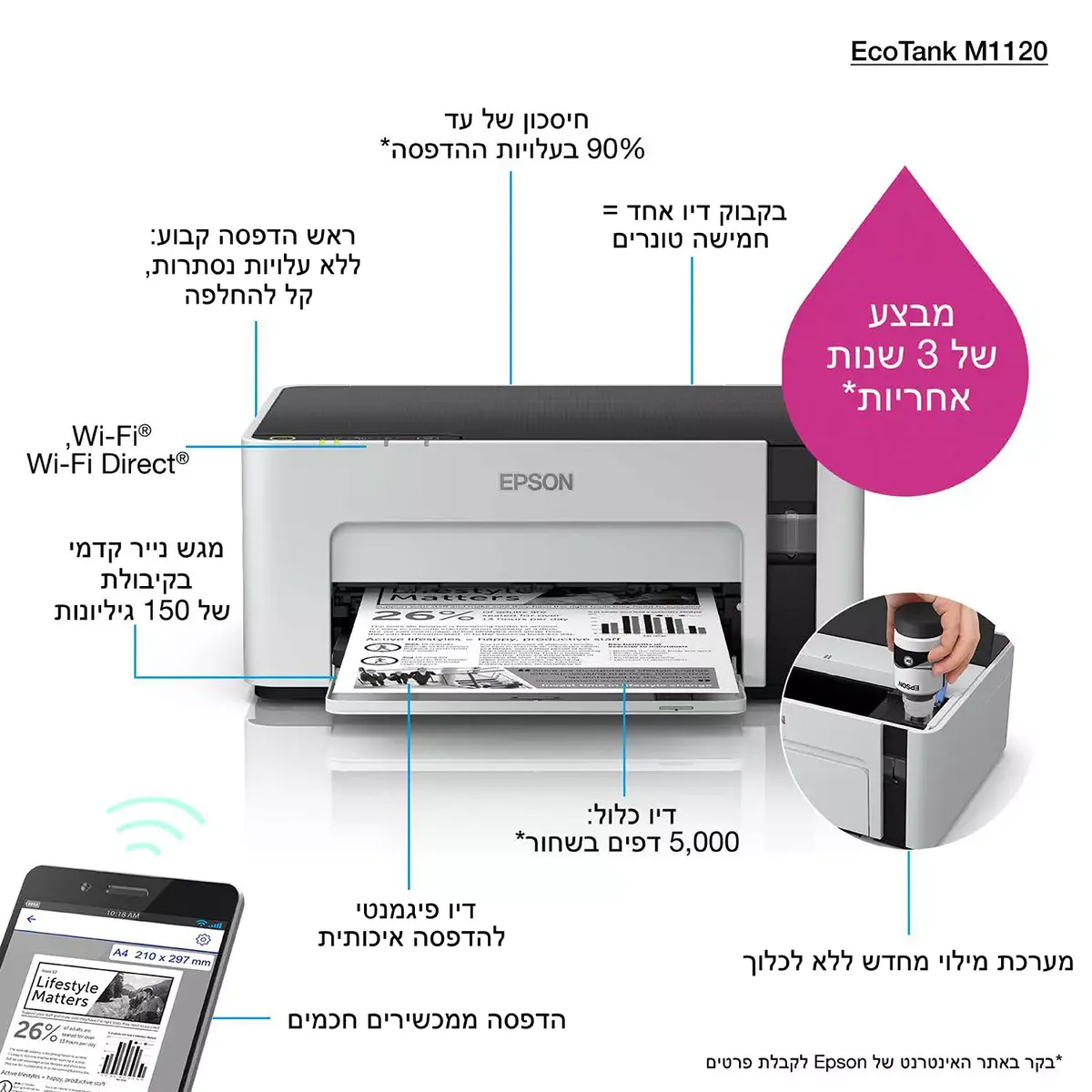
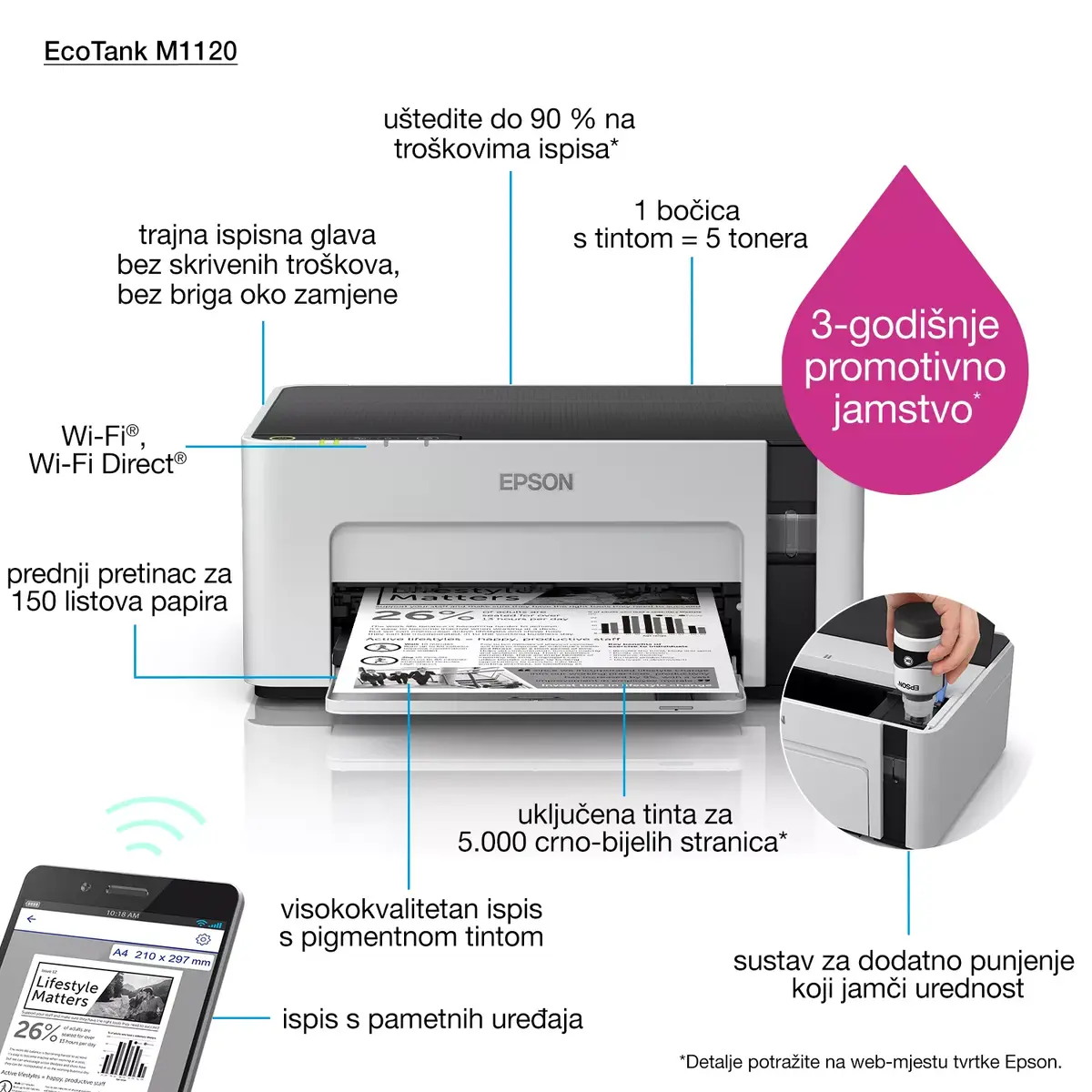
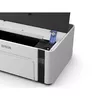
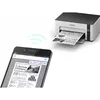
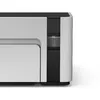
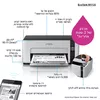
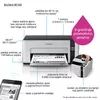
The Epson EcoTank ET-M1120 Mono Inkjet Printer A4 Wi-Fi 32 ppm 1440 x 720 DPI is a reliable monochrome inkjet printer designed for home and office use. Featuring an innovative cartridge-free ink tank system, this device utilizes high-capacity refillable tanks to deliver efficient document printing. It supports A4 paper size, offers a 150-sheet input capacity, and provides a maximum print speed of 32 ppm with a resolution of 1440 x 720 DPI. With built-in Wi-Fi and USB connectivity, it integrates seamlessly into modern workspaces for wireless and mobile printing.
This printer significantly lowers printing costs through its high-capacity refillable ink tank system, eliminating the need for traditional cartridges and reducing frequent supply changes. It delivers fast document output with no warm-up time, ensuring high efficiency for everyday tasks. The integration of Wi-Fi allows users to print wirelessly from virtually anywhere in the office or home environment. Additionally, it offers low energy consumption compared to standard laser printers, helping to reduce operational overheads.
This device is not designed for color printing tasks, as it exclusively supports black and white output. It also lacks automatic duplex printing capabilities, meaning double-sided pages must be processed manually.
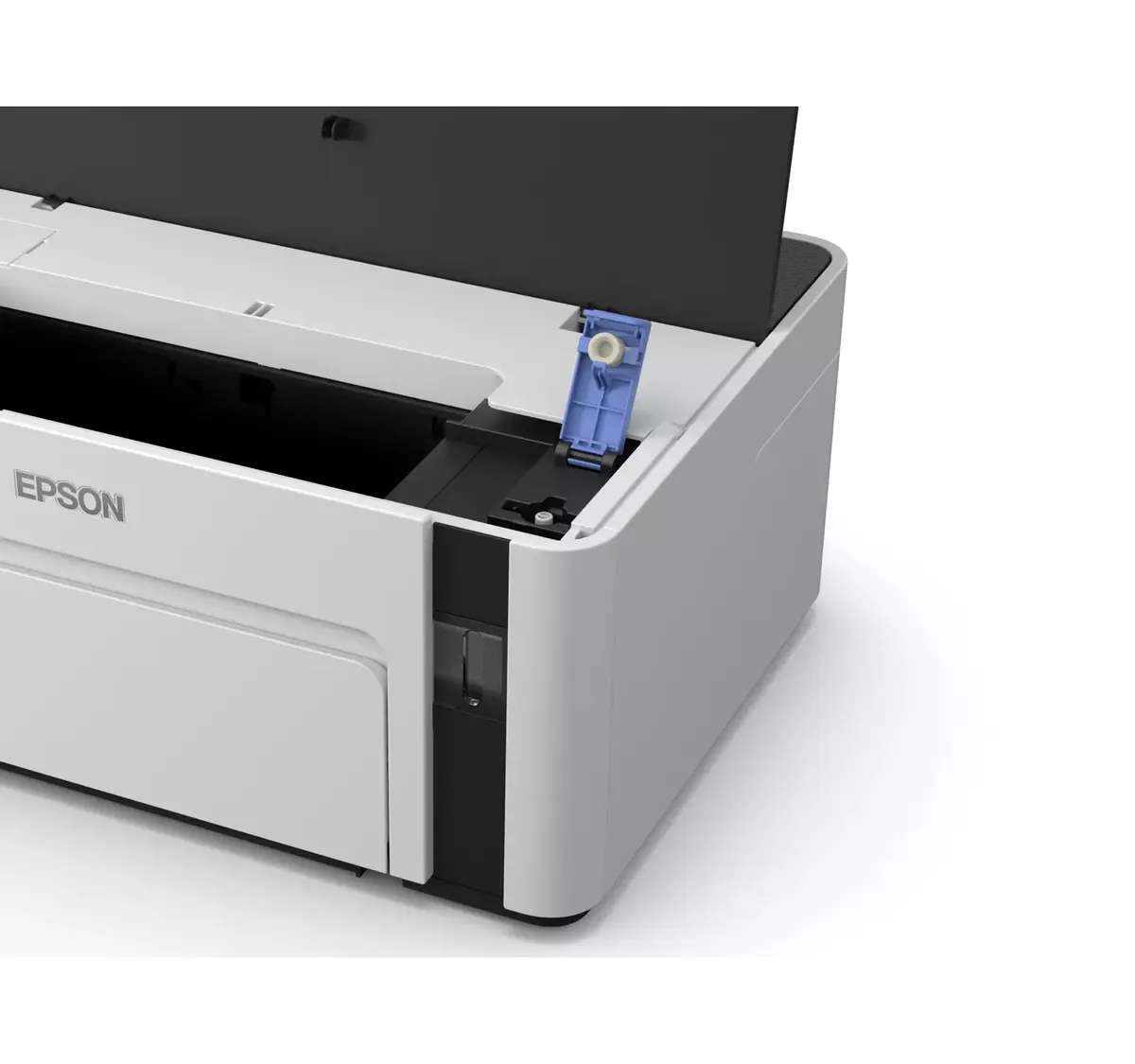
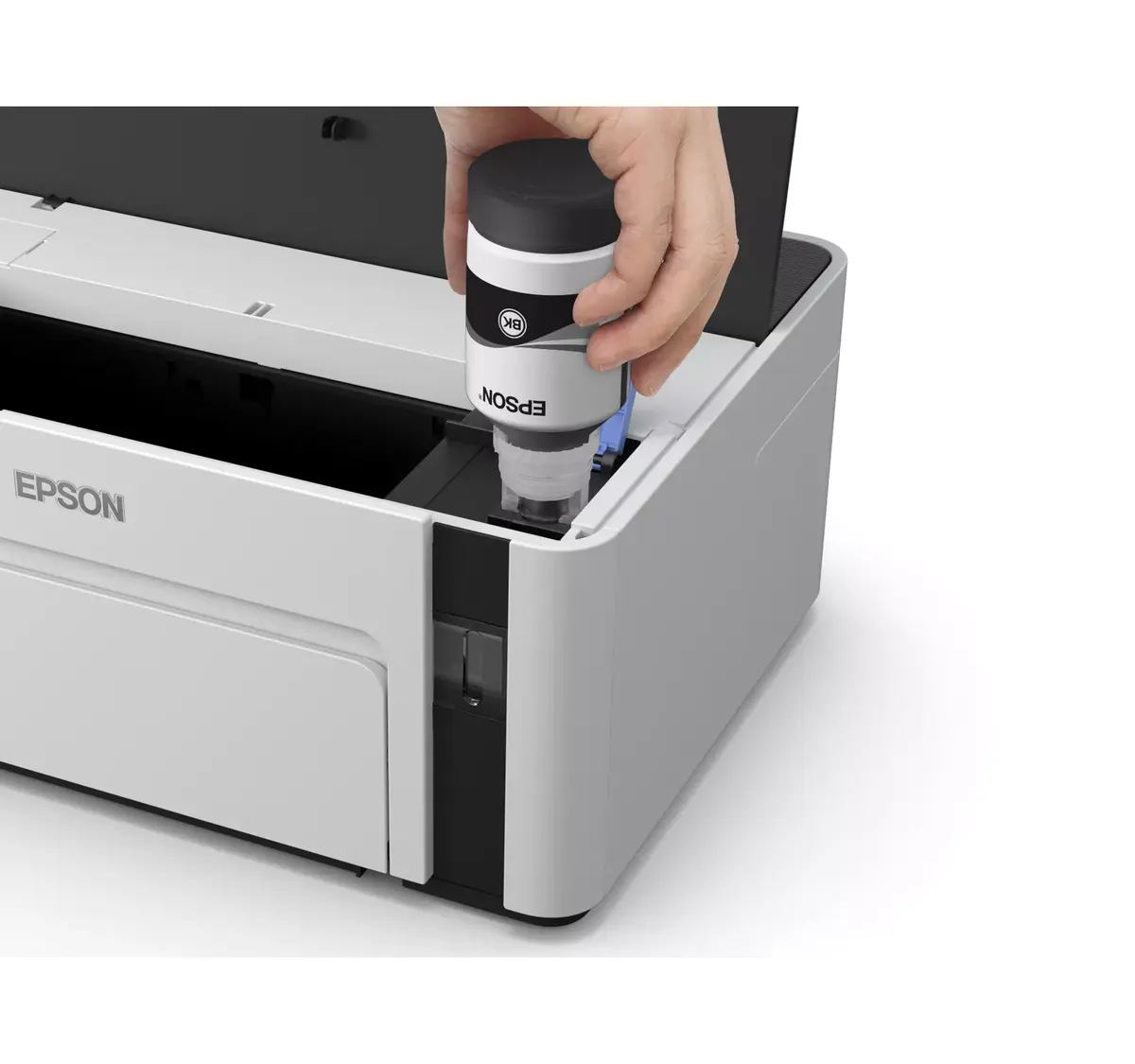
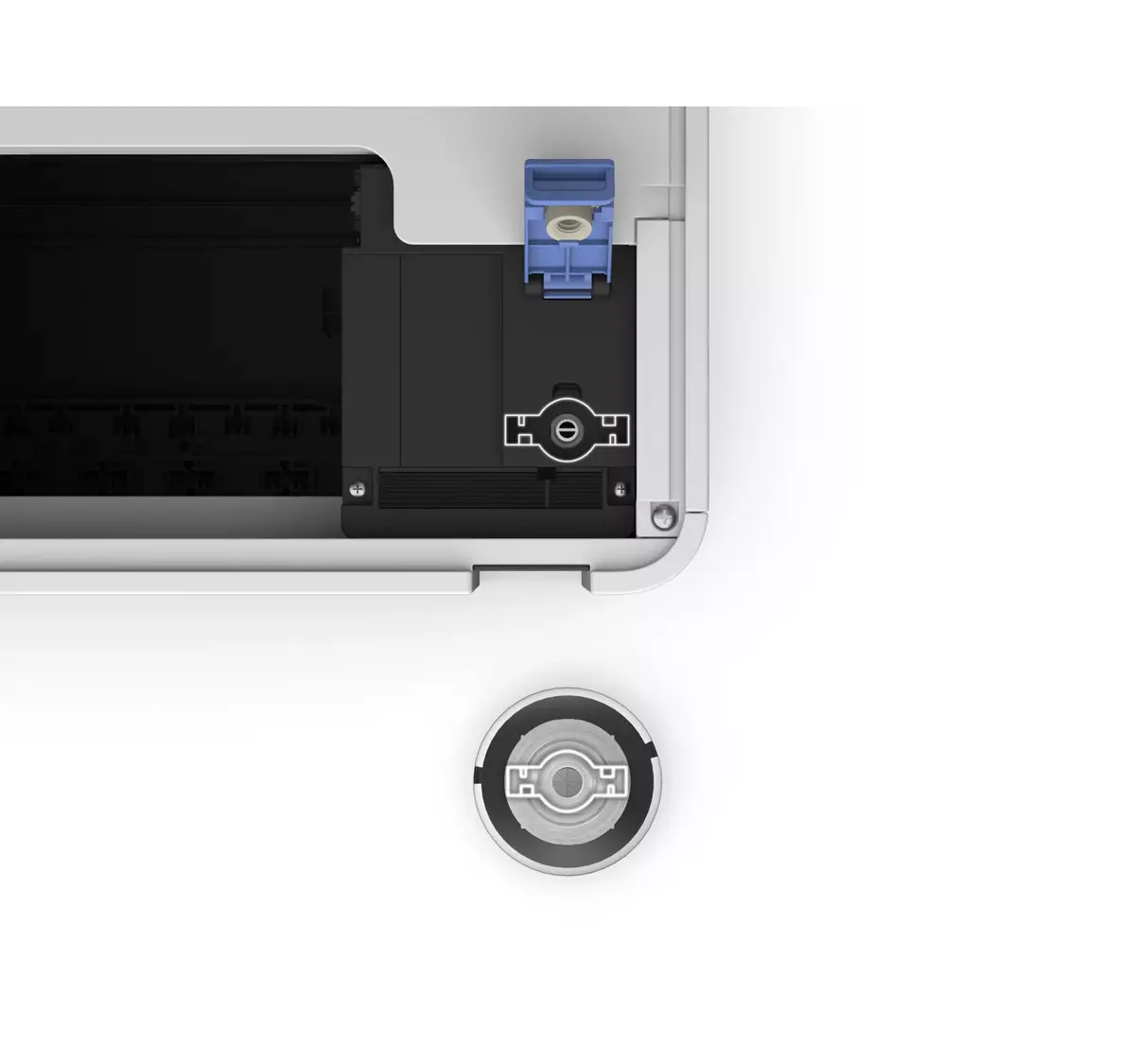
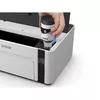
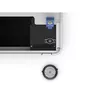
To begin using the printer, unpack the unit and place it on a stable, flat surface near a power outlet and a wireless router if using Wi-Fi. Fill the integrated front-facing ink tank using the supplied black ink bottles, following the mess-free airflow design instructions. Connect the printer to your computer using a USB cable or link it to your wireless network via Wi-Fi settings. Load standard A4 paper or photo paper into the 150-sheet input tray, install the necessary printer drivers or mobile applications, and send your documents for printing.
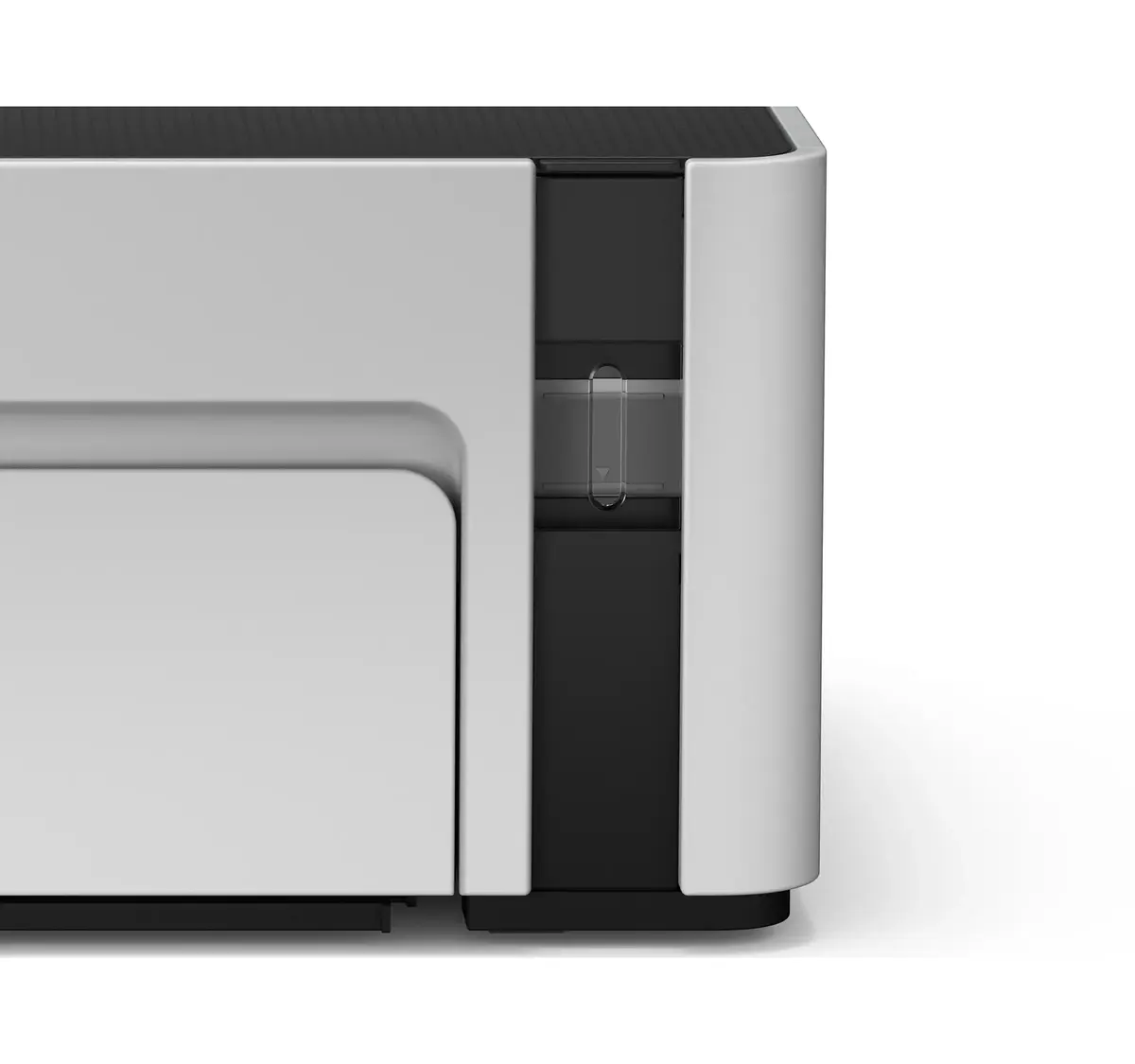
For optimal performance and longevity, use genuine replacement ink bottles and keep the ink levels visible through the front display monitored regularly to prevent printing with an empty tank.
{{highlightedFeature.featureTitle}}:
{{getProductFeatureValueById(product, highlightedFeature.featureId)}}
{{ productComparisonGenerationError }}
