
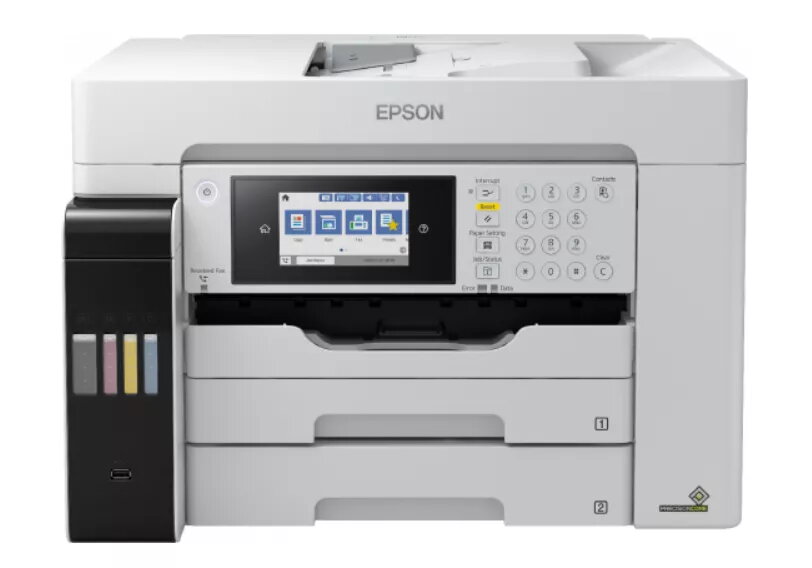
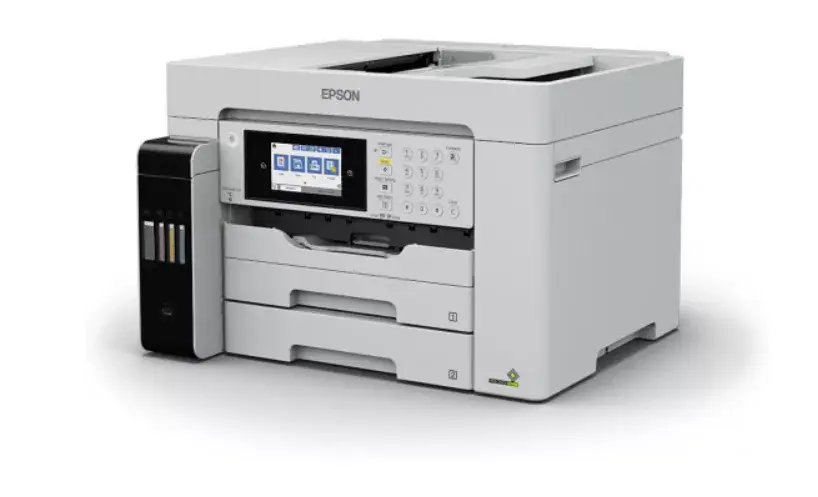
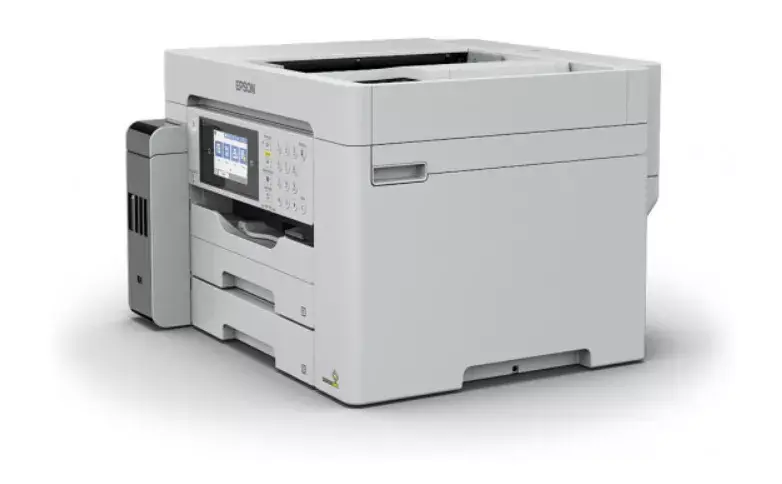
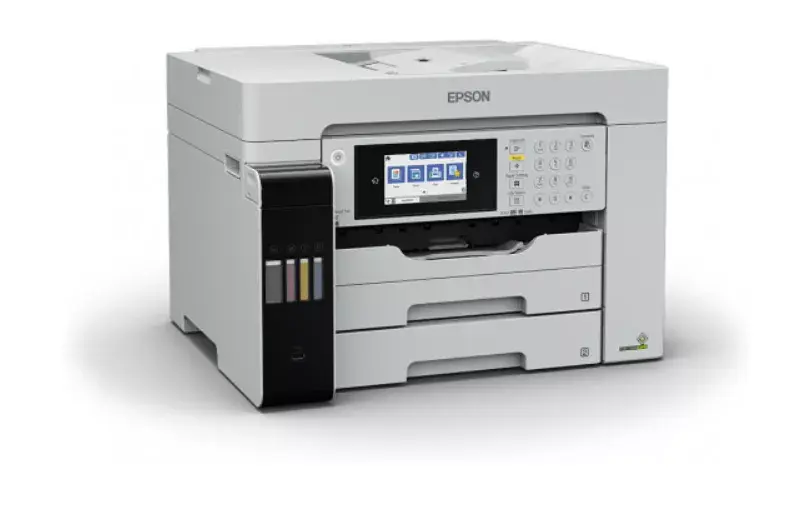
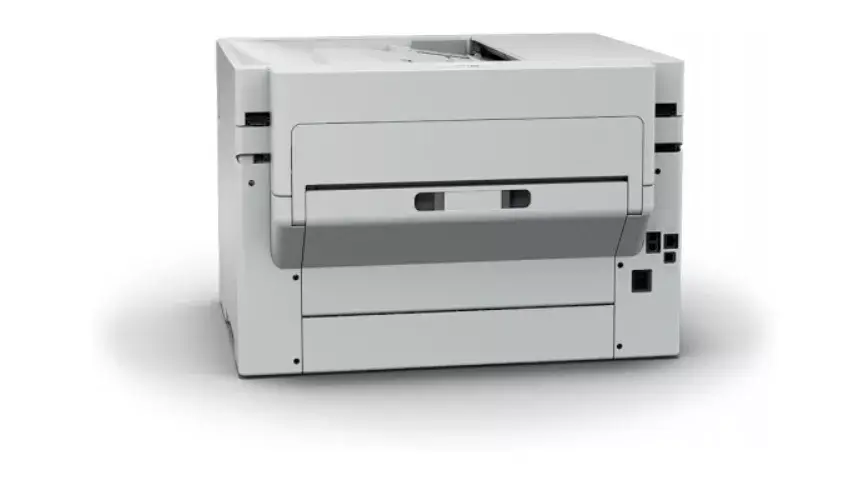
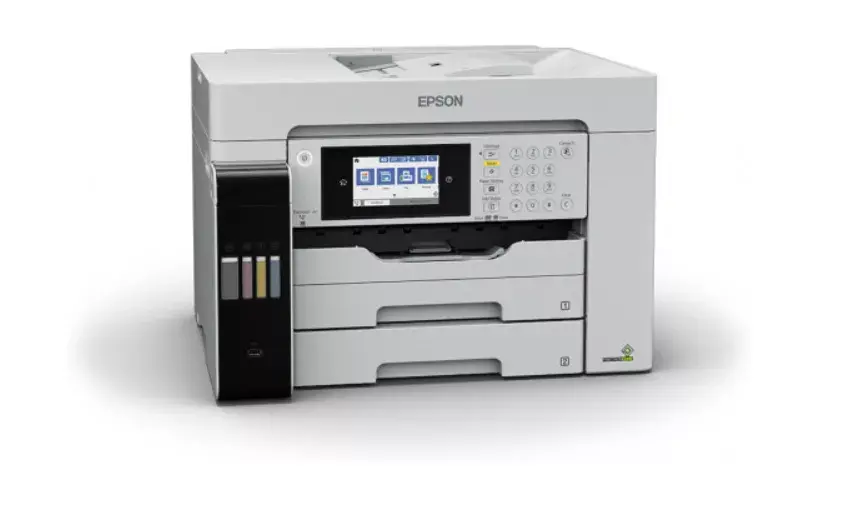
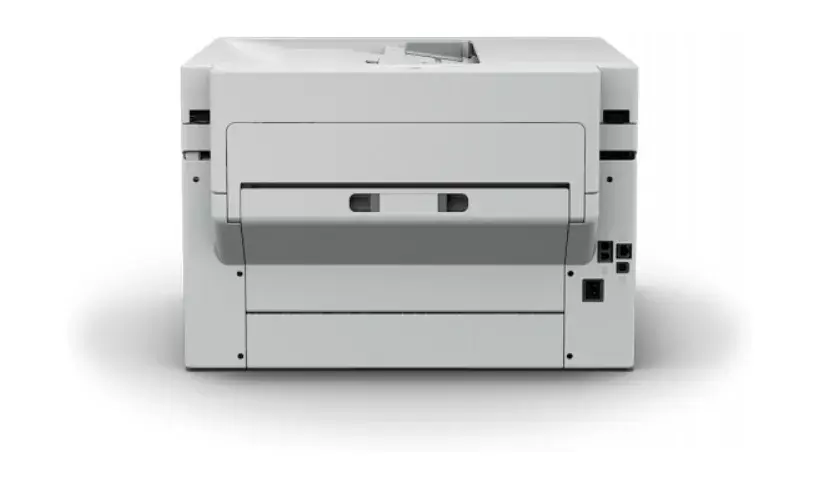
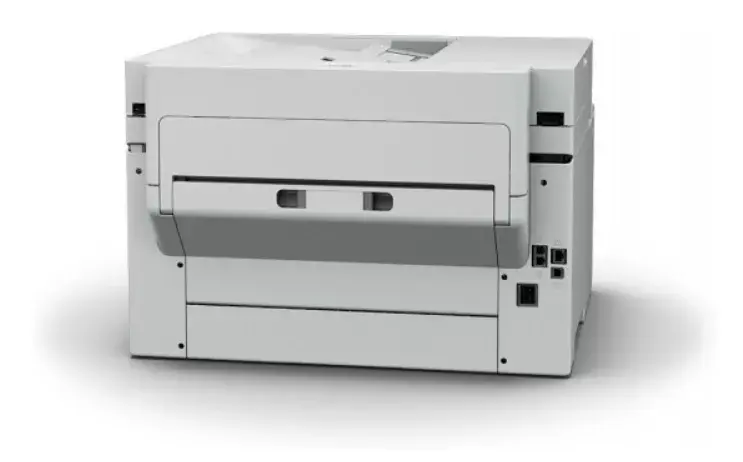
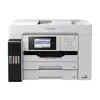
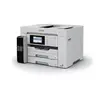
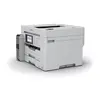
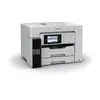
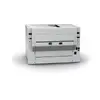
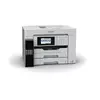
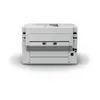
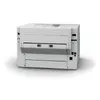
Epson EcoTank ET-16680 Inkjet Multifunction Printer A3 Colour Printing Wi-Fi Ethernet LAN ADF Scanner
Markdown: Demo
{{selectedOffer && selectedOffer.price | formatAmount}}
Markdown: Demo
Keep track of price changes
You keep track of price changes
Watch the price drop
Leave your address - as soon as the price of the product goes down, you'll know about it right away
You keep track of price changes
Epson EcoTank ET-16680 Inkjet Multifunction Printer A3 Colour Printing Wi-Fi Ethernet LAN ADF Scanner
{{email}}
You keep track of price changes
Epson EcoTank ET-16680 Inkjet Multifunction Printer A3 Colour Printing Wi-Fi Ethernet LAN ADF Scanner
{{email}}
{{selectedOffer && selectedOffer.price | formatAmount}}
Offer for legal entity, cashless payment.
Why is an item available only for a legal entity?
This is due to long delivery times and limited product warranties.
This is due to long delivery times and limited product warranties.
Short description
Epson EcoTank ET-16680 business inkjet multifunction printer offering colour printing, copying, scanning, and faxing up to A3 size. Features a maximum resolution of 4800 x 1200 DPI, automatic duplex functions for print and scan, ADF scanner, built-in display, Wi-Fi, and Ethernet connectivity. Designed for high-volume office environments with a monthly duty cycle of up to 66000 pages, 3 input trays, and direct printing capabilities.
Available for order:
1 pcs.
Warranty:
2 Years
Stāvoklis:
Demo
Demo - Showcase sample. Opened packaging. There may be minor minor scratches.
SKU:
4249357


to the Customer Service Center at Kengaraga 2b, Riga
11.11.2026
{{selectedOffer.officeDeliveryString}}
free
- Delivery country: {{ userCountryName }}
Customer service center
2b. Kengaraga str., Riga, Latvia, LV-1063
11.11.2026
{{selectedOffer.officeDeliveryString}}
free
Courier Delivery
Please note that in case of a large parcel additional delivery costs may apply!
From 18.68 € (Weight: 24.56 kg)

Leasing for legal entities:
from 25.51 euros per month


