




Save time and money with our discounts!
In cart {{totalProductsCount}} item(s)
Your cart is empty
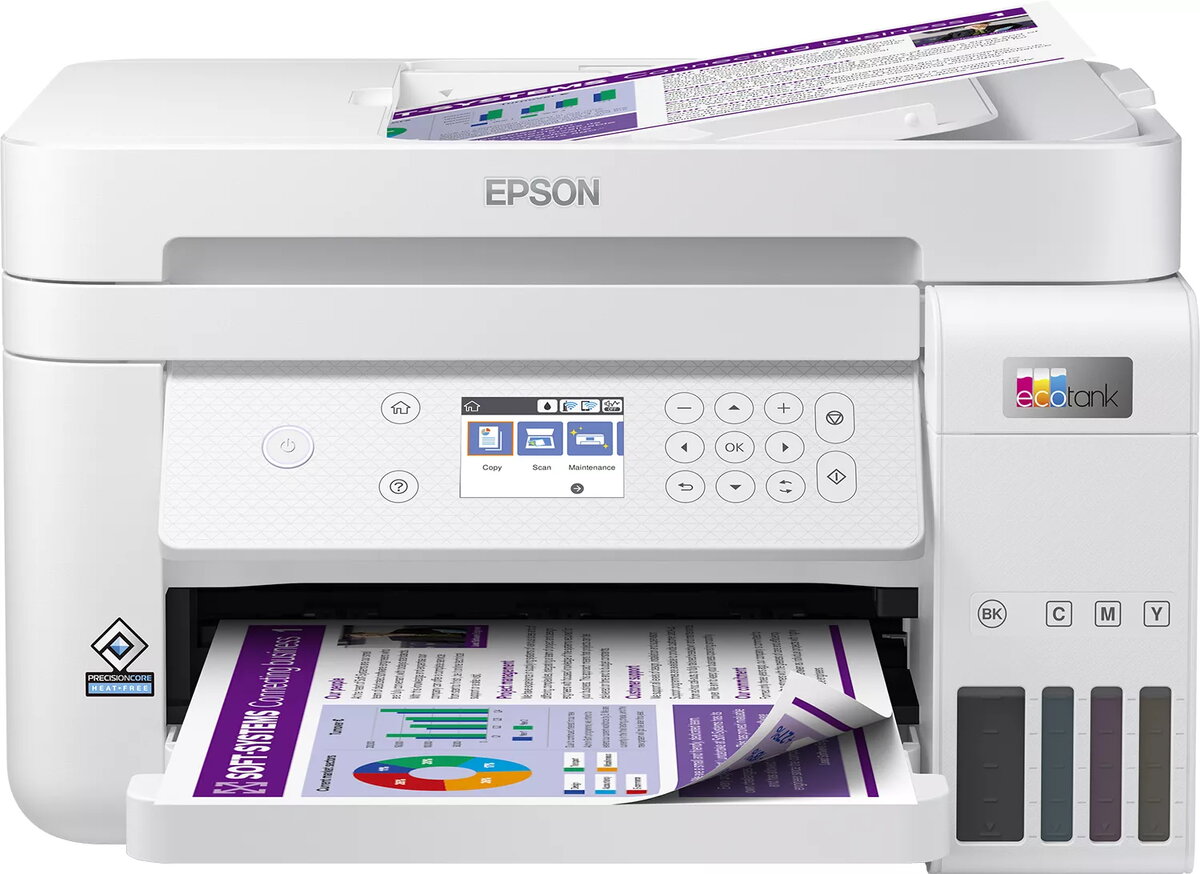
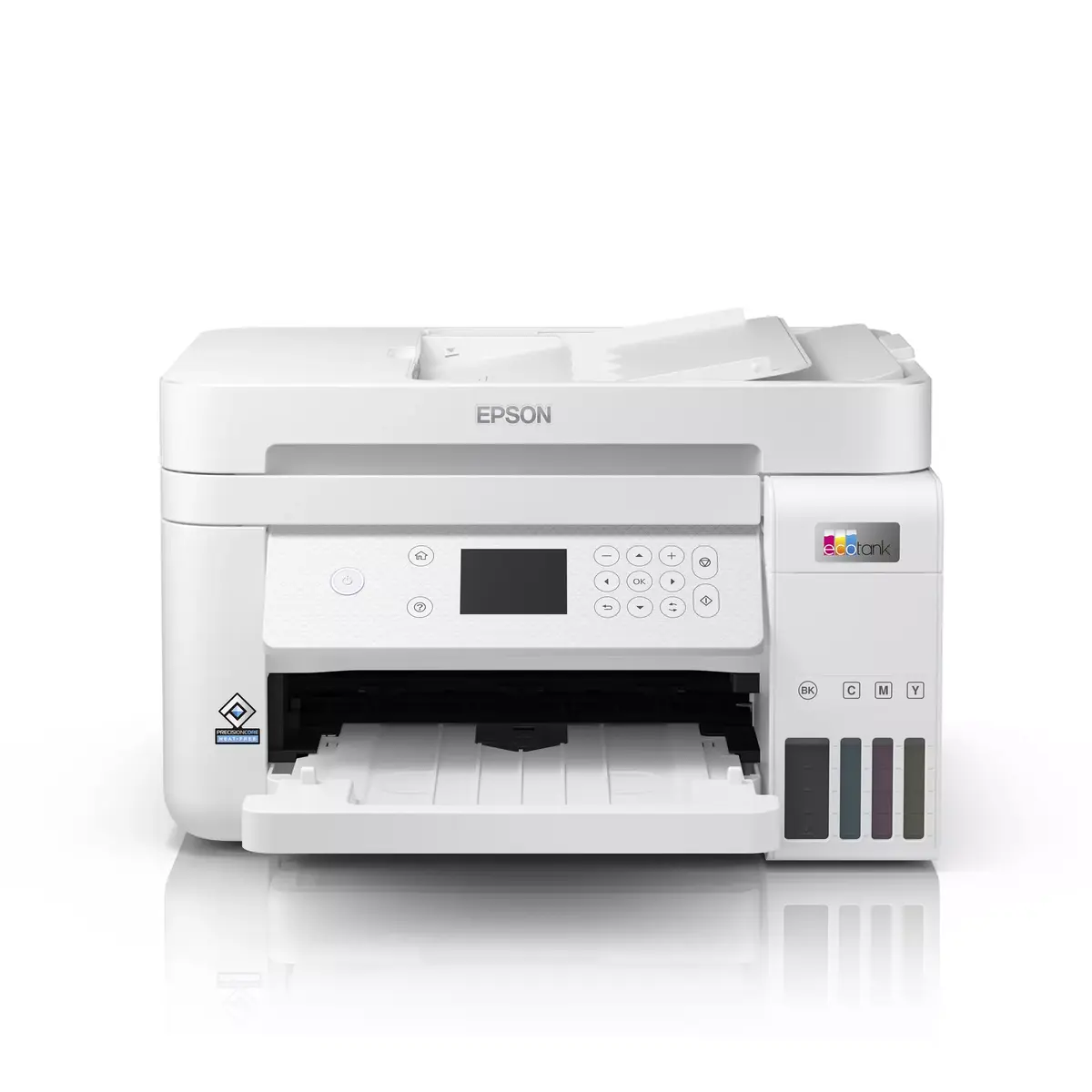
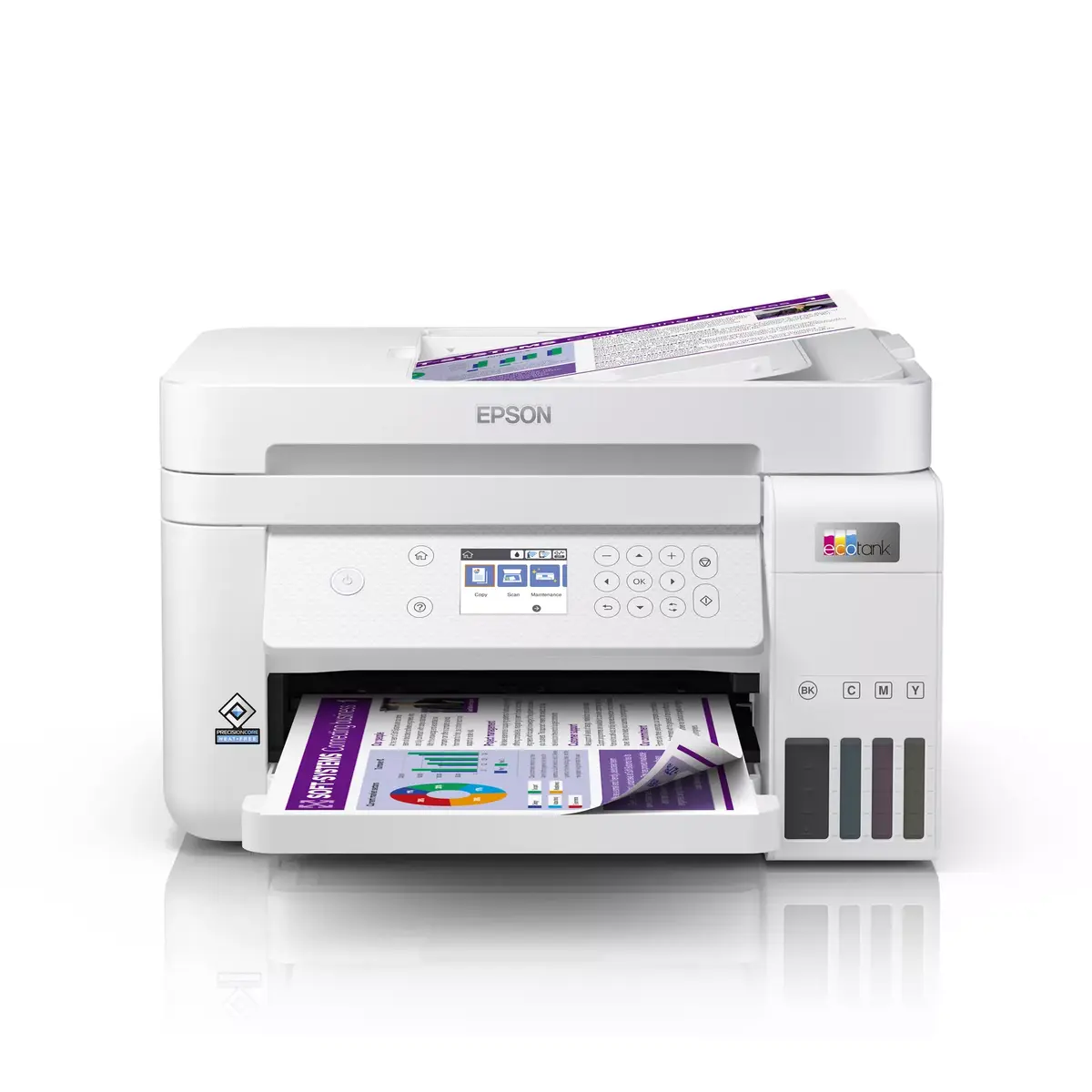
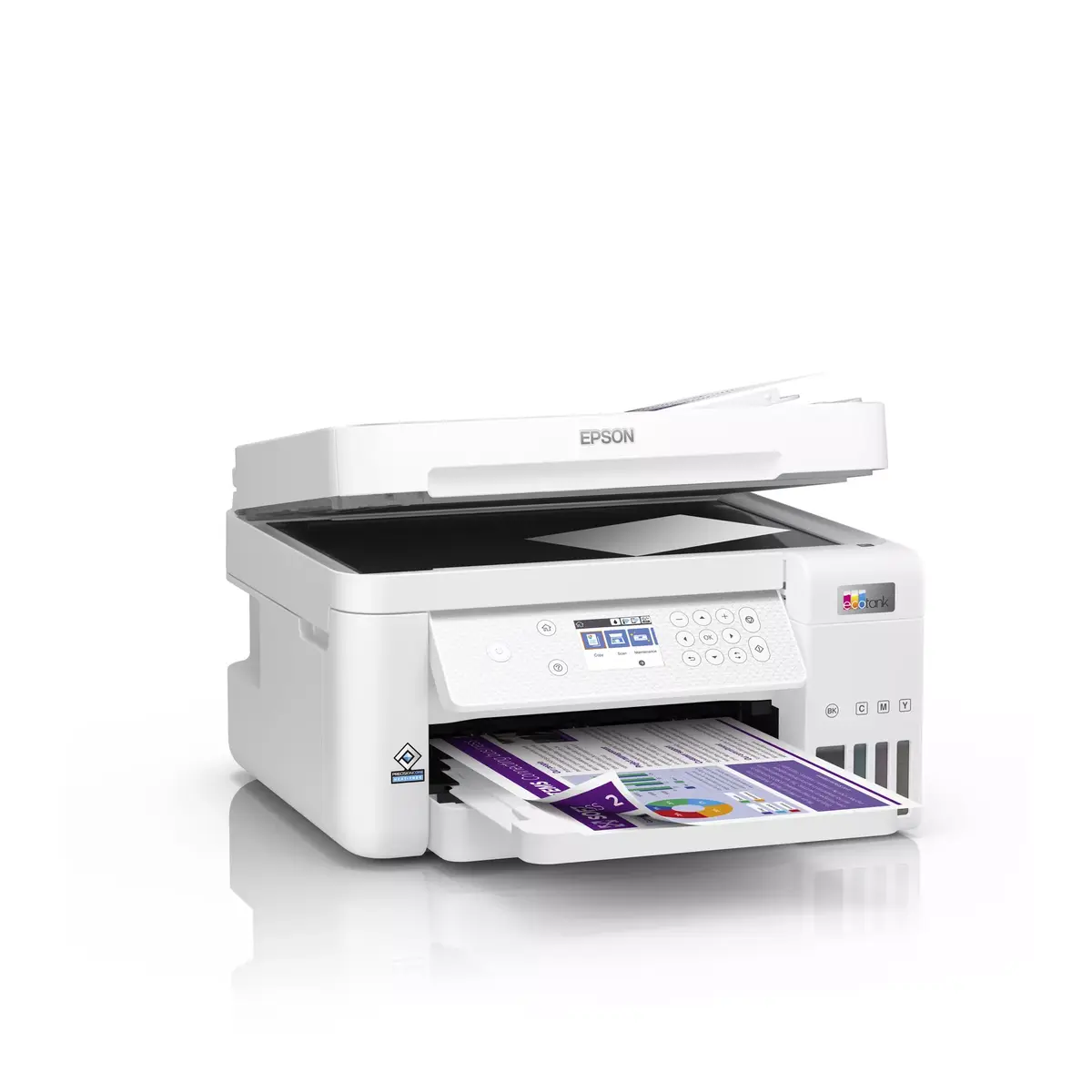
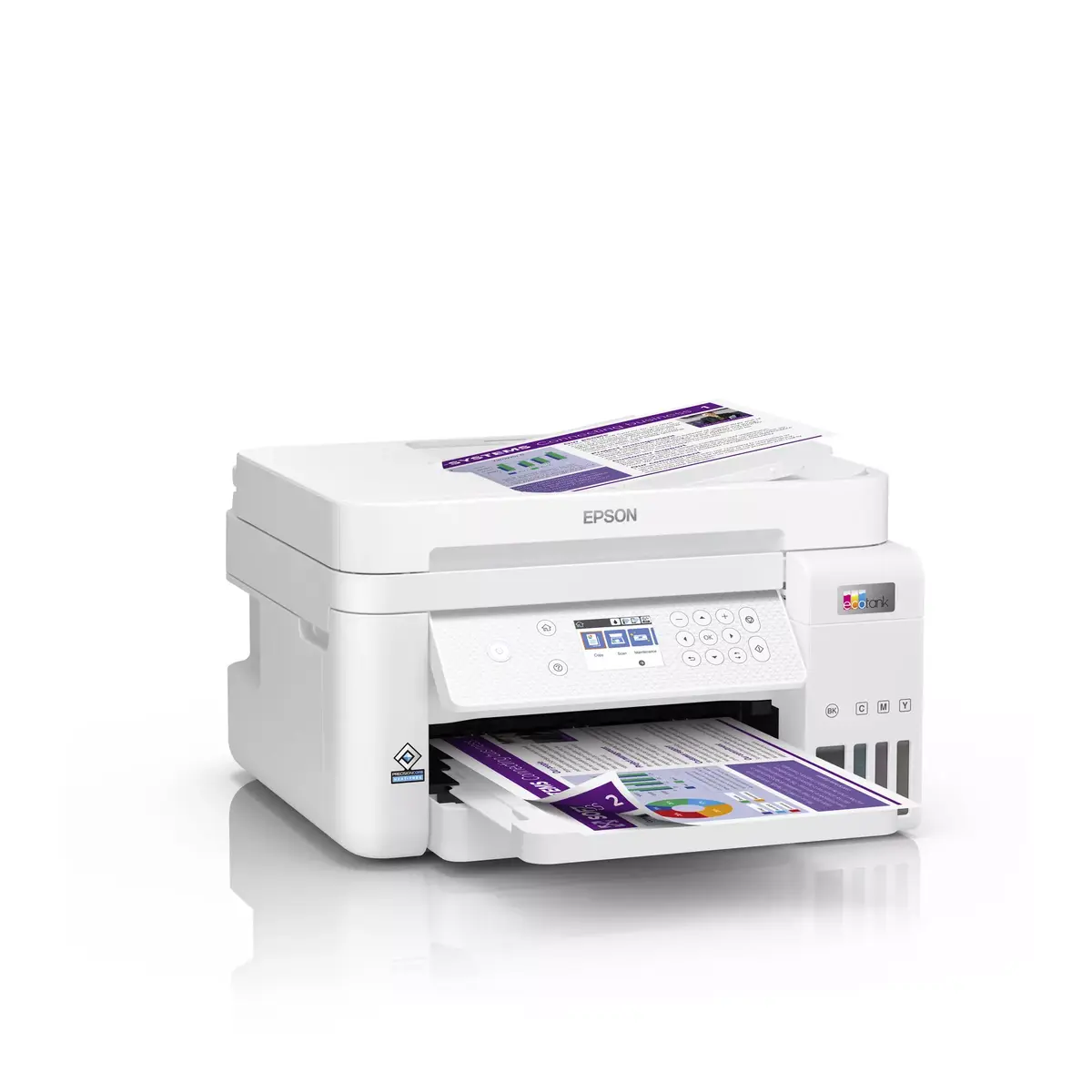
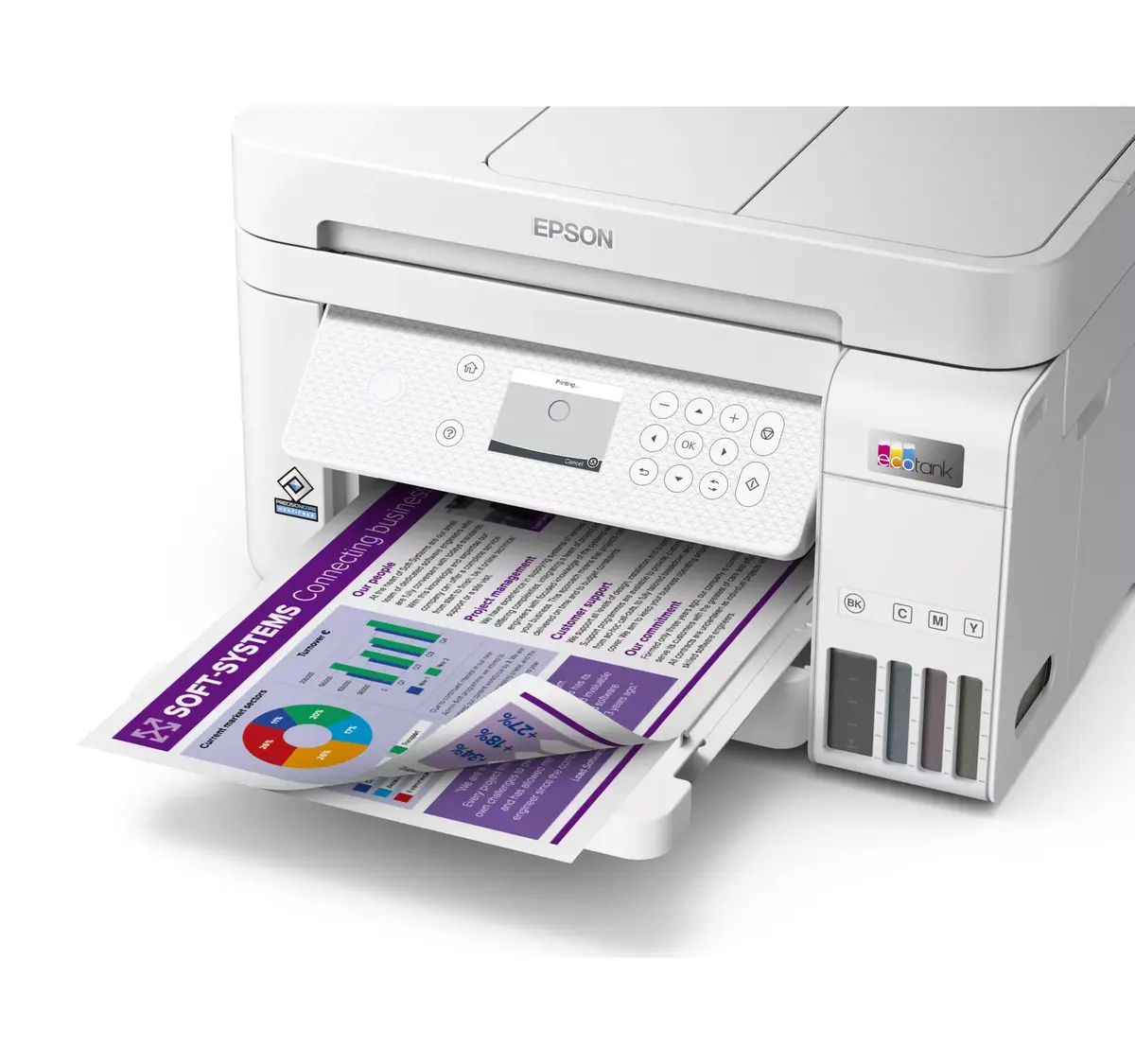
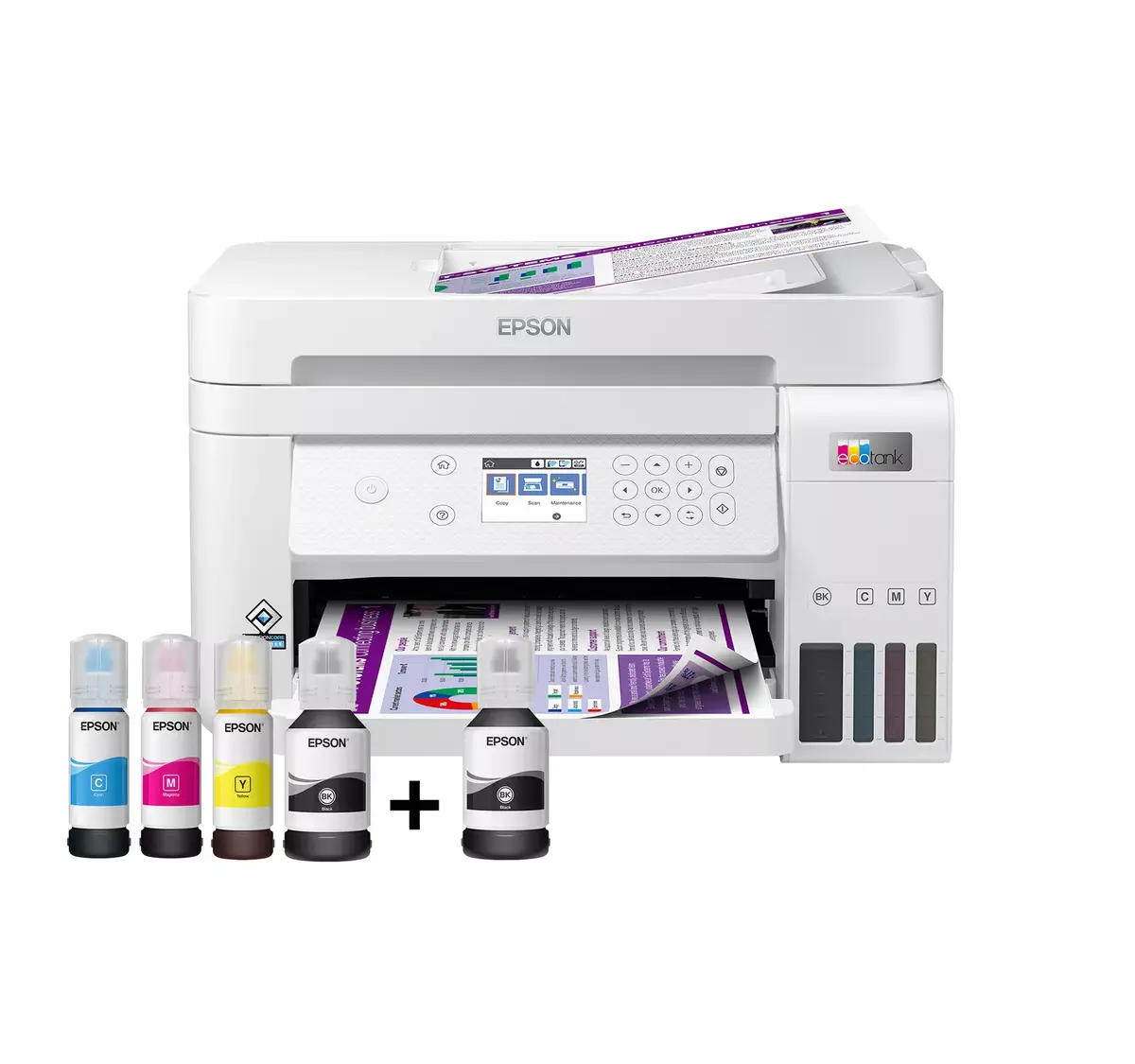
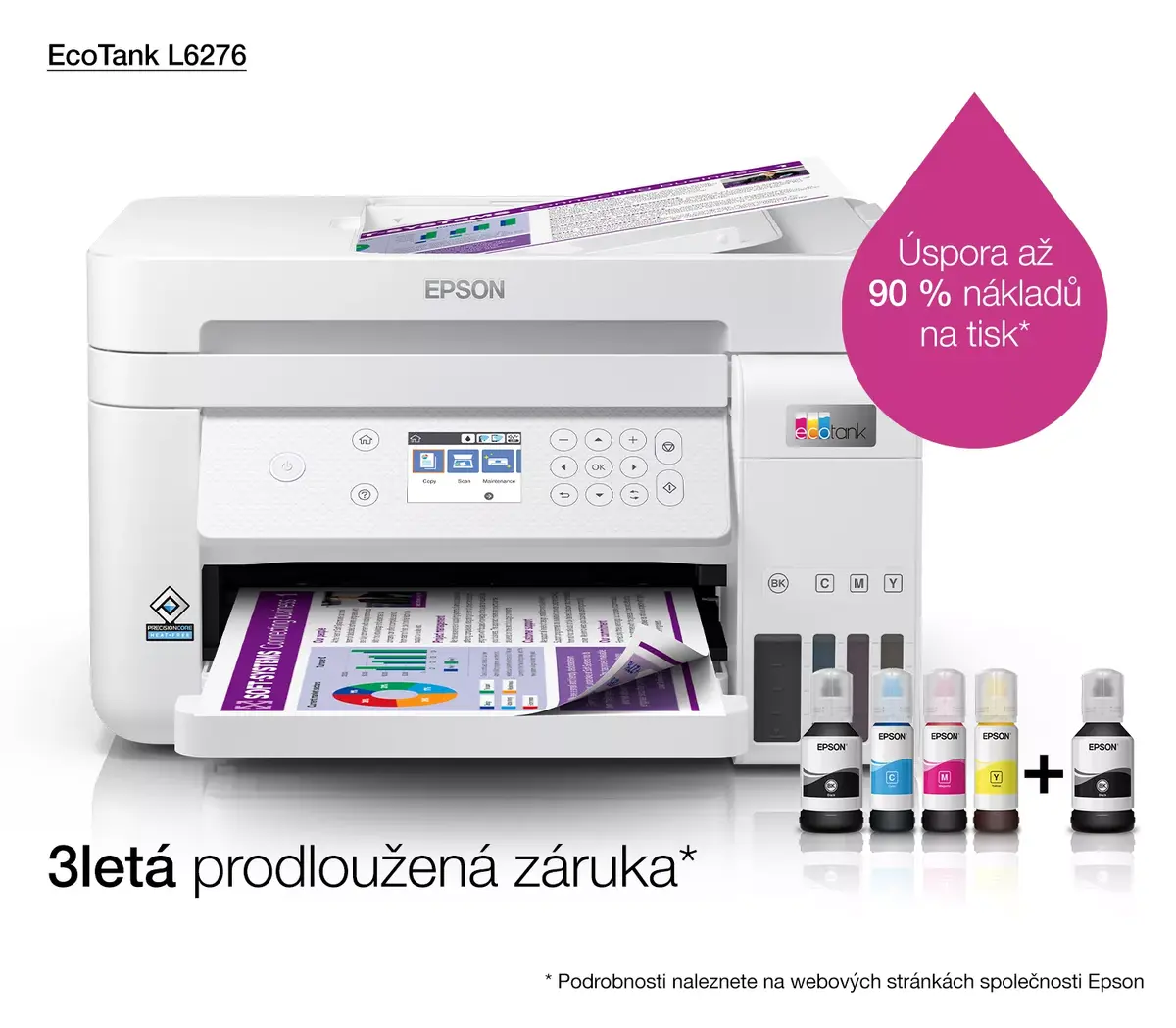
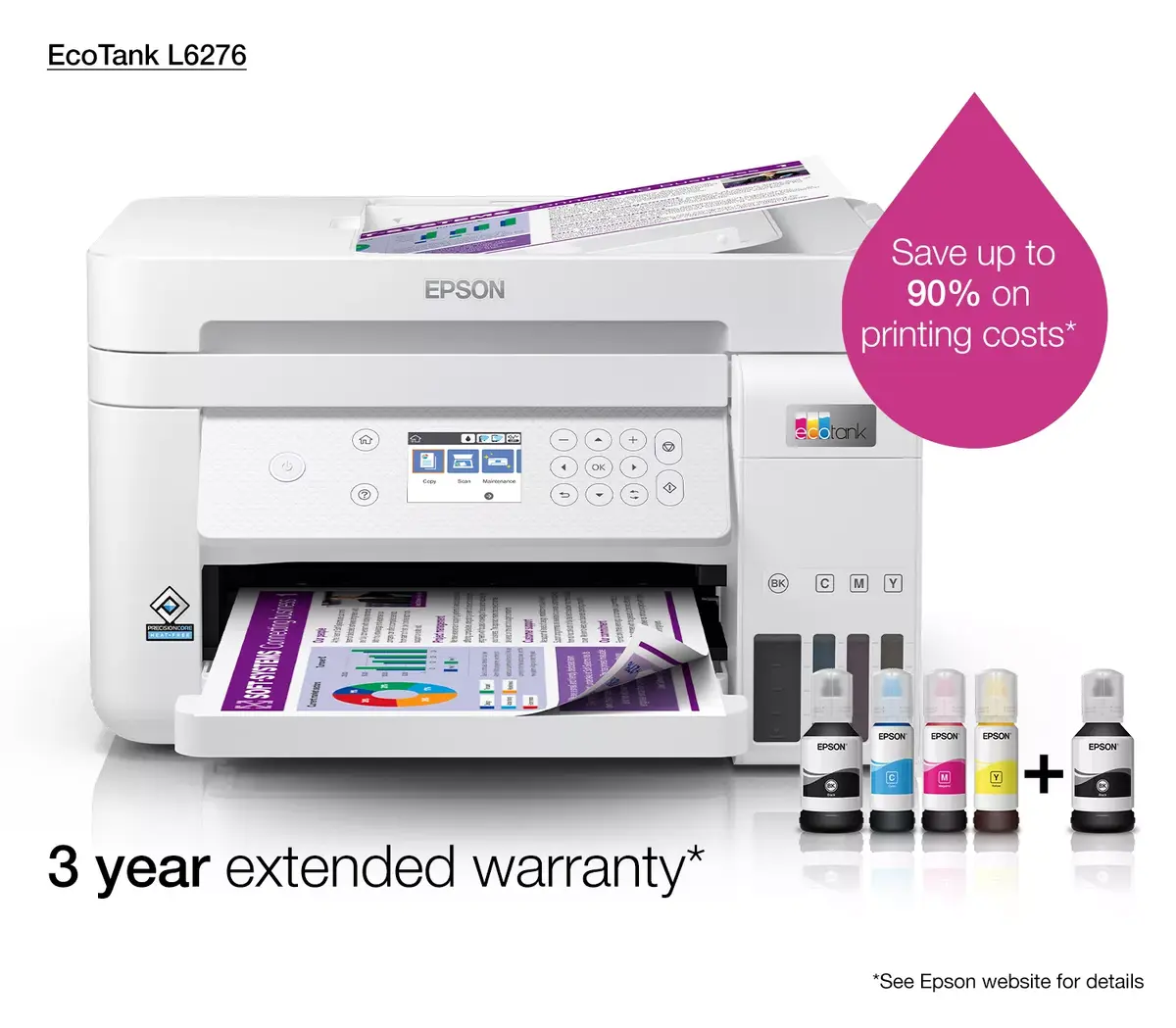
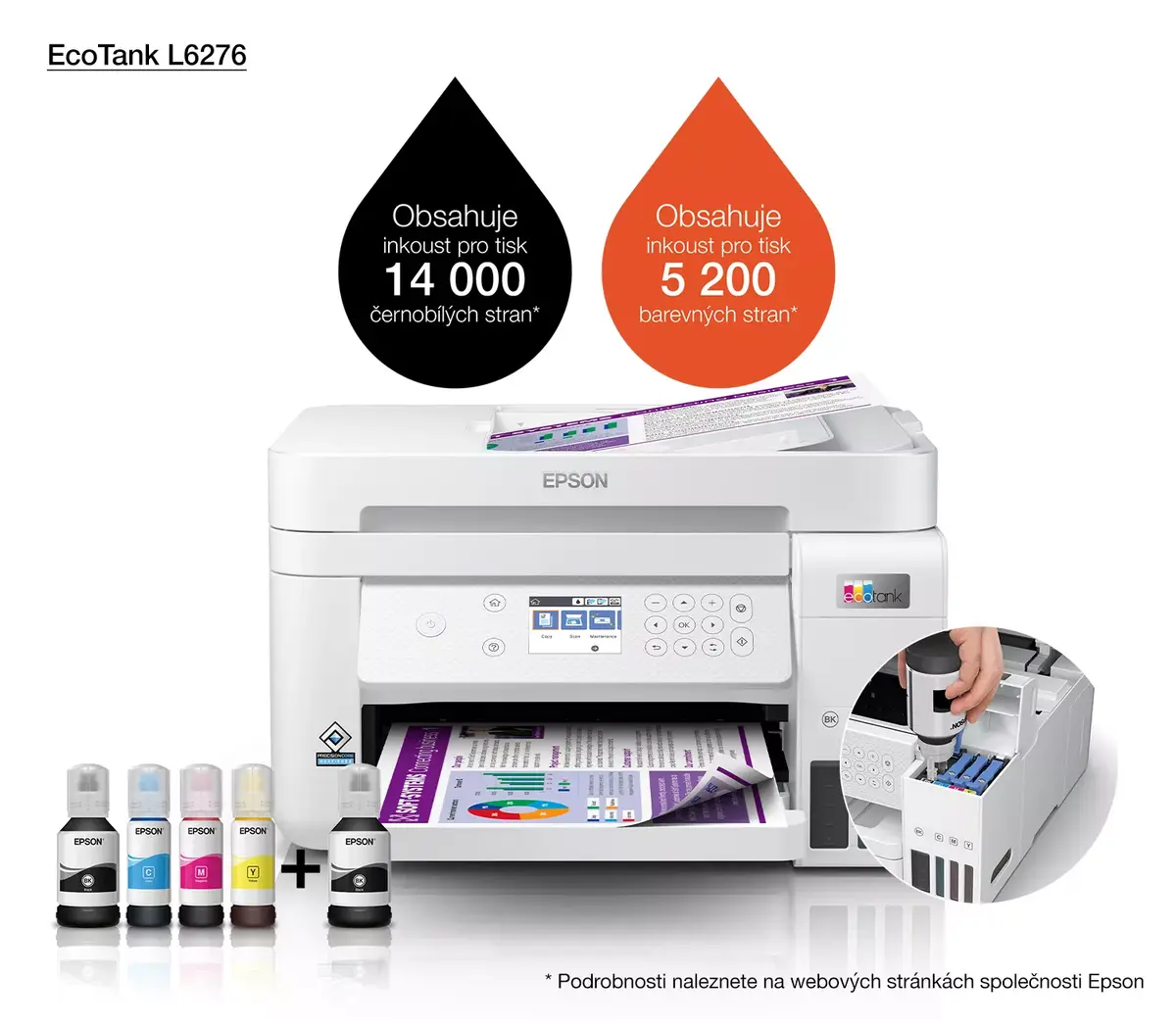
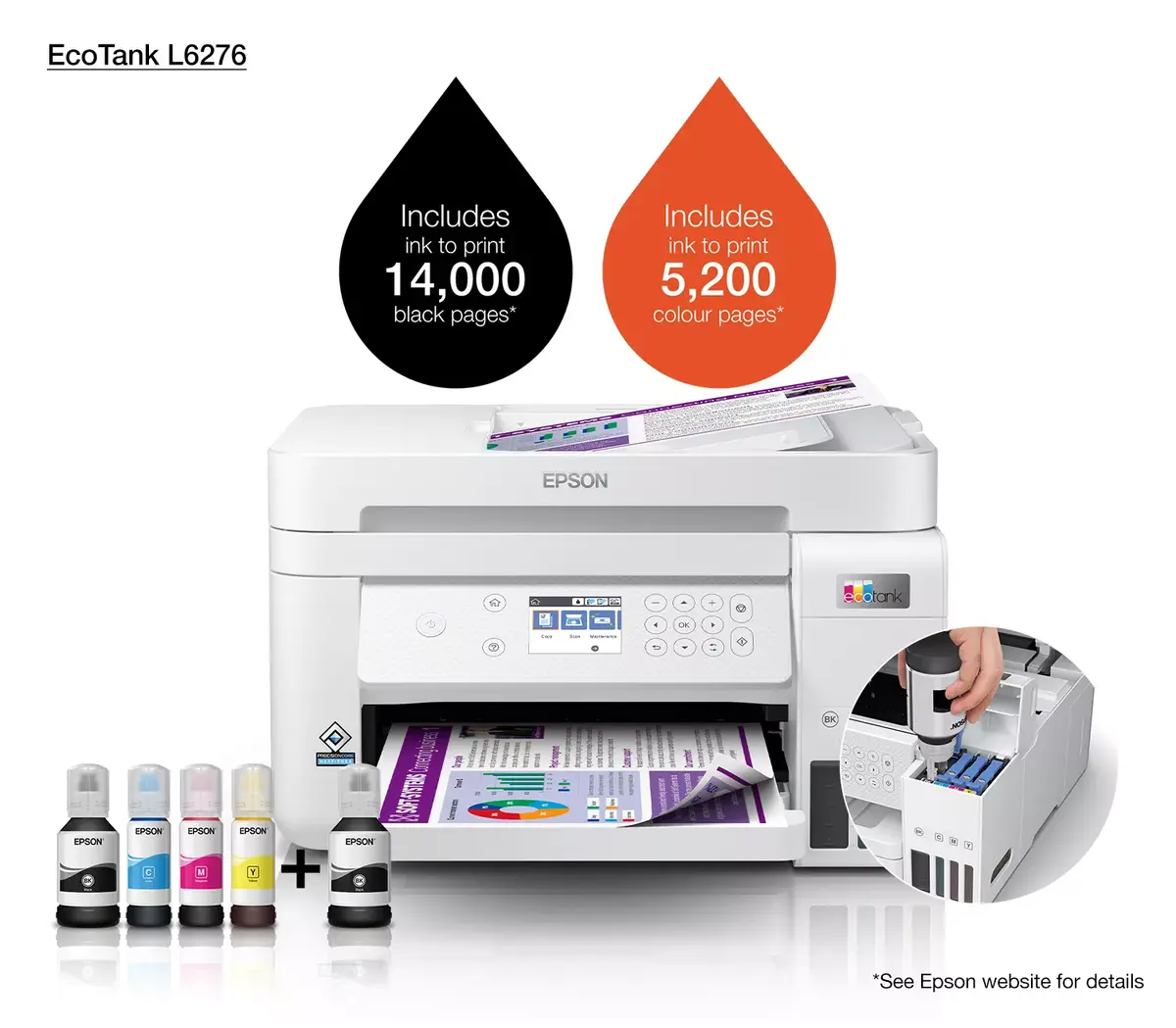
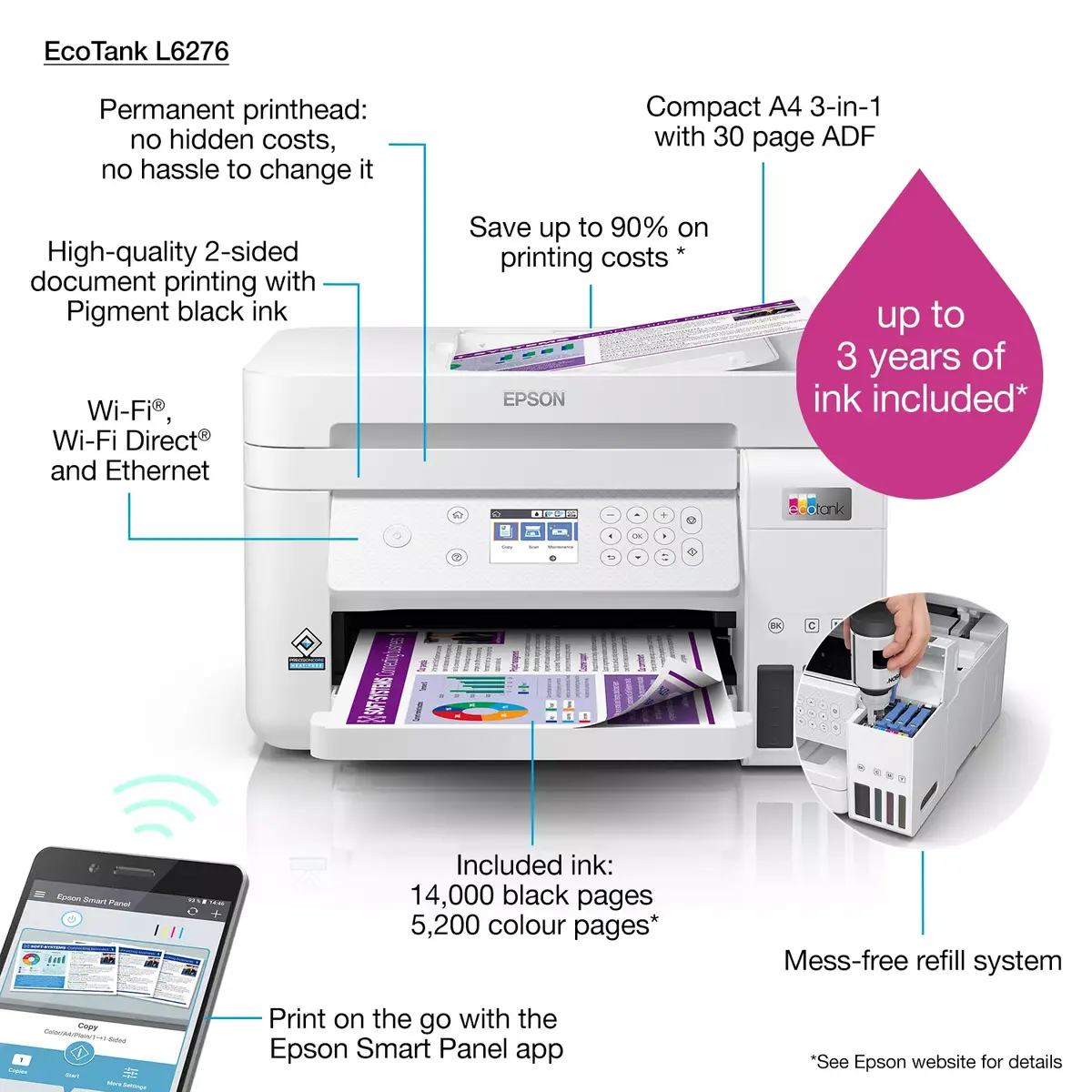
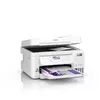
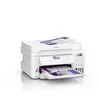
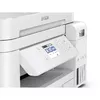
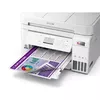
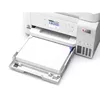
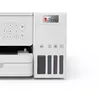
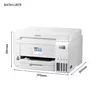
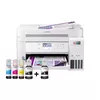
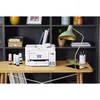
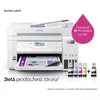
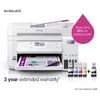
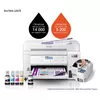
Multifunction Printer Epson EcoTank L6276 Inkjet Colour Printing
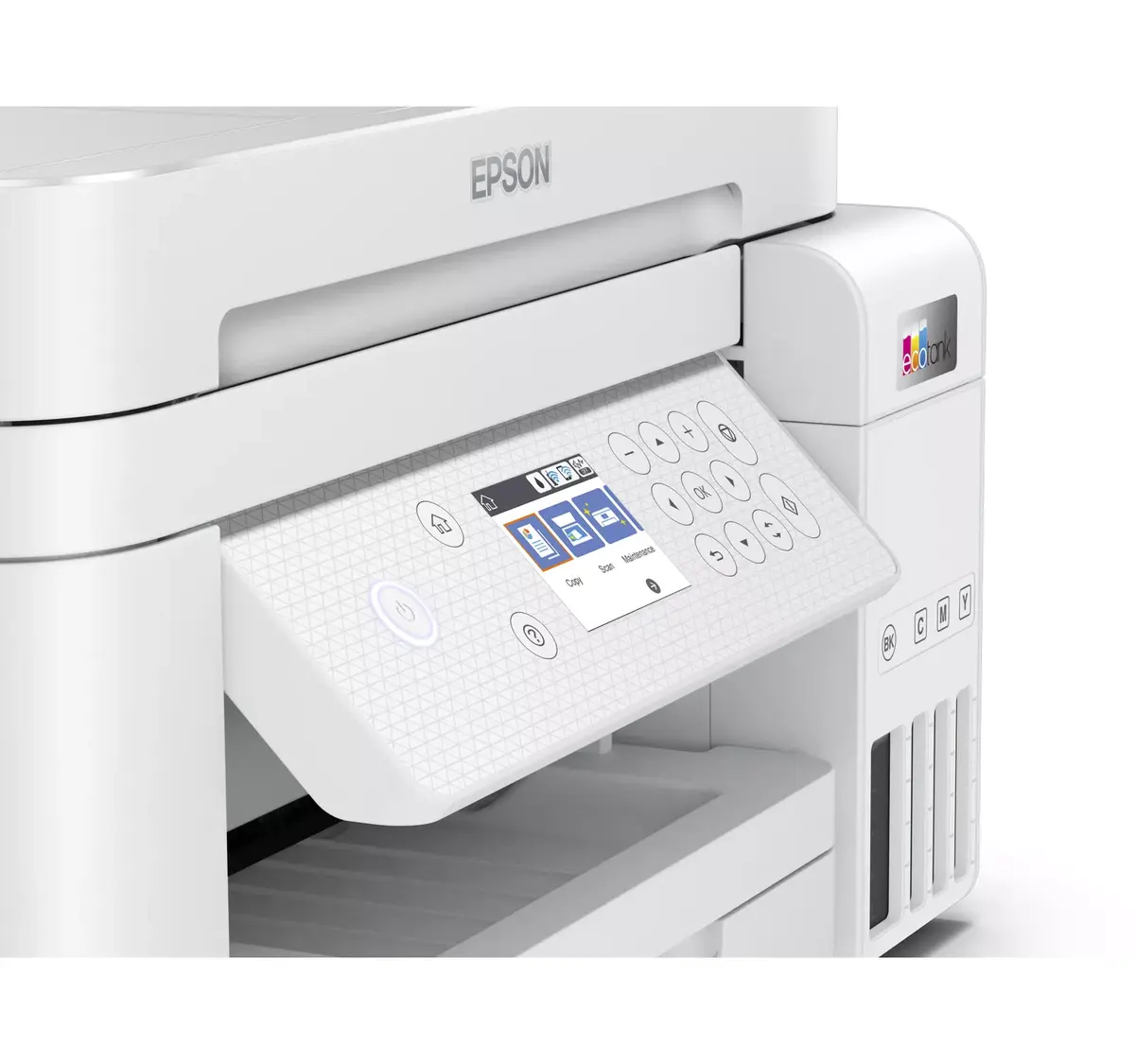
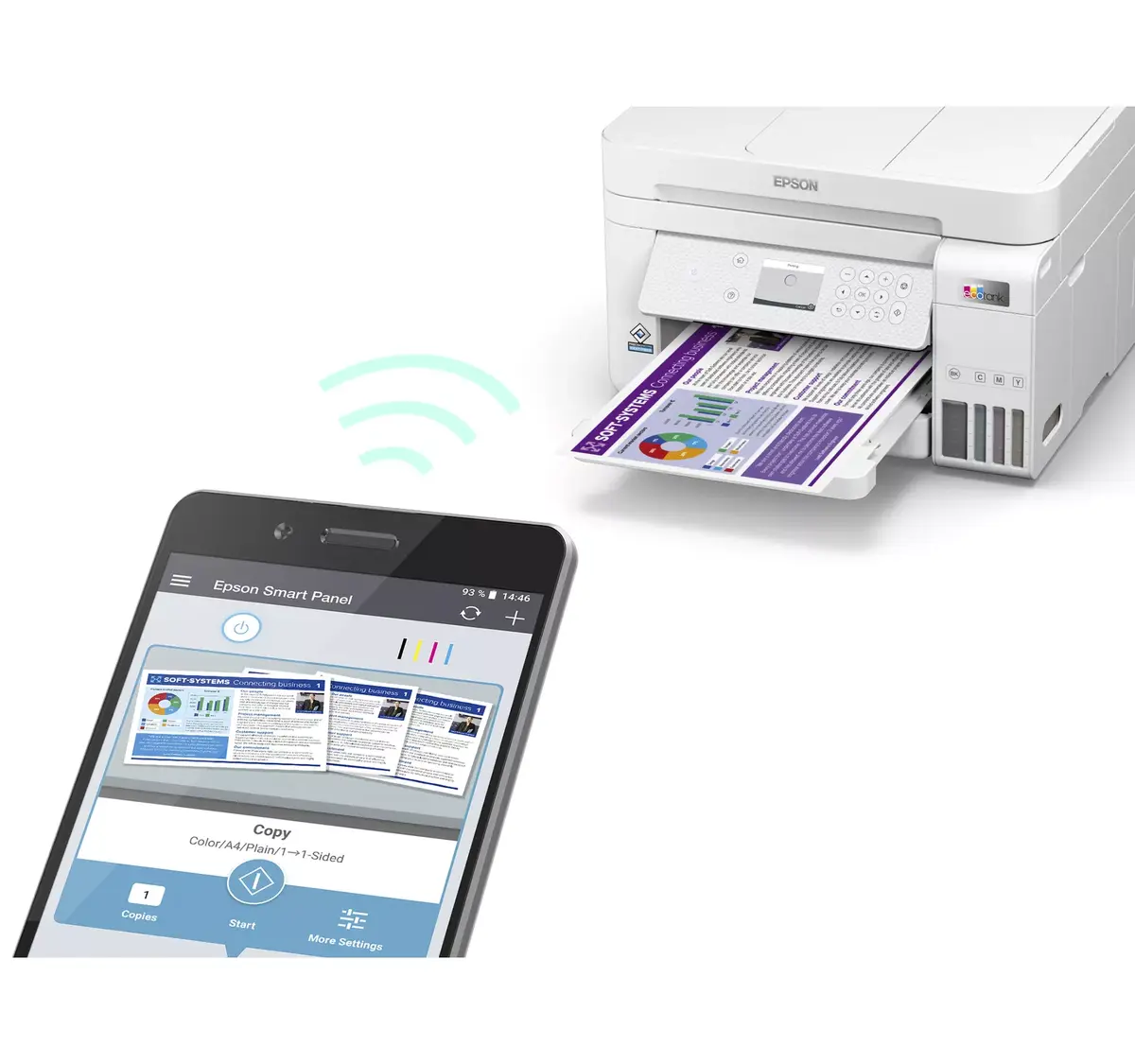
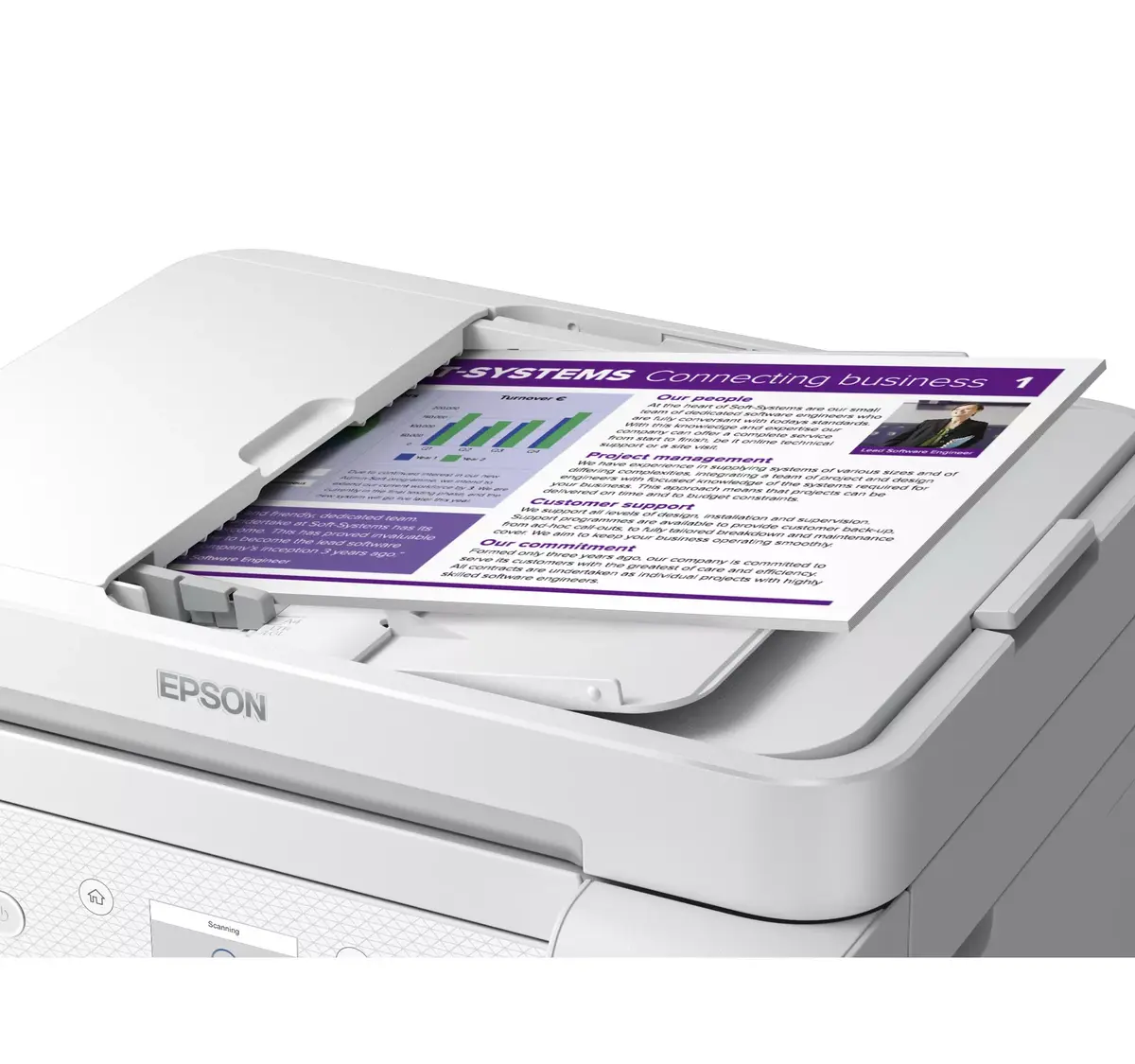
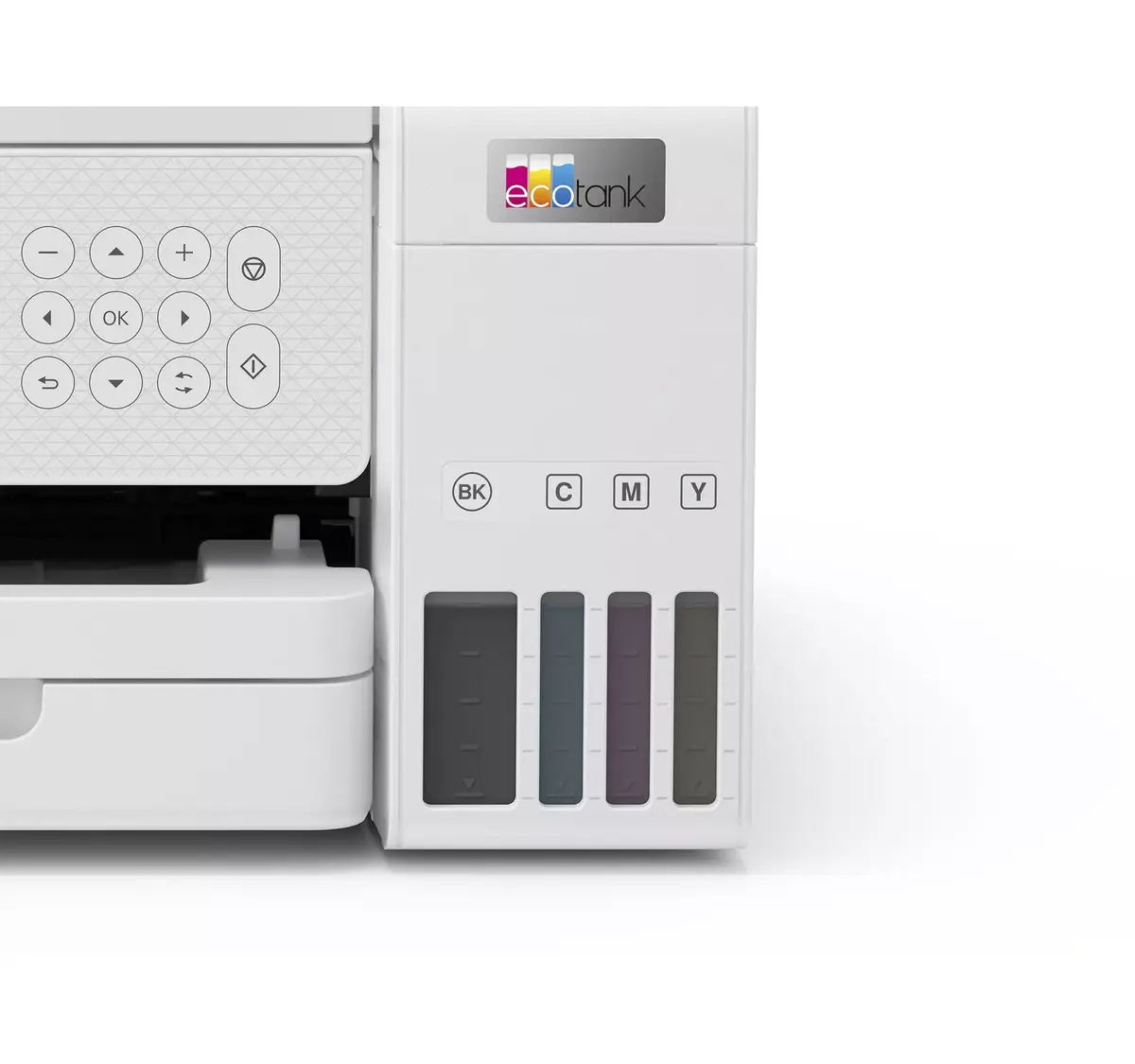
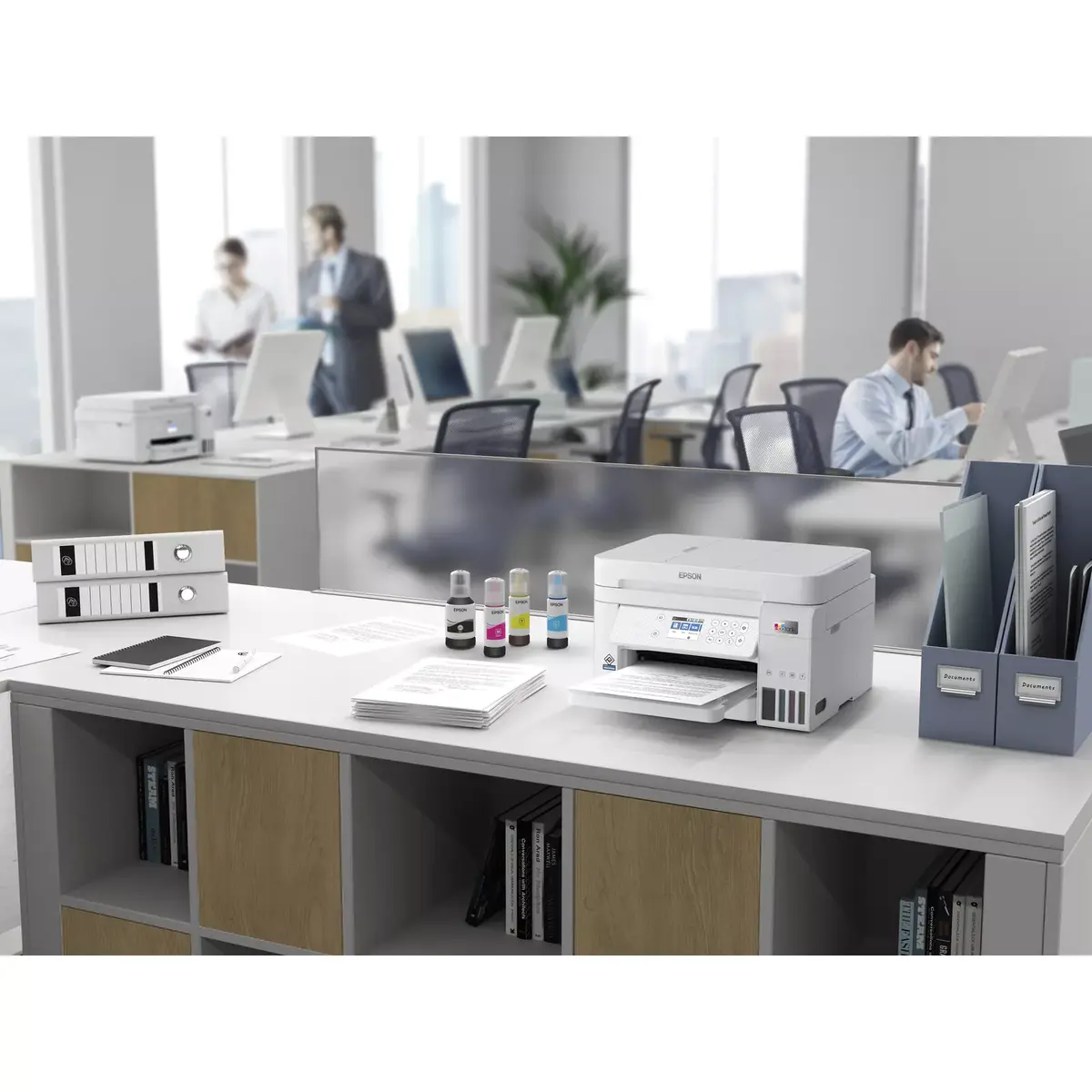
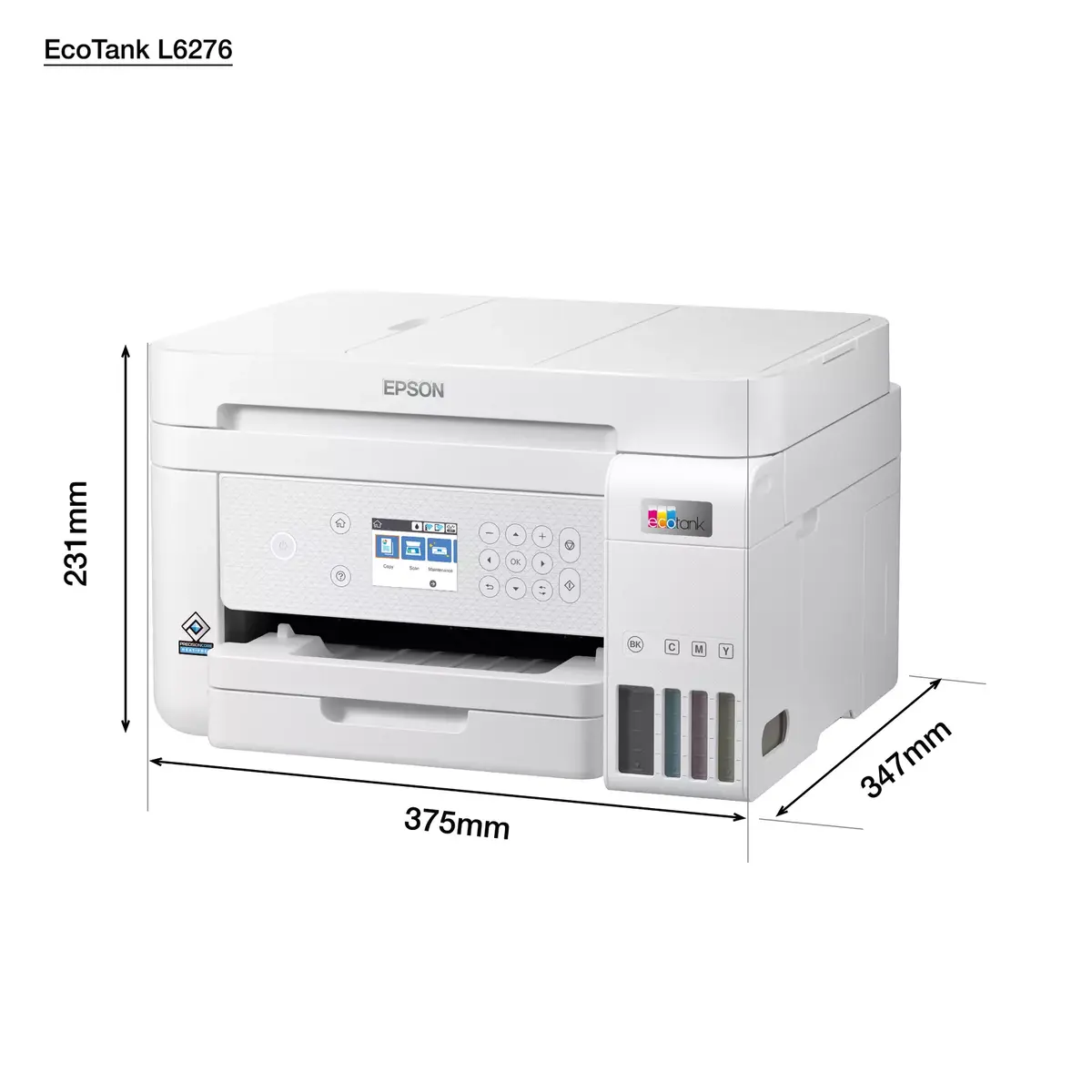
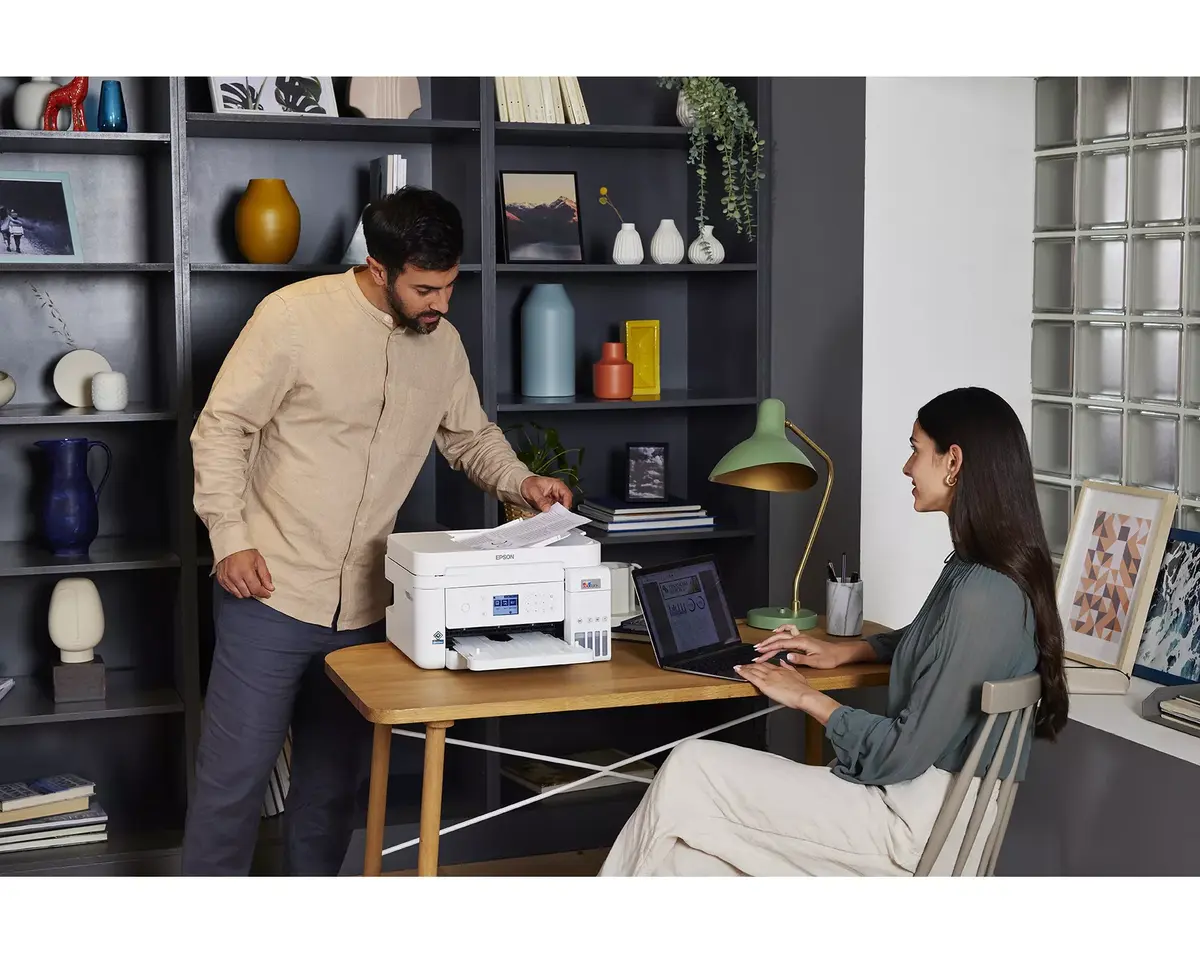
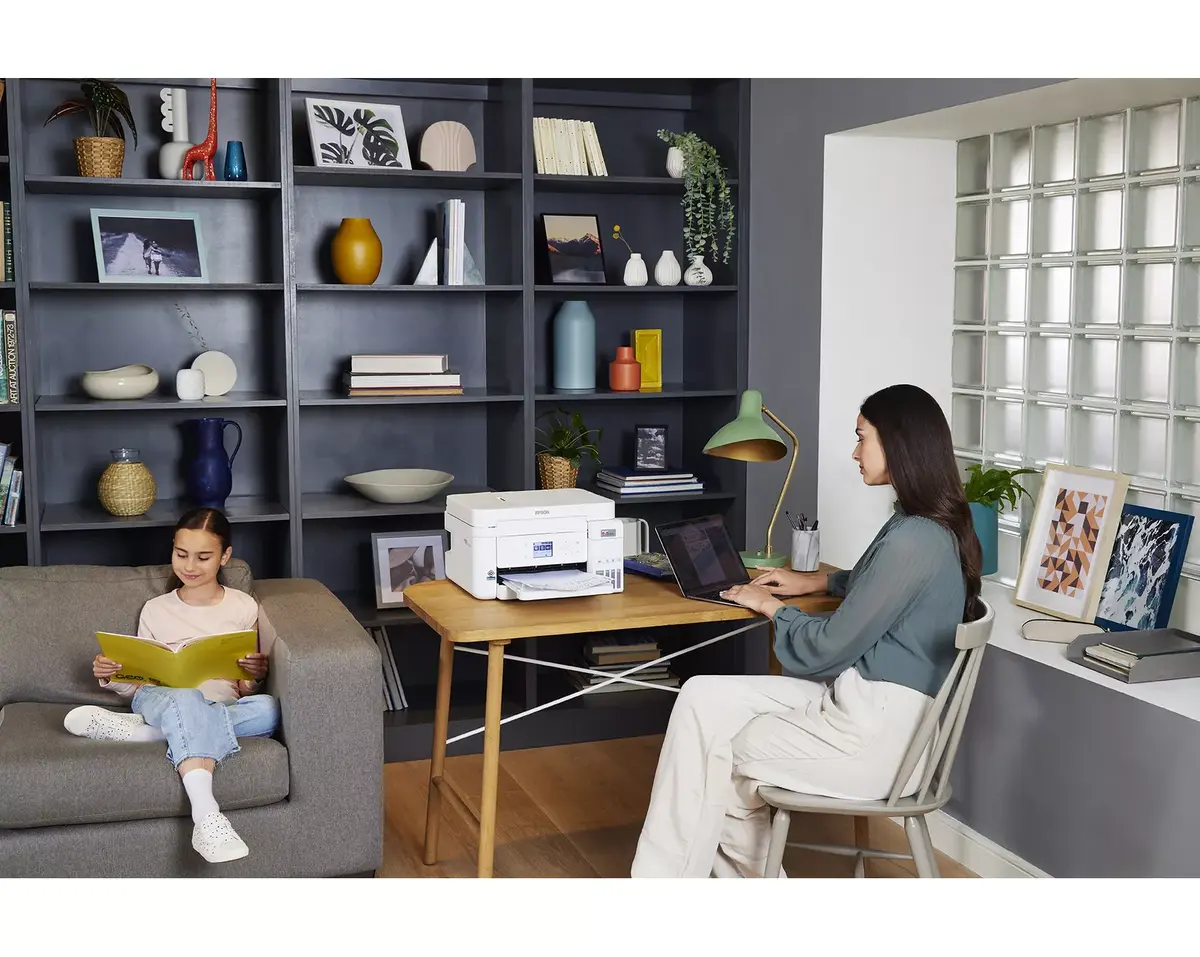
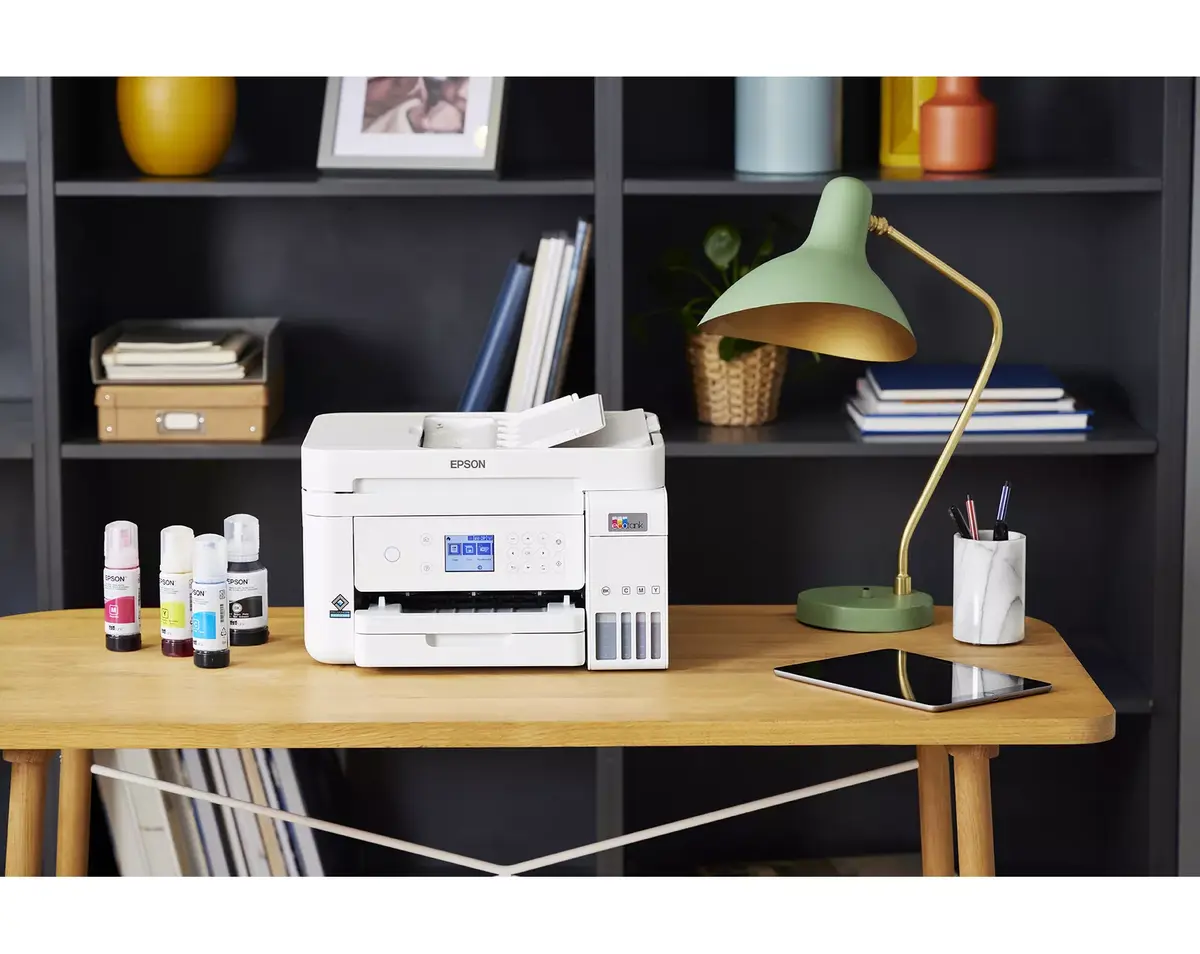
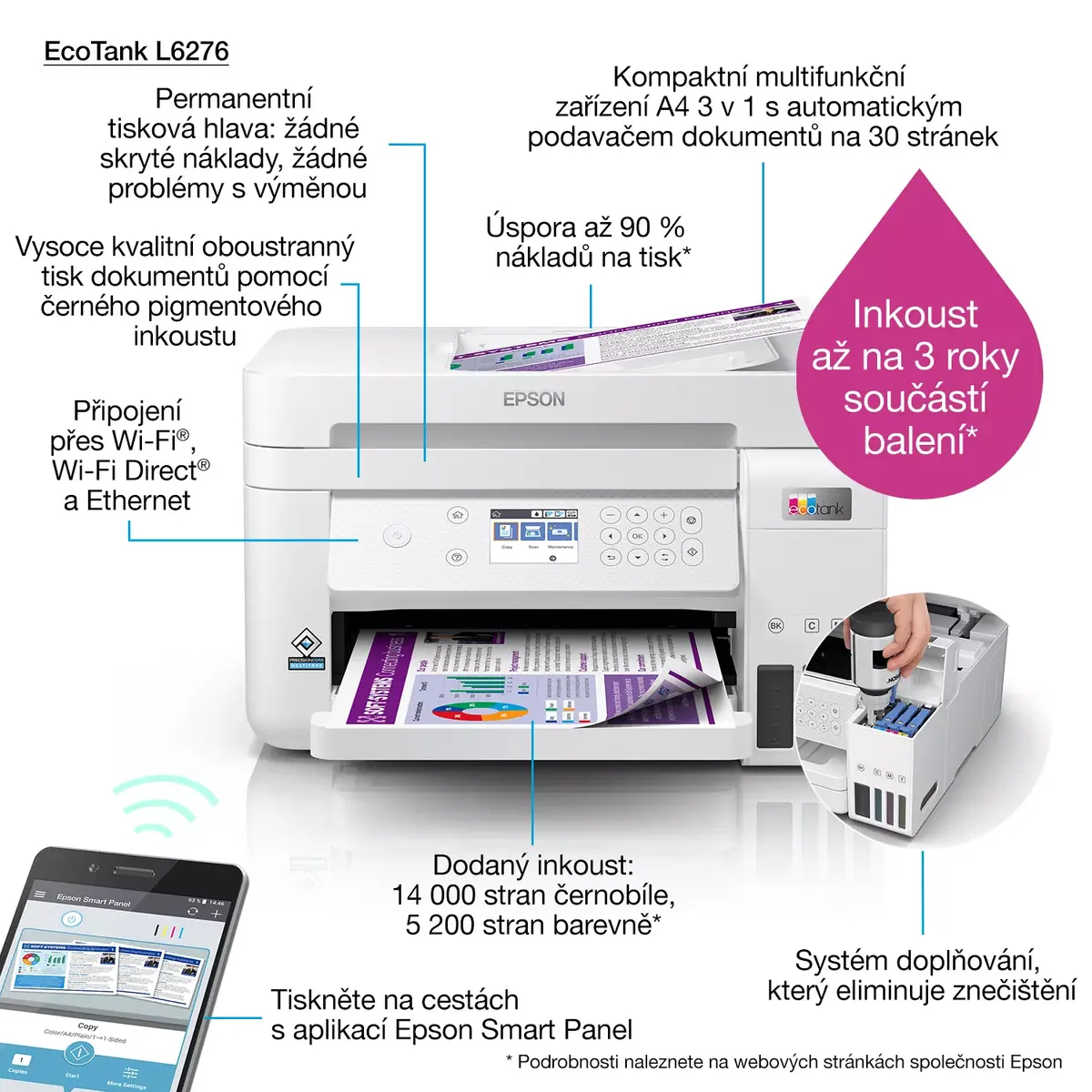
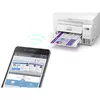
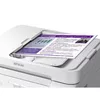
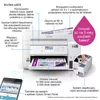
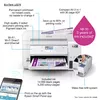
The Epson EcoTank L6276 Inkjet Colour Printing multifunction printer is a compact, refillable-ink device designed for small offices and home workspaces. It delivers high-resolution colour output up to 4800 x 1200 DPI and supports duplex printing for two-sided documents. Built-in Wi‑Fi and Ethernet LAN enable networked printing and direct printing from mobile devices. The integrated flatbed scanner provides colour scanning with an optical resolution of 1200 x 2400 DPI. The unit’s white finish and lightweight design make it easy to place on a desk or shelf without occupying excessive space.
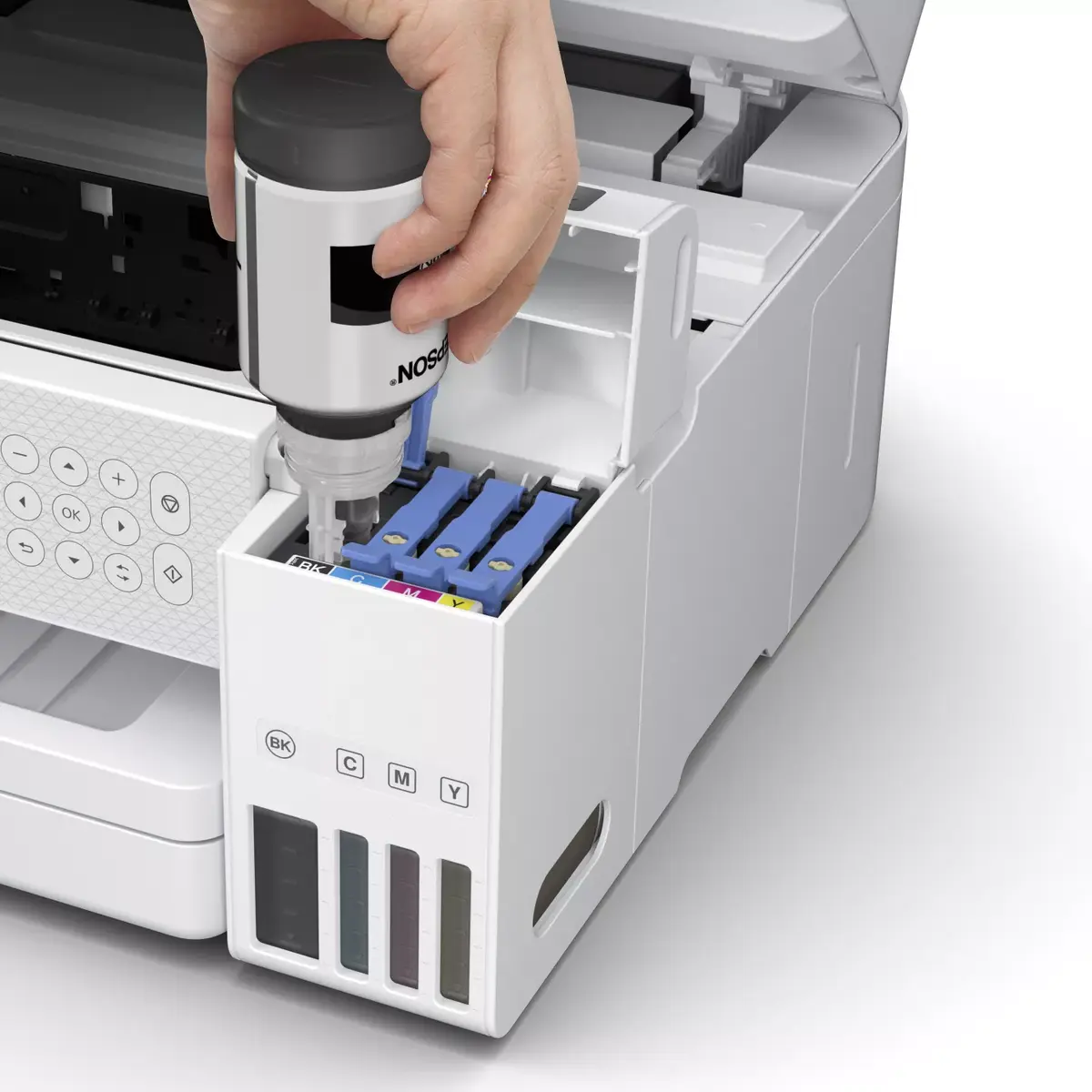
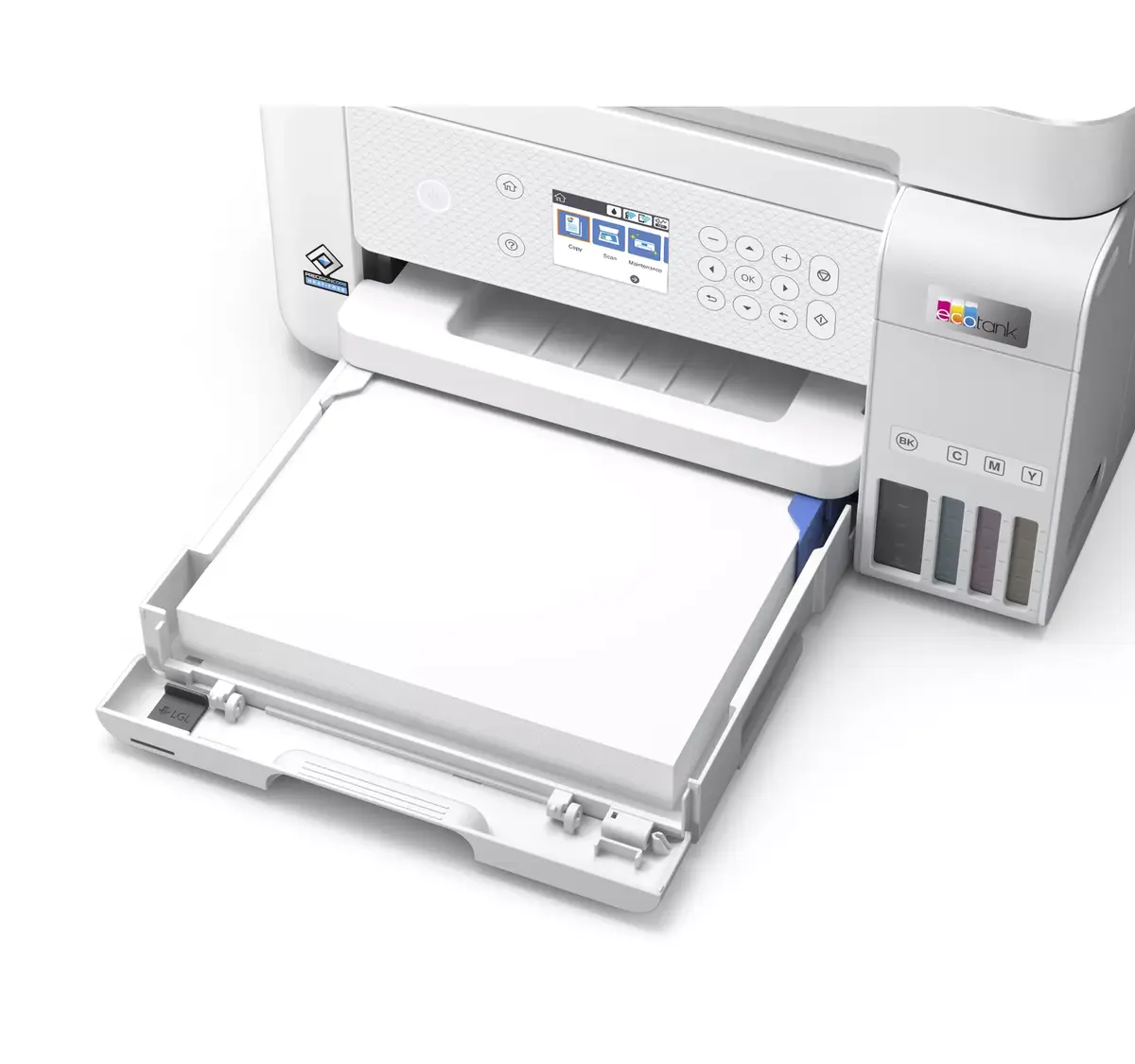
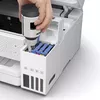
The EcoTank system uses refillable ink tanks that reduce the need for frequent cartridge replacement and lower running costs per page compared to traditional cartridges. High maximum print resolution ensures detailed colour output suitable for text, graphics and photos. Network connectivity via Wi‑Fi and Ethernet allows flexible placement and shared use in multi-user environments. Duplex printing capability helps save paper and streamlines production of double-sided reports and manuals.
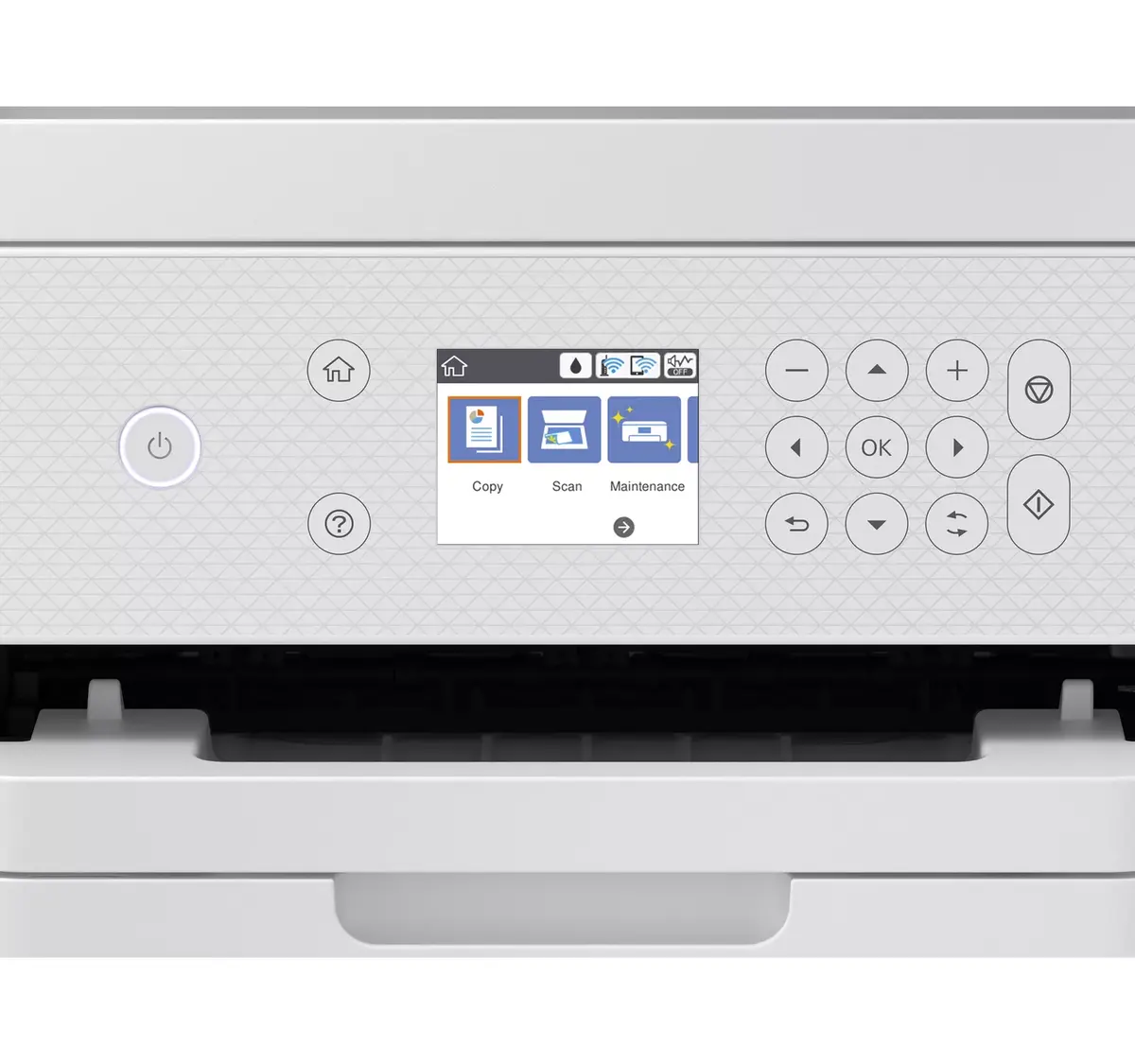
Place the printer on a stable, level surface with adequate ventilation and connect it to your network via Wi‑Fi or Ethernet LAN following the included setup instructions. Fill the external ink tanks with the manufacturer-recommended inks before initial use, then run the printer’s alignment and nozzle-check procedures through the control panel or included software. Load A4 or compatible paper into the input tray, select desired print settings from your computer or mobile device, and start printing. Use the flatbed scanner for single-page or delicate originals and select the appropriate optical scanning resolution for archiving or reproduction.
For reliable long-term performance, use genuine refill inks and replace or refill ink bottles according to the printed page estimates. Perform regular printhead cleaning if you notice streaking or colour inconsistencies. When scanning important documents, choose the higher optical resolution setting and save files in a suitable format (PDF for documents, JPEG/TIFF for photos). Keep firmware and drivers up to date to maintain network compatibility and security.
{{highlightedFeature.featureTitle}}:
{{getProductFeatureValueById(product, highlightedFeature.featureId)}}
{{ productComparisonGenerationError }}
