
Filters you can trust. Pure water every day.
In cart {{totalProductsCount}} item(s)
Your cart is empty
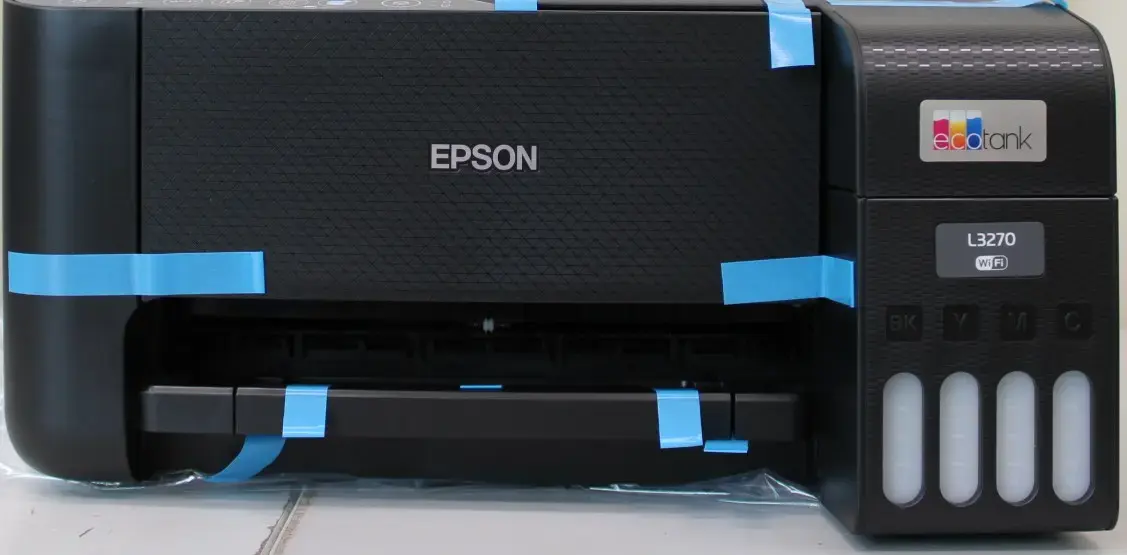
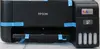
Epson EcoTank L3270 3-in-1 Inkjet Colour Printer, A4, Wi-Fi, Duplex
The Epson EcoTank L3270 is a versatile 3-in-1 inkjet multifunction printer designed to handle printing, scanning, and copying tasks with efficiency and reliability. This device is engineered for users who require high-quality colour output while maintaining a focus on cost-effective ink management. With its compact design and integrated ink tank system, it provides a practical solution for both home environments and small office setups, ensuring that daily document management remains straightforward and productive.
The primary benefit of this printer is its integrated ink tank system, which eliminates the need for traditional cartridges and significantly reduces the cost per page. The inclusion of automatic duplex printing allows for efficient paper usage, helping to minimize waste during large print jobs. Furthermore, the built-in Wi-Fi connectivity enables seamless wireless printing from various devices, providing flexibility in how and where you work. The 3-in-1 functionality ensures that you have a single, space-saving device capable of managing all essential document tasks, from scanning high-resolution images to producing crisp colour documents.
This printer may not be suitable for high-volume commercial printing environments that require extremely fast output speeds or specialized heavy-duty paper handling. It is also not designed for users who require built-in faxing capabilities, as this model focuses exclusively on printing, scanning, and copying.
To begin using the Epson EcoTank L3270, place the printer on a flat, stable surface and connect it to a power source. Fill the integrated ink tanks using the compatible ink bottles provided, ensuring you follow the colour-coded instructions to prevent spills. Once the tanks are filled, power on the device and follow the initial setup guide to prime the ink system. Connect the printer to your local Wi-Fi network to enable wireless printing from your computer or mobile device. Load your paper into the input tray, adjust the guides, and you are ready to start printing, scanning, or copying via the control panel or your connected software.
Usage recommendations: For optimal performance and print quality, use genuine Epson ink refills and keep the printer firmware updated. Regularly perform print head cleaning cycles if the device has been inactive for an extended period to prevent nozzle clogging.
{{highlightedFeature.featureTitle}}:
{{getProductFeatureValueById(product, highlightedFeature.featureId)}}