
{{ totalProductsCount }}

In cart {{totalProductsCount}} item(s)

Total:
{{sum | formatAmount}}

Your cart is empty

header-product Epson SureColor SC-F100 Dye Sublimation Printer Inkjet A4 600 x 1200 DPI Wi-Fi Ethernet USB White

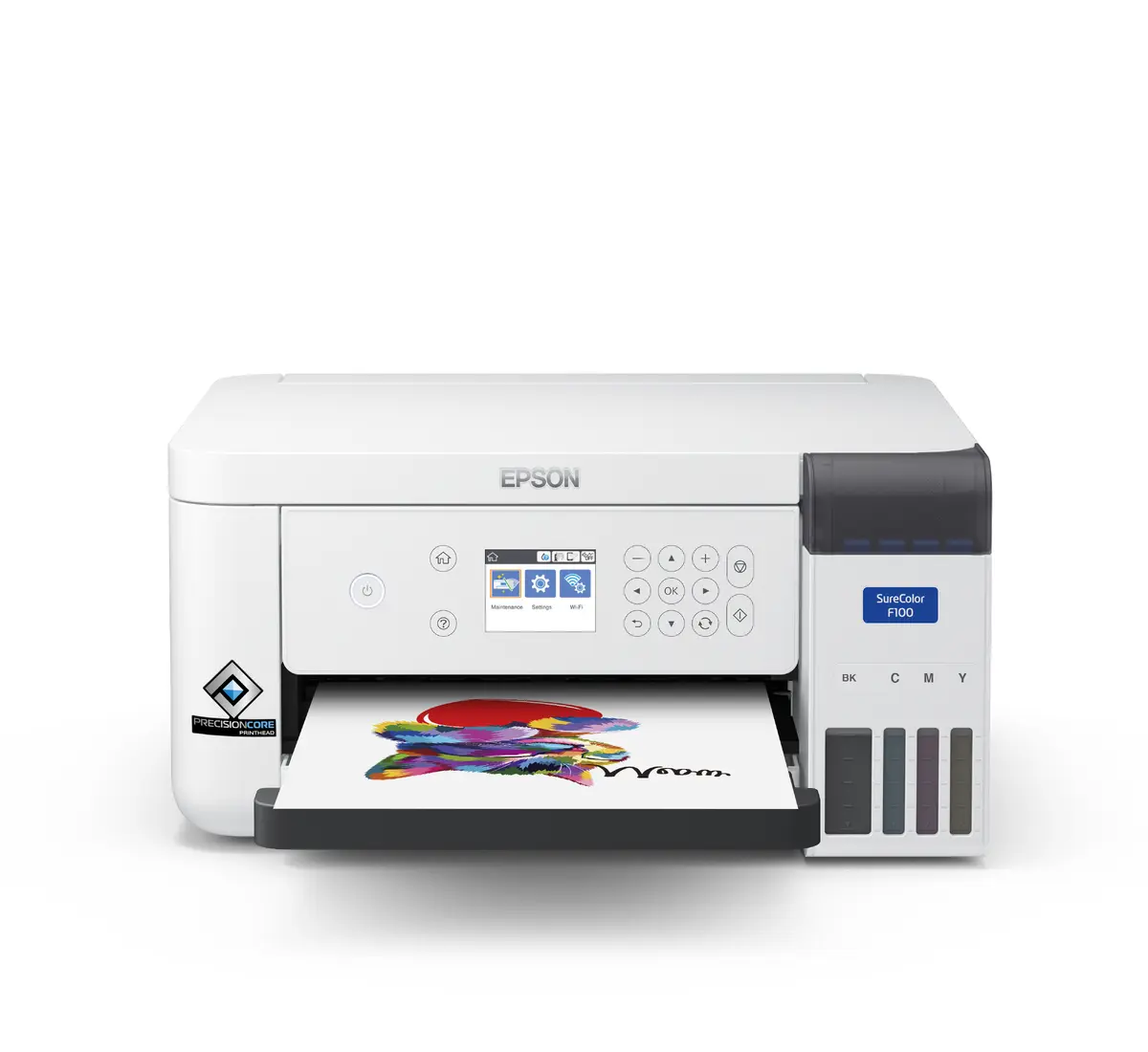
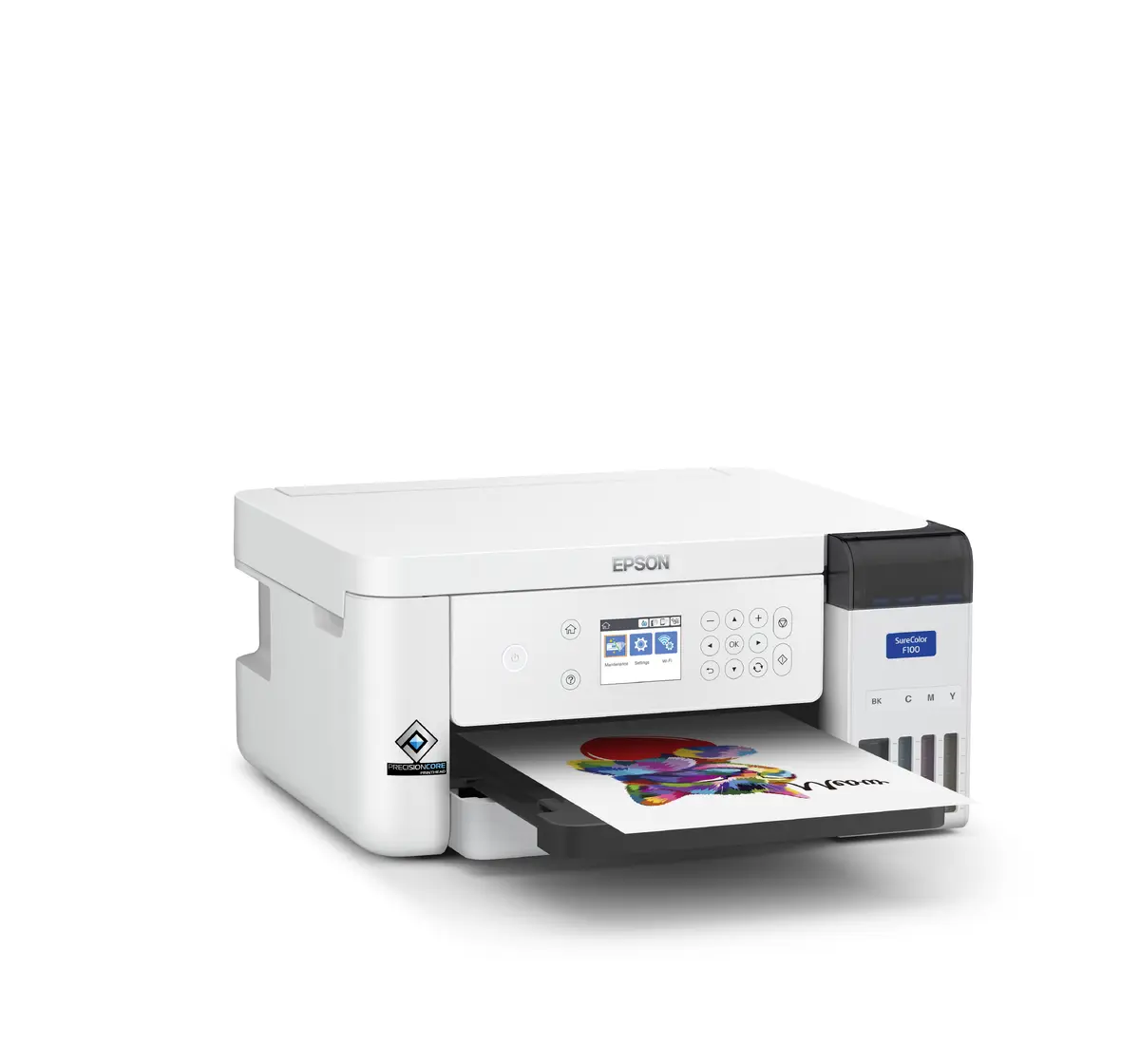
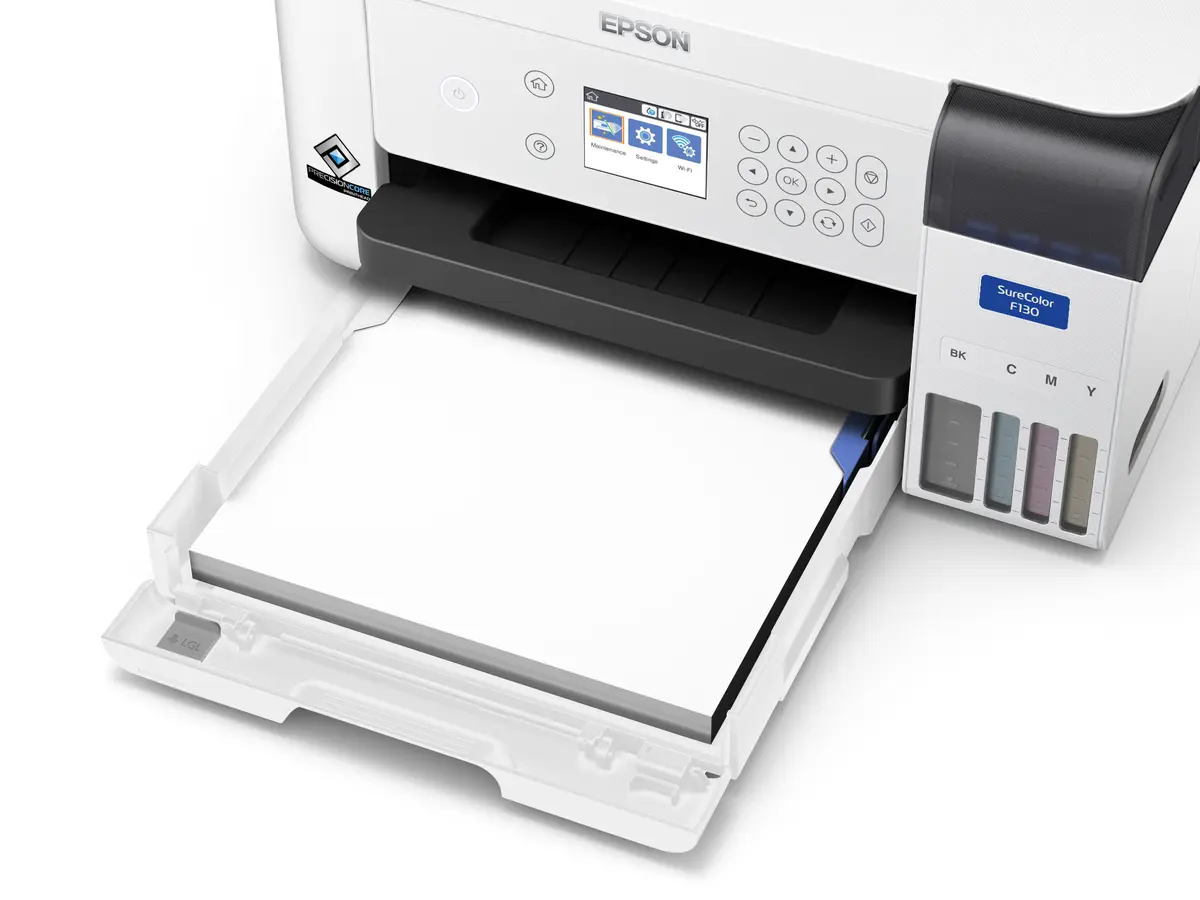
Epson SureColor SC-F100 Dye Sublimation Printer Inkjet A4 600 x 1200 DPI Wi-Fi Ethernet USB White

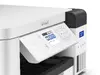
Epson SureColor SC-F100 Dye Sublimation Printer Photo 1
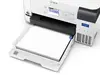
Epson SureColor SC-F100 Dye Sublimation Printer Photo 2
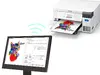
Epson SureColor SC-F100 Dye Sublimation Printer Photo 3
Epson SureColor SC-F100 Dye Sublimation Printer Photo 4
Epson SureColor SC-F100 Dye Sublimation Printer Photo 5
Epson SureColor SC-F100 Dye Sublimation Printer Photo 1
Epson SureColor SC-F100 Dye Sublimation Printer Photo 2
Epson SureColor SC-F100 Dye Sublimation Printer Photo 3
Epson SureColor SC-F100 Dye Sublimation Printer Photo 4
Epson SureColor SC-F100 Dye Sublimation Printer Photo 5
Out of stock.
View similar!

Short description

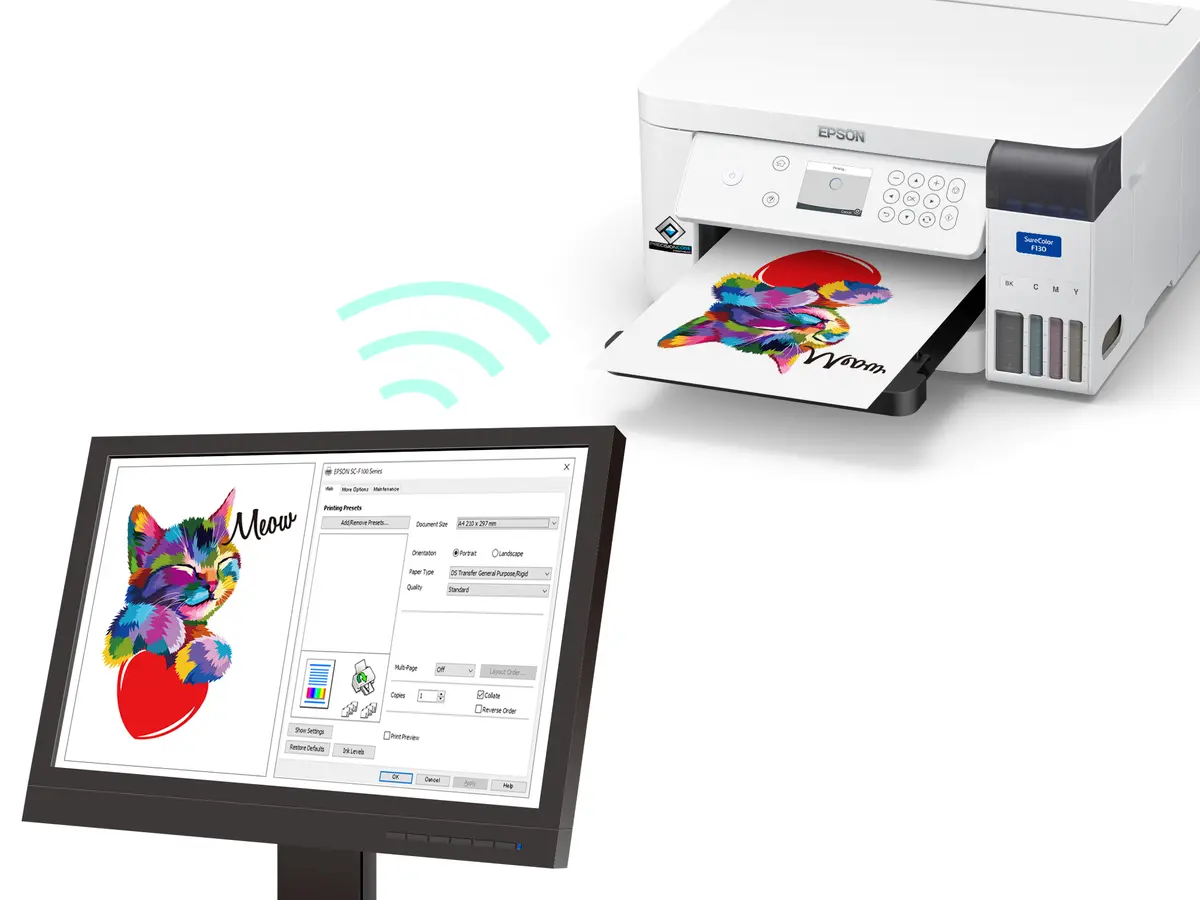
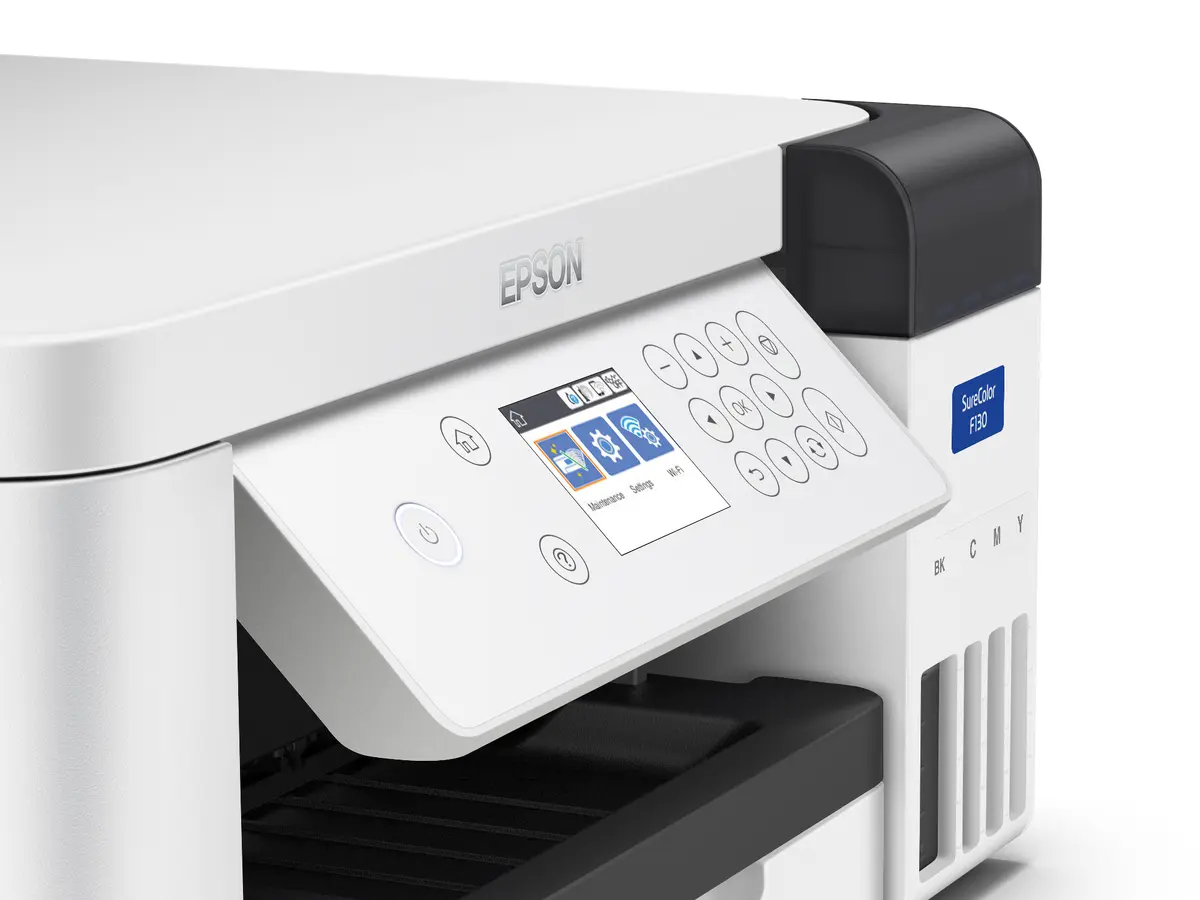
The Epson SureColor SC-F100 is an A4 dye sublimation inkjet printer designed for producing high-quality promotional items, personalized gifts, and custom merchandise. Featuring a 4-color printing system with yellow, magenta, cyan, and black, it delivers a maximum resolution of 600 x 1200 DPI. Equipped with Wi-Fi, Ethernet LAN, and USB connectivity, as well as a built-in display, this compact white desktop printer offers seamless integration into small business workflows and creative studios.
Warranty: 2 Years
SKU: 4775742

delivery
Information regarding the items availability for purchase will be posted on this site
price
Item cost information will be published on this site
Together cheaper
{{product.price | formatAmount}}
{{product.title}}
{{productBundle.reference.specialPrice | formatAmount}}
{{productBundle.title}}
{{productBundlePreviousPrice | formatAmount}}
{{productBundleSpecialPrice | formatAmount}}

You saving {{productBundleYouSave | formatAmount}}

Product information

Description

The Epson SureColor SC-F100 is an A4 dye sublimation inkjet printer engineered specifically for small businesses and creative studios looking to produce promotional items, personalized gifts, and custom merchandise. Featuring a 4-color printing system utilizing black, cyan, magenta, and yellow, this compact desktop printer delivers a maximum resolution of 600 x 1200 DPI. Built with a space-saving design, it integrates easily into tight workspaces while offering versatile connectivity options including Wi-Fi, Ethernet, and USB.

Advantages

This dye sublimation printer provides a reliable and efficient way to expand product offerings without requiring specialized technical knowledge for setup or operation. The compact footprint makes it ideal for environments where space is at a premium, while the intuitive built-in display simplifies daily tasks. Flexible connectivity options allow for straightforward network integration, enabling multiple users to send print jobs conveniently. The 4-color ink configuration ensures vibrant and consistent results across various compatible substrates.

Suitable for

  • Producing personalized gifts such as mugs, key fobs, and phone covers
  • Creating custom promotional items and small merchandise
  • Printing bespoke textile products like small bags, aprons, lanyards, and cushions
  • Small business workflows and creative studio environments

The device may not be suitable for high-volume commercial production runs or printing on standard office paper for everyday document tasks, as it is specifically calibrated as a dye sublimation printer for transfer printing. It is also not designed for printing directly onto dark or untreated cotton fabrics without specialized pre-treatment processes.

Key specifications

  • Print technology: Inkjet
  • Maximum resolution: 600 x 1200 DPI
  • Printing colors: Black, Cyan, Magenta, Yellow
  • Maximum print size: A4
  • Built-in display: Yes
  • Connectivity: Wi-Fi, Ethernet LAN, USB
  • Product color: White
  • Number of print cartridges: 4

To use the printer, connect the device to your computer or network using Wi-Fi, Ethernet, or USB, and install the compatible printer drivers. Load the appropriate dye sublimation paper into the front-feeding tray and ensure the 4-color ink system is properly filled. Prepare your digital design using graphic software, select the correct color profiles, and send the print job to the device. Once printed on the transfer paper, use a heat press machine to transfer the design onto your chosen compatible blank substrate.

What to consider before purchase

  • Ensure you have compatible sublimation blanks and a heat press machine for finishing
  • Verify that your workspace meets the size requirements for an A4 desktop printer
  • Check operating system compatibility for your computer setup
  • Confirm that your intended items fall within the scope of dye sublimation transfer printing
Usage recommendations: Place the printer on a stable, flat surface in a well-ventilated area away from direct sunlight and dust. Regularly check ink levels and perform routine maintenance routines as recommended by the manufacturer to maintain optimal print quality and prevent nozzle clogs.

Specifications

Built-in display: A display which is part of the product, so you do not need to attach another display.
Yes
Ethernet LAN: An Ethernet LAN (Local Area Network) interface is present, for a wired conection via a cable.
Yes
Wi-Fi: Popular technology that allows an electronic device to exchange data or connect to the internet wirelessly using radio waves.
Yes
USB port: The device features a socket into which a USB cable can be plugged.
Yes
Number of print cartridges: The amount of print cartridges. A print cartridge is a container holding a quantity of ink which is inserted into a inkjet printer mechanism.
4
Maximum resolution: Maximum printing resolution.
600 x 1200
Print technology: Indicates the method used to print by this product.
Inkjet
Colour: The main colour of the product.
Yes
Product colour: The colour e.g. red, blue, green, black, white.
White
ISO A-series sizes (A0...A9): Different sizes of paper from A0 (big) to A9 (small). A4 is the most common size used for printing documents.
A4
Printing colours: The colours that can be produced by the printer.
Black, Cyan, Magenta, Yellow
All features
Scanning: To convert a document or picture into digital form for storage or processing on a computer, by scanning it using a scanner.
No
Copying: Description of copying function (colour or monochrome).
No

Other features

Ink drop: Ink drop size.
3.8 pl
Box contents:
Ink set, Power cable, User guide, Warranty document
Colour printing technology:
Dye Sublimation
Print head: Component of a printer that applies the mark or image to the paper.
PrecisionCoreTM Micro TFP printhead
Compatible operating systems: List of desktop operating systems tested as compatible with this product.
Windows 8.1, Windows Server 2008 R2, Windows Server 2012 R2, Windows XP Professional x64 Edition SP2 or later, Windows XP SP3 or later (32-bit), Windows Server 2003 SP2 or later
Quantity per pack:
1 pc(s)

Logistics data

Products per pallet (UK):
28 pc(s)
Pallet weight (UK):
0 g
Products per pallet: Quantity of a single product per pallet. If more than one product is packed per carton; this is the number of products (not number of cartons) per shipping pallet.
14 pc(s)
Pallet gross weight:
0 g

Packaging data

Package weight: Weight of the packaged product.
7450 g
Package height: The distance from the top to the bottom of the packaging.
277 mm
Package depth: The distance from the front to the back of the packaging.
510 mm
Package width: The distance from one side of the packaging to the other.
437 mm

Weight & dimensions

Weight: Weight of the product without packaging (net weight). If possible, the net weight is given including standard accessories and supplies. Please note that sometimes the manufacturer leaves out the weight of accessories and/or supplies.
4.6 kg
Height: The measurement of the product from head to foot or from base to top.
187 mm
Depth: The distance from the front to the back of something.
347 mm
Width: The measurement or extent of something from side to side.
375 mm

Power

AC input voltage: The voltage of the AC electricity that is inputted into the product.
100 - 240

Design

Built-in display: A display which is part of the product, so you do not need to attach another display.
Yes
Product colour: The colour e.g. red, blue, green, black, white.
White

Network

Ethernet LAN: An Ethernet LAN (Local Area Network) interface is present, for a wired conection via a cable.
Yes
Wi-Fi: Popular technology that allows an electronic device to exchange data or connect to the internet wirelessly using radio waves.
Yes

Ports & interfaces

USB port: The device features a socket into which a USB cable can be plugged.
Yes

Paper handling

ISO A-series sizes (A0...A9): Different sizes of paper from A0 (big) to A9 (small). A4 is the most common size used for printing documents.
A4
Maximum print size: The maximum size that an image can be printed with a good resolution.
A4 (210 x 297 mm)

Features

Country of origin: Country where the device is made. Aka Country of manufacture (COM).
Philippines
Number of print cartridges: The amount of print cartridges. A print cartridge is a container holding a quantity of ink which is inserted into a inkjet printer mechanism.
4
Printing colours: The colours that can be produced by the printer.
Black, Cyan, Magenta, Yellow

Printing

Maximum resolution: Maximum printing resolution.
600 x 1200
Print technology: Indicates the method used to print by this product.
Inkjet
Colour: The main colour of the product.
Yes

Description

Machine translation.

Reasons to buy

Legal Statement

Complies with The UK Product Security and Telecommunications Infrastructure (Product Security) requirements. Epson will provide security updates for 7 years from purchase

Similar products

{{product.title}}
Show details Hide details

{{highlightedFeature.featureTitle}}:

{{getProductFeatureValueById(product, highlightedFeature.featureId)}}

{{product.price | formatAmount}}
Might be useful
{{product.manufacturerName}}
{{product.categoryName}}
{{product.title}}
{{product.specialPrice}}
{{product.price}}

Customer reviews

Customer questions

FAQ

What payment options are available?

AiO.lv offers several payment methods: Bank transfer. All transactions are 100% secure and encrypted.

Can this product be purchased for a company (with VAT)?

Yes. AiO.lv works with legal entities in Latvia and across Europe. The product price already includes VAT. For certain product categories, as well as for companies from other EU countries with a valid VAT number, a 0% VAT rate may apply. We issue the invoice immediately after the order is placed, support electronic BIS invoices, and automatically generate all necessary accounting documents. You can complete the purchase for a company online — simply select the company profile and choose bank transfer as the payment method during checkout.

What is the warranty period?

All Epson products come with an official 2 Years warranty. It covers all manufacturing defects and malfunctions that may occur during use. The warranty is valid at all authorized Epson service centers and through AiO.lv

Can the product be returned after purchase?

Yes, you can return the product within 14 days of purchase if you bought it as a consumer (not a legal entity). Returns are possible without giving any reason — the main condition is that the product retains its original appearance and full set of accessories. We will make the process as simple and convenient as possible: just contact our customer support team, and we will help you arrange the return.

Where should I contact for warranty service?

For warranty-related questions you can contact the AiO.lv (SIA VSPRO) customer support team. We will assist with consultation, warranty claim processing, and coordination with certified service centers.

How can I tell if this product suits my needs?

When making a choice, we recommend paying attention to the key features: built-in display, ethernet lan, wi-fi, usb port, number of print cartridges, maximum resolution, print technology, colour, product colour, iso a-series sizes (a0...a9), printing colours, compatibility with your devices or usage conditions, material quality, functionality, and warranty terms. These characteristics will help you determine how well the model meets your needs.

Where can I download the instructions for Epson SureColor SC-F100 Dye Sublimation Printer?

You can download the instructions in PDF format from the “Instructions” section on the product description page. The file contains complete information about installation, setup, and usage.
warranty
14-Day Return Policy We are confident in our quality, but if the purchase doesn’t fit — you have 14 days to return the product with peace of mind.
shipping
Fast Delivery Get your orders as quickly as possible — right to your door, parcel lockers, or pickup points across Latvia and the EU.
payment
Secure Payment Pay the way you prefer: cash, VISA, MasterCard, Apple Pay, Google Pay, bank transfer, or 0% installment plan.
warranty
Quality Since 2008 AiO.lv has been on the market for over 18 years and has earned trust — with more than 6000 genuine positive reviews on Google.