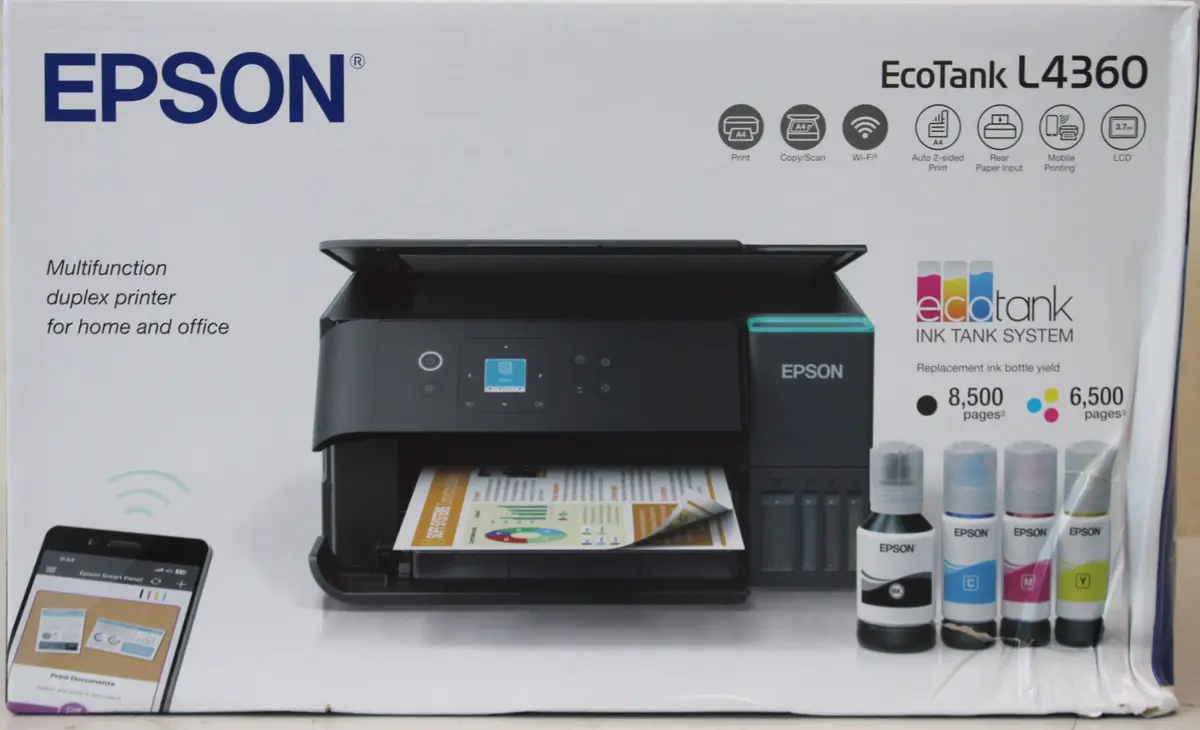
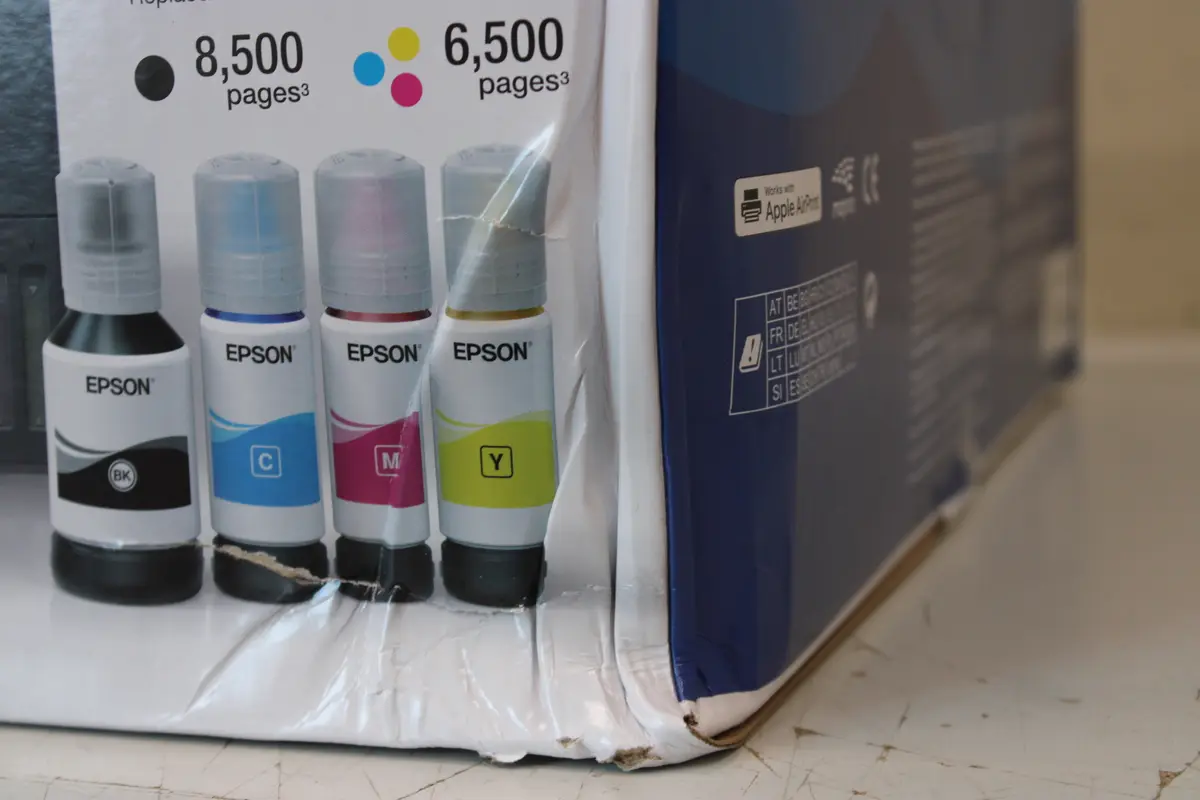
This product page focuses on the Epson EcoTank L4360 inkjet multifunctional printer, compared against similar alternatives in the Epson EcoTank lineup: Epson EcoTank L4360 (with DPI specs), Epson EcoTank ET-2959, Epson EcoTank L3351, Epson EcoTank L6360, and Epson EcoTank ET-2955. All these devices belong to the same category of color inkjet multifunction printers designed for A4 document management in home and office environments, utilizing cartridge-free refillable ink tanks. The primary differences among them involve automatic duplex capabilities, wired network connectivity, scanner types, paper tray capacities, and processing speeds.
⚙️ The specifications comparison table below evaluates the most relevant product characteristics: maximum printing and scanning resolutions, automatic two-sided printing functions, paper capacities, network interfaces (Wi-Fi and Ethernet), and scanner types.
| Parameter | Epson EcoTank L4360 | Epson EcoTank L4360 (DPI) | Epson EcoTank ET-2959 | Epson EcoTank L3351 | Epson EcoTank L6360 | Epson EcoTank ET-2955 | Practical conclusion |
|---|
| Device type | Multifunctional printer | Multifunctional printer | Multifunctional printer | Multifunctional printer | Multifunctional printer | Multifunctional printer | All options provide core print, scan, and copy functionality for A4 documents. |
| Max print resolution | Not specified | 4800 x 1200 DPI | Not specified | Not specified | 4800 x 1200 DPI | Not specified | Models with specified high resolutions ensure sharp text and detailed graphics. |
| Automatic duplex | Yes (print) | Yes (print) | Yes (print) | Not supported | Yes (print, scan, copy) | Yes (print) | Automatic duplex printing on most models saves paper, while the high-end model also supports two-way scanning. |
| Paper capacity | Not specified | 100 sheets | 100 sheets | Not specified | 250 sheets | 100 sheets | The L6360 offers a significantly larger input capacity, suited for higher-volume workloads. |
| Network interfaces | Wi-Fi | Wi-Fi | Wi-Fi, USB | Wi-Fi, USB | Wi-Fi, Ethernet | Wi-Fi, USB | Wireless connectivity is standard across options, with the L6360 adding wired Ethernet. |
| Scanner type | Not specified | Flatbed scanner | Not specified | Not specified | Flatbed scanner with ADF | Not specified | The ADF scanner on the L6360 speeds up multi-page scanning and copying tasks. |
◎ The suitability table below helps identify which product matches specific user needs, workflows, and use cases.
| Use case | Recommended product | Why |
|---|
| Standard home and small office printing with automatic two-sided output | Epson EcoTank L4360 | Provides efficient daily printing, scanning, and copying with wireless convenience and automatic duplex support. |
| Intensive document workflows requiring wired networking and document feeder | Epson EcoTank L6360 | Offers a 250-sheet paper capacity, Ethernet connectivity, and an automatic document feeder (ADF) for fast multi-page handling. |
| Basic everyday printing and scanning with USB connection | Epson EcoTank L3351 | Suited for users who do not require automatic duplexing and prefer straightforward core functions. |
Epson EcoTank L4360 differs from entry-level alternatives like the L3351 by including automatic duplex printing for paper-saving workflows, while lacking the heavier office features (such as an ADF scanner and Ethernet port) found on the advanced L6360. It is best suited for home users and small offices seeking a reliable, ink-efficient color printer without paying for heavy-duty business additions. A buyer would choose this model for its balanced everyday wireless and duplex capabilities.