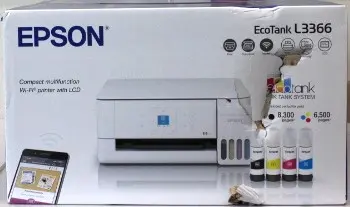
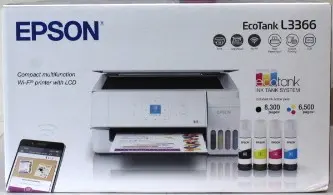
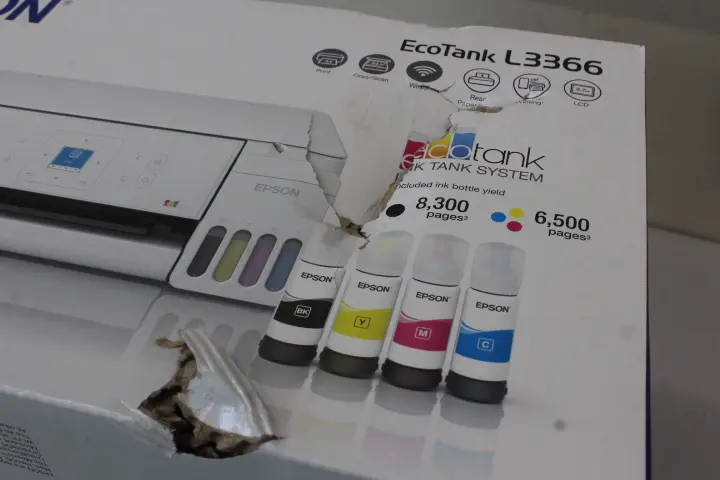
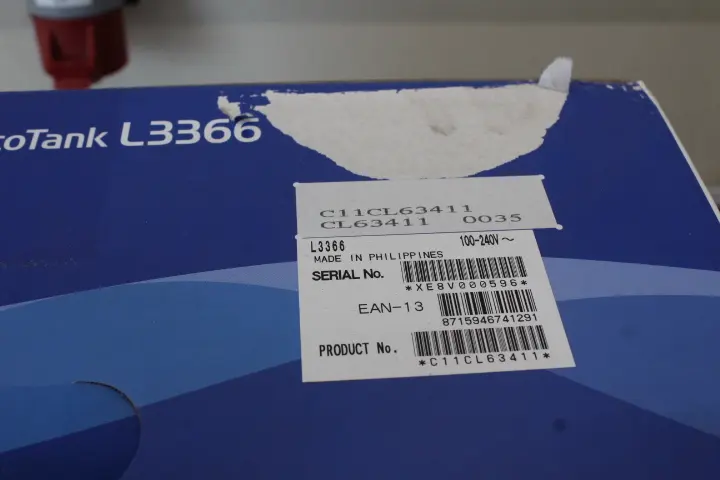
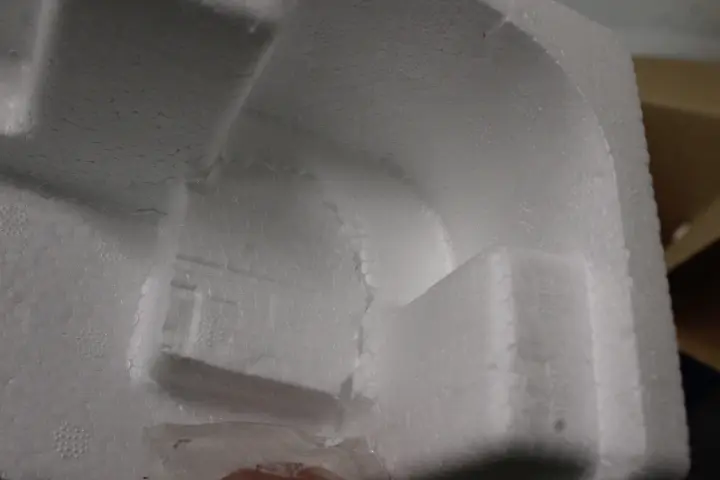
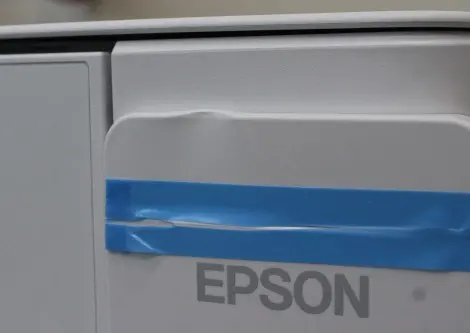
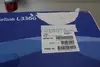
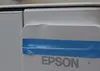
This product page focuses on the Epson EcoTank L3366 (White, sale out item with damaged packaging and a dented body on the ink tank top cover). We will compare it against alternative EcoTank series options: two identical specification models in pristine condition (Epson EcoTank L3366 and Epson EcoTank L3356 in regular condition), a similar model with packaging damage (Epson EcoTank L3356), a black-colored alternative (Epson EcoTank L3362), and a different model option (Epson EcoTank ET-2955). All devices support A4 format printing, scanning, and copying, built-in Wi-Fi connectivity, and cartridge-free ink tank technology. The main differences lie in automatic duplex printing support on L33xx models, device color, print speed specifications, and the presence of cosmetic defects on this specific offer.
⚙️ Comparison of features and structural characteristics between the evaluated product and alternative choices:
| Characteristic | Epson EcoTank L3366 (Sale out) | Epson EcoTank L3366 | Epson EcoTank L3356 (Sale out) | Epson EcoTank L3356 | Epson EcoTank L3362 | Epson EcoTank ET-2955 | Practical significance |
|---|
| Device type | MFP (print, scan, copy) | MFP (print, scan, copy) | MFP (print, scan, copy) | MFP (print, scan, copy) | MFP (print, scan, copy) | MFP (print, scan, copy) | All devices handle standard everyday document management tasks for home and office environments. |
| Automatic duplex | Yes | Yes | No | No | Yes | No | Automatic double-sided printing saves paper and time by eliminating manual page flipping. |
| Housing color | White | White | White | White | Black | Not specified | Affects visual integration of the device within your home or office workspace. |
| Condition | Sale out (damaged packaging, dented cover) | New | Sale out (damaged packaging) | New | New | New | Cosmetic imperfections do not impact operation but offer a discount opportunity. |
| Printing technology | EcoTank (cartridge-free) | EcoTank (cartridge-free) | EcoTank (cartridge-free) | EcoTank (cartridge-free) | EcoTank (cartridge-free) | EcoTank (cartridge-free) | All models use economical high-capacity refillable ink tanks instead of traditional cartridges. |
| Speed and capacity | Standard for series | Standard for series | Standard for series | Standard for series | Standard for series | Up to 15 ppm, 100-sheet capacity | The ET-2955 model explicitly specifies paper input capacity and page per minute metrics. |
◎ Comparison of usage scenarios, buyer needs, and suitable models:
| Use case | Recommended product | Why |
|---|
| Document printing with automatic duplex and ink savings | Epson EcoTank L3366 (Sale out) | Delivers full functionality including automatic duplex and EcoTank technology, offering maximum value despite outer cosmetic flaws. |
| Identical feature set without any cosmetic defects | Epson EcoTank L3366 | Suits buyers who prioritize pristine aesthetic condition alongside automatic two-sided printing capabilities. |
| Standard printing and scanning without automatic duplex needs | Epson EcoTank L3356 | Provides reliable cartridge-free document processing for everyday tasks when duplex printing is not required. |
| Preference for dark office equipment design | Epson EcoTank L3362 | Features matching EcoTank baseline capabilities enclosed in a sleek black housing. |
| Requirement for specified print speed and paper tray metrics | Epson EcoTank ET-2955 | Equipped with a defined 100-sheet paper capacity and up to 15 pages per minute speed. |
The Epson EcoTank L3366 (Sale out) differs from alternatives by combining integrated automatic duplex printing for efficient document handling with high-capacity EcoTank technology, while featuring minor external housing damage including a dented top cover and damaged packaging. This model is best suited for budget-conscious home and office users who value high-tier functionality and want to benefit from a lower price point despite cosmetic imperfections.