
Dreame vacuums for fast and efficient cleaning!
In cart {{totalProductsCount}} item(s)
Your cart is empty
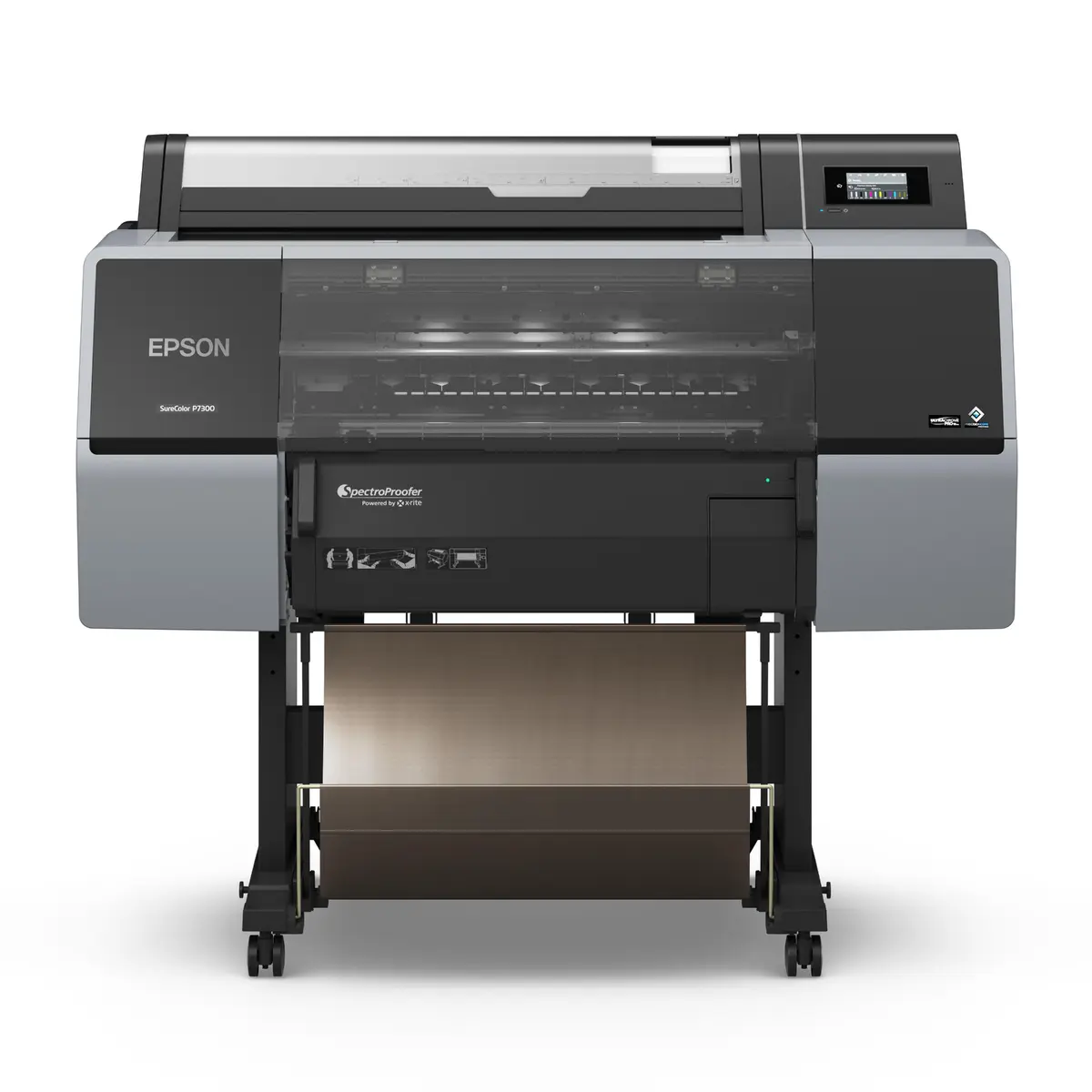
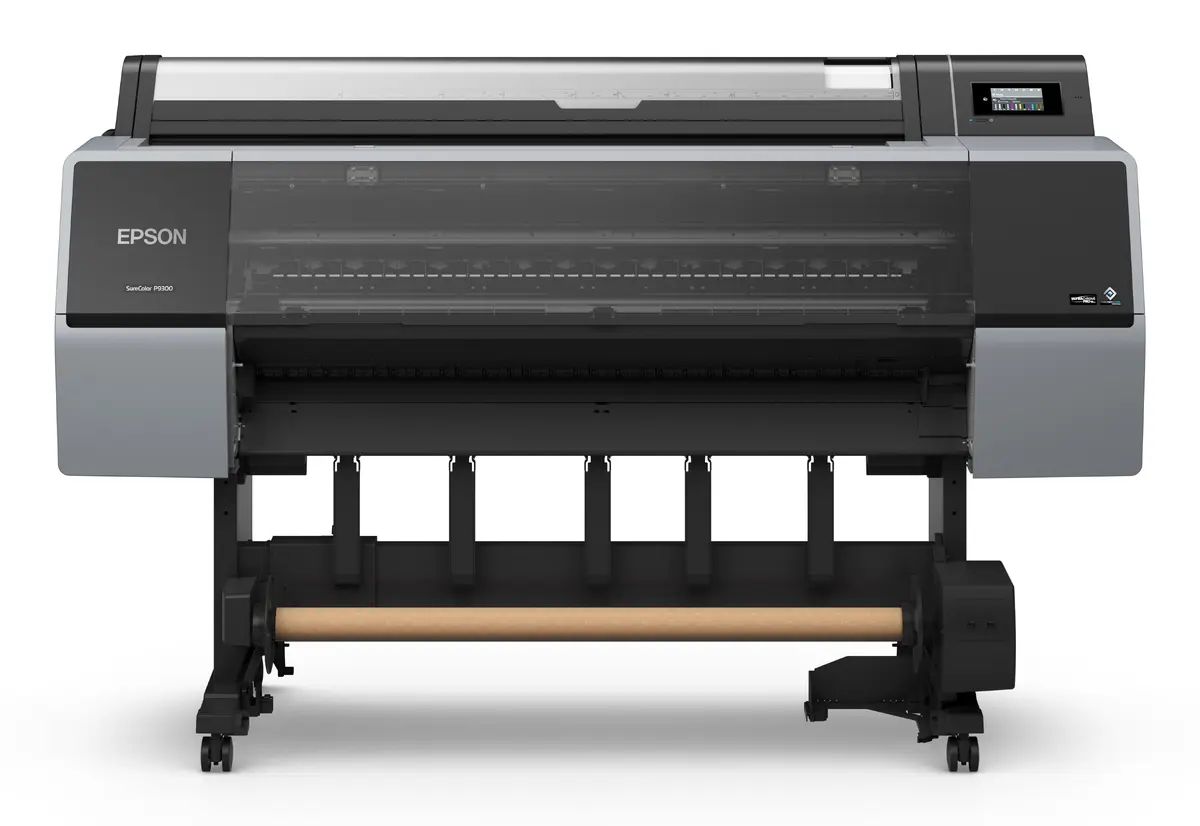
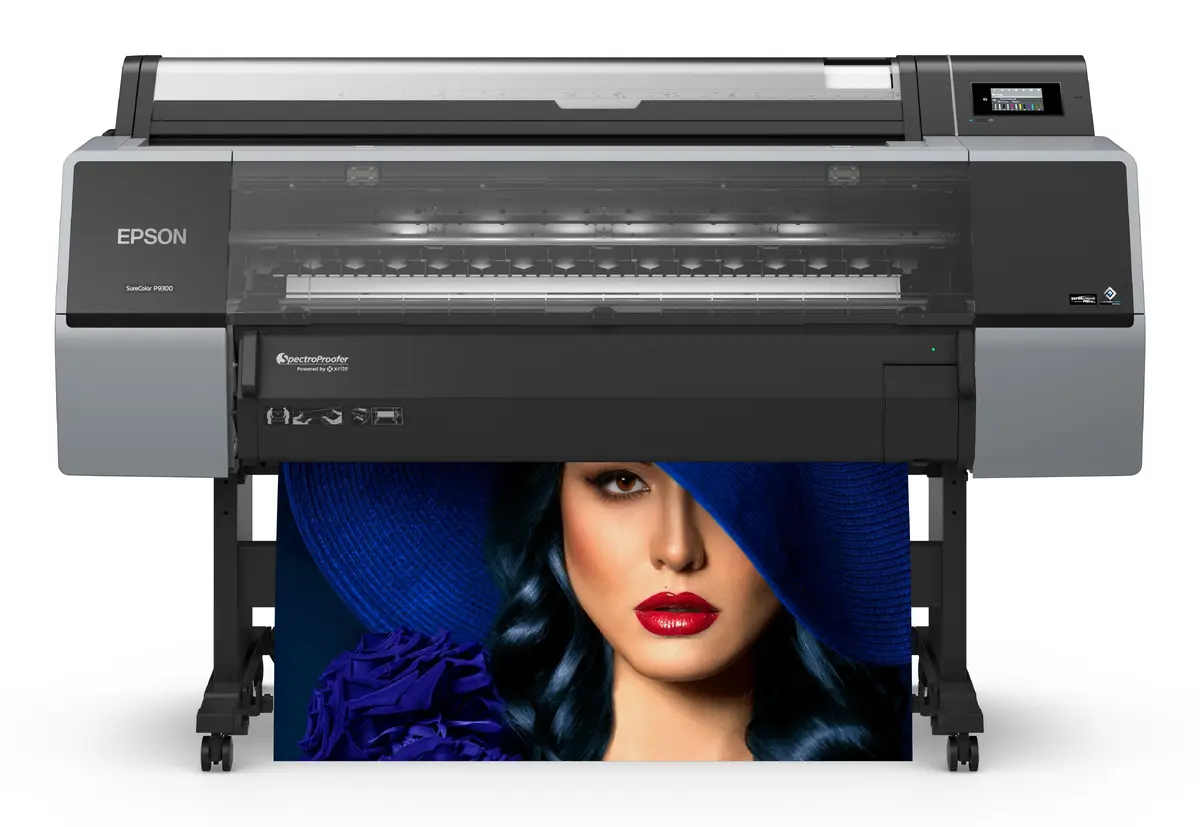
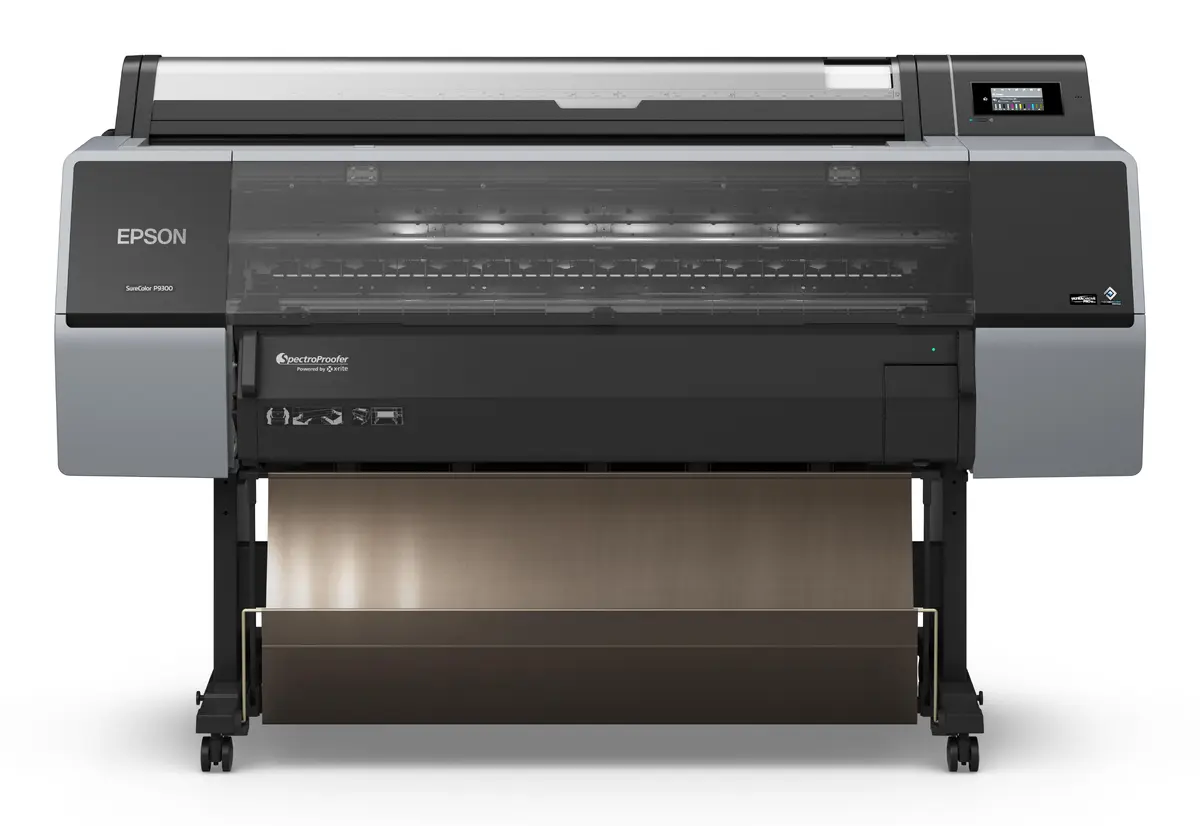
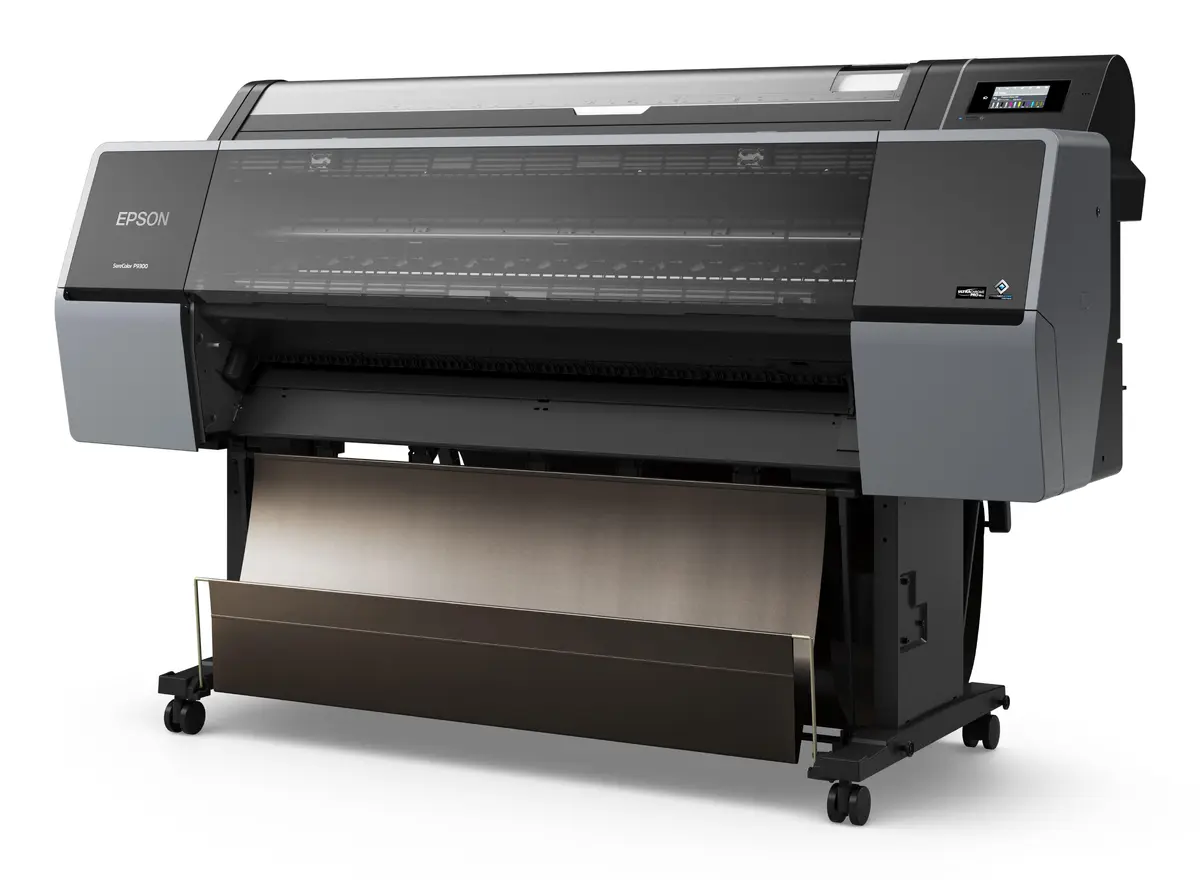
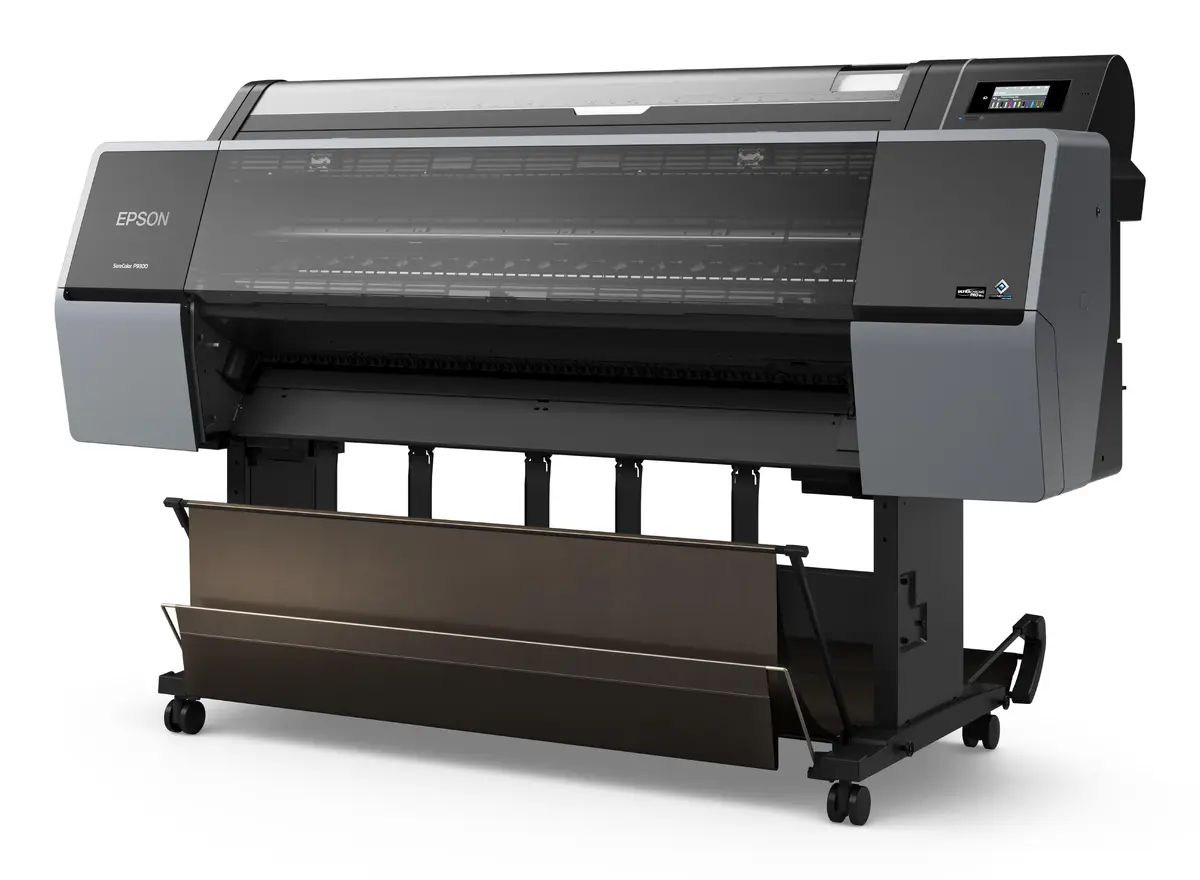
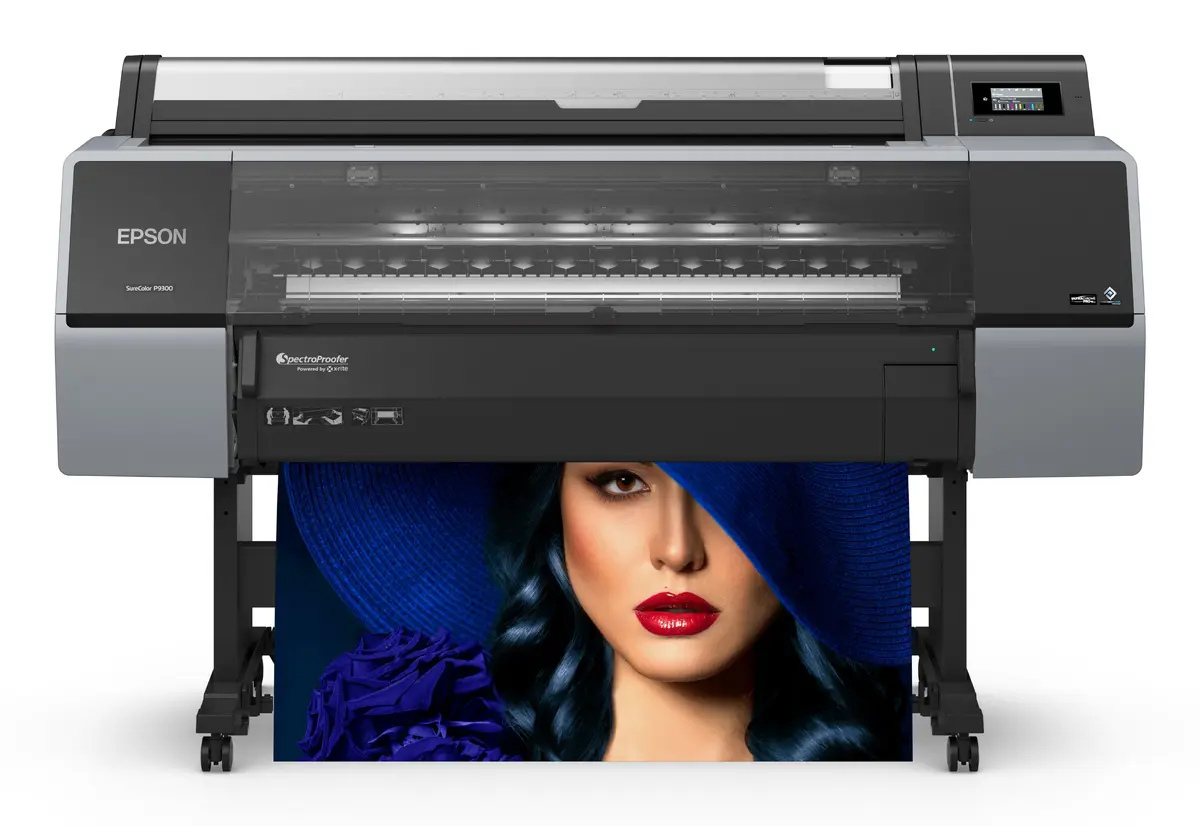
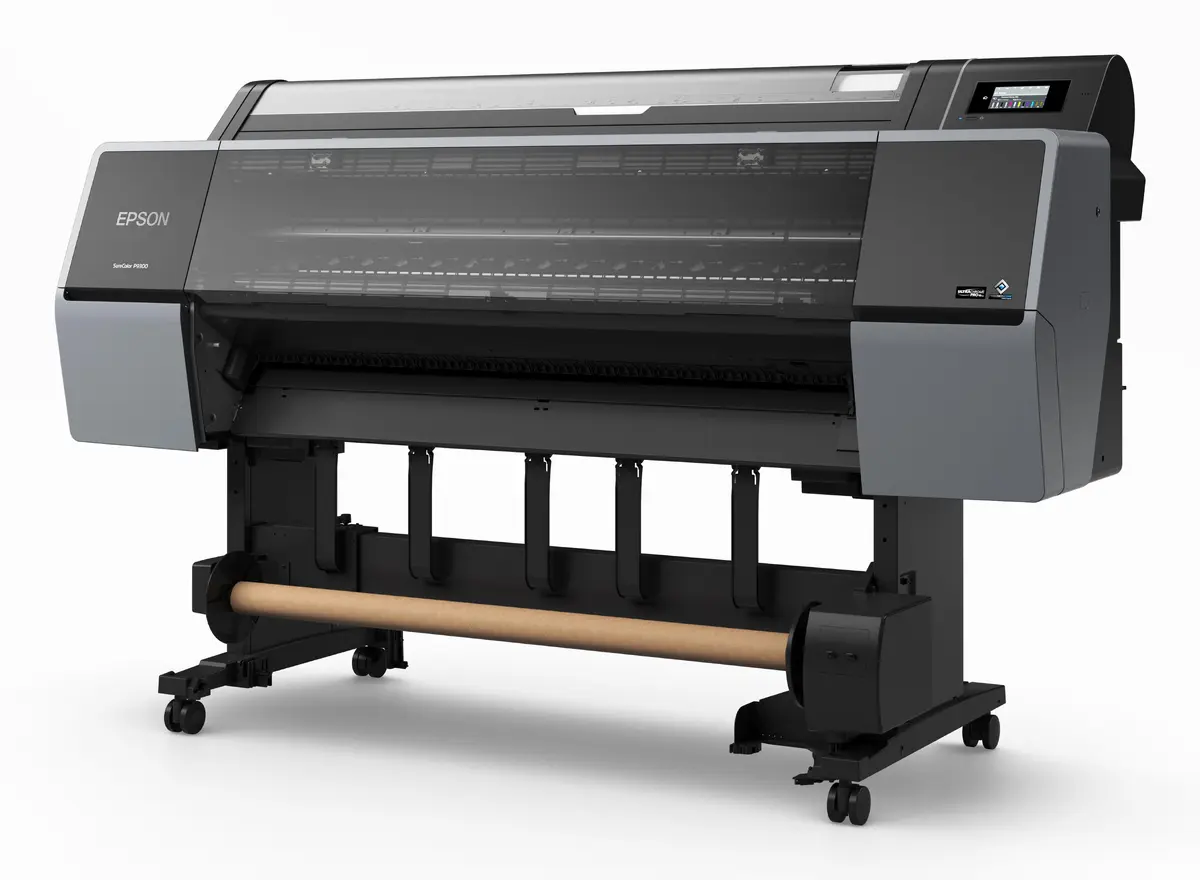
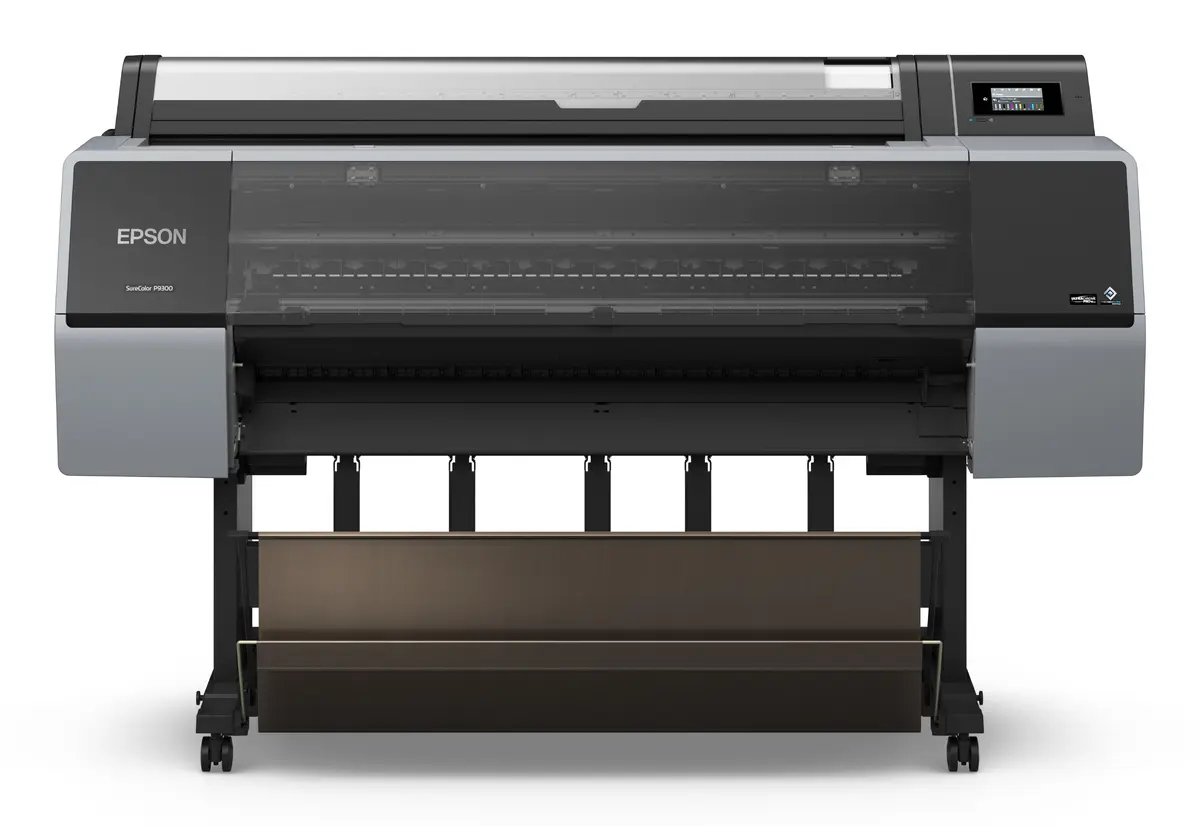
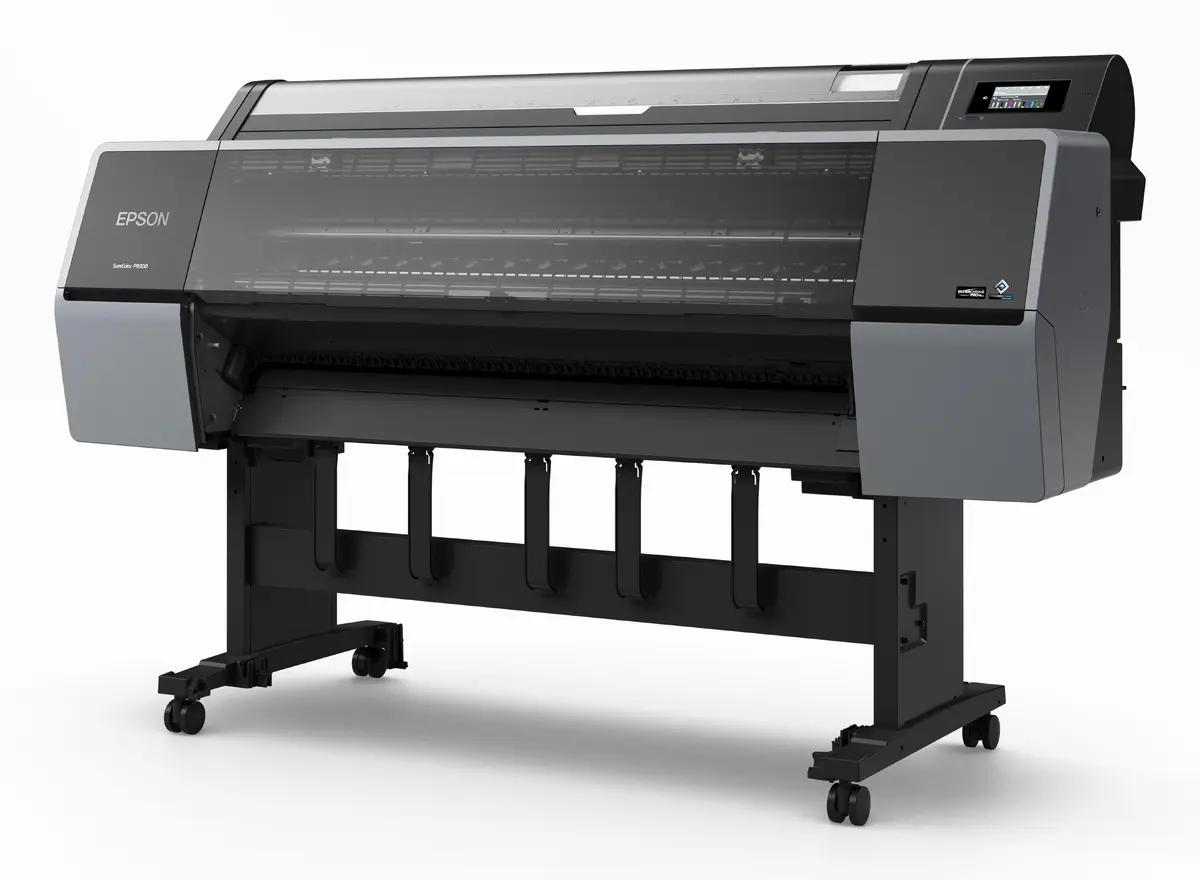
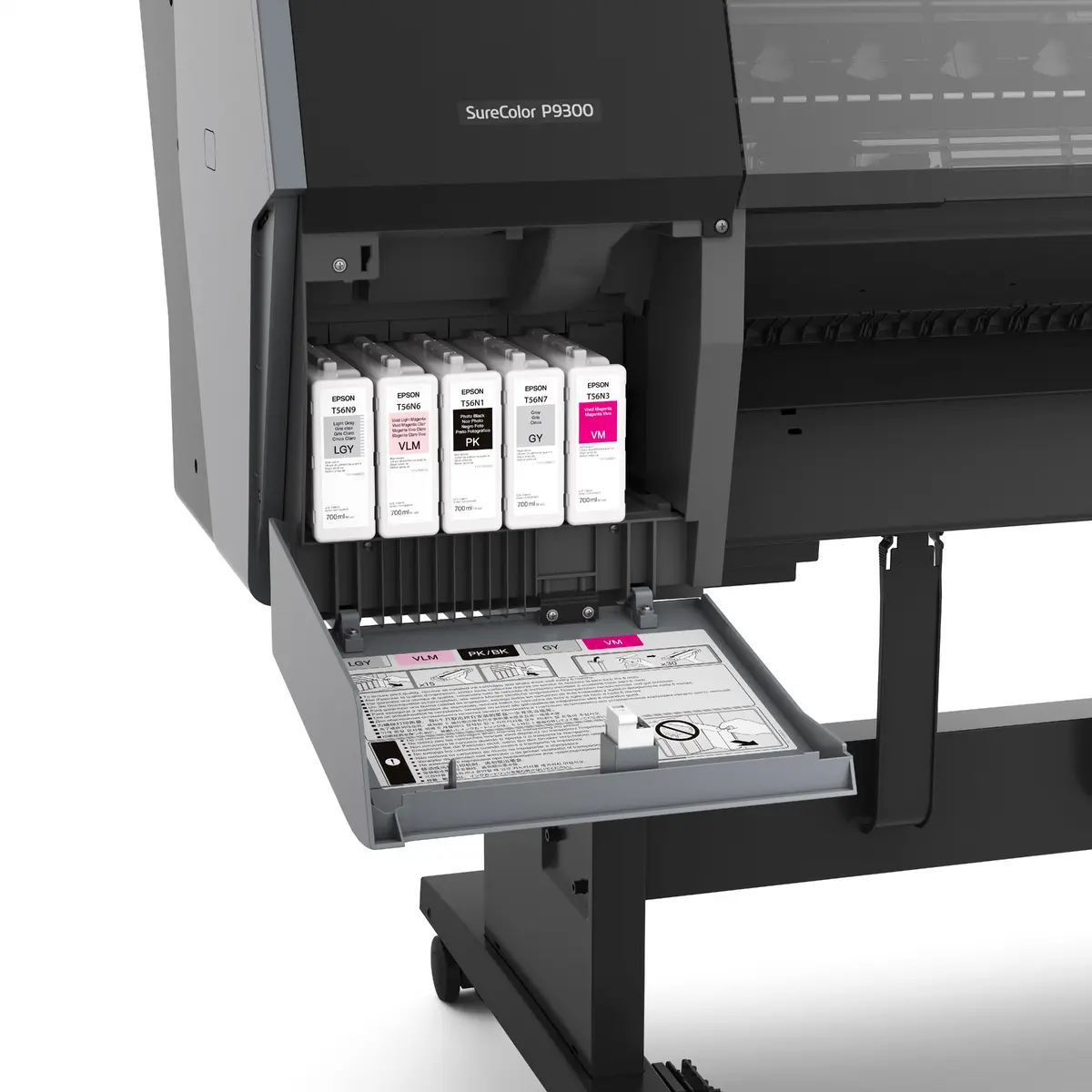
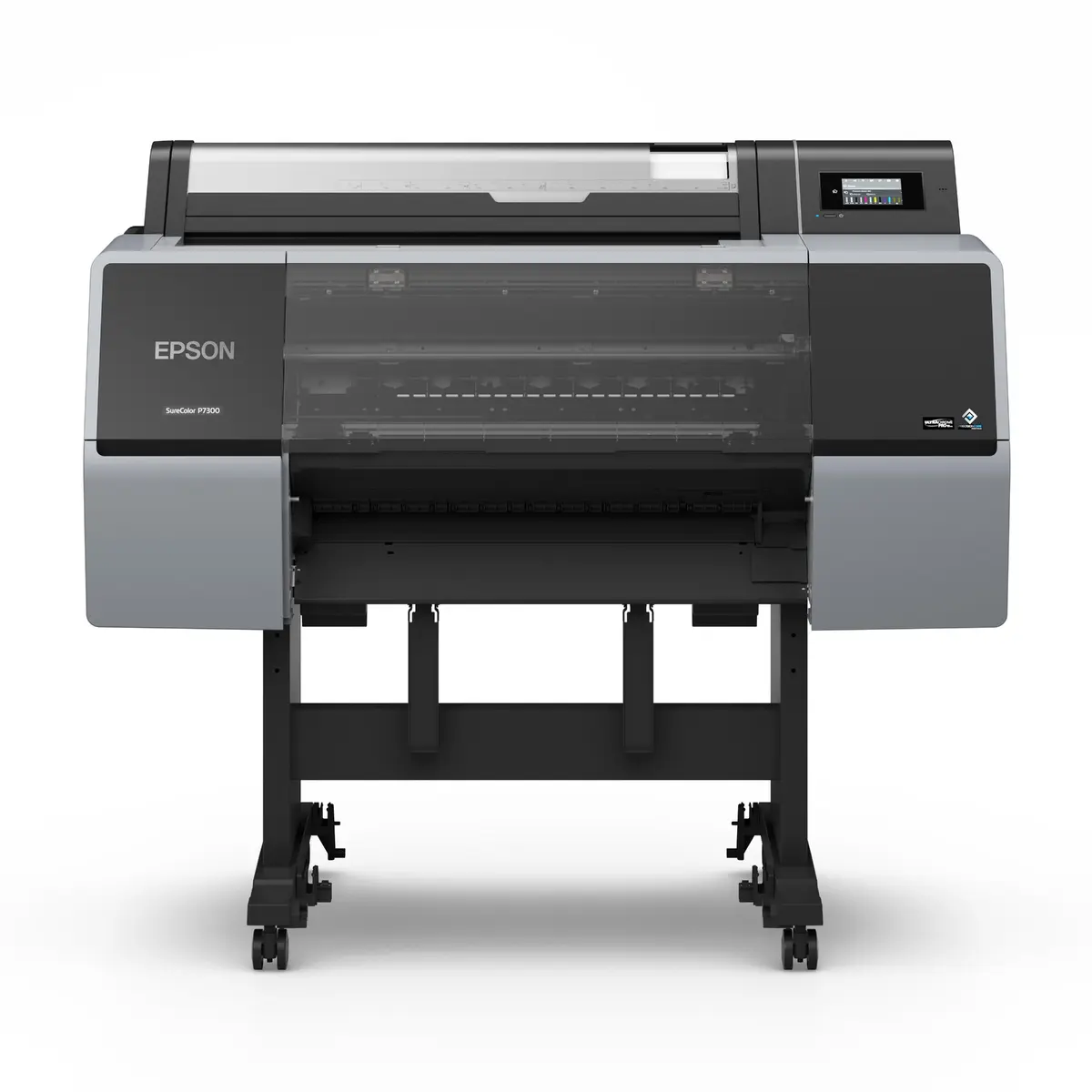
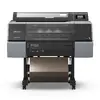
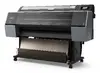
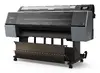
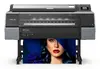
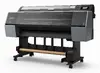
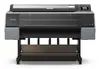
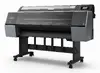
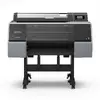
Epson SureColor P7300 Spectro Large Format Printer Piezoelectric Inkjet Colour 1200 x 2400 DPI A1 Ethernet LAN
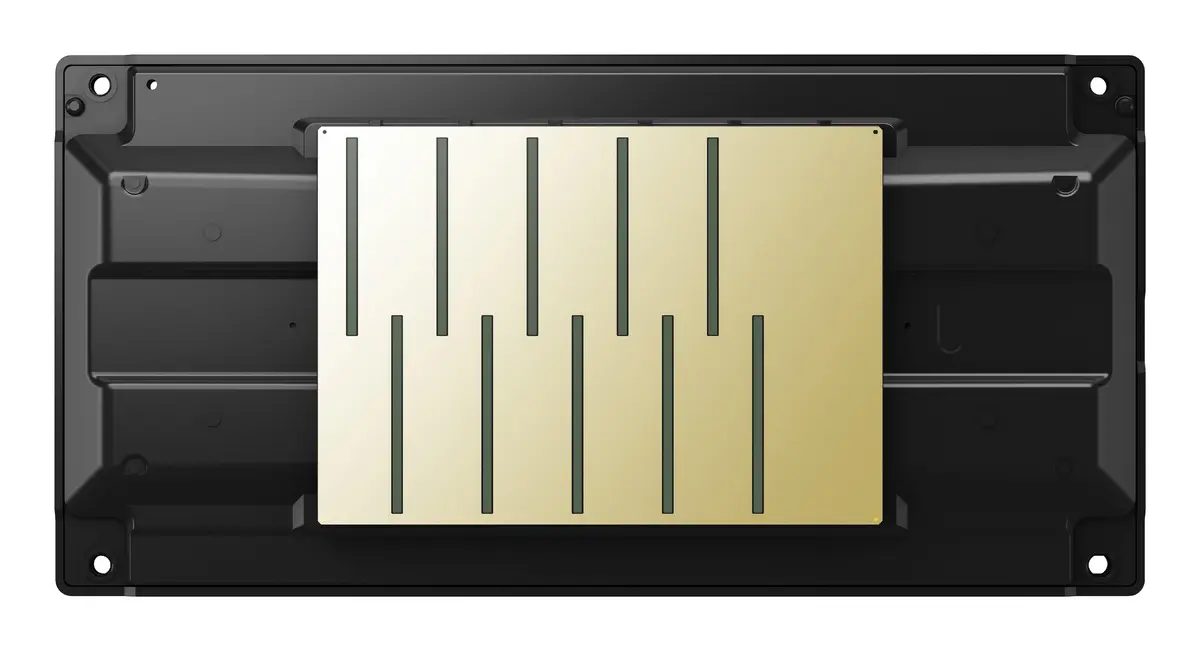
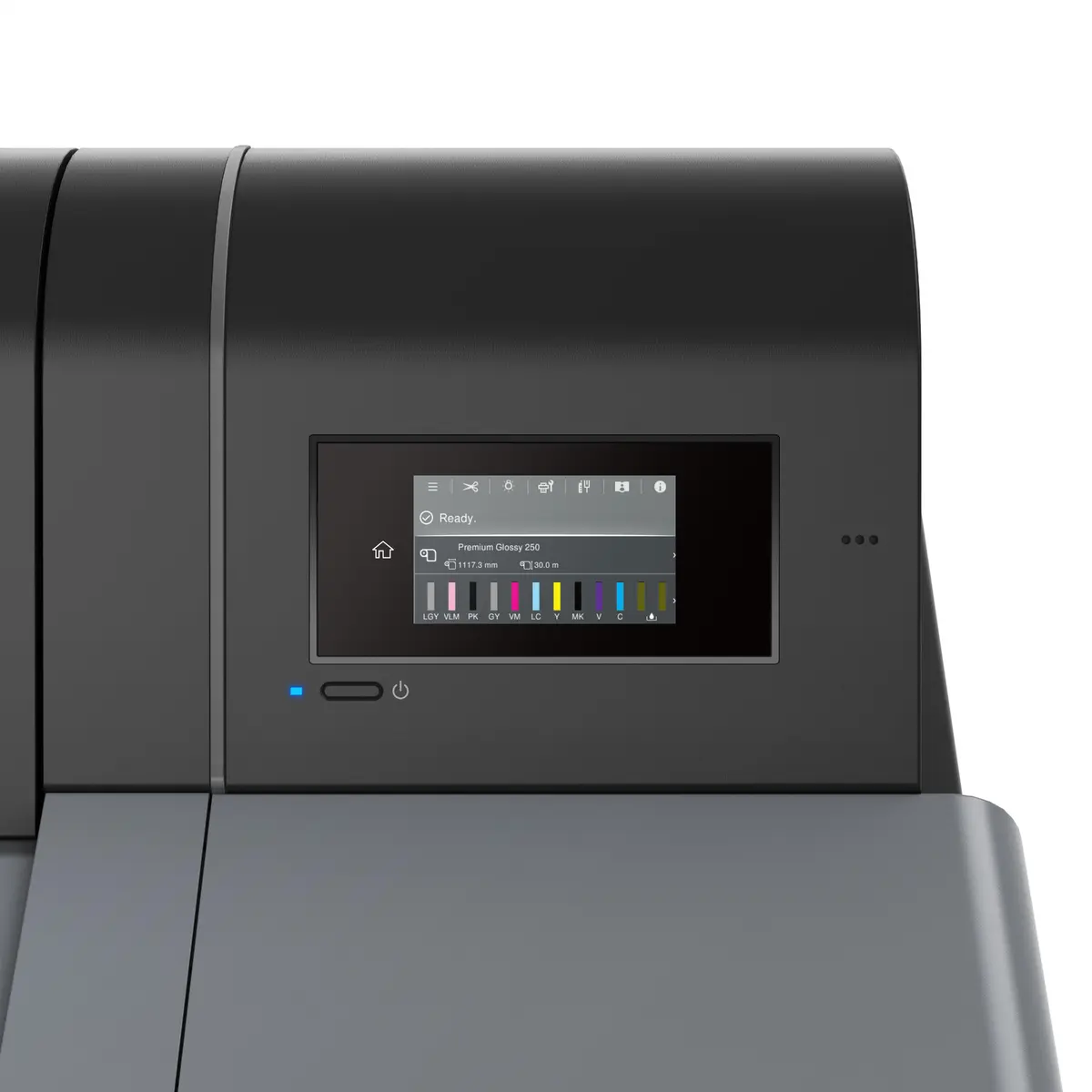
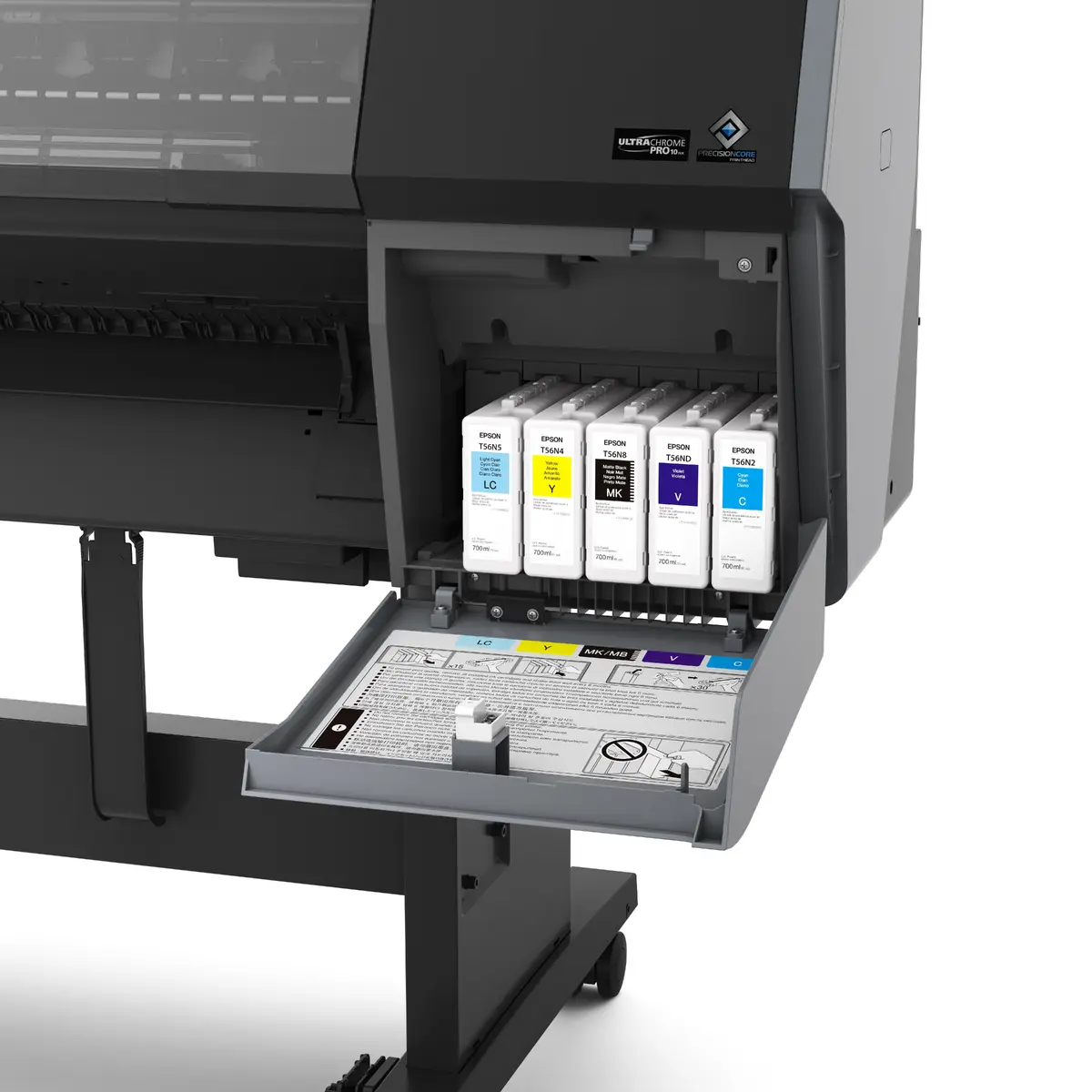
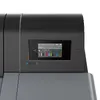
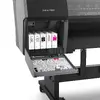
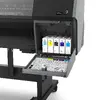
The Epson SureColor P7300 Spectro is a professional large format colour printer utilizing advanced piezoelectric inkjet technology to deliver exceptional output quality with a maximum resolution of 1200 x 2400 DPI. Designed for precision work up to A1 size, this reliable device incorporates a comprehensive multi-colour inkset including photo black, matte black, cyan, and violet to achieve an extended colour gamut and deep, rich blacks. Featuring Ethernet LAN connectivity, a built-in LCD display, and intuitive operational controls, it is engineered to meet the demanding requirements of professional graphic arts and technical document production workflows.
This printer delivers professional-grade results through its sophisticated piezoelectric inkjet system, ensuring high-definition clarity across every printed job. The integration of specialized inks, including a dedicated violet channel, produces smooth colour transitions and precise hues required for accurate graphic reproductions. Operation is streamlined via a clear built-in display and modern network connectivity options, allowing for seamless integration into existing office or studio environments. Built to handle standard professional media sizes up to A1, the unit combines robust performance with consistent reliability for daily operational needs.
This large format printer is not designed for everyday document copying or scanning tasks, as it lacks built-in scanning hardware. Additionally, offices requiring compact desktop printing solutions may find the physical footprint and A1 media capacity excessive for standard office correspondence.
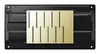
Set up the printer on a stable, flat surface with adequate clearance for media handling and ventilation. Connect the device to your local network using an Ethernet cable or directly via USB to a compatible workstation. Install the required ink cartridges according to the colour coding, and load your chosen roll or sheet media into the designated feed mechanism. Use the built-in LCD control panel or your connected computer to configure print settings, select the appropriate colour profiles, and send your print jobs for execution.
Always use genuine Epson inks and recommended media types to maintain optimal printhead performance and ensure long-lasting, colour-accurate results for all your professional projects.
{{highlightedFeature.featureTitle}}:
{{getProductFeatureValueById(product, highlightedFeature.featureId)}}
{{ productComparisonGenerationError }}
