
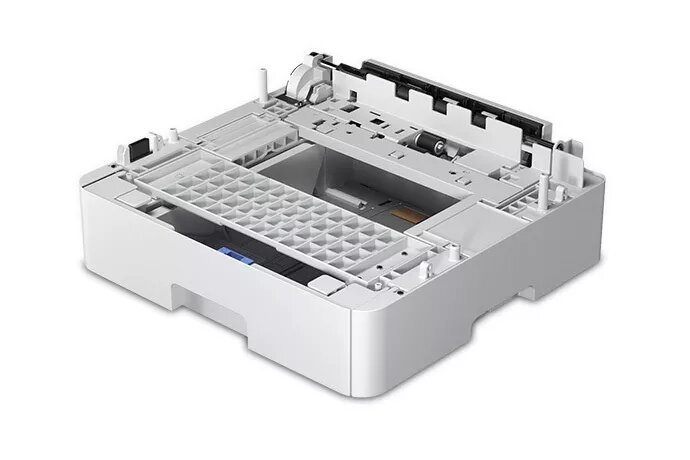
Printer input tray Epson C12C932871 500-sheet used
58.49 €
Keep track of price changes
You keep track of price changes
Watch the price drop
Leave your address - as soon as the price of the product goes down, you'll know about it right away
You keep track of price changes
Printer input tray Epson C12C932871 500-sheet used
{{email}}
You keep track of price changes
Printer input tray Epson C12C932871 500-sheet used
{{email}}
{{selectedOffer && selectedOffer.price | formatAmount}}
Short description
Used Epson input tray model C12C932871 designed to hold up to 500 sheets. Compatible with corresponding Epson printers that accept this accessory, it provides high-capacity paper feeding to reduce refills and support extended print runs. Ideal for office or home environments needing increased paper capacity and more efficient workflow.
Available for order:
49 pcs.
Warranty:
2 Years
SKU:
10695306


Deliver the order:
to the Customer Service Center at Kengaraga 2b, Riga
05.08.2026
{{selectedOffer.officeDeliveryString}}
free
Customer service center
2b. Kengaraga str., Riga, Latvia, LV-1063
05.08.2026
{{selectedOffer.officeDeliveryString}}
free
Courier Delivery
Please note that in case of a large parcel additional delivery costs may apply!
From 53.99 € (Weight: 42.00 kg)

Payment Methods:
Bank transfer, Bank cards on-line, Apple Pay, Google Pay


