


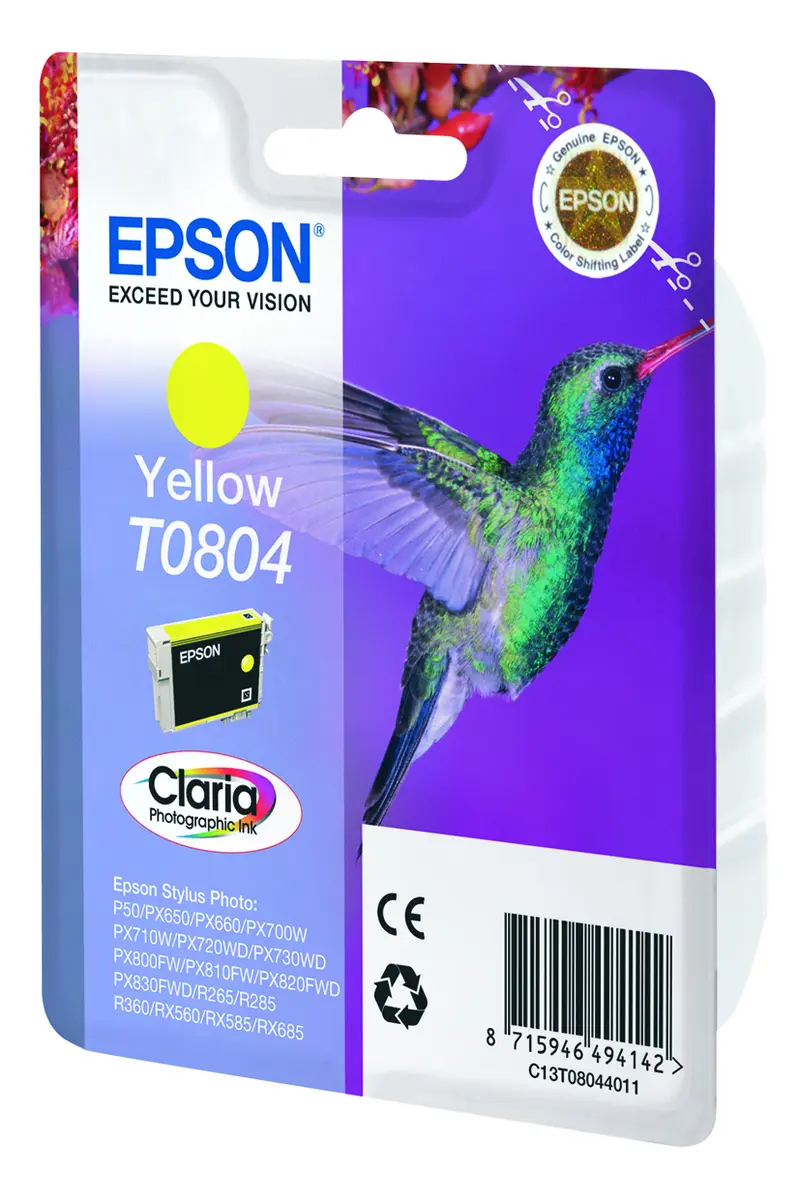
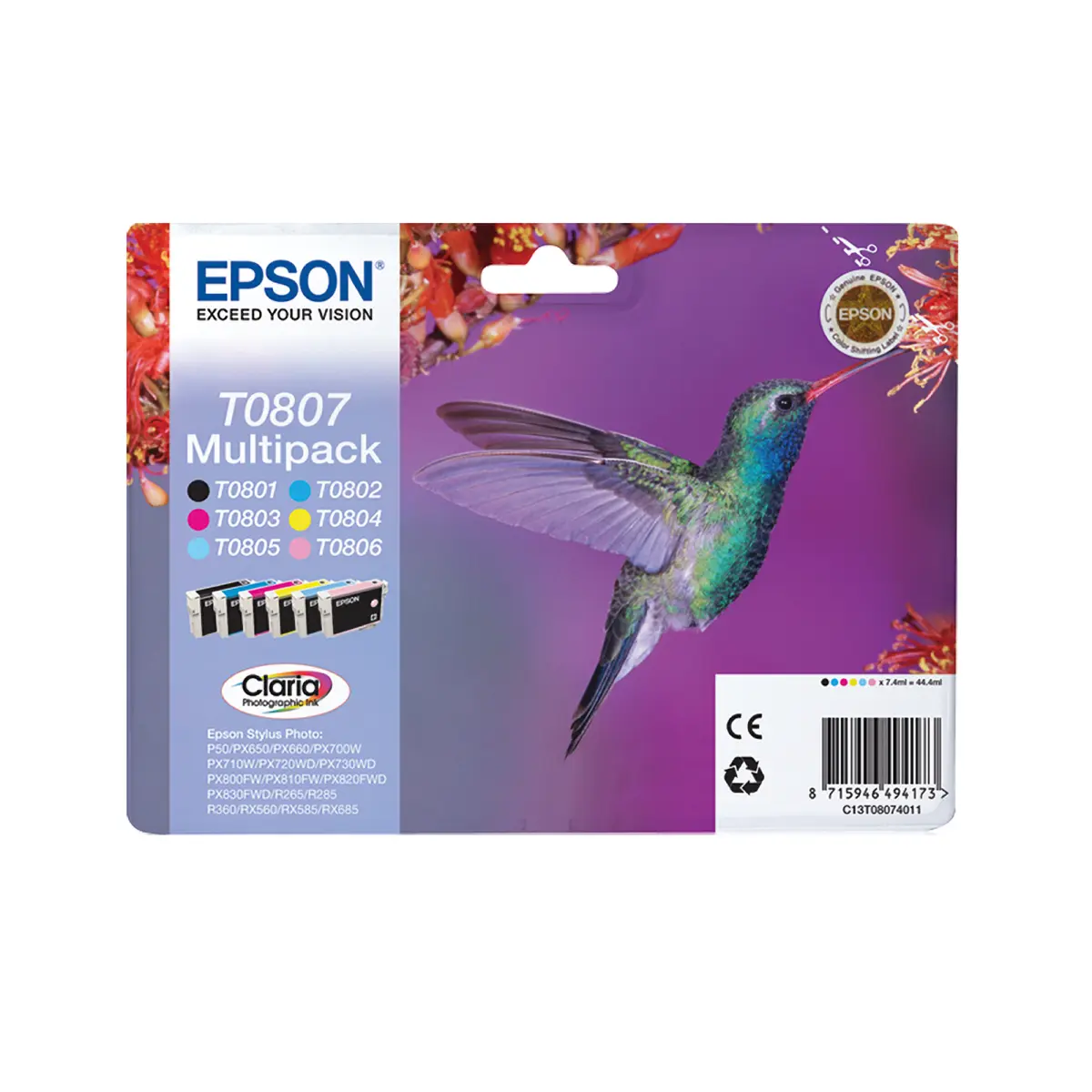
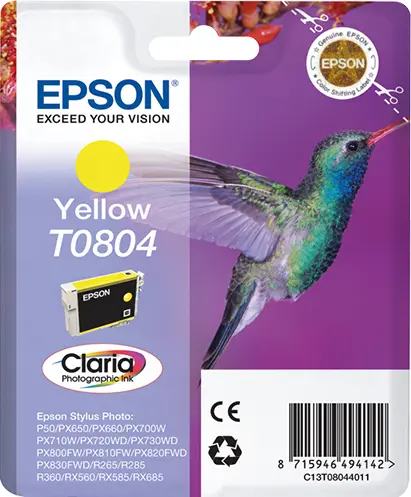
Epson Hummingbird T0804 Yellow Claria Photographic Ink Cartridge 7.4 ml



Short description


Cheapest delivery:
Unisend LV
Product information
Description
The Epson Hummingbird T0804 Yellow Claria Photographic Ink Cartridge with a 7.4 ml capacity is an original singlepack cartridge designed to deliver exceptional yellow color results. Utilizing advanced pigment-based ink technology, this product ensures that every print meets high standards of clarity and color accuracy. It is specifically engineered to integrate seamlessly with compatible inkjet printers, providing reliable performance for various printing tasks.
Advantages
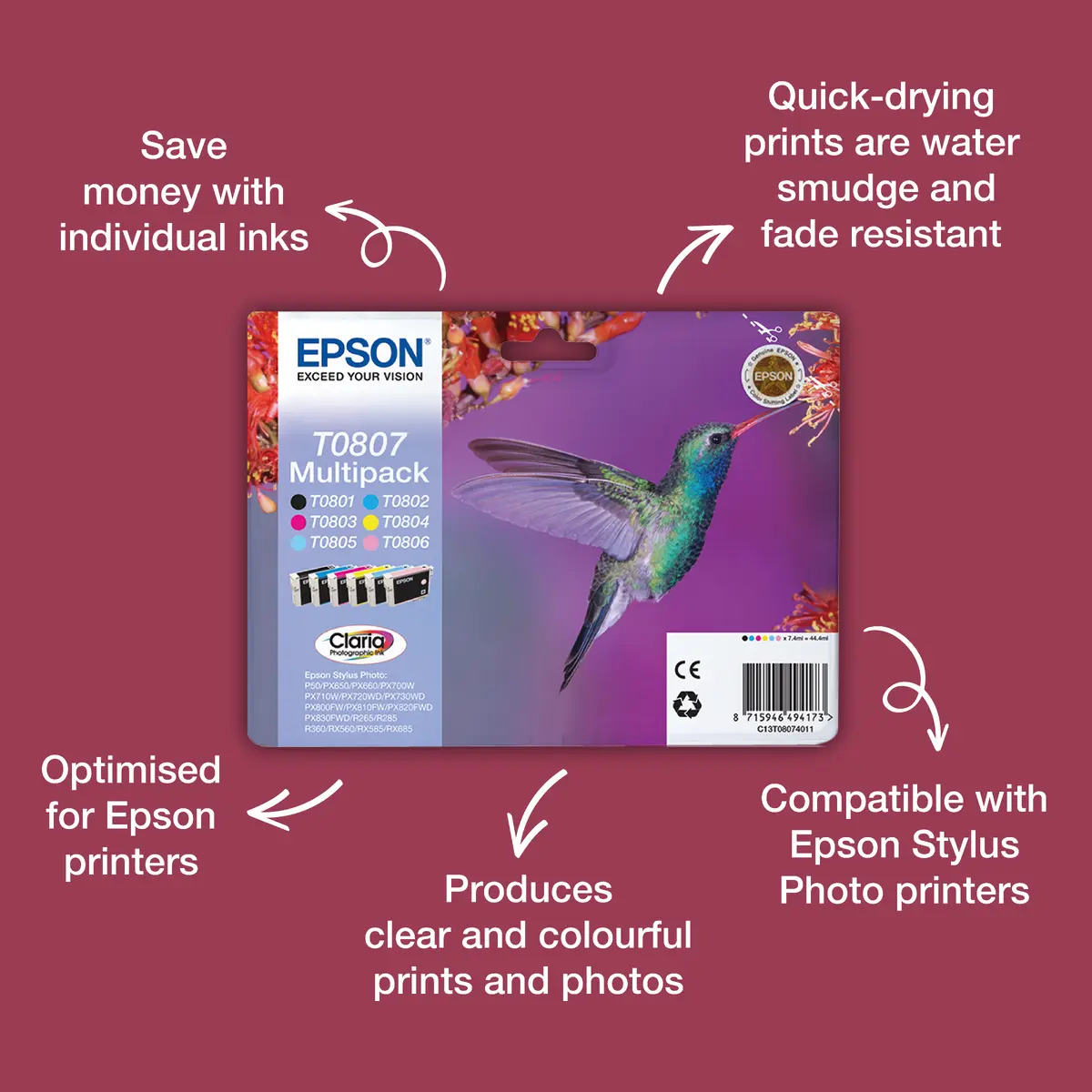
This original Epson ink cartridge utilizes Claria Photographic Ink, which is formulated to produce stunning, professional-quality photographs with a wide color gamut and smooth tonal gradations. The pigment-based ink ensures that printed images are quick-drying, as well as water, smudge, and fade resistant, resulting in photos that last longer than traditional lab prints. Additionally, the individual ink system helps reduce waste and save costs, as users only need to replace the specific color that runs out. The formulation is optimized specifically for Epson hardware, ensuring consistent and dependable operation.
Suitable for
- Printing high-resolution digital photographs and photo lab quality images
- Producing everyday documents and graphics requiring vibrant yellow tones
- Users operating compatible Epson Stylus Photo printers
When it may not be suitable
This ink cartridge may not be suitable for users with printer models outside the specified Epson compatibility list. It is also designed primarily for inkjet photo and document printing and is not intended for industrial printing systems or non-compatible printer brands.
Key specifications
- Original Epson supply
- Inkjet printing technology
- Yellow printing color
- Single pack supply type
- Pigment-based ink type
- Standard yield with 7.4 ml volume
- Quantity: 1 piece per pack
- Compatible with Epson Stylus Photo series printers including R265, R285, R360, P50, PX650, PX660, PX700W, PX710W, PX720WD, PX730WD, PX810FW, PX820FWD, PX830FWD, RX560, RX585, and RX685
How to use
Open the printer access cover and wait for the print head carriage to move to the replacement position. Remove the empty yellow cartridge from its slot by releasing any latch if applicable. Take the new Epson T0804 cartridge out of its packaging, remove any protective yellow tape or film as indicated in the printer manual, and insert the cartridge firmly into the yellow slot until it clicks into place. Close the printer cover and run a test print if necessary to verify proper installation and ink flow.
What to consider before purchase
- Verify that your specific printer model is listed among the compatible Epson Stylus Photo devices
- Confirm that you require standard yield yellow pigment-based ink for your printing applications
- Check current ink levels to determine if a replacement cartridge is immediately needed
Usage recommendations: Store the ink cartridge in a cool, dry place away from direct sunlight prior to installation. For optimal performance, use genuine Epson photo paper alongside this Claria Photographic Ink cartridge and perform regular printer head maintenance checks.
Features
- Quantity per pack:
- 1 pc(s)
- Supply type:
- Single pack
- Compatibility:
- - Epson Stylus Photo RX685 - Epson Stylus Photo RX585 - Epson Stylus Photo RX560 - Epson Stylus Photo R360 - Epson Stylus Photo R285 - Epson Stylus Photo R265 - Epson Stylus Photo PX830FWD - Epson Stylus Photo PX820FWD - Epson Stylus Photo PX810FW - Epson Stylus Photo PX730WD - Epson Stylus Photo PX720WD - Epson Stylus Photo PX710W - Epson Stylus Photo PX700W - Epson Stylus Photo PX660 - Epson Stylus Photo PX650 - Epson Stylus Photo P50
- Brand compatibility:
- Epson
- Type:
- Original
- Printing colours:
- Yellow


