
Hurry and order now – up to 50% off!
In cart {{totalProductsCount}} item(s)
Your cart is empty
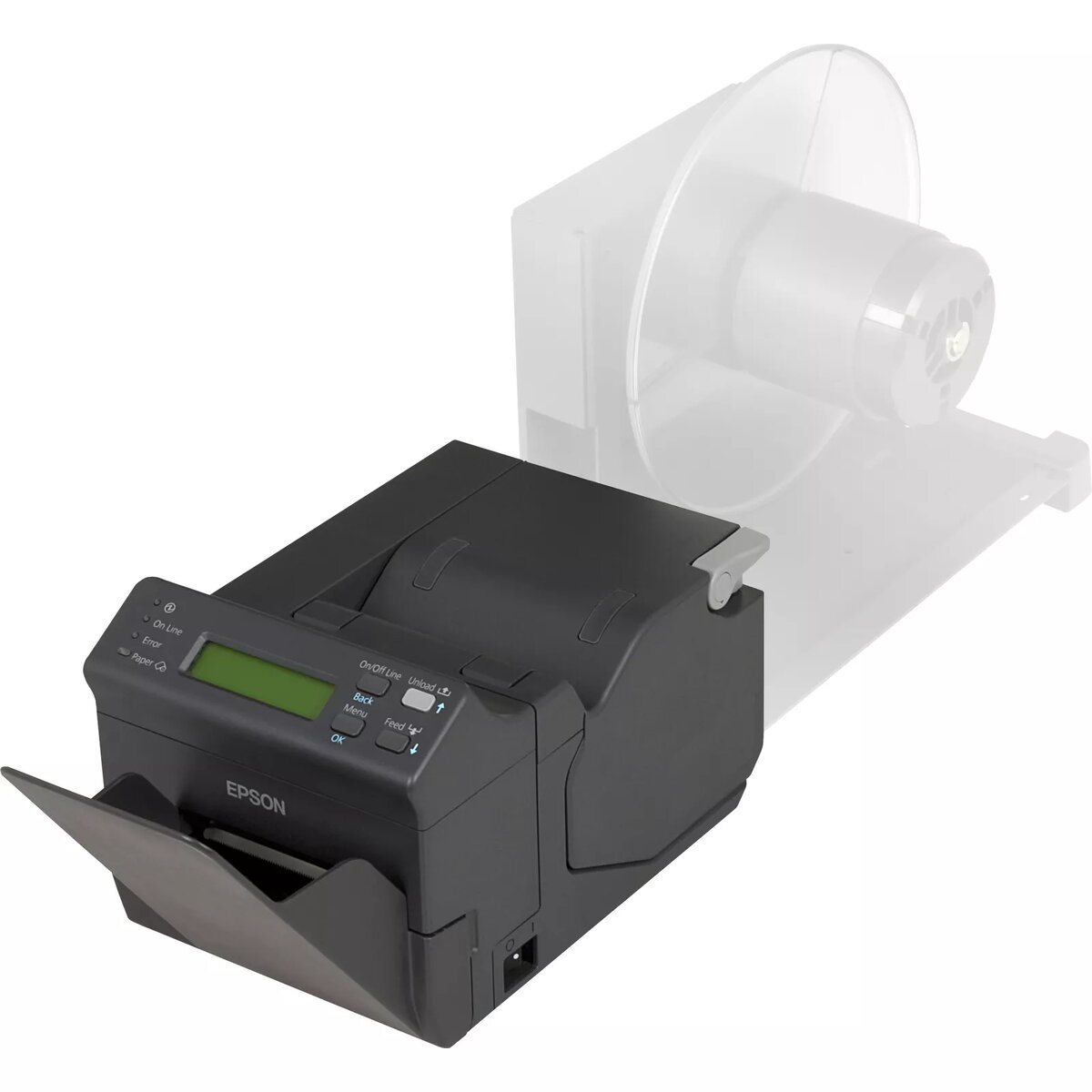
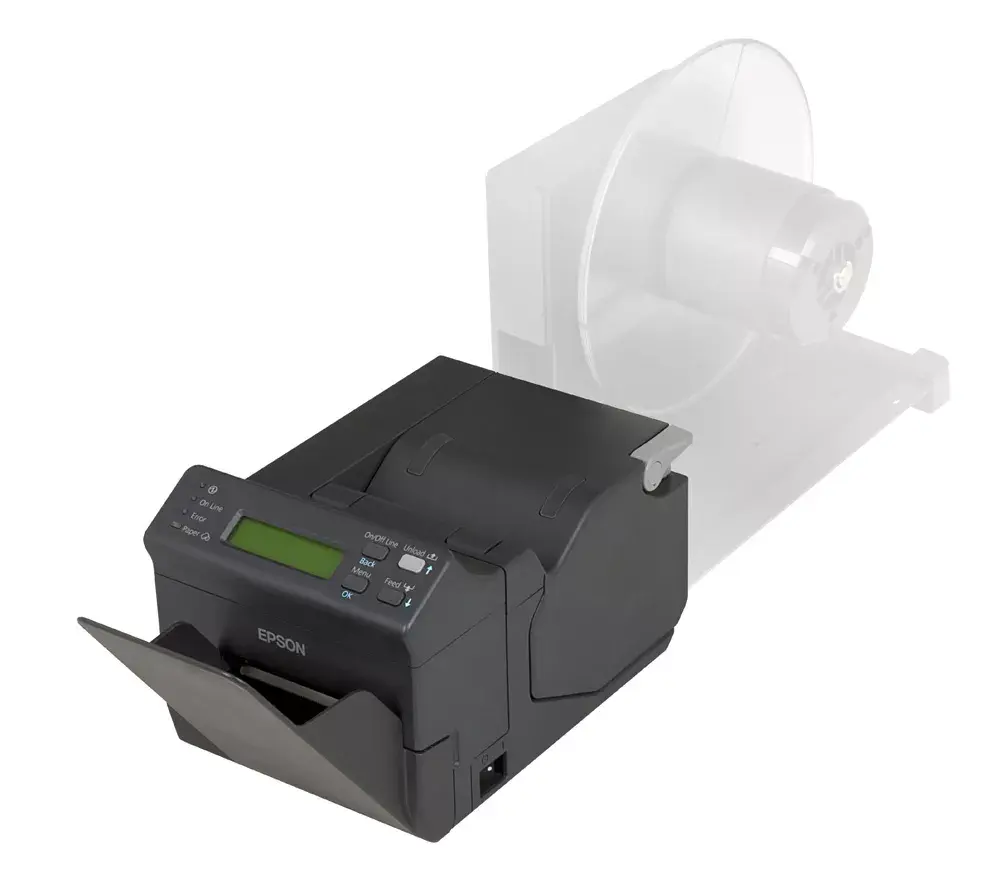
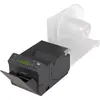
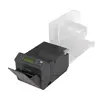
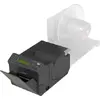
POS printer Epson TM-L500A 203 DPI Thermal Wired USB
The Epson TM-L500A 203 DPI thermal POS printer is designed for airport and airline environments, providing reliable printing of boarding passes, baggage tags and other travel documents. With 203 x 203 DPI resolution, wired USB Type-B and RS-232 interfaces, and a compact, lightweight black chassis, the TM-L500A supports high-speed printing up to 250 mm/sec while maintaining quiet operation (57 dB) and long-term reliability (MTBF 360,000 hours). It is compatible with airline communication protocols including AEA2009 and all relevant IATA standards and supports IATA’s CUPPS initiative.
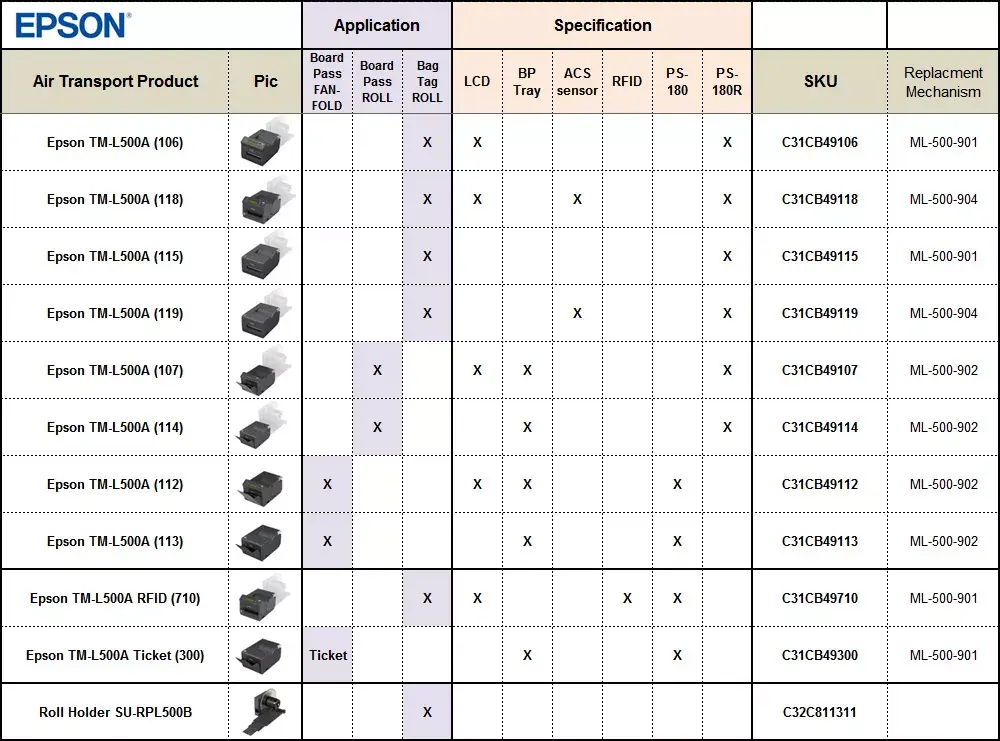
The TM-L500A offers fuss-free integration into existing airport systems through built-in support for airline protocols and a Windows® driver for printing from standard applications. Its fast print speed and compact footprint improve check-in efficiency and free counter space. Modular options such as an LCD and control board, RFID reader/writer and an external paper roll holder allow customization for different deployment scenarios, while removable casing facilitates kiosk installation and maintenance.
Install the printer at the check-in desk, kiosk or gate and connect to the host system using the USB Type-B or RS-232 interface. Install the provided Windows® driver to enable printing from standard applications and configure airline profiles for multiple carriers as required. Load thermal paper with a maximum roll diameter of 184 mm, and use the control board or optional LCD for local configuration. For kiosk deployment, remove the casing as needed and fit optional accessories such as the external paper roll holder or RFID module.
For reliable operation, use manufacturer-recommended thermal paper rolls and perform regular cleaning of the print head according to Epson guidelines. Configure and store separate profiles for each airline to speed operator switching and reduce configuration errors. When installing in kiosks, secure the external paper roll holder and ensure proper ventilation to maintain the printer’s MTBF performance.
{{highlightedFeature.featureTitle}}:
{{getProductFeatureValueById(product, highlightedFeature.featureId)}}
{{ productComparisonGenerationError }}
