
A curated selection of maximum value offers!
In cart {{totalProductsCount}} item(s)
Your cart is empty
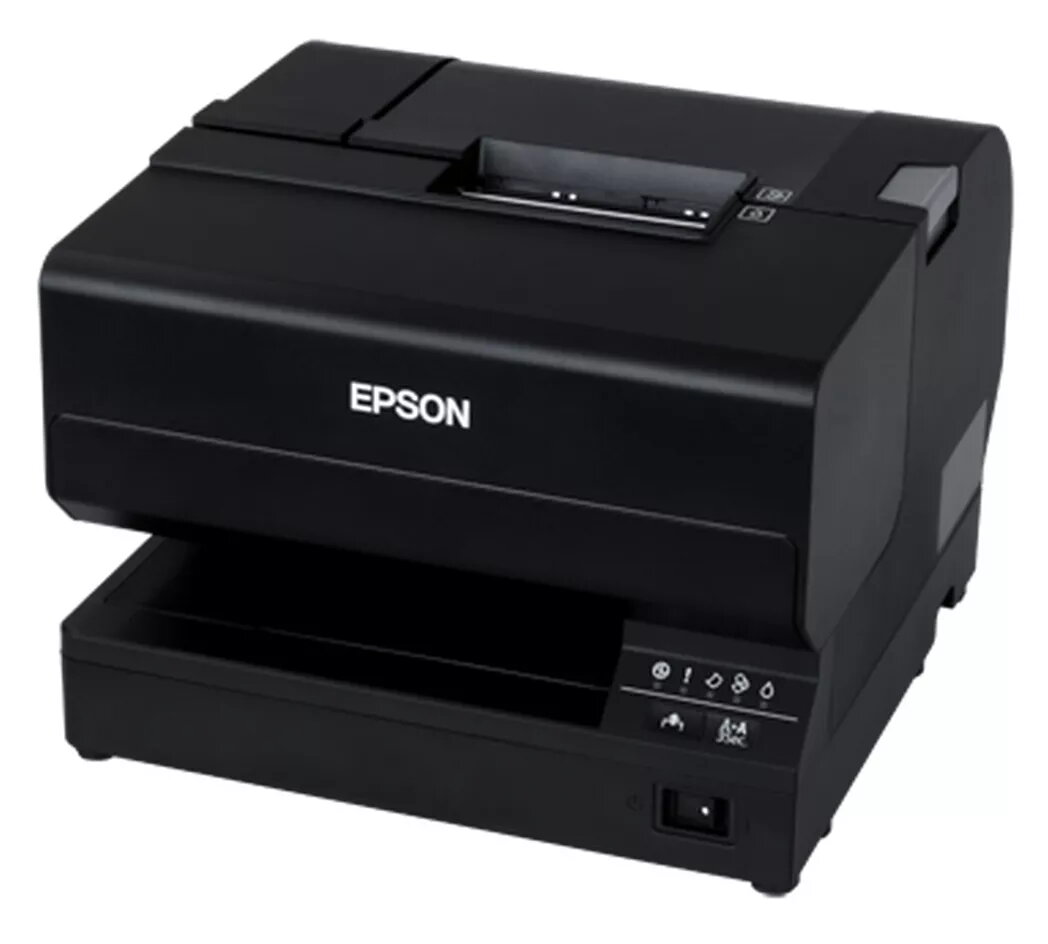
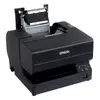
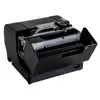
POS inkjet receipt printer Epson TM-J7700 (C31CF70301), black, 98 mm/s, USB Type-B, Ethernet, 58–83 mm paper
The Epson TM-J7700 (C31CF70301) is a POS inkjet receipt and slip printer in a compact black housing designed for retail and hospitality environments. It prints receipts at up to 98 mm/s with improved detail thanks to inkjet resolution up to 600 dpi, and supports paper widths from 58 mm to 83 mm as well as slips up to 230 × 297 mm. The unit provides wired connectivity via USB Type-B and Ethernet (10/100 Mbit/s), a durable autocutter rated for 1.5 million cuts, and a mean time between failures (MTBF) of 180,000 hours. Weighing 5.8 kg, the printer is sized for easy replacement of older models while keeping maintenance straightforward.
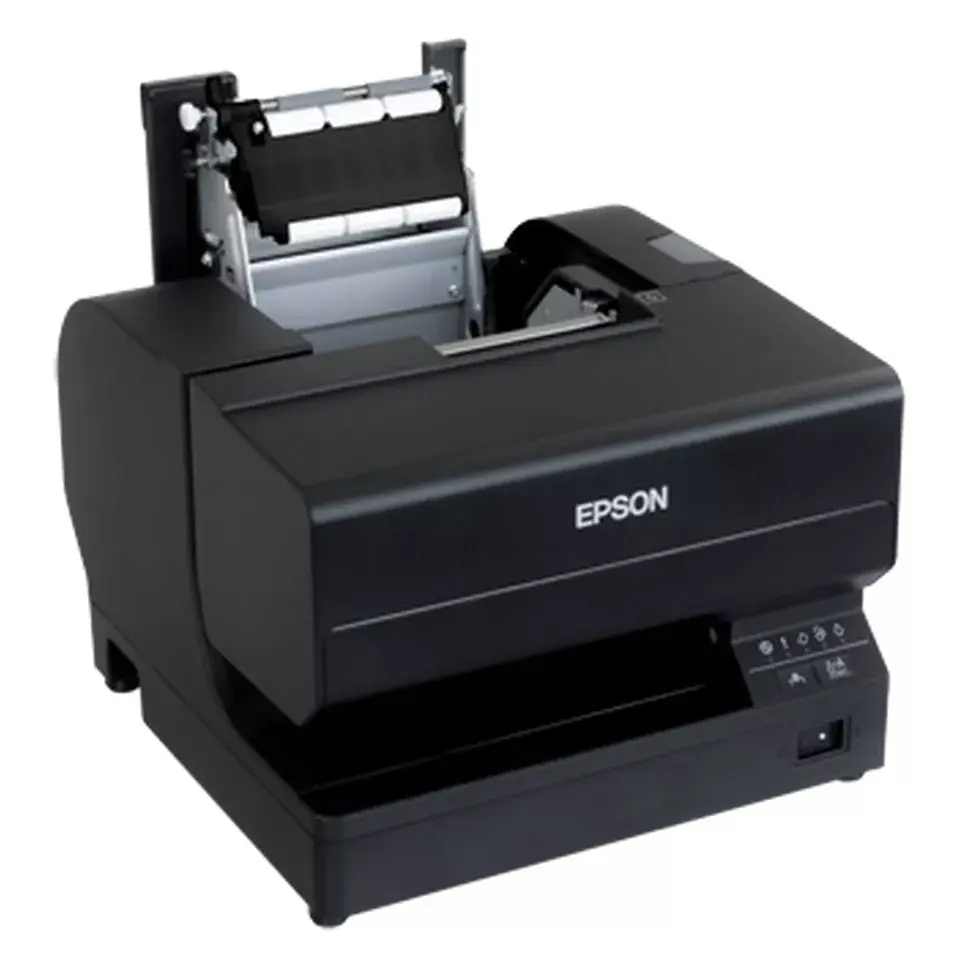
The TM-J7700 combines higher print quality and faster output with inkjet technology, delivering detailed 600 dpi receipts at speeds approaching 98 mm/s. Its design focuses on low total cost of ownership through efficient ink usage and compatibility with existing POS footprints for easy upgrades. Maintenance is simplified by user-replaceable ink cartridges and drop-in paper loading, and the ink formulation improves water and light resistance compared with dot matrix prints.
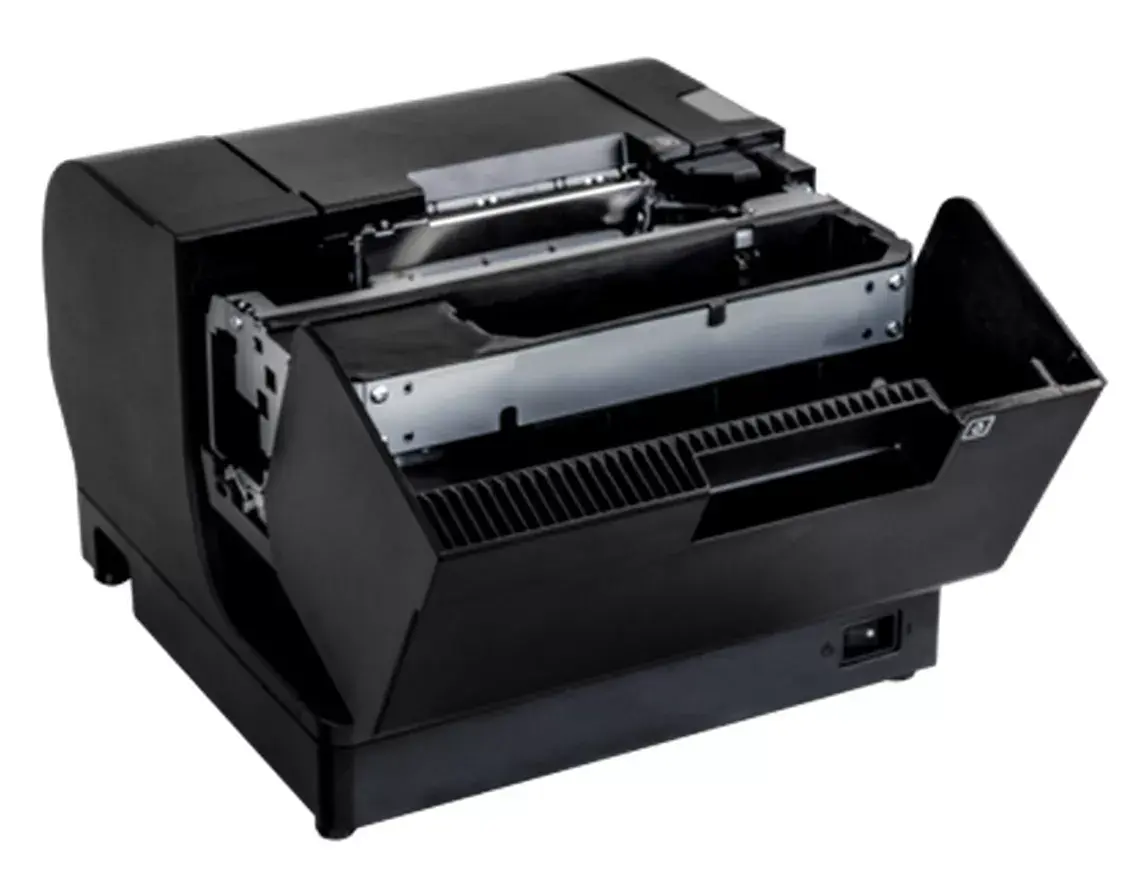
Install the printer on a stable counter surface and connect it to your POS system using the USB Type-B port or your local network via the Ethernet (10/100 Mbit/s) port. Load paper using the drop-in paper roll mechanism and install ink cartridges following the user-friendly cartridge slots. Configure printer settings through your POS software or driver to match the selected paper width and desired print density. The autocutter operates automatically at the end of receipts; perform routine checks on cutter performance and replace consumables as indicated in the maintenance guide.
Use recommended Epson ink cartridges and paper types to maintain print quality and reliability. Keep the printer in a dry, dust-reduced area and perform periodic maintenance checks on the cutter and paper path. When replacing older dot matrix units, verify physical mounting and cable routing for seamless footprint-compatible installation.
{{highlightedFeature.featureTitle}}:
{{getProductFeatureValueById(product, highlightedFeature.featureId)}}
{{ productComparisonGenerationError }}
