Powerful EcoFlow stations for energy anywhere!
In cart {{totalProductsCount}} item(s)
Your cart is empty
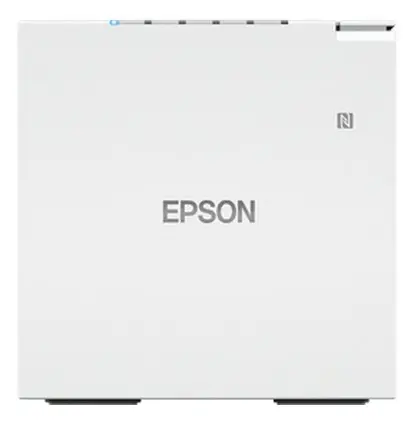
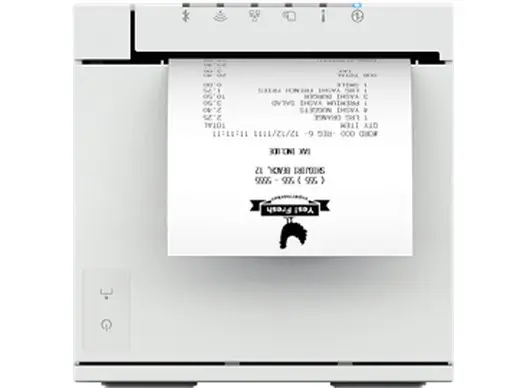
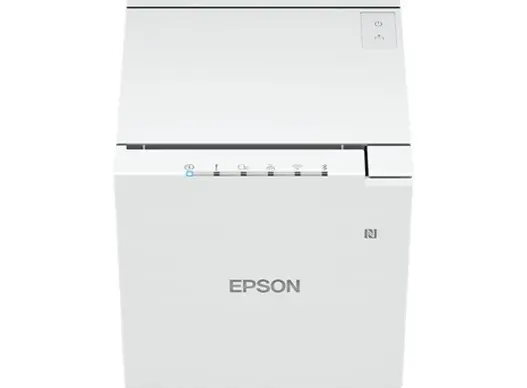
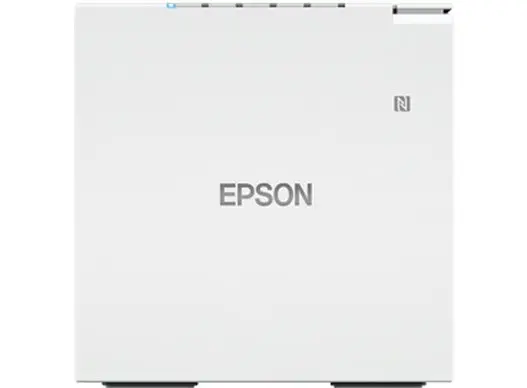
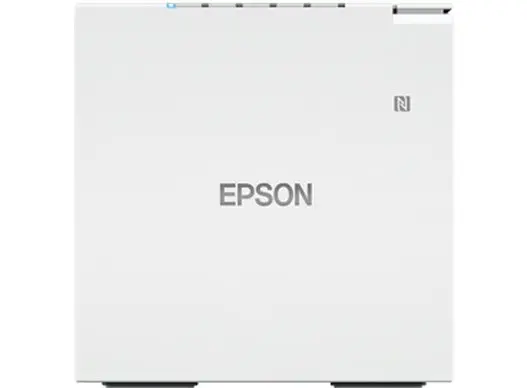
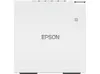
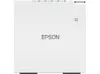
Thermal POS printer Epson TM-M30III 203 x 203 DPI, Wired & Wireless, White
The Epson TM-M30III is a compact thermal POS printer designed for receipt printing in retail, hospitality and mobile point-of-sale environments. With a maximum print resolution of 203 x 203 DPI and a white housing suitable for front-of-counter placement, this model supports both wired and wireless connections and is compatible with common mobile operating systems including Android and iOS. The small footprint and thermal printing technology make it a practical choice where space and speed are important.
The printer uses thermal print technology for fast, quiet, and maintenance-light operation without the need for ink or toner. Built-in Wi‑Fi enables flexible placement and integration with mobile POS systems, while the white housing offers a neutral appearance for customer-facing environments. Its compatibility with Android and iOS ensures straightforward connection to tablets and smartphones used in modern checkout setups.
Install thermal paper roll according to the user guide and connect the printer to your POS terminal or mobile device. For wired setups, use the supplied USB cable and follow the device pairing or driver installation steps provided by your POS software. For wireless operation, enable Wi‑Fi on the printer and connect it to the same network or use direct wireless pairing with supported mobile devices. Configure the printer within your POS application, select the TM-M30III as the receipt printer, and test print a sample receipt to verify alignment, paper feed and print clarity.
Use high-quality thermal paper rolls that match the printer width and follow environmental recommendations for temperature and humidity to maintain print legibility. Regularly clean the print head according to the maintenance instructions to prolong service life. For environments requiring wired network connectivity, confirm compatibility with your POS hardware since this model does not include Ethernet LAN by specification.
{{highlightedFeature.featureTitle}}:
{{getProductFeatureValueById(product, highlightedFeature.featureId)}}
{{ productComparisonGenerationError }}