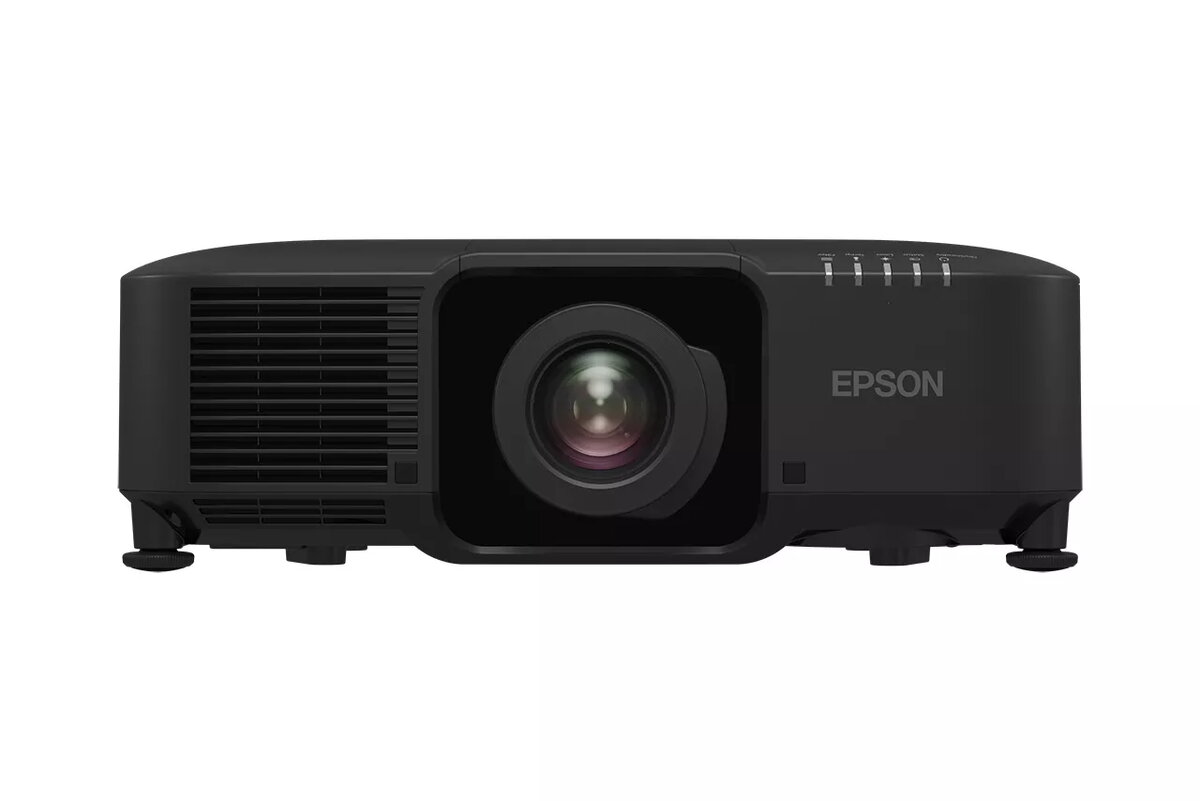
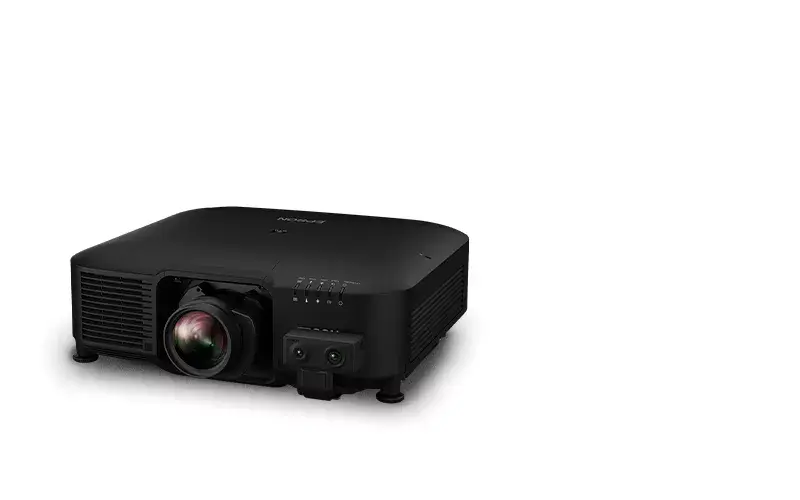
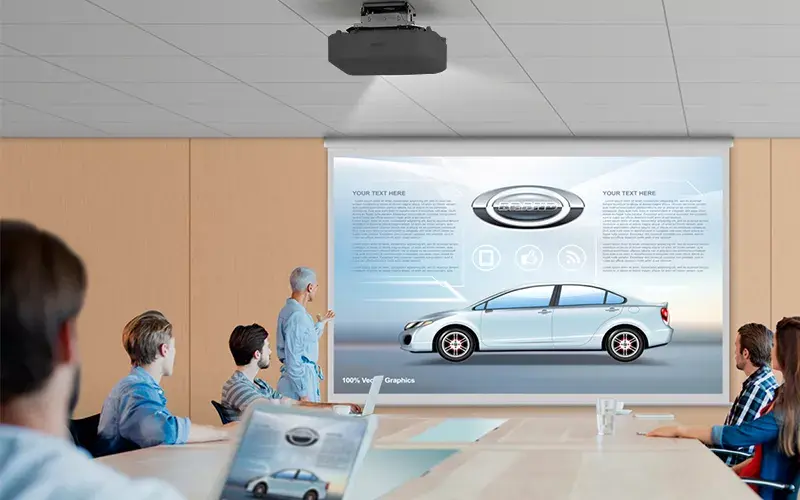
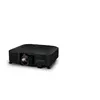
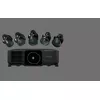
The Epson EB-PU2010B is a high-performance, large-venue projector designed to deliver exceptional visual clarity with 10,000 ANSI lumens of brightness. Utilizing advanced 3LCD technology, this projector ensures vibrant, true-to-life color reproduction and sharp image quality. It features a native WUXGA resolution of 1920x1200 pixels, providing detailed visuals for professional presentations, large-scale events, and immersive installations.
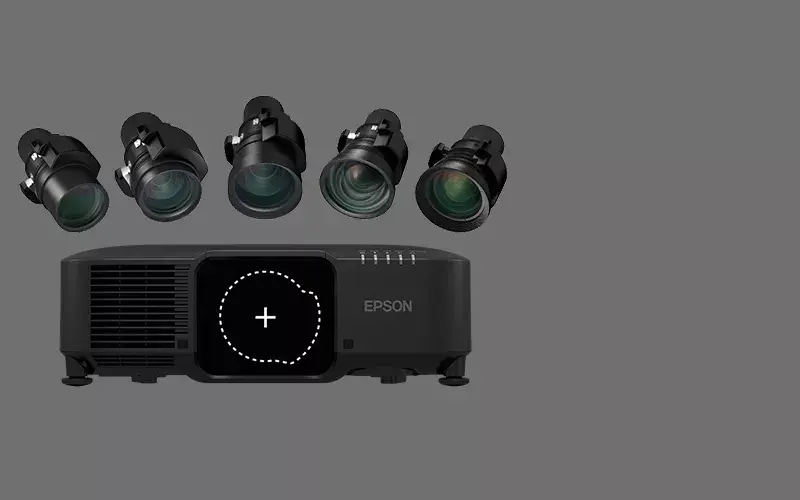
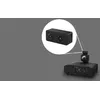
The design of the EB-PU2010B prioritizes versatility and ease of integration. As a body-only unit, it offers the flexibility to choose from a wide range of interchangeable lenses, allowing users to tailor the projection setup to specific environmental requirements. Its compact and lightweight construction makes it easier to handle and install compared to other projectors in its class, while the robust laser light source ensures long-term reliability and consistent performance.
Advantages
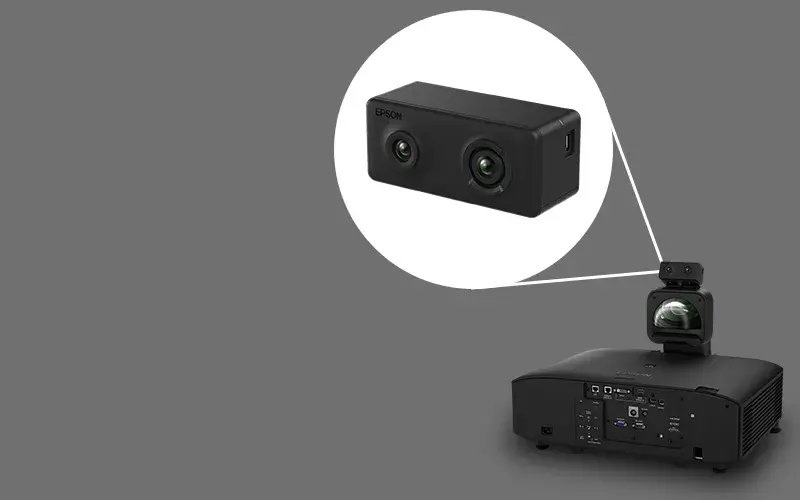
The primary advantage of the Epson EB-PU2010B is its superior brightness, which allows for clear and vivid projections even in well-lit environments. The 3LCD technology provides an equal white and color light output, ensuring that images remain bright and color-accurate. Its compact form factor significantly reduces the physical footprint, making it an ideal choice for installations where space is limited. Furthermore, the support for interchangeable lenses provides unmatched flexibility, enabling the projector to be used for everything from short-throw projection mapping to long-distance auditorium displays. The inclusion of advanced installation tools, such as NFC for configuration and support for multi-projector stacking and edge blending, simplifies the setup process for complex visual displays.
Suitable for
- Large lecture theatres and auditoriums
- Museum exhibits and visitor attractions
- Professional corporate meeting rooms
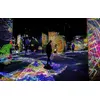
- Projection mapping and creative art installations
- Multi-projector edge blending and stacking setups
When it may not be suitable
This projector may not be suitable for small, casual home office environments or compact meeting rooms where the high brightness output would be excessive and the physical size might be unnecessary. Additionally, because it is sold as a body-only unit, it requires a separate purchase of a compatible lens, which may not be ideal for users seeking an all-in-one, out-of-the-box solution.
Key specifications
- Brightness: 10,000 ANSI lumens
- Projection technology: 3LCD
- Native resolution: WUXGA (1920x1200)
- Aspect ratio: 16:10
- Light source: Laser
- Weight: 16.8 kg
- Color: Black
How to use
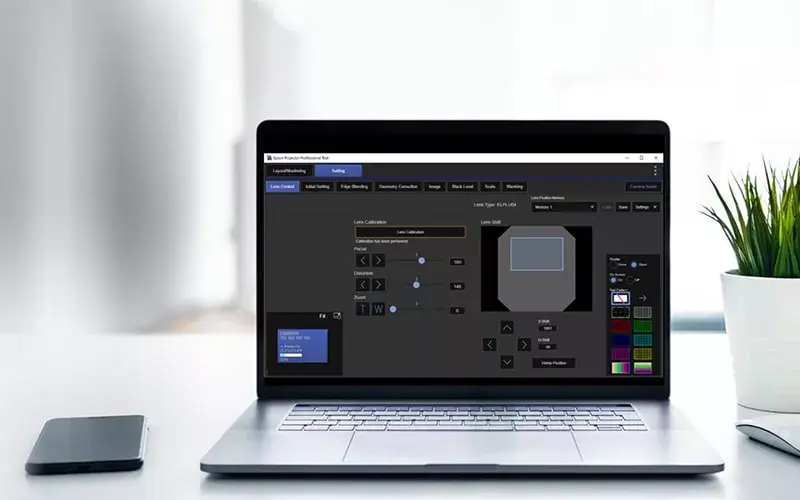
To begin using the Epson EB-PU2010B, first select and attach a compatible Epson lens to the projector body. Once the lens is secured, connect your video source to the appropriate input port, such as the SDI or other available interfaces. Power on the device and use the on-screen menu or the Epson Projector Professional Tool to adjust the focus, zoom, and geometry settings. For complex installations involving multiple units, utilize the NFC feature and the Epson Projector Config Tool to synchronize settings and perform diagnostics efficiently.
What to consider before purchase
- Ensure you have purchased a compatible lens separately, as the unit is sold body-only.
- Verify the throw distance of your chosen lens matches your installation environment.
- Check that your mounting hardware is rated for the 16.8 kg weight of the projector.
- Confirm that your video source equipment is compatible with the projector's input connectivity.
Usage recommendations: For optimal performance in multi-projector setups, use the Epson Projector Professional Tool to calibrate edge blending and stacking. Regularly clean the air filters and ensure adequate ventilation around the unit to maintain the longevity of the laser light source.